

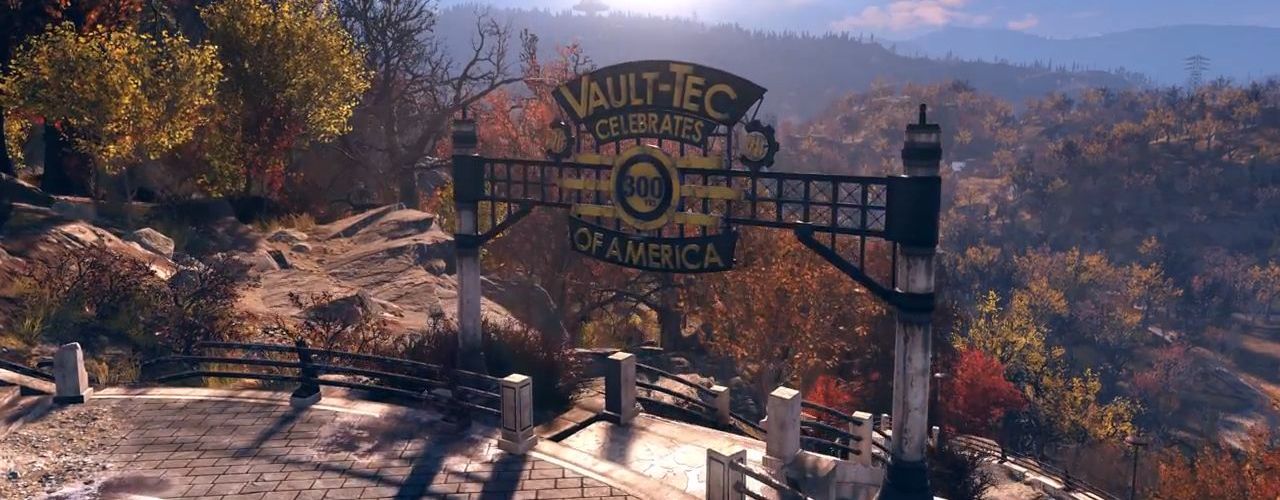
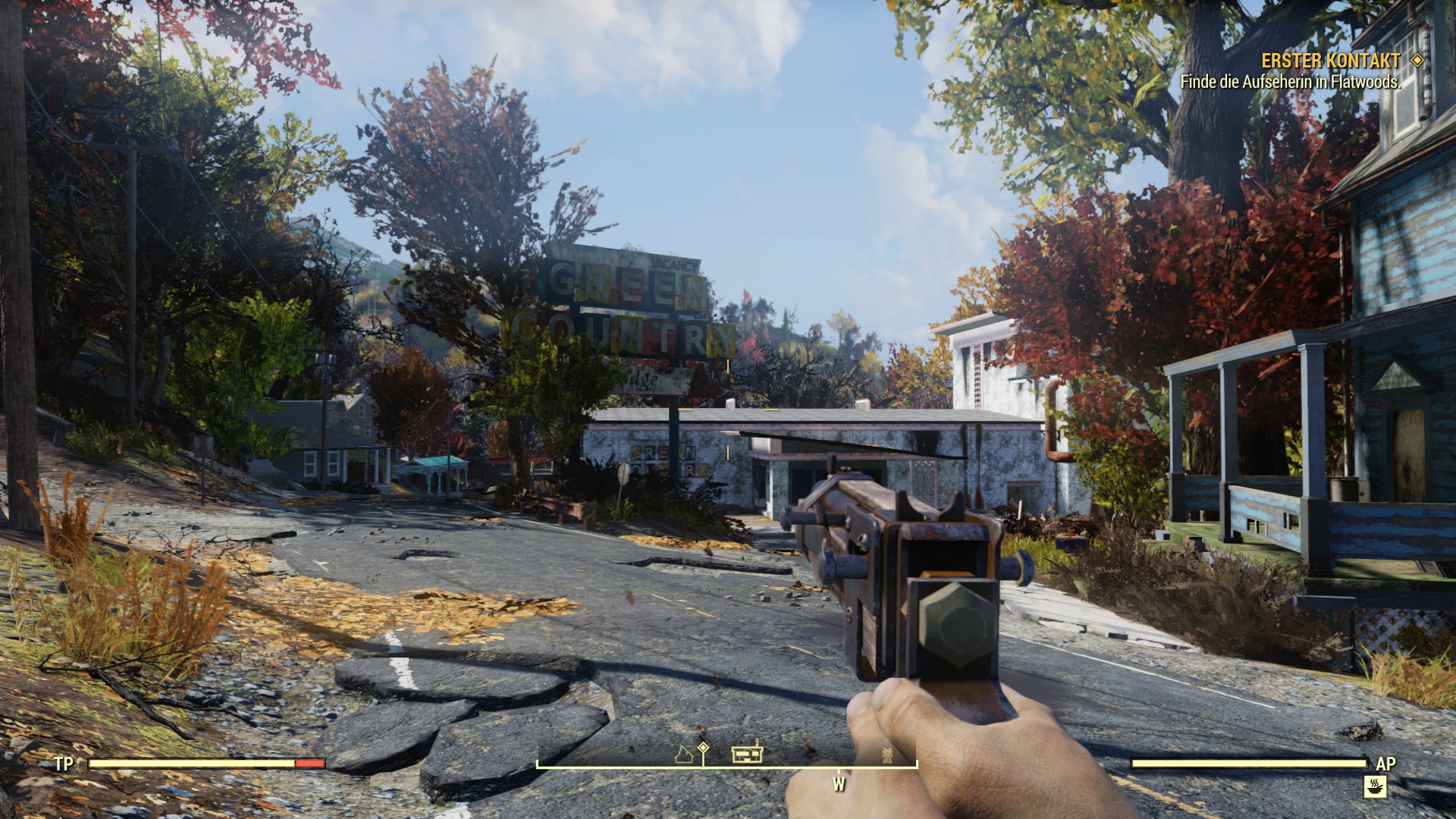
The Field of View (FOV) is set in Fallout 76. There is no way to change the field of view in the graphics options. However, there is a way that you should think carefully about.
Many players prefer as wide a field of view as possible in games, as this also provides gameplay advantages. But in Fallout 76, the FOV is fixed. For good reason.
A Fixed FOV
Why can’t the FOV be changed? In Fallout 76, it’s not just about playing cooperatively, to build camps, it’s also about competitive play. PvP is an important factor and fairness must be ensured in PvP. If one player can perceive more around them than another, it leads to unfair situations.
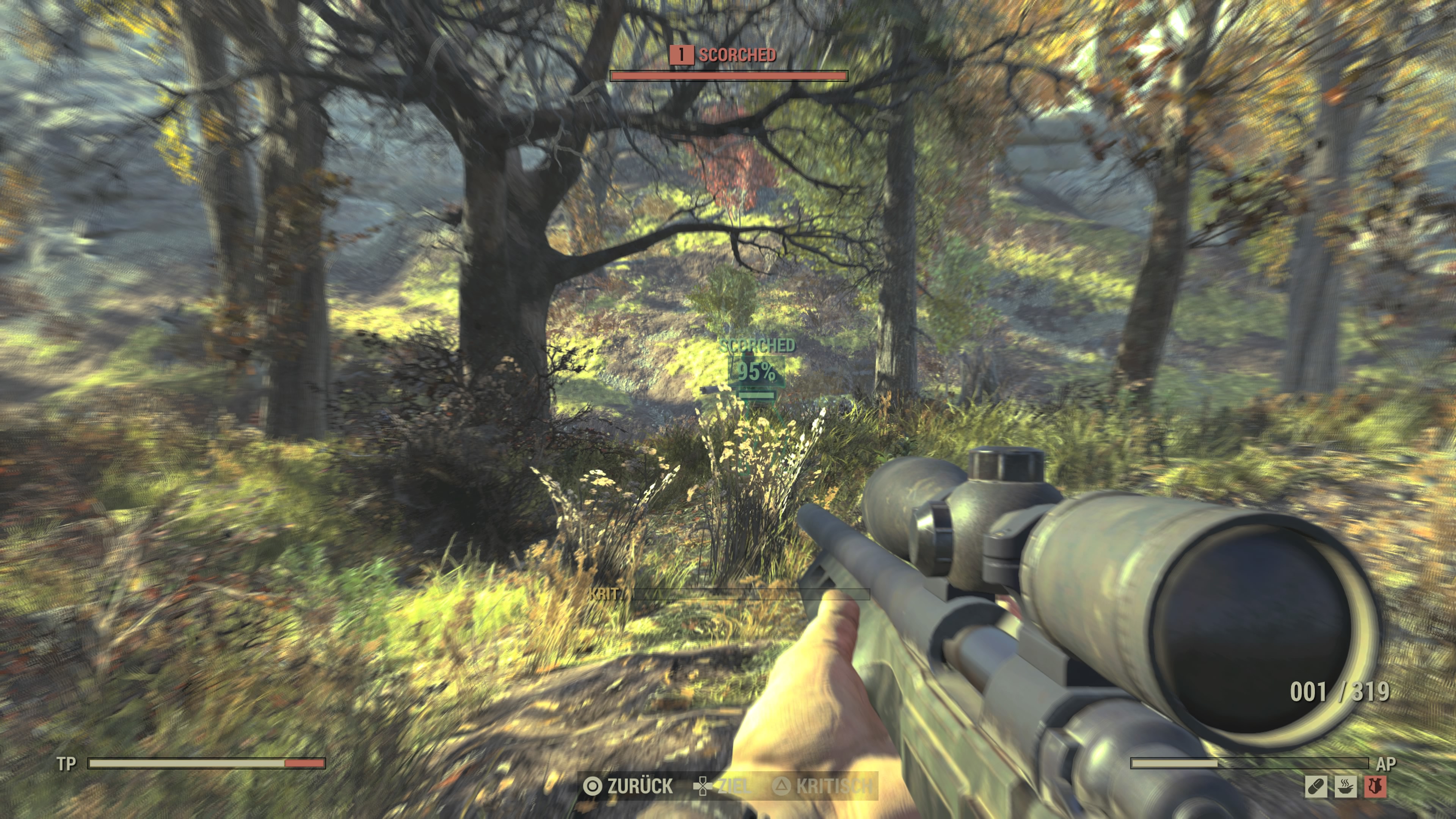
Therefore, Fallout 76 offers a FOV that is the same for everyone and cannot be changed. And that’s how it should stay.
How to make changes
Is there a way to change the FOV? You can, however, increase the field of view in the game with so-called INI tweaks. To do this, you need to make the following changes to the entries in the file Fallout76prefs.ini located in the “MyGames/Fallout 76” folder:
- fDefault1stPersonFOV=90.00
- fDefaultWorldFOV=90.00
In addition, this change gives you the ability to change the “Depth of Field”, also known as depth blur:
- fDOFBlendRatio=0
- fDOFMinFocalCoefDist=999999
- fDOFMaxFocalCoefDist=99999999
- fDOFDynamicFarRange=99999999
- fDOFCenterWeightInt=0
- fDOFFarDistance=99999999
And with these adjustments, you switch the anti-aliasing from TAA to FXAA:
- sAntiAliasing=FXAA

Be Careful!
Here’s why you should think carefully about these changes: It is quite possible that these changes to the game files are not looked upon favorably by Bethesda. After all, uniform conditions in the game must be ensured. Therefore, it is conceivable that you could receive a warning or even a ban for such changes.


Your opinion is important to us!
Do you like the article? Then let us know!