

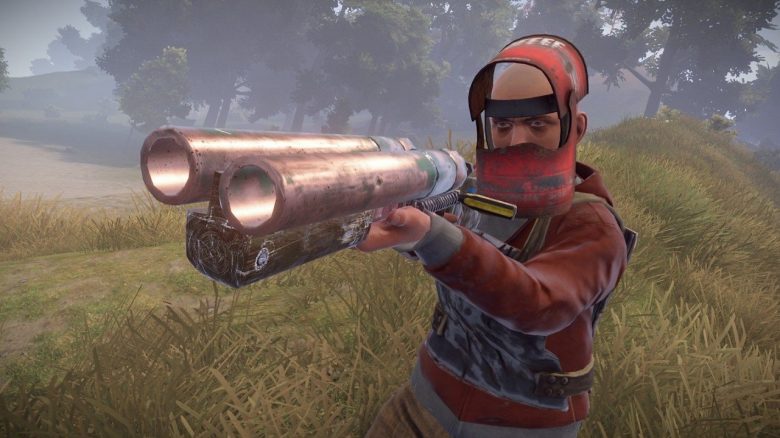
The survival game Rust is one of the most successful MMOs on Steam. Currently, it is also a constant favorite on Twitch. But what hardware do you need to play this survival hit? MeinMMO gives you tips on the best hardware and the Rust graphics settings.
What is it about? Rust is currently extremely popular and is among the most played games on Steam in December 2020. Many are wondering what hardware they need to play the game smoothly. MeinMMO explains in this article what you need to know about hardware and performance in Rust. This includes:
- the system requirements for Rust.
- what you need for the absolute minimum and which graphics cards are recommended.
- Additionally, we will explain how to optimally set your game for PvP.
When will Rust come out for PS4 and Xbox? If you prefer to play on your home console, you can find more information here about when the survival hit Rust for Xbox and Playstation could be released.
Rust System Requirements 2020/2021
Shooters like Rust benefit primarily from high FPS numbers. The more FPS you have, the smoother the game runs. Currently, the developer states the following requirements for Rust (as of January 21, 2021):
| Minimum | Recommended | |
|---|---|---|
| Processor | Intel Core i7-3770 / AMD FX-9590 | Intel Core i7-4790K / AMD Ryzen 5 1600 |
| Graphics Card | GTX 670 2GB / AMD R9 280 | GTX 980 / AMD R9 Fury |
| RAM | 10 GB RAM | 16 GB RAM |
You can also check the requirements on the official Steam page. In the following sections, we will explain:
- what you need for the minimum requirements
- what you need for the best graphics or high FPS
Finally, we will present you with recommended graphics settings for PvP in Rust.
Rust: What you need for minimum
Compared to the tactical shooter Valorant, the performance of an integrated graphics chip like that of the Ryzen 3 3200G is not sufficient if you want to play at Full HD with reasonable frame rates.
This is what the low-end range looks like: If you only want to achieve the bare minimum, you can look in AMD and Nvidia’s low-end range. Typically, you won’t pay more than 100 euros for the GPU.
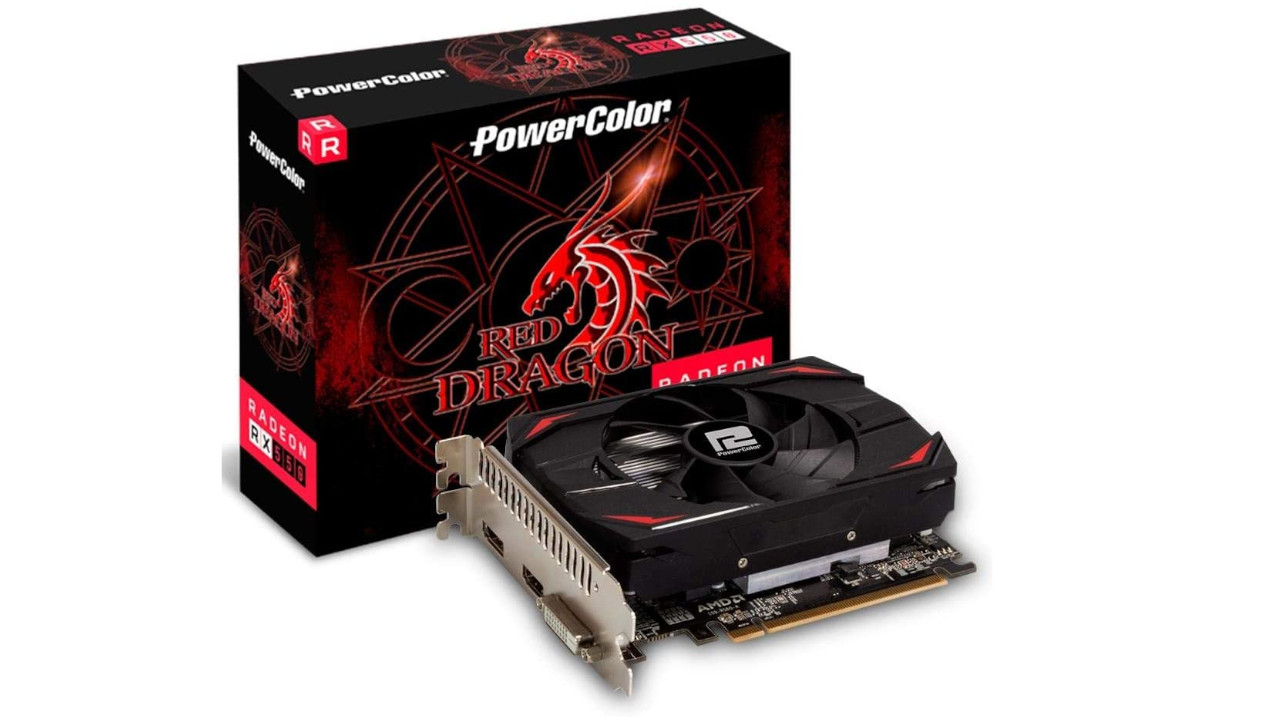
In the low-end range, you will find the GeForce GT 1030 and the Radeon RX 550. Both are entry-level graphics cards priced under 100 euros. For the absolute minimum, both graphics cards are more than sufficient, but at significantly higher settings, both quickly become a bottleneck.
Another tip: You definitely need 16 GB of RAM. Rust recommends a minimum of 10 GB. However, you should definitely equip a gaming system with 16 GB.
Rust System Requirements: Recommended for more graphics and higher FPS
If you are looking for a bit more power and want to play at 60 FPS or more at Full HD, you need a faster graphics card.
This is what the mid-range looks like: In the mid-range, there are powerful representatives that offer enough performance for Full HD and high details. Usually, the prices are not above 200 euros.
In the mid-range, both the Geforce GTX 1660/1650 and RX 5500 XT are two faster graphics cards. With these, you can easily play on high settings, but you won’t reach 144 FPS at Full HD. The recommended retail price for both cards is about 200 euros.
Somewhat outdated, but still powerful enough, are both the GeForce GTX 1050 and the RX 570. However, both cards are no longer officially produced. Better and more efficient are the Geforce GTX 1660/1650 and the RX 5500 XT.
Rust in WQHD and with 144 FPS
If you want to play in WQHD or even at 144 FPS, you need the corresponding performance that your graphics card must provide. You should expect to pay around 300 to 400 euros. Currently (as of January 21, 2021), many mid-range graphics cards are hard to find at reasonable prices.
In the WQHD range, you will find the RTX 2070 Super and the RX 5700 XT. Currently (as of January 21, 2021), these graphics cards are rarely available. The prices are generally around 300 euros.
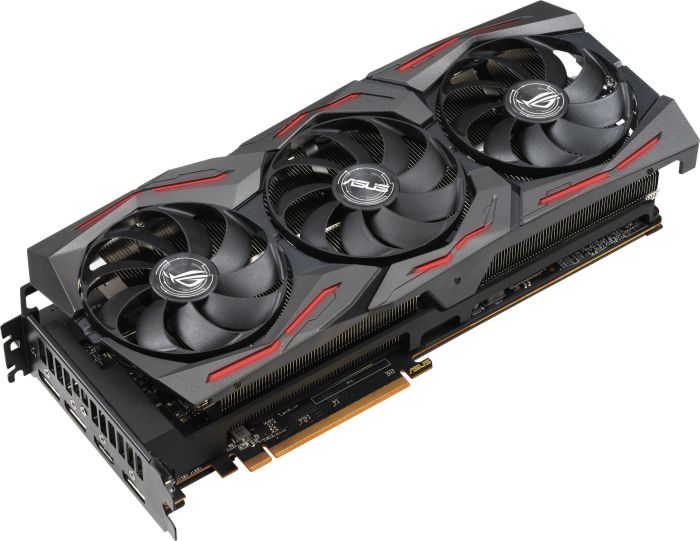
What you should keep in mind: At the beginning of February 2021, there will be another interesting graphics card in the mid-range for around 300 euros with the RTX 3060. It is also not unlikely that competitor AMD will announce a new graphics card in 2021 with the RX 6700 (XT). At the end of 2020, AMD already presented the new Ryzen 5000 processors.
Rust: Graphics Settings PvP – this is how to set them best
Nowadays, there are various guides, such as on Steam from user Ubz, that provide tips for the best graphics settings.
What are the settings useful for? The settings are primarily aimed at players looking for optimal settings for PvP.
We will explain which points in the graphics settings are important and which you can forgo if you want to sacrifice performance for more FPS.
Graphics Quality:
- Graphics Quality: 1
- Shadow Quality: 1
- Damage Cascades: no cascades
- Maximum Shadow Lights: 0
- Water Quality: 0
- Water Reflection: 0
- Shader Level: 100
- View Distance: Maximum
- Shadow Distance: 100
- Anisotropic Filtering: 1
- Parallax Mapping: 0
- Grass Displacement: enabled (on)
By lowering the water quality, you can spot opponents more easily in the water. You should also turn off reflections. Furthermore, you should set the view distance to maximum if you like to play as a sniper or are camping on rooftops and want to eliminate enemies from a distance.
Grid Quality:
- Particle Quality: 0
- Object Quality: 25 – 50
- Tree Quality: 25
- Terrain Quality: 25 – 40
- Grass Quality: 30 – 50
- Decor Quality: 0
Other Settings:
- Anti-Aliasing: Off
- Motion Blur: Off
- Depth of Field: Off
- Ambient Occlusion: Off
- High Quality Bloom: Off
Good gaming accessories for your PC: Are you still looking for a suitable gaming mouse for your PC? Then check out this MeinMMO list, where you can find the best gaming mice that you can currently buy.

Your opinion is important to us!
Do you like the article? Then let us know!