

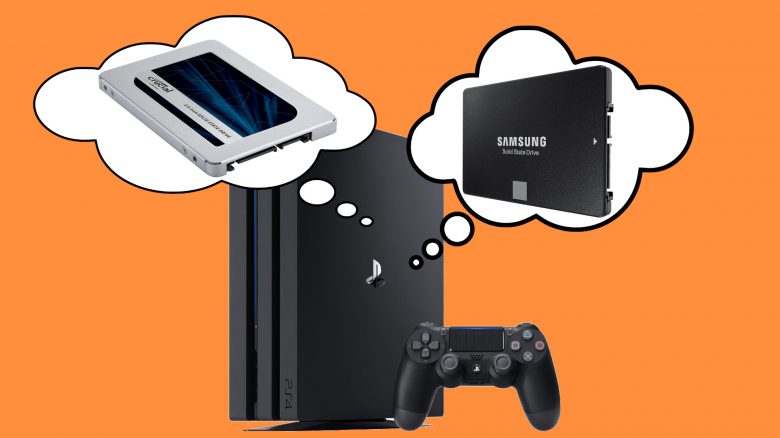
You want to make your PS4 faster or need a new data storage solution? We present you with 4 upgrade tips for the PS4 and explain how to swap the hard drive. We also give you a glimpse of the PS5 and present you with three upgrade tips.
Anyone who regularly games on their PlayStation 4 knows the problem: Games have such long loading times on the console that you can even make a coffee in the meantime.
One reason for the long loading times is, for example, the hard drive that Sony installed when delivering the consoles. There are various reasons why it is worth replacing the conventional hard drive in the PlayStation 4 with a fast SSD.
A comprehensive buying guide for the best SSD for the PS5 can now also be found on MeinMMO
In our article, we therefore present:
- which arguments speak for the installation of an SSD in your PS4.
- Then we present you with the best SSD models of 2022 and
- finally, we give you practical tips on what to consider when installing.
PS4 – Why it’s worth replacing the hard drive
We present you with the three most important reasons that speak for the modification. These are issues that most PS4 owners will be familiar with.
The problem with storage space: Games like Call of Duty: Modern Warfare take up an enormous amount of space on the hard drive, which players also complain about accordingly. Because the space on the console is even more limited than on a PC.
The problem with loading times The long loading times are an issue that both single-player and multiplayer players are familiar with. Players have been complaining for a long time about the long loading times in Destiny 2.
The problem with the age of the HDD: Those who extensively and continually use their PlayStation 4 write a lot of data to the hard drive. Over time, it becomes strained, gets louder, and slows down.
Best SSD 2022 for PS4 – 4 Upgrade Tips for Your Console
In this section, we present you with the 4 best SSDs that you can use to upgrade your PlayStation 4.
Best SSD for PS4 – Samsung 860 EVO
Manufacturer: Samsung | Capacity: 1TB | Speed: 550 MB/s Read, 520 MB/s Write speed | Warranty: 5 years | Price range (according to Geizhals): 129 – 215 Euro
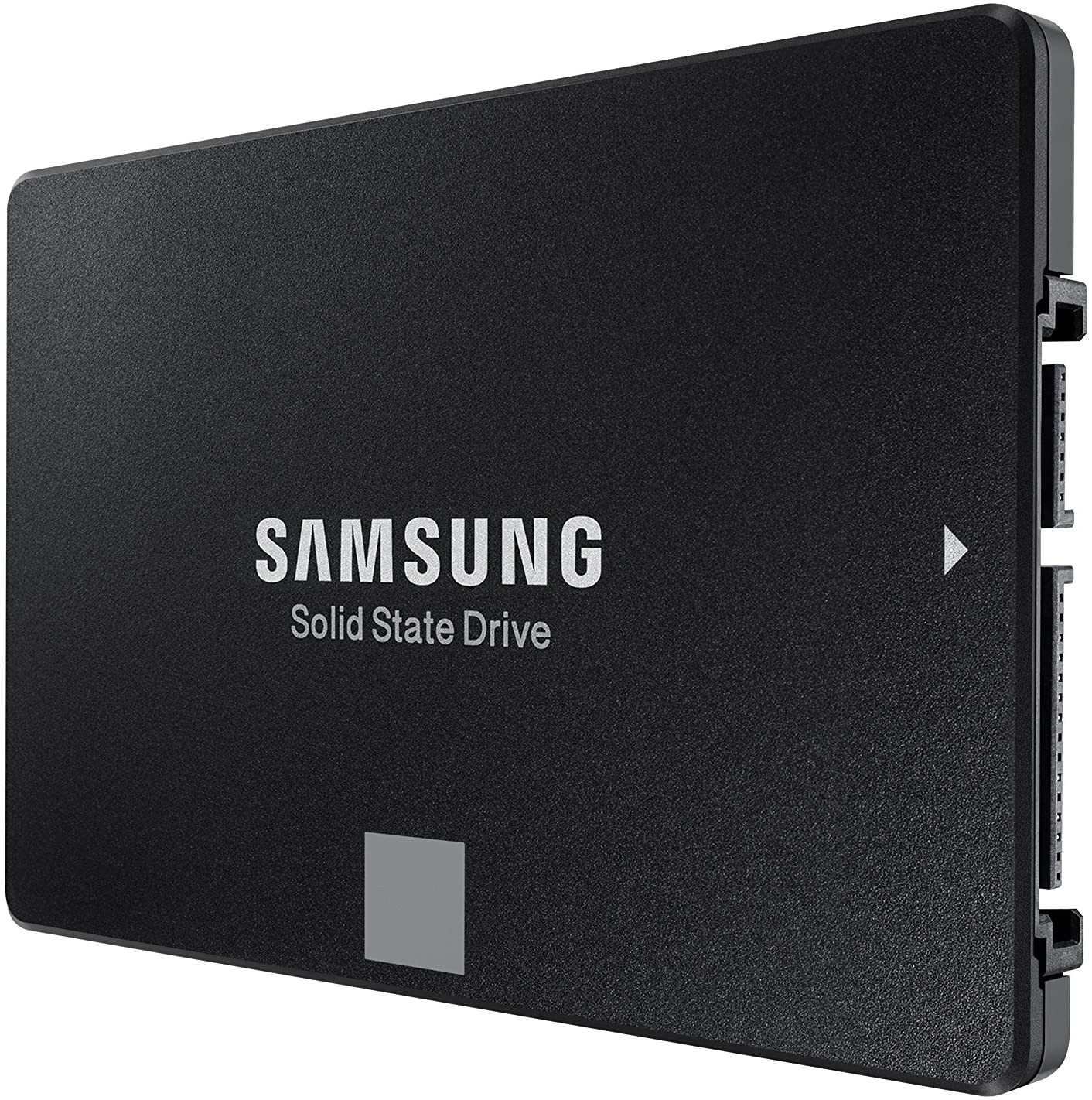
Who is the Samsung 860 Evo suitable for? The Samsung 860 Evo is especially suitable for users who want to fully utilize the performance of an SSD. The SSD costs slightly more than the competition, but Samsung offers you the latest technology with its SSD and promises strong performance and value for a reasonable price.
This is what the Samsung 860 EVO offers: The 860 series succeeds the 850 series. Over the last few years, Samsung has continuously developed its SSD technology, and you can also see this in the 860 EVO: In terms of technology, the maximum has been achieved in what the SATA interface can deliver.
In addition to the EVO series, there is now also the QVO series. Generally, we would recommend the EVO series and not the QVO series from Samsung. While QVO is cheaper, that comes at a cost: the durability of the storage is significantly lower. Therefore, the extra cost of around 10 – 20 Euro is worthwhile. The Pro series, on the other hand, is only worth it for enthusiasts, as it does not offer any real added value compared to the EVO models.
This is how the ratings are: Users rate the SSD with 4.8 stars out of 19,892 reviews on Amazon. Especially praised are the good quality, long durability, and the very good price-performance ratio. Buyers rate the “price-performance ratio” category with 4.6 stars, which is a high value.
Best SSD 1TB Price-Performance – Crucial MX500
Manufacturer: Crucial/Micron | Capacity: 1TB | Speed: 560 MB/s Read, 510 MB/s Write speed | Warranty: 5 years | Price range (according to Geizhals): 107 – 195 Euro
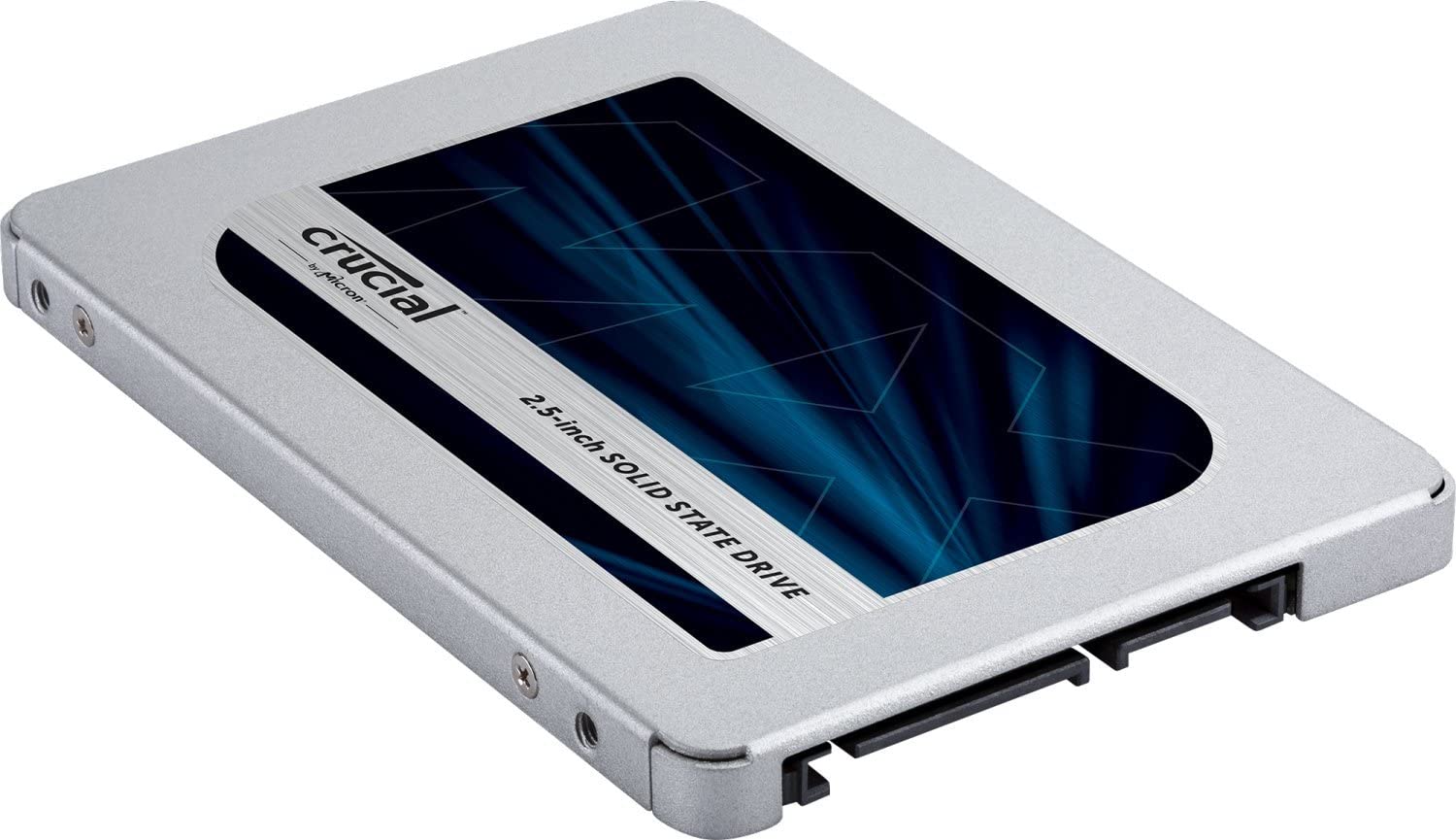
Who is the Crucial MX 500 suitable for? The MX500 series from Crucial can be recommended to all users who are more price-conscious, shy away from the higher price of a Samsung SSD, but still do not want to miss high speeds. The Crucial MX 500 is a real value-for-money tip here.
This is what the Crucial MX 500 offers: The MX series is a mid-range series from Crucial in the SSD sector. Although the MX 500 cannot match the high performance of the Samsung SSD, it scores with a low price for high capacities. Only under high continuous load do the write and read rates of the Crucial SSD drop. However, this is unlikely to be relevant for most regular users. The MX 500 also offers you a 5-year warranty.
We also have a similar tip as with Samsung: Always go for the MX series and not the cheaper BX series. The quality is not only worse, but the warranty is also significantly lower at 3 years. So the extra cost of around 15 Euros is definitely worth it.
This is how the ratings are: The SSD is rated by buyers with 4.8 out of 5 stars from 29,009 reviews. Users especially praise the fast speed and the low price of the SSD.
Best SSD for 100 Euro – Silicon Power SSD A55
Manufacturer: Silicon Power | Capacity: 1TB | Speed: 540 MB/s Read, 480 MB/s Write speed | Warranty: 5 years | Price range (according to Geizhals): 99 – 178 Euro
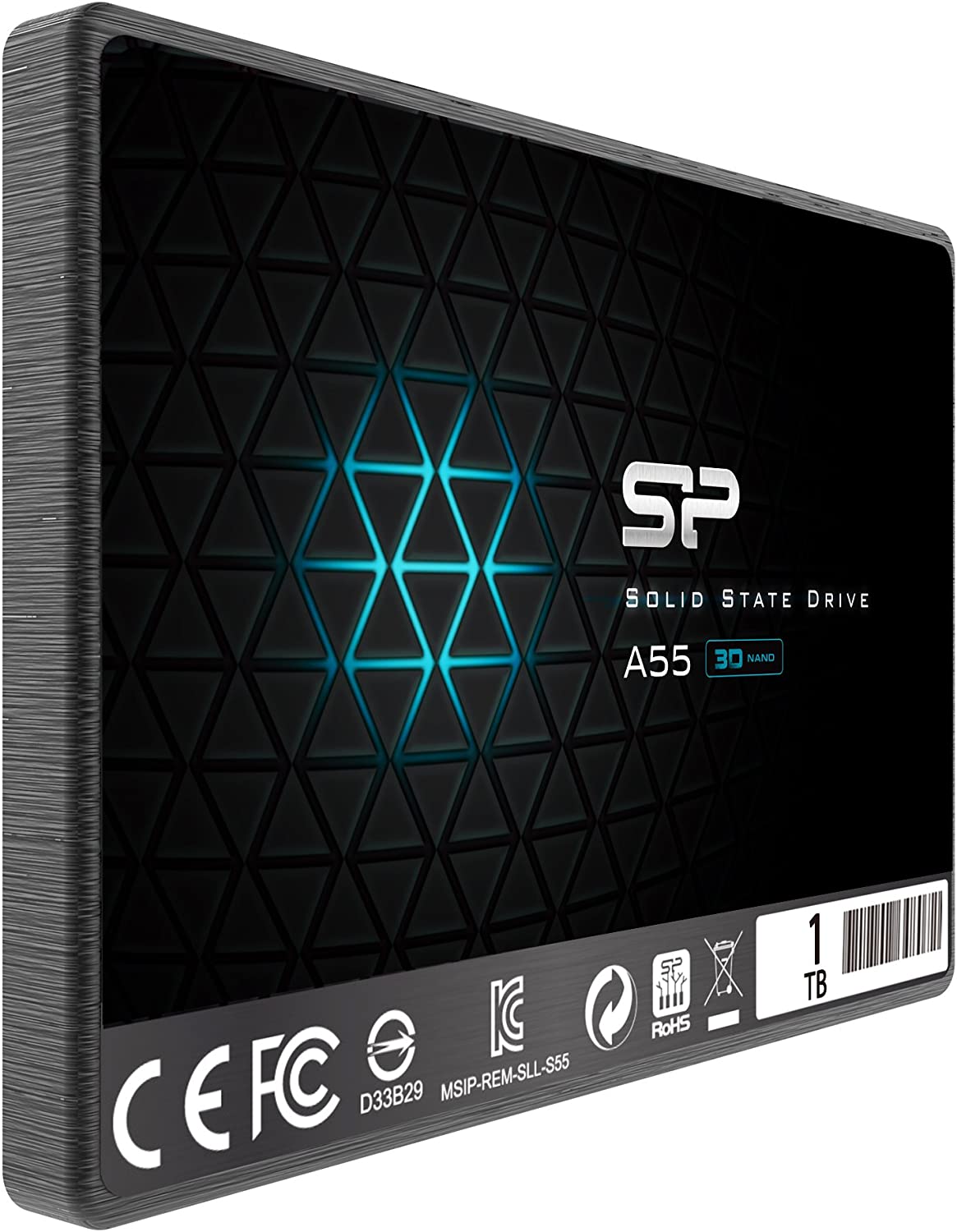
Who is the Silicon Power SSD A55 suitable for? You absolutely want an SSD with 1 TB but want to stay under 100 Euro? With the Solid State Drive from Silicon Power, there is a suitable SSD, but keep in mind that you will have to make compromises in other areas for that low price.
This is what the Silicon Power SSD A55 offers: Behind the serial number A55 from Silicon Power is a fast SSD that distinguishes itself mainly through its very low price. However, the low price has a drawback: The write speed is significantly worse long-term than that of the SSDs from Samsung or Crucial. The speed also does not remain at the same level but can fluctuate significantly.
However, the SSD does a good job in terms of read speeds, which is especially important when you’re gaming and want to read data from the hard drive. As a storage device for the PlayStation 4, that is completely sufficient if you do not have high demands for your SSD. However, the SSD from Silicon Power is less suitable as a memory for a PC where you unpack a lot of data or want to edit videos.
This is how the ratings are: The SSD is rated 4.7 stars on Amazon. There are a total of 3,145 reviews. Especially the price is praised by buyers as unbeatable. Criticism is mainly directed at the poor write rate and the loudness of the SSD.
Best SSD under 50 Euro – Kingston A400 SSD
Manufacturer: Kingston | Capacity: 480GB | Speed: 500 MB/s Read, 450 MB/s Write speed | Warranty: 5 years | Price range (according to Geizhals): 49 – 129 Euro

Who is the Kingston A400 SSD suitable for? Are you looking for a very budget-friendly SSD entry and can also do without some gigabytes of storage space? Then take a look at the A400 from Kingston. This SSD is the only one on our recommendation list that only comes with 480GB instead of 1TB. However, its price is often even below 50 Euros.
This is what the Kingston A400 SSD offers: The A400 is more aimed at consumers than professional users, and that can be seen both in the price and in the speed: The speed is not as high as the competition, but Kingston can offer its SSD at a significantly lower price. It is also unfortunate that Kingston only offers a 3-year warranty, while most manufacturers now grant 5 years.
This is how the ratings are: On Amazon, the SSD from Kingston is rated 4.6 out of 5 stars with 39,312 reviews. The good price-performance ratio is particularly praised, while some criticize the poor build quality of the SSD.
Replacing the PS4 Hard Drive (Pro and Slim)
Required: T8 Torx security screwdriver, hard drive (SSD) | Time required: 2 – 3 hours | Cost: approximately 120 – 150 Euro | Difficulty: Easy to Medium
The switch to an SSD is worthwhile for many reasons. In the past, SSDs were significantly more expensive than traditional HDDs, but today SSDs are affordable and cheap, and there is no reason not to install one.
By the way, the procedure is different with the PlayStation 5. Here there is a very simple method when the PS5 memory is full.
What I need to consider before the swap: Before replacing the PS4 hard drive, it is essential to back up the data from the drive:
- First, connect a USB stick or external hard drive to your PS4.
- Then select “Settings” in the PS4 system.
- Here you select “Management of saved data from the application” and select the menu item “Saved data in system storage” and here “Copy to USB storage device.”
- Lastly, mark the files you want to back up with X and then press “copy”.
Replacing the PS4 hard drive – Consider this during installation: Before removing the hard drive, the PS4 should be completely turned off. If an orange light is blinking, the console is only in standby mode. Turn off the console properly and unplug it.
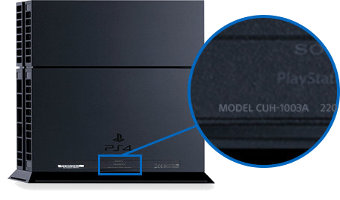
The installation varies from version to version. You can identify which console model you have by the version number, which is usually located on the back or underside of the console.
Sony explains on its help page how to remove the hard drive for each version number.
We have embedded a video here showing you exactly how the process works. You can watch each individual step again:
Have the right tools on hand: For the PS4 Slim and Pro, you will need a T8 Torx security screwdriver and preferably compressed air in a can. With a regular T8 screwdriver, you won’t be able to open the console.
Tool set: If you have the wrong tools on hand, there is a risk of damaging the console. Repair kits that cost around 10 euros are recommended:
Installing PS4 firmware on the new hard drive: After replacing the hard drive, you need to reinstall the system to use the drive:
- First, download the PS4 firmware from the official site.
- Then create a folder named PS4 on the USB stick and within that folder create the folder UPDATE. Copy the downloaded file (PS4Update.pup) into this folder.
- Insert the USB stick into the PS4 and now start the console. Hold the power button (7 seconds) until a second beep is heard. Now the safe mode starts.
- Here, select “initialize PS4” and “reinstall system software.” The system will take care of the rest automatically.
If you are not only looking for an internal upgrade for your PlayStation 4, but also for a gaming upgrade, then check out our tips on controllers: Here we’ve presented the best PS4 controllers of 2022.
On the next page, you will find upgrade tips for the PlayStation 5.

Your opinion is important to us!
Do you like the article? Then let us know!