

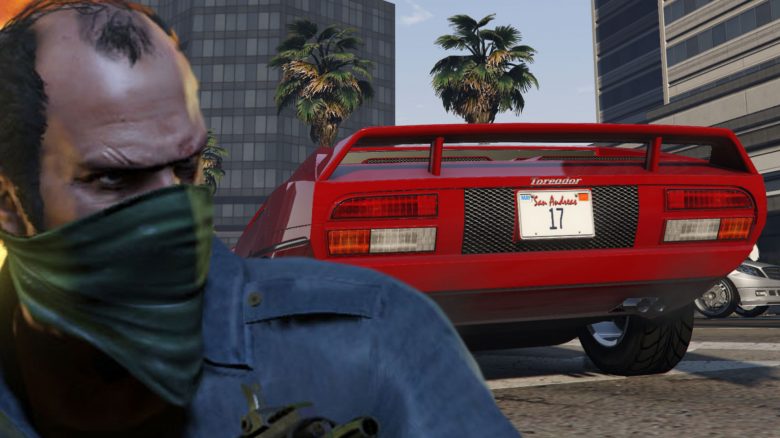
You want to drive with your own license plates in GTA Online? We will show you how to design them and how to equip them on your cars and vehicles.

What is it about? Cars in GTA Online usually have license plates whose numbers and letters are generated by the game. These license plates come in different colors. If you don’t want the random numbers and letters, you can personalize your license plates and use them on various vehicles.
We will show you here how to change your license plates in GTA Online and design your own.
Change license plate with iFruit app
This is how it works: To change the license plate in GTA 5 / Online, you need to download an app to your smartphone. This does not refer to the smartphone in the game, but your own mobile device (tablet is fine too). The iFruit app is available for Android and iOS.
After downloading and installing, you need to connect the app with your Social Club account. This way the app knows which account to customize the license plates for. So use the data with which you log into GTA Online.
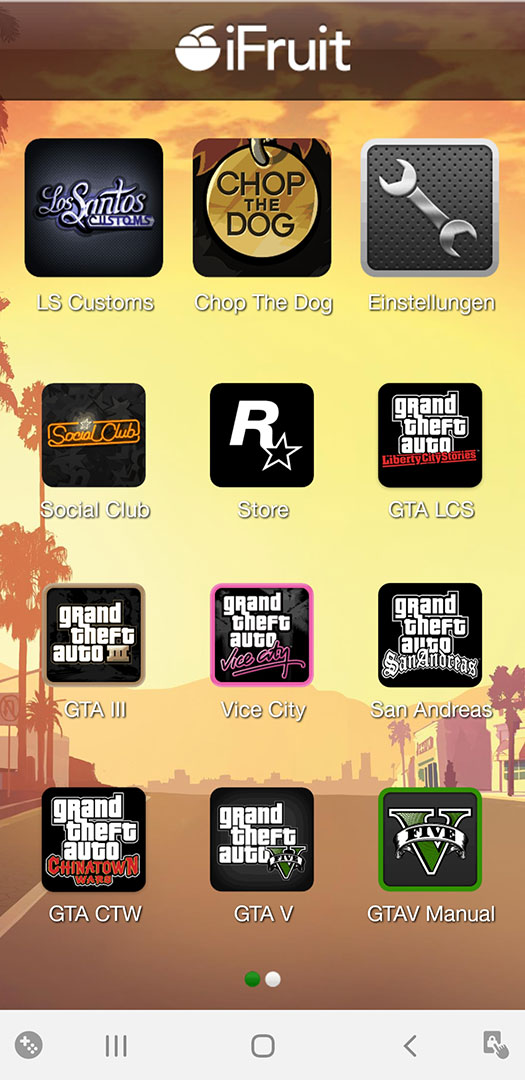

- Now select “Los Santos Customs” in the main menu
- Click on the license plate in the top right corner
- Now enter the numbers and letters that should appear on your license plate
- These can be abbreviations for your name, numbers, or combinations of numbers and letters
- It is limited to 8 letters/characters
- You can also adjust the background and colors now
- Confirm now which character you want to use the license plate with
- Tap “Order”
- In the game, you will then receive the confirmation as an SMS to your in-game phone
Equip your own license plate: If you want to use the new license plate, drive to an LS Customs shop of your choice. Select the option to modify your vehicle there.
In the “License Plate” option, you can adjust the colors of the current license plate or select your own. In our example, this is the “17”.
iFruit app not working and crashing? This solution helps
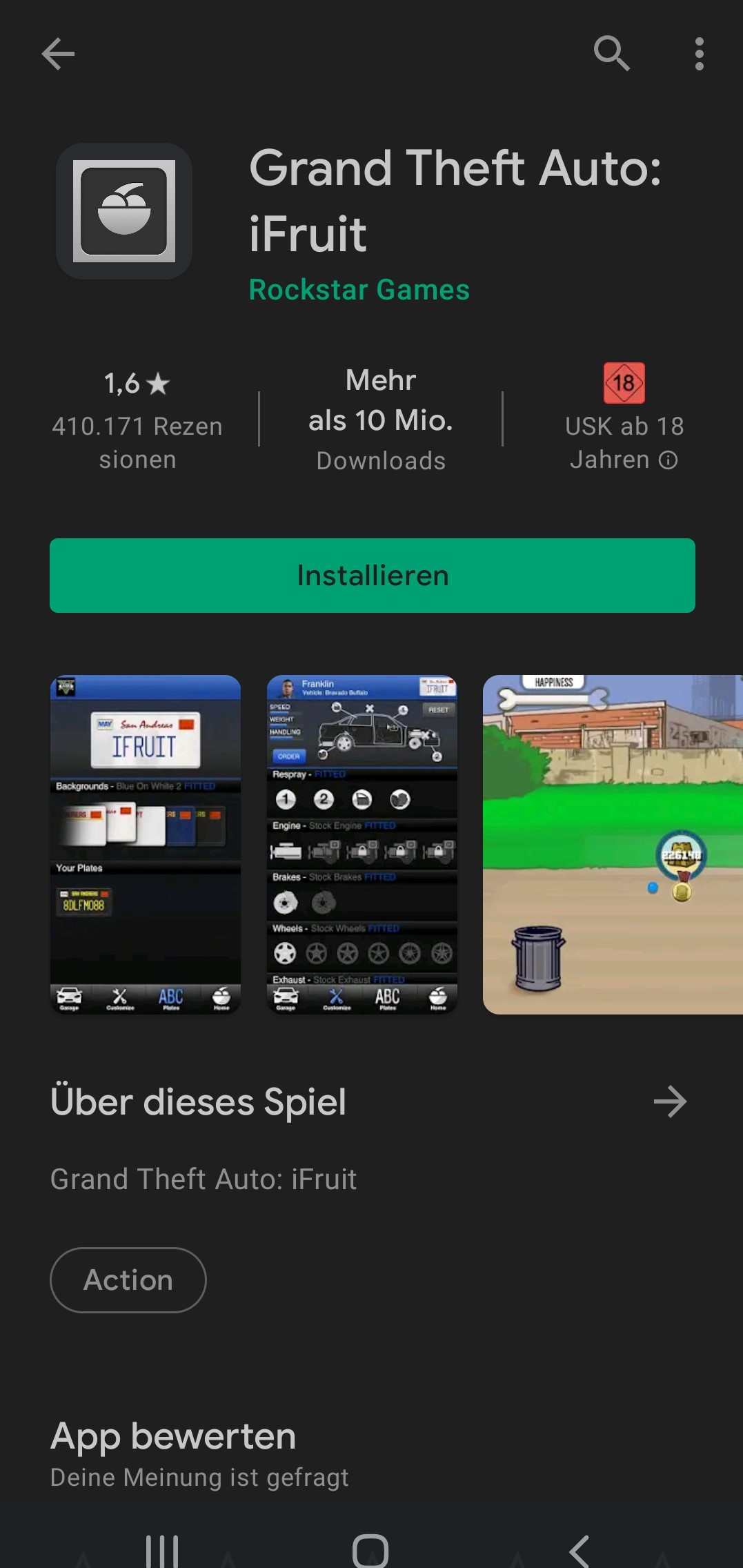
This is the problem: The ratings for the iFruit app are currently 1.6 out of 5 stars with over 400,000 ratings in the Google Play Store (as of November 30, 2021). The reason for the poor ratings is the app’s performance. On newer operating systems, the iFruit app crashes directly upon loading. Other older devices can start the app but then cannot load the LS Customs menu – which also leads to a crash.
We have tried this and can confirm the issues. The last update of the app was on November 29, 2019.
What is the solution? If you must change your license plate in GTA Online, you have various options:
- Try older smartphones with older operating systems; the iFruit app might work here
- Users on reddit recommend downloading an emulator (via reddit.com)
- With an emulator, you can start the Android operating system on your PC and install and use apps there
- According to some players, the iFruit app works with selected emulators, allowing you to create a license plate
- Another solution is if the app starts for you but crashes after selecting LS Customs, uncheck the PC platform in the settings and instead select an account on Xbox or PlayStation that is linked to the same Social Club account – this worked as a solution in our test
All other problems in GTA Online can usually be solved with money. Therefore, we show you in our money guide ways to quickly earn a lot of money in GTA Online. Use them to fill your account up nicely.

Your opinion is important to us!
Do you like the article? Then let us know!