Here you can find out how to fix the update error with the new patch of GTA 5 Online:
Just now the new patch for GTA 5 Online has been released and we PC players had to wait over an hour longer for the patch than players on consoles. Now, some players are also facing an error that prevents them from downloading the patch. But this error can be fixed quickly.
Error 201 in GTA 5 Online
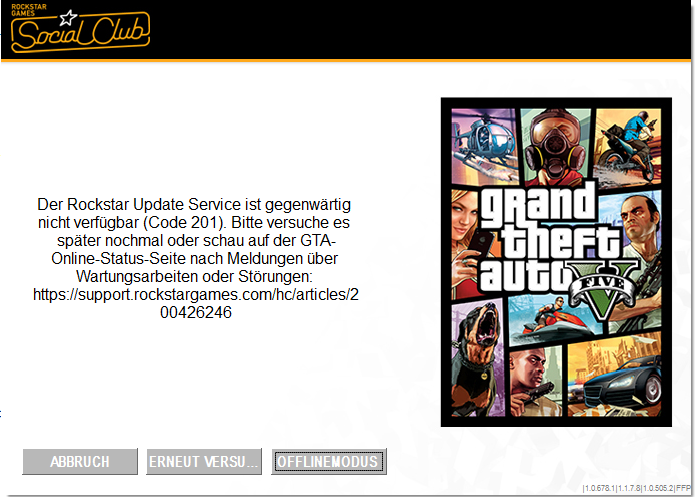
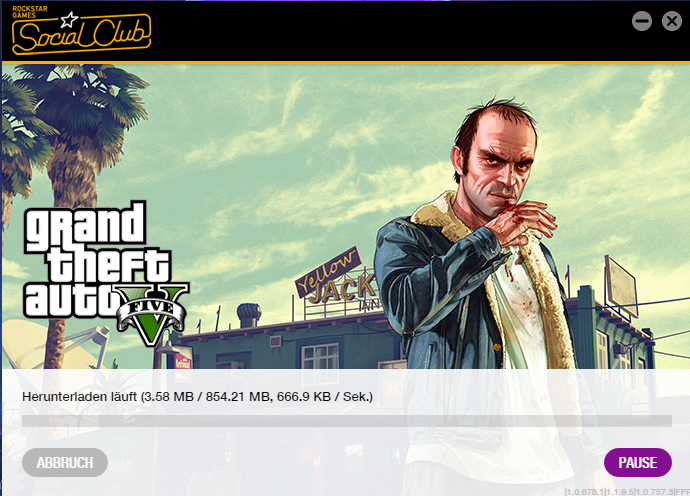
Common among PC players is the error code 201, which states that the Rockstar Update Service is currently unavailable. But we won’t let that stop us, because we want to play! To fix the error, you need to download the latest version of the Social Club and the GTA 5 Launcher.
Here you can get the current Social Club version: http://patches.rockstargames.com/prod/socialclub/Social-Club-v1.1.9.5-Setup.exe
And here you can get the current GTA 5 Launcher version: http://patches.rockstargames.com/prod/gtav/Launcher_EFIGS/GTA_V_Launcher_1_0_757_3.exe
Download the two files and install them one after the other. Afterwards, your update should look something like mine: