

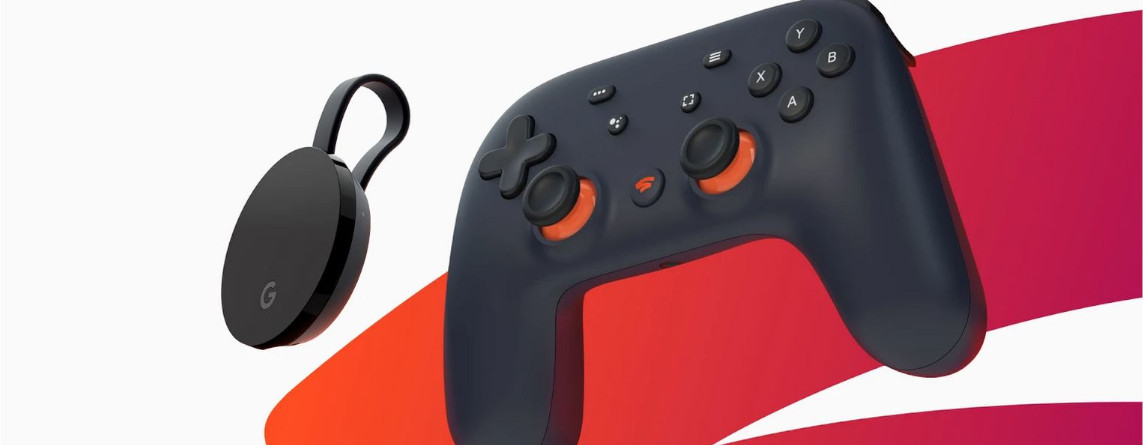
Google has finally announced the release date for Stadia after much speculation about games and technology. However, if you want to play with your own controller, you will need a cable. Only certain devices support wireless gaming.
Why do I need a cable? In a new video about the release date of Google Stadia, the new Stadia controller was also discussed. The video states that wireless play with the Stadia controller is only available through the Chromecast Ultra.
If you use another controller or do not have a Chromecast Ultra, you must have a cable to be able to use Google Stadia.
The Stadia controller comes with a USB-A to USB-C cable in the sales box, which can also be used for gaming. With the cable, you can easily connect the controller to a PC.
For a Pixel 3 or Pixel 4, which are currently supported by Google Stadia, an adapter is additionally required, as the USB-C port is used by the controller.

Is the Stadia controller only usable with Chromecast Ultra?
On Reddit, user stockeepops asked what this means for the Stadia controller. And there is an official statement from Google:
- At the launch of Google Stadia, wireless play with the Stadia controller is only available using the Chromecast Ultra. All other devices require a cable.
- If you have a Chromecast Ultra and want to play wirelessly, you absolutely need a Stadia controller.
- You can also use the Stadia controller on other devices, but you will need a cable connection for that.
- The official Stadia controller includes a USB-A to USB-C cable.

When can I play wirelessly with Google Stadia?
This is how wireless gaming is possible: If you have an official Stadia controller and a Chromecast Ultra, you can play wirelessly on your TV. Those who pre-ordered the Founder’s Edition or the Premiere Edition of Google Stadia will have no problems:
In the pre-order editions, among other things, a Chromecast Ultra, 3 months of Stadia Pro, and the controller are included.
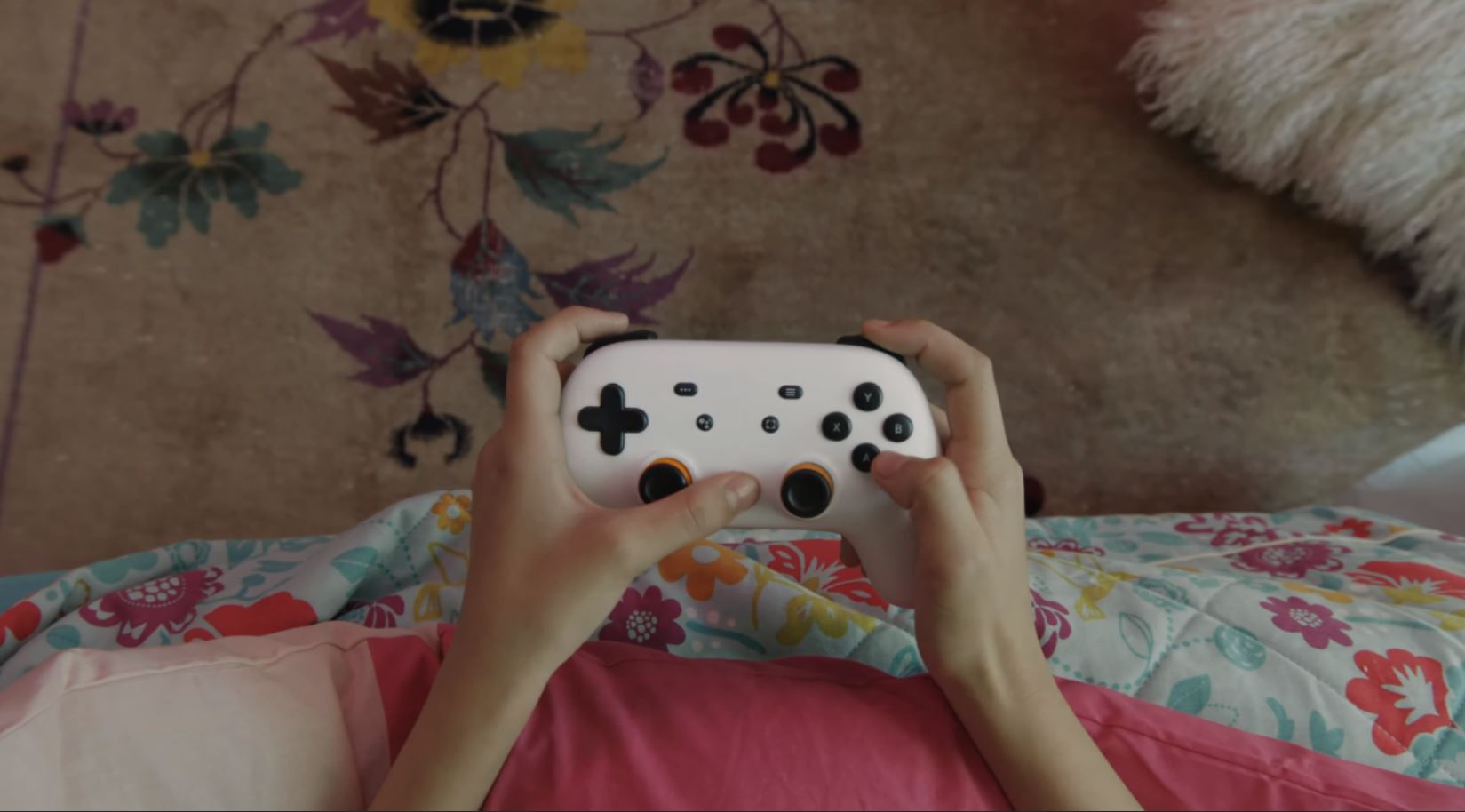
I bought a controller for the Buddypass: Those who enjoy Google Stadia thanks to a Buddypass need both devices to play wirelessly. Otherwise, they can only play wired.
For Stadia players, this means:
- If you only own a Stadia controller but not a Chromecast Ultra, you must use the included cable to play on your smartphone or browser.
- If you purchased a Google Stadia controller, you will definitely need a Chromecast Ultra for wireless gaming. However, the controller should include a cable, so wired streaming should not be an issue.
Can I use other controllers wirelessly with Stadia? While you can use any controller with Google Stadia, if you want to play in the browser (Chrome) or on mobile devices, you will need a USB cable. At least that is what Google states in the official FAQ:
You can use many common HID-compliant controllers when playing via USB cable on Chrome or mobile devices.
“HID-compliant” refers to all devices that allow direct input on the computer. This includes controllers, keyboards, and PC mice.
Do you want to learn more about Google Stadia and the upcoming release? Then check out our article where we summarize all the important information for you:

Your opinion is important to us!
Do you like the article? Then let us know!