

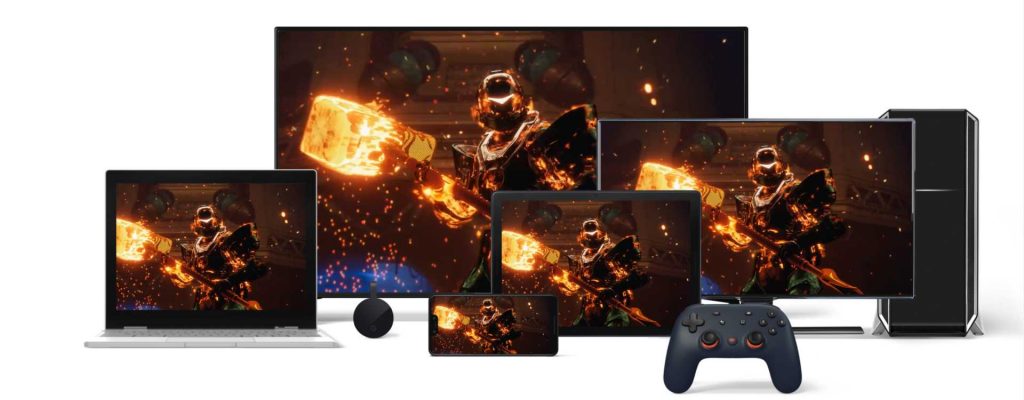
Google has presented its new streaming project Stadia in its own livestream. As part of the new information, there was also talk of a possible pre-order. We are looking at what the offer actually includes and whether it is worth it.
What is included in the pre-order? Google Stadia Pro is already available for particularly eager fans for pre-order for €129 at the Google Store. The pre-order package includes:
- A Chromecast Ultra
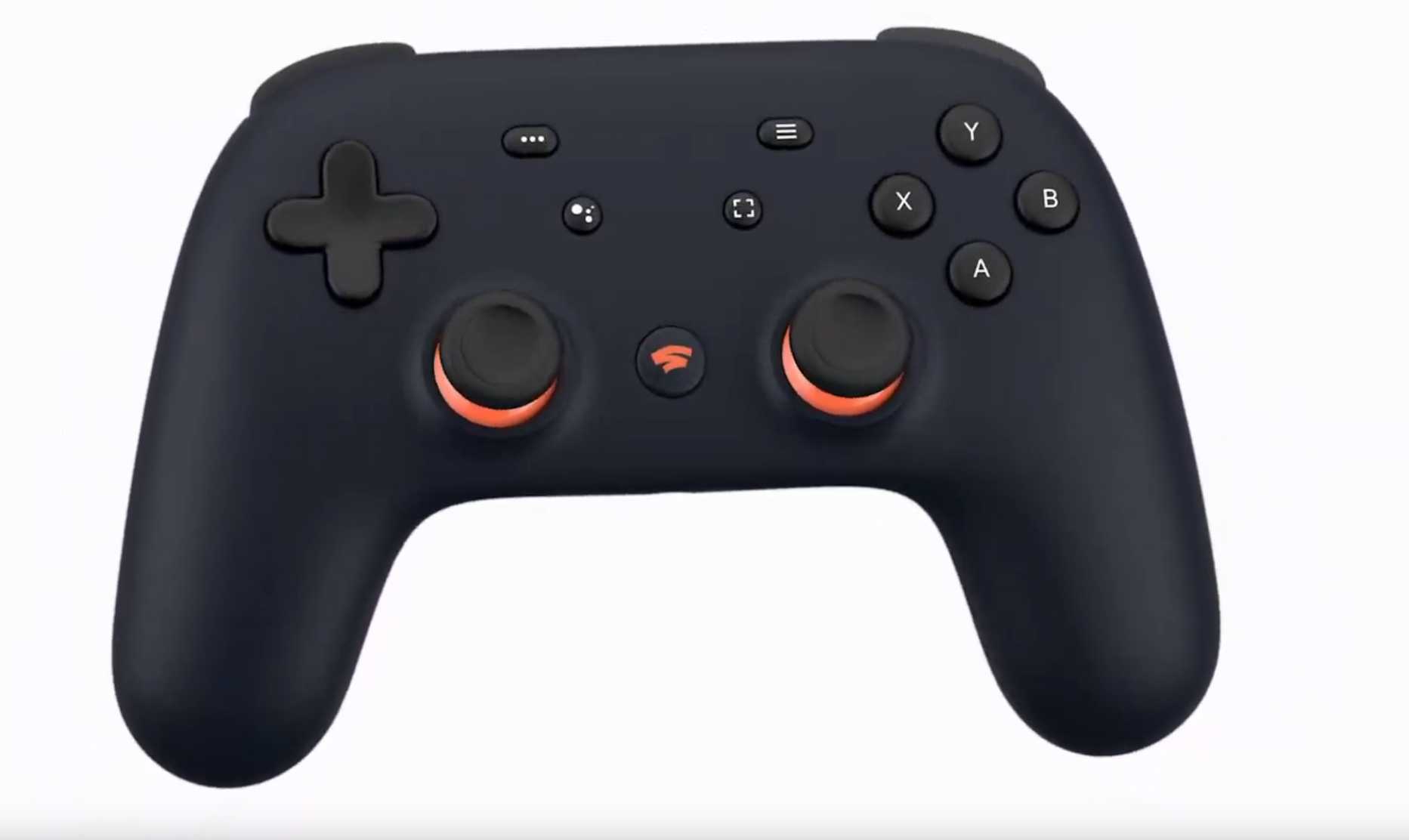
- A limited, midnight blue Stadia controller
- 3 months of Google Stadia Pro for you and a friend or family member
- A Founder’s Badge and the option to reserve a name

How much is the savings? Google Stadia Pro includes titles like The Division 2 and Destiny 2 directly at launch and costs €9.99 monthly. If you book three months of subscription for two people, you already pay €59.94 for that alone. The Stadia controller in its other non-limited variants costs €69.
Already these items together cost almost as much as the entire package. In addition, there is the Chromecast Ultra, which currently costs €79 at Saturn. In total, this adds up to:
| 2 times 3 months Stadia Pro | €59.94 |
| Stadia controller | €69 |
| Chromecast Ultra | €79 |
| Total price of individual items | €207.94 |
| Price of the package | €129 |
| Savings | €79.94 |
Additionally, gamers who do not yet own a powerful PC save on acquisition costs. A 4K-capable gaming PC that streams images at 60 FPS normally costs over €1500 even with larger discounts.
What is the Chromecast Ultra?
This is what a Chromecast brings: With a Chromecast, you can stream any compatible device like smartphones or tablets to a TV by simply connecting the Chromecast to the HDMI port of the TV and connecting it to the device.
The Chromecast automatically optimizes the quality of the streamed media. It is thus possible to achieve almost 4K resolution even on a simple HD device. Only the content must be available in corresponding quality. More information can be found on the product page of the Chromecast from Google.
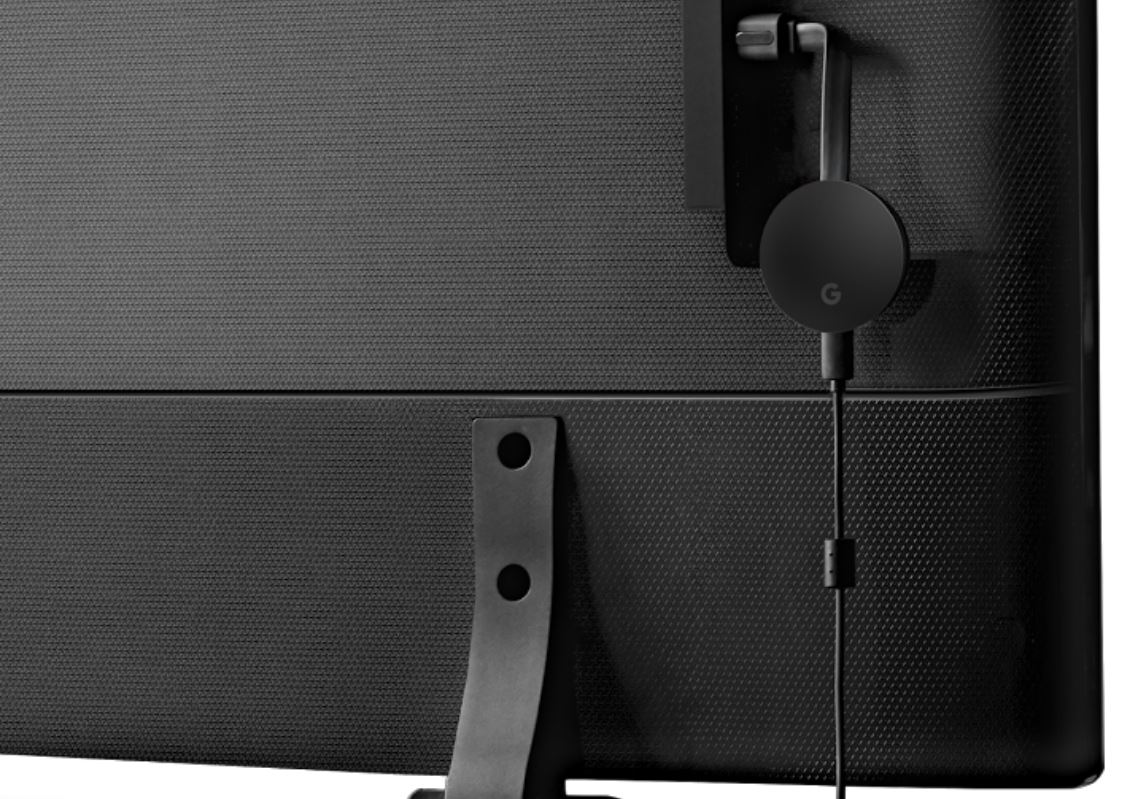
Do I need a Chromecast? The Chromecast roughly replaces the console on your TV. If you want to use Google Stadia via the TV, you need both a Chromecast and the Stadia controller.
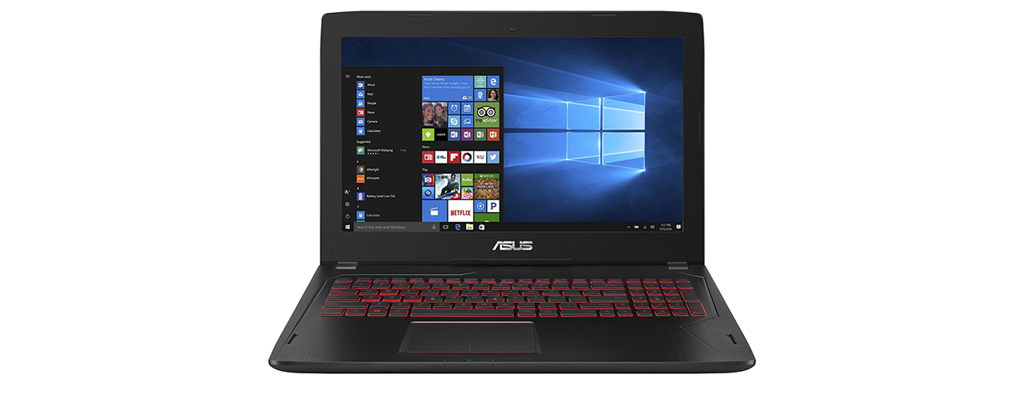
However, if you already have a streaming-capable device with good resolution, such as a gaming PC, you do not necessarily need a Chromecast. It is also unnecessary for players who do not want to play on a TV. Stadia can be used, for example, via the browser on a PC or laptop.
Do I need the Stadia controller?
You only need both the Chromecast and the controller if you want to play on the TV. This is stated in the official FAQ of Google Stadia.
You can also use controllers from any manufacturer on other devices. However, the Stadia controller can also connect to your phone, laptop, or PC.
What internet speed do I need?
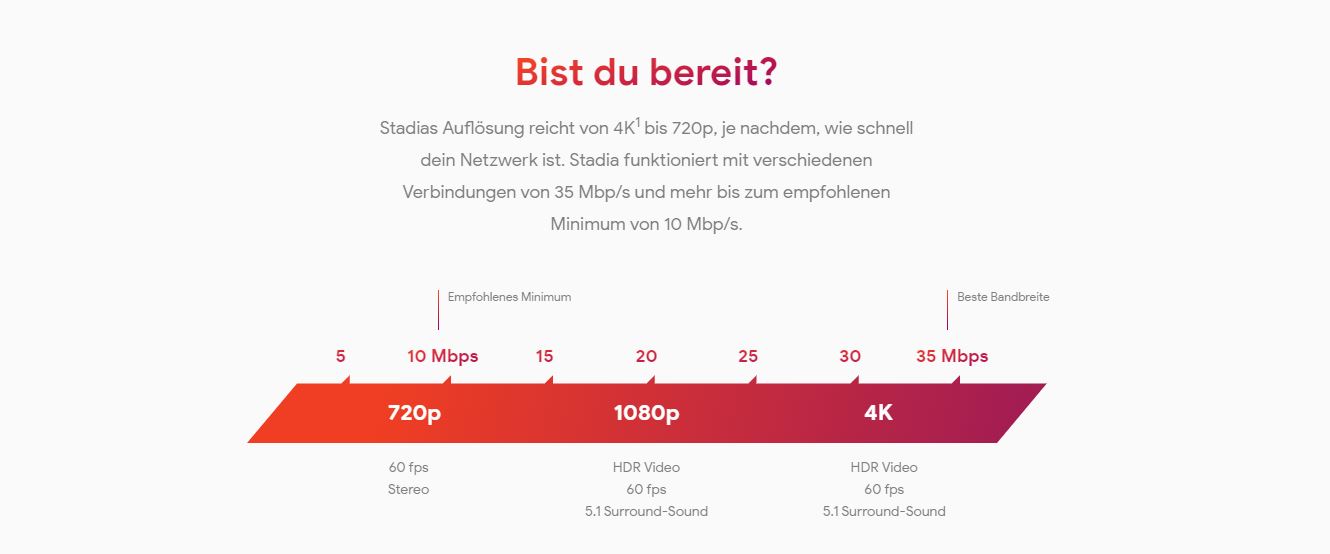
A 4K resolution with Stadia is only possible, if your internet connection can handle at least 35Mbps. With a weaker connection, Stadia cannot be fully utilized.
Where can I find a speed test?A speed test offered by Google itself. Lower speeds are also sufficient to use Stadia. The quality will just suffer:
More questions about Stadia
Is Stadia like Netflix? Only to a certain extent. Netflix and Stadia both offer unlimited access to their content as long as the subscription is active.
In contrast to Netflix, you still have to purchase most games on Stadia separately. However, there is a discount and you can also play the games after the subscription has expired.

What are the game highlights? Stadia will have new releases, classics, and evergreen titles, such as
- DOOM Eternal
- Dragon Ball Xenoverse 2
- Baldur’s Gate 3
- Wolfenstein: Youngblood
- Ghost Recon: Breakpoint
- Farming Simulator 19
- Football Manager 2020
- the MMORPG The Elder Scrolls Online
- Metro Exodus
- The Crew 2
- Assassin’s Creed: Odyssey
- the anticipated Borderlands 3
- The Tomb Raider Trilogy
- Mortal Kombat 11
Destiny 2, included in Stadia Pro, is probably the biggest highlight. It comes not only in its complete collection with all DLCs but also with a cross-save feature.
Further games included in Stadia can be found on the official website of Stadia.
Is that too expensive for you?
The pre-order package contains no content other than the Stadia Pro subscription that is absolutely necessary for gaming.
However, if you want to play on other devices with other controllers, you do not need to pre-order Stadia at a high price. The subscription for €9.99 is enough to play the games included in the subscription.
What is actually the difference to Stadia Base?

If you prefer not to subscribe, Stadia Base will be available for free from 2020. You can then play all purchased games via the Stadia system on any device.
Are you waiting for first tests on Google Stadia, have you already pre-ordered it, or are you not interested at all?
Then visit our survey and see what the other readers choose: Are you buying Google Stadia Pro?.
Google Stadia has also already woken up the competition:


Your opinion is important to us!
Do you like the article? Then let us know!