


With Google Stadia, you can stream modern games without having high-end hardware. Now, the Vice Engineer of Stadia speaks about latency and lag.
What does Stadia aim to achieve? Google Stadia is supposed to offer more power and performance in a few years than modern PCs or consoles do. This likely also refers to the new PlayStation 5 from Sony. This is what the Vice President of Engineering, Madj Bakar, from Google Stadia stated in an interview with Edge Magazine (via PCGamesn.com).
Bakar said:
“In one or two years, we will have games running in the cloud faster and having better response times than a local PC can – no matter how fast the local PC is.”
He also added that Google Stadia will arm itself against lags and latency issues with “negative latency”.
This is how Google Stadia intends to achieve this
What is Negative Latency? According to Bakar, Stadia calculates a possible latency and tries to mitigate potential lags: This can either mean increasing the FPS or reducing the latency between player input (keystroke) and display rendering.
Stadia therefore assumes lags where there are none and delivers more power to counteract possible lags.
This is why latency matters for Google Stadia: With Google Stadia, you stream your games. This means you:
- receive game data for graphics, sounds, music, and more from the data center.
- send your input commands to the server.
- get data back for rendering on your screen.
Google Stadia promises that you can play on all devices, from smartphones to 4K TVs, as you stream the data from the servers to your device.
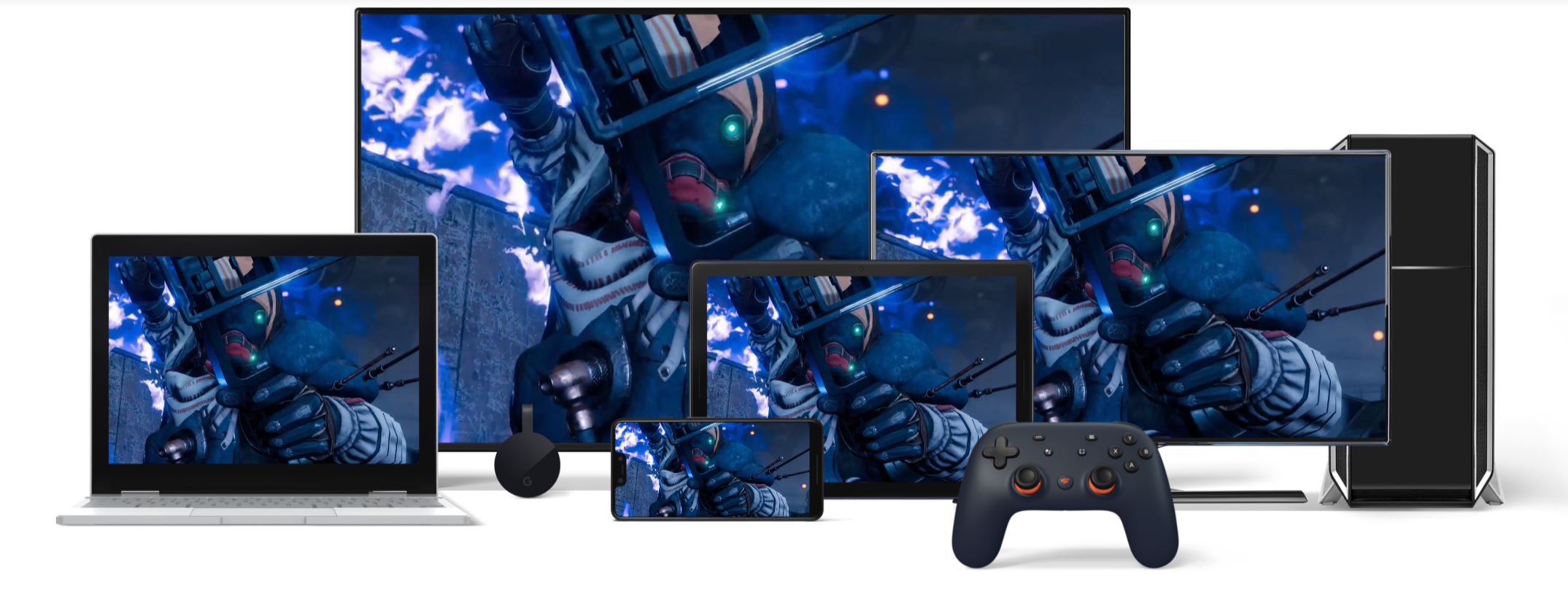
Here, the player receives all data via the cloud. Latency plays an even bigger role here than with a game that you start from the hard drive. Because the processing of the image data, which your graphics card normally does, is taken over by Google Stadia.
If you instead play an online game from the hard drive, only your input commands for character movement, aiming, and shooting are sent. Your screen and PC are responsible for rendering.
This is why low latency is important

This is what latency means: Latency refers to how quickly your inputs go to a server on the internet and then come back: For example, if you press a key on your PC in an MMO and move after pressing the key, that is the latency between you and the gaming server.
If you have a very high latency, it leads to lags. The delay between command and reaction in the game is then significantly noticeable to the player and can even be disruptive: You take a shot, but the shot only hits the target seconds later. Of course, you cannot hit a target like that anymore.
What does latency mean when streaming games?

This is how you should imagine streaming: The user Yogarine explains in a comprehensive Reddit post how latency looks in streaming. He describes himself as a “Network Engineer” with extensive experience, but he does not work for Google. He describes streaming as follows:
- First, the device (PC, smartphone, etc.) sends the keystroke (input) to the server
- Then the footage is compressed and
- finally sent back to the display of the device used
- The end device decompresses the image and can then display it to the user.
At the end, there is also the latency of the screen or device. The normal latency of a 60FPS screen can additionally be reduced by G-Sync (Nvidia) or FreeSync (AMD).
This is why Google needs to deliver

These are the problems: Google needs to provide stable latency with Stadia; otherwise, streaming games won’t be enjoyable, especially not when playing online with others. Especially in multiplayer, many developers, like the CEO of Larian Studios, see one of the great advantages of Google Stadia.
If Google can provide that, then Germany just needs a better expansion of the internet.
This is the biggest concern of gamers: Many players fear that Google Stadia will offer high latencies and poor connections, and that Google’s streaming hope will amount to nothing.
Our author Jürgen was allowed to try Google Stadia at Gamescom 2019. After his day at Gamescom 2019, he has some very own wishes and concerns about Google Stadia.
Do you want to know more about Google Stadia? Then check out our Google Stadia article where we summarize all important information for you:


Your opinion is important to us!
Do you like the article? Then let us know!