

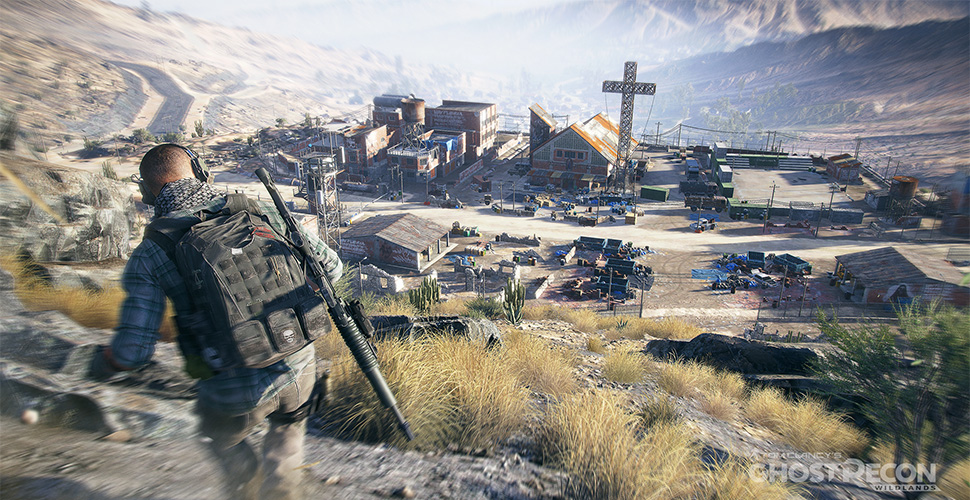
The new patch 2.0 in Ghost Recon Wildlands brought these important changes that are well received by the community.
The second major patch for Ubisoft’s tactical shooter Ghost Recon Wildlands has now been activated. PC players were able to download the patch yesterday, March 22, while console players had to wait until today, March 23, for the update. However, the wait was worth it. The developers have incorporated some changes into the game that excited the community. The control over the in-game radio is just one of the many important changes.
Rebel Vehicle Drop – Choose the Vehicle That Falls on Your Head
If you lose your vehicle while on the go, it can be particularly bad depending on the area’s situation. In the middle of the desert, a passerby is not likely to drive by whom you can kindly ask to step out of their vehicle and run away screaming. Alternatively, there are the rebel friends who are happy to assist you with a vehicle upon request.

With the new patch 2.0, you can now select which vehicle should appear. A change that the community particularly appreciates. However, there is still a small problem: The location for the appearance of vehicles and helicopters is not fully thought out.
- It can happen that cars or helicopters fall on players’ heads during spawn, causing a quick death
- Helicopters sometimes spawn directly on a tree, allowing them to be destroyed within seconds after engine start
- Vehicles appear behind fences or on the other side of walls that can only be reached via long detours
So, the vehicle drop still needs some improvement to make this feature more reliable.
Pilots are no longer immortal
A bug in Ghost Recon Wildlands caused pilots not to die when their helicopter crashed. Players noticed this phenomenon during the beta when some UNIDAD pilots seemed immortal. This led to funny scenes in the game when the pilots were upside down in the destroyed helicopter, not realizing what was happening to them.
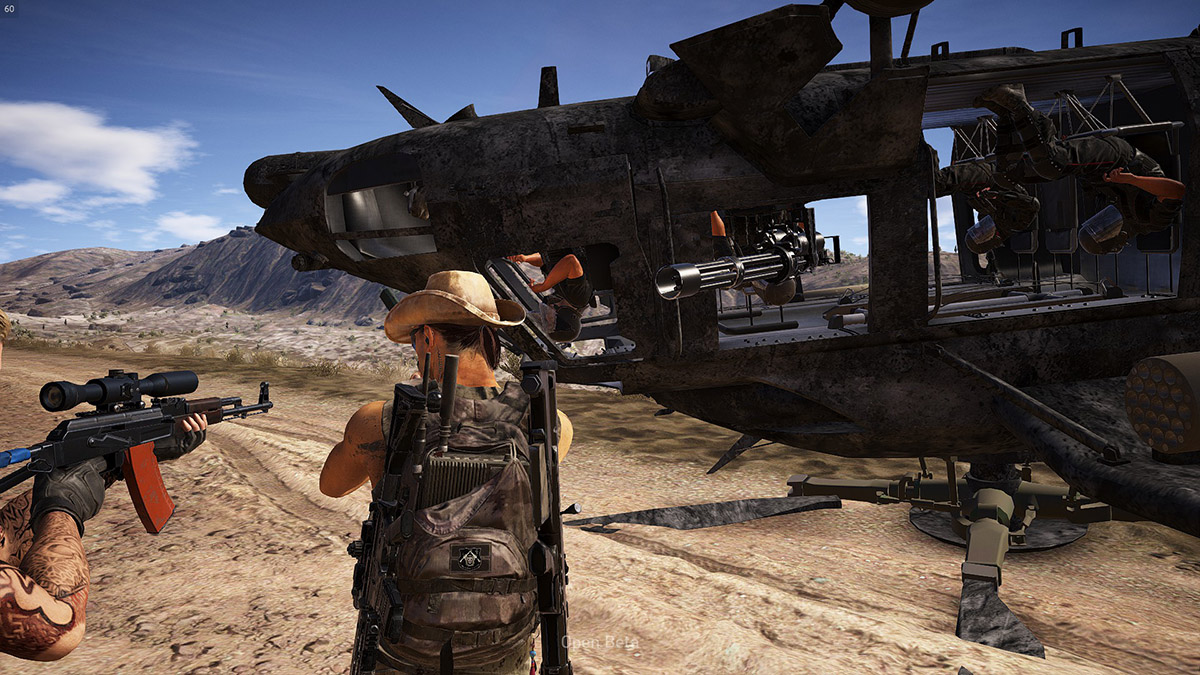
In the new patch 2.0, the developers have fixed this issue, and pilots should now take the correct damage when they crash.
- Fixed a bug where pilots sometimes did not die after a helicopter crash.
Radio Gaga
In Ghost Recon Wildlands, radios at certain locations create the right atmosphere in the game: For example, when the DJ announces his next hit and you just threw a grenade into an enemy group. However, at many spots, these radios are also simply annoying, and you have heard many sayings so often that you can recite them.
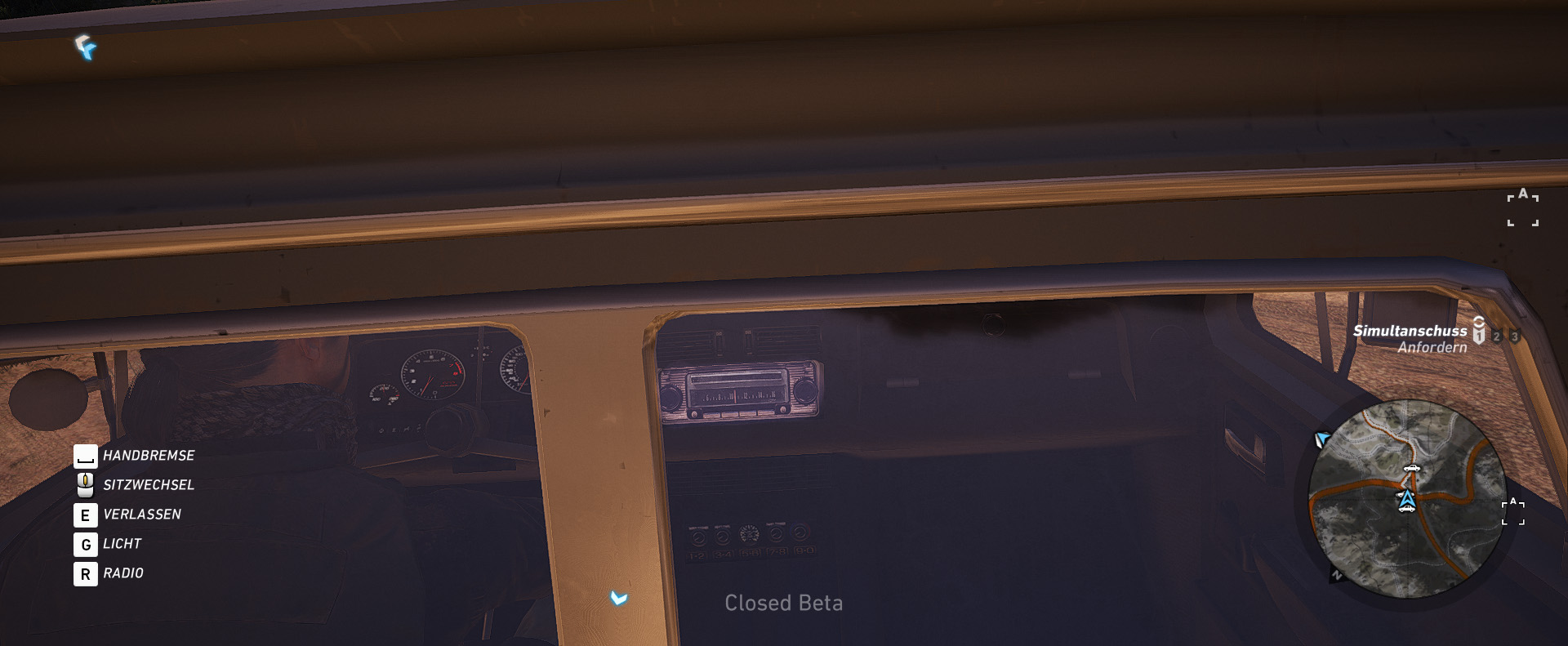
Here, the developers took the community’s feedback to heart and incorporated a feature to turn off the radios in Wildlands.
- “New feature that allows the player to turn off all radios in the game.”
Texture Issues Fixed
Graphics issues troubled players in the first weeks. There were problems with low-resolution textures that only became visible when driving or aiming, or distracting flickering of textures when parachuting or flying in a helicopter. The developers have fixed these issues in update 2.0.
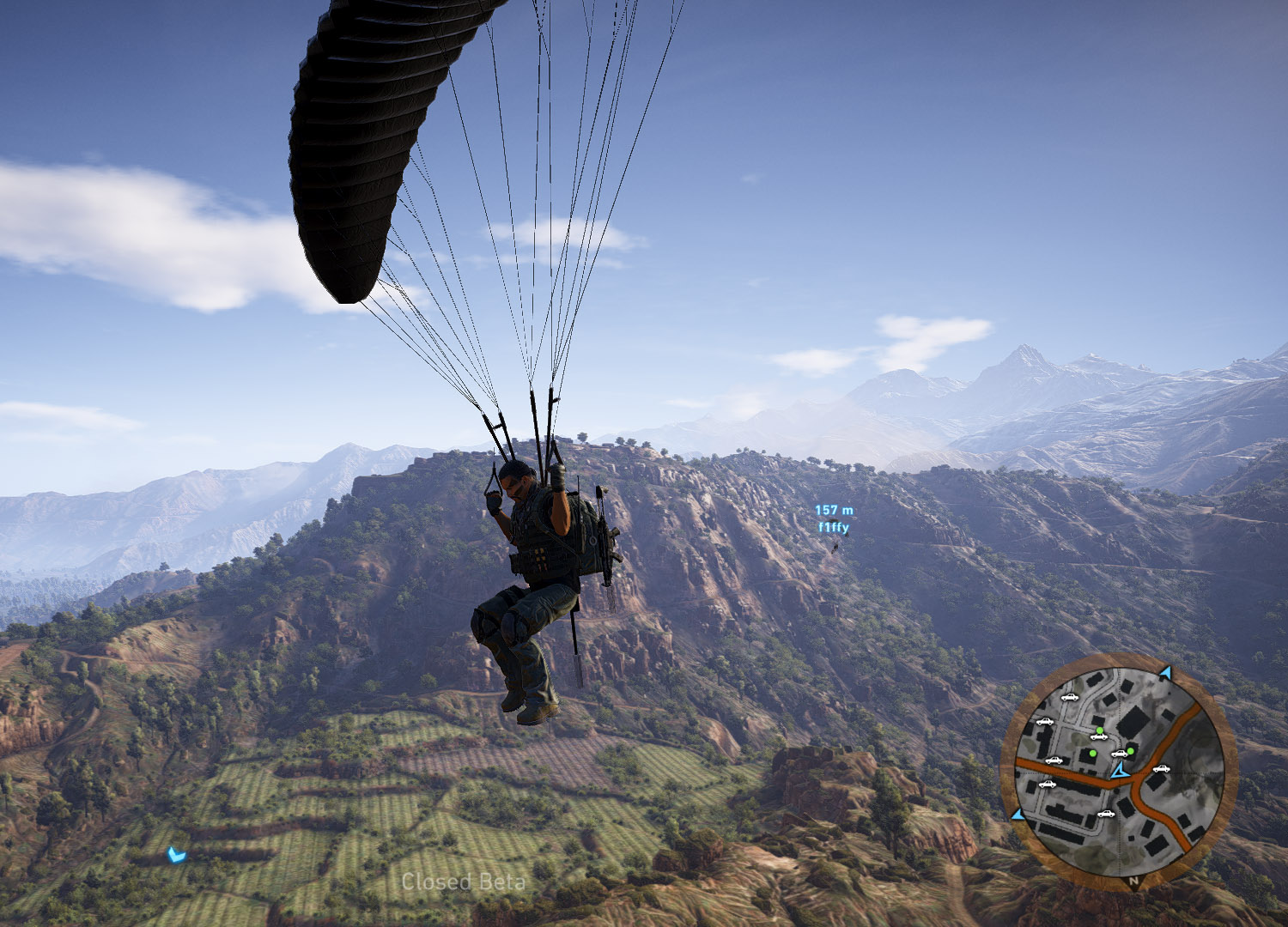
- “Fixed low-resolution textures that appeared when aiming/driving.”
- “Fixed camera clipping with some textures and props.”
- “Fixed missing textures in certain environments.”
- “Fixed textures that flickered when using the parachute or helicopter.”
You can read the full patch notes for patch 2.0 or 1.04 on PS4 here. Are there any other bug fixes that you are particularly grateful for in patch 2.0?
These 6 additional changes would do Ghost Recon Wildlands a lot of good – corpses, supplies, outfits

Your opinion is important to us!
Do you like the article? Then let us know!