

A man reports on Reddit about his girlfriend’s frequent PC crashes. The reason for this is a small cooler that has come loose and thus triggered a chain reaction in the PC.
In many hardware components, the phrase “bigger, heavier, higher” is becoming more common. This also applies to some models of RAM – be it additional RGB lighting on the modules or a protruding heat sink that sticks out far from the motherboard.
Furthermore, there are differences among manufacturers in the production and quality of the processed parts. This can lead to problems that one would not have thought possible.
A Reddit user reports such a problem with his girlfriend’s PC and shows the community the installed RAM as the cause. But not every supposed problem with RAM is actually one.
With our additional tips, you save time and nerves that could arise from PC problems.
PC coolers are not always helpful
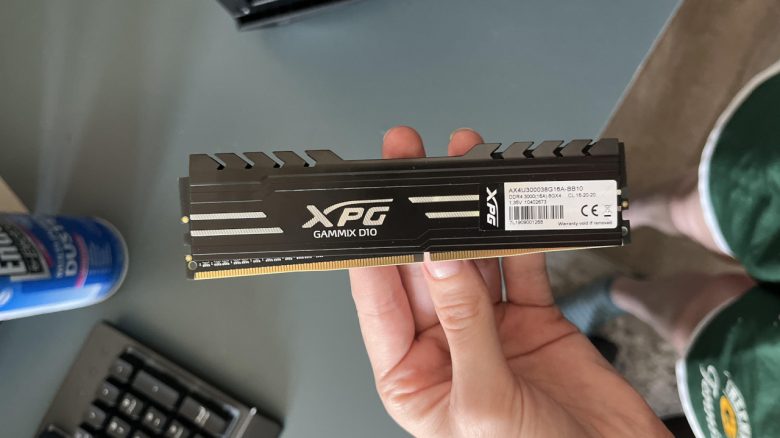
What can be seen in the photo? In the image in the Reddit post, the friend holds the RAM stick (English: RAM | Random Access Memory) of his girlfriend in his hand.
One can quickly see that there is something wrong with the hardware component. The heat sink above has shifted and thus covered part of the contact surface, which normally disappears completely into the slot on the motherboard.
How did this problem occur? The man suspects that the RAM cooler, the so-called heat spreader, has come loose. Due to this misalignment, one side of the heat spreader has shifted upwards toward the processor cooler.
In a sort of domino effect, the CPU cooler or its fan has pushed the RAM out of its slot on the motherboard.
Since the RAM module was no longer correctly inserted, this led to bluescreens and system crashes during operation. The friend was very surprised and wrote in a comment under the post: ‘I didn’t know that something like this could happen with the heat spreader.’
A heat spreader is a small piece of metal/metal sheet that is mounted on hardware components that can reach high temperatures during operation. As a heat distributor, the module is supposed to dissipate heat to the surrounding air over its larger surface area.
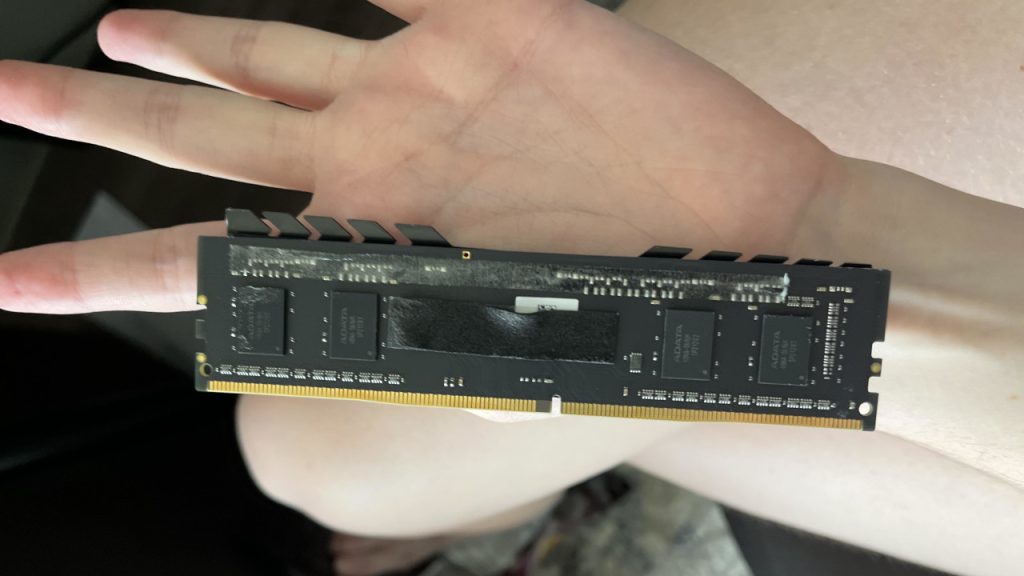
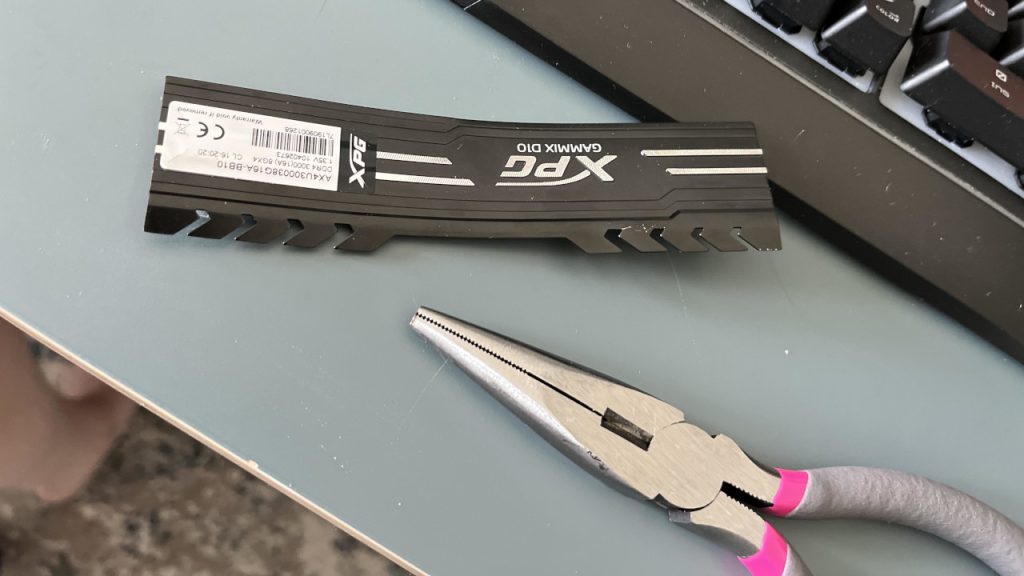
How was the problem solved? The Reddit user’s girlfriend decided to completely remove the heat sink from the RAM. However, this is not without risks. If done incorrectly, memory chips could be ripped out of the RAM, damaging the module and rendering it unusable.
Is this the end of the story? No, not quite. His girlfriend was able to remove one side of the heat spreader without damaging the RAM. However, she decided not to use the RAM module further.
Instead, she preferred to buy new modules and treat herself to an upgrade to 32 GB DDR4 RAM for her computer.
Some gamers also get huge luck when buying RAM and receive more than they ordered.
Useful tips to avoid trouble when buying/upgrading RAM
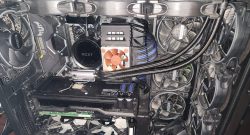
What should one consider when buying RAM modules? In addition to storage capacity and speed, the installation height of the desired memory should also be checked. Otherwise, it may occur that it collides with the cooler or fan of the already installed processor. This makes installation difficult or renders it impossible.
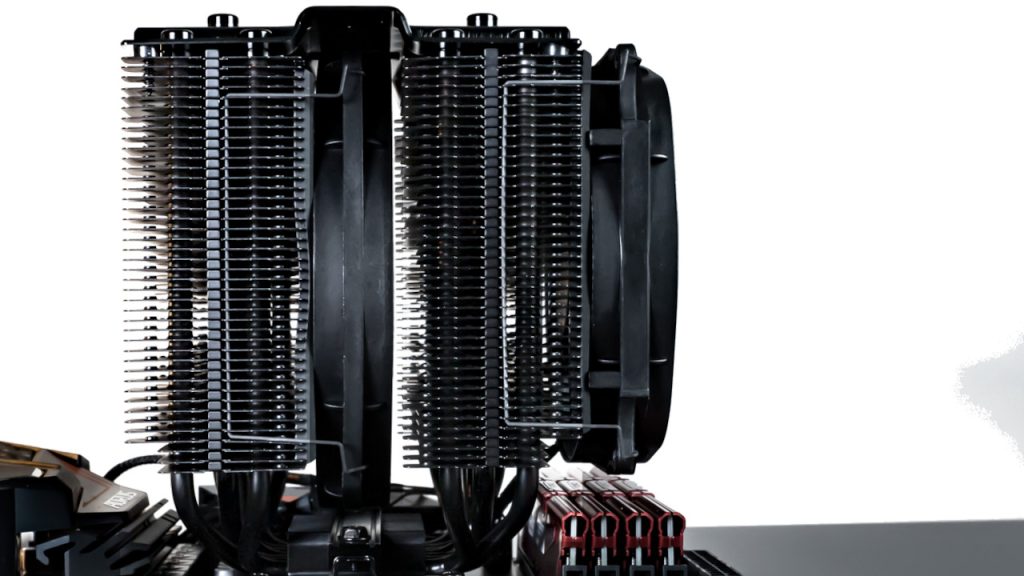
Low-profile RAM is characterized by a low height and avoids such problems from the outset.
Are there other options? If you already have the RAM in front of you, you can alternatively look for a CPU cooler that does not extend over the RAM slots after installation.
With some models, you can attach the fan not only on the side with the underlying RAM but also on the opposite side of the processor cooler.
Does RAM necessarily require a heat spreader? No, it depends on what temperatures the module reaches during operation and how warm your computer gets inside.
Excessive temperatures can lead to throttling or system instability. If you have adequate cooling with multiple case fans, this should generally not be an issue.
This gamer makes a big mistake during the assembly of his PC:

Your opinion is important to us!
Do you like the article? Then let us know!