A gamer wants to play Civilization on his PC. However, the game tells him that his graphics card is too weak. This is not an unusual problem when trying to use old games with new hardware.
Our title image is a symbolic image.
A player explained on reddit that he wanted to play the popular strategy game Civilization IV. But after starting, he receives a warning message from the game: His hardware is too weak, so the game has lowered the graphics settings.
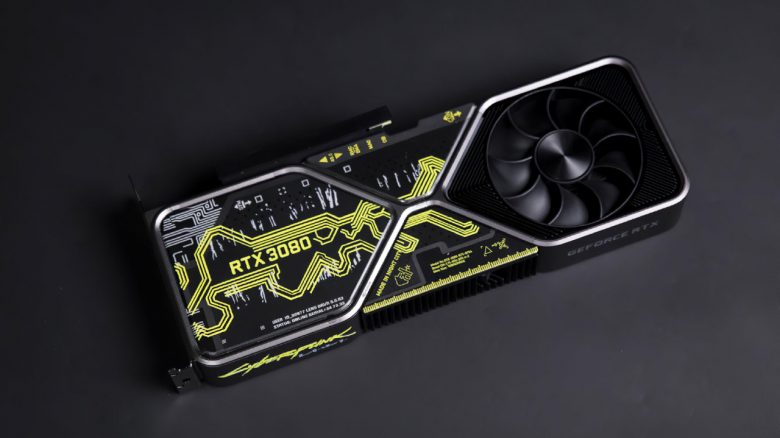
This surprises him, as he has current hardware in his PC with an i7-12700K and an RTX 3090. Consequently, the community is amused. Some are already mocking that 24 GB of video memory is simply too little in 2023.
He would need at least 32 GB of video memory, which at this point is not offered by any gaming graphics card. After all, you can install games on the 25 GB video memory of the RTX 3090, if you want to.
In fact, the “problem” is not unusual when trying to play older games with new hardware.
Old games often cause issues with new hardware
Those who upgrade their gaming system and want to play old, popular games will often encounter error messages and warnings. Older games no longer function well with the new hardware. In the best case, there is only an internal error message, in the worst case, the game simply crashes. Here are just a few examples:
- For example, if you want to play the old shooter Fallout 3, you will struggle with crashes and issues if you have installed new hardware.
- If you want to start the older strategy game Spellforce, you will experience graphical issues with menus on a modern Radeon graphics card (RX 6000 series or newer).
- The game “Settlers III” struggles with unpleasant micro-stuttering when you want to use a processor with more than 2 cores.
- Some games cannot even be installed because they believe that the installed hardware is too weak.
- Old games sometimes exclude graphics settings because it is assumed that the hardware is not good enough.
Can such problems be solved? In many cases, the games are already so old that the developers have long stopped supporting them. Often, only tricks or workarounds help to get the games running again. Sometimes, simply reinstalling DirectX or installing the PhysX software package from Nvidia (e.g., for the action RPG Sacred 2) helps.


In some cases, however, the “problems” are only half as dramatic as they sound. Because games like Oblivion or its successor Skyrim also fail to recognize the installed hardware and set the settings to low. However, the game does not prevent you from raising the graphics settings back to maximum afterwards.
But it is not always easy to raise the graphics settings again. A user who recently bought an RTX 4090 found this out: