

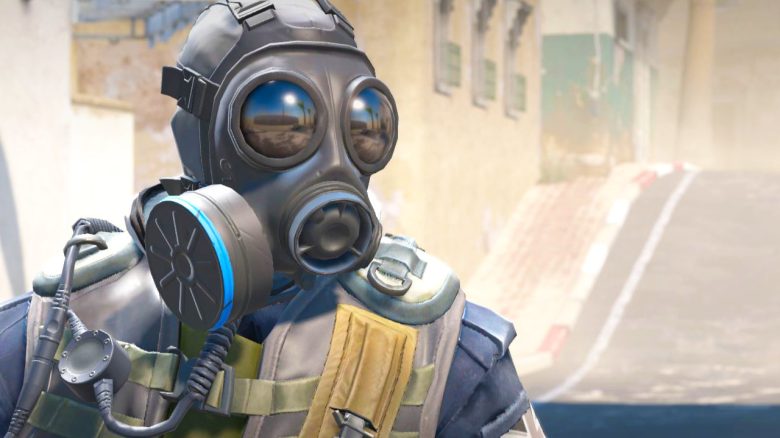
A gamer can only use one hand after a stroke, but he has found a way to still play Counter-Strike 2.
Who is the gamer? On Reddit, a user named “ExitAcrobatic9844” shared that he plays the tactical shooter Counter-Strike with just one hand. The user’s real name is Andrew, and he reports that he had a stroke at the age of 13 after an aneurysm in his brain ruptured. He survived, but the stroke resulted in him being unable to use his left hand.
Before he suffered the stroke, he enjoyed playing video games, Andrew reports in his blog OneHandReview. He thought his gaming days were over, but then he discovered a gaming mouse with 12 thumb buttons, which are often used by MMO players.
Gamer needs no keyboard, does everything with the mouse
How does he play now? Andrew shares in his blog that at some point he discovered the Razer Naga V2 Pro. MeinMMO has tested the Razer V2 Pro for you: this is a gaming mouse designed for playing MMOs.
The mouse gives players the option to vary the number of available thumb buttons. You can choose between 2, 7, and 12 thumb buttons. Additionally, the mouse has more buttons on the top. In total, the mouse has up to 19 different freely programmable buttons.
Andrew had to find a way to play games using only one hand and looked for a way to perform as many actions as possible through the mouse. With the Razer Naga V2 Pro, he was able to experiment and test the different attachments.
Even with the version that had 7 buttons, he noticed a significant difference, but the attachment with 12 thumb buttons turned out to be the best solution. From then on, he could assign all possible actions to the mouse, thereby completely eliminating the need for a keyboard. This is normally used in Counter-Strike for actions such as running, jumping, or reloading.

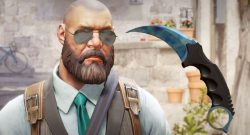
No retreat, only buttons for the offensive
How does his one-hand control work? Andrew has shared different settings for how he plays his favorite games using just the mouse. In Counter-Strike, he uses the following button layout:
- Right Mouse Button: Move forward
- Left Mouse Button: Shoot
- Scroll Wheel Up: Jump
- Scroll Wheel Down: Reload
- Thumb Button 1: Move left
- Thumb Button 2: Move right
- Thumb Button 3: ADS (aiming down sights)
- Thumb Button 4: Crouch
- Thumb Button 5: /
- Thumb Button 6: Use
- Thumb Button 7: /
- Thumb Button 8: Inspect (viewing the weapon / skin)
- Thumb Button 9: Buy Menu
- Thumb Button 10: /
- Thumb Button 11: Scoreboard
- Thumb Button 12: /
- Top Button 1: Microphone
- Top Button 2: Drop (dropping weapons and gadgets)
The interesting thing is: Andrew apparently does not have a button assigned for moving backwards, even though he still has buttons left over and even has a button for inspecting the skin. On Reddit, some commentators joke that he knows no retreat, only the offensive. He has the perfect fragging mentality. Overall, many players respect him for finding a way to play a competitive shooter like CS2 with just one hand.
Andrew is not the first player we’ve reported on who plays Counter-Strike with just one hand or one arm. The streamer “xirilikika” shares a similar fate and is partially paralyzed after a stroke. She too found a way to continue playing Valve’s tactical shooter, but she uses her entire arm: This streamer plays CS:GO with just one hand and makes spectacular kills

Your opinion is important to us!
Do you like the article? Then let us know!