

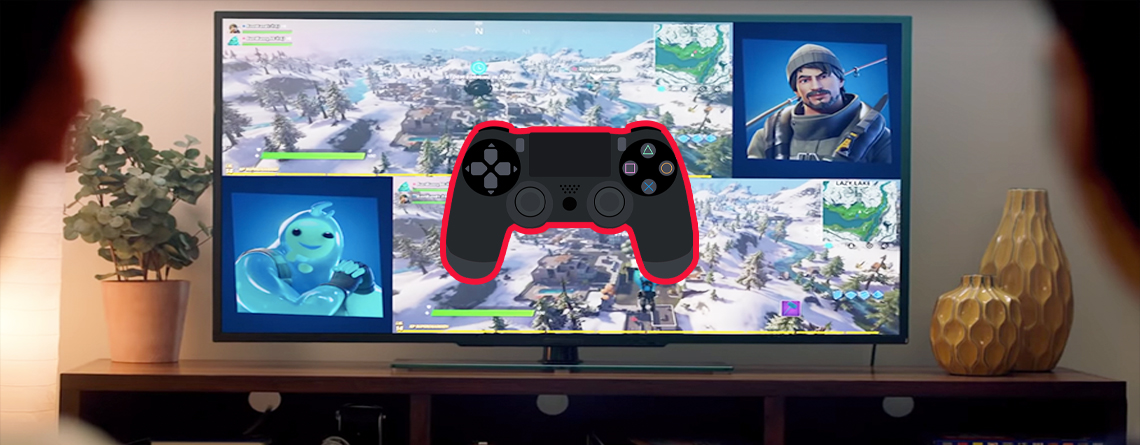
The splitscreen mode in Fortnite Battle Royale is a feature on PS4 and Xbox One. But is the feature available on PC and Nintendo Switch? We explain to you in this English guide how to set it up and where you can use it.

What does the splitscreen bring? This feature in Fortnite allows you to play with your friends on a PS4/Xbox One. You can log in on the same console and simply share the screen.
The splitscreen was introduced with the Update 11.30 for Fortnite Battle Royale. Here you can also see the official trailer for splitscreen in Fortnite:
This is how splitscreen works on PS4 and Xbox One
To set up the splitscreen on PS4 and Xbox One, we have compiled a tutorial in English that explains how the feature works exactly.
For advanced users, there is a brief “Step by Step” guide here. We will go into more detail about this in the section below.
- Log in 2 players on the console
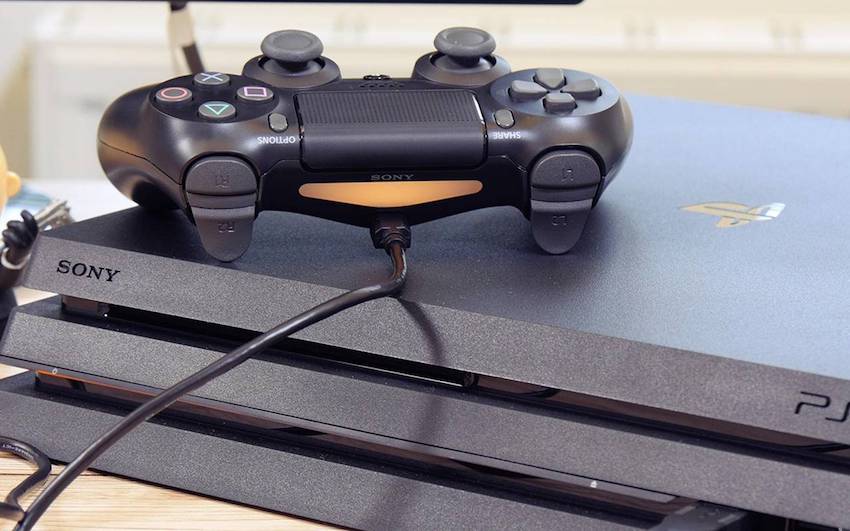
Connect the 2nd controller to the console with a charging cable and log in the second account
- Log in to Fortnite
Open Fortnite and add another player in the lobby.
- Start Fortnite game
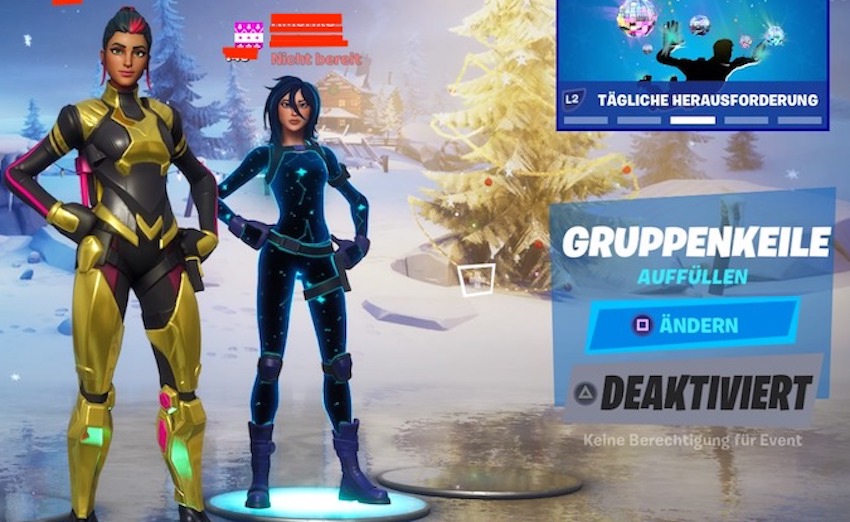
Once both players are in the Fortnite lobby, you can normally start a duo or team game.
- Splitscreen gets activated
The match starts, and your screen is divided into 2 halves. You did it, and can now play together.
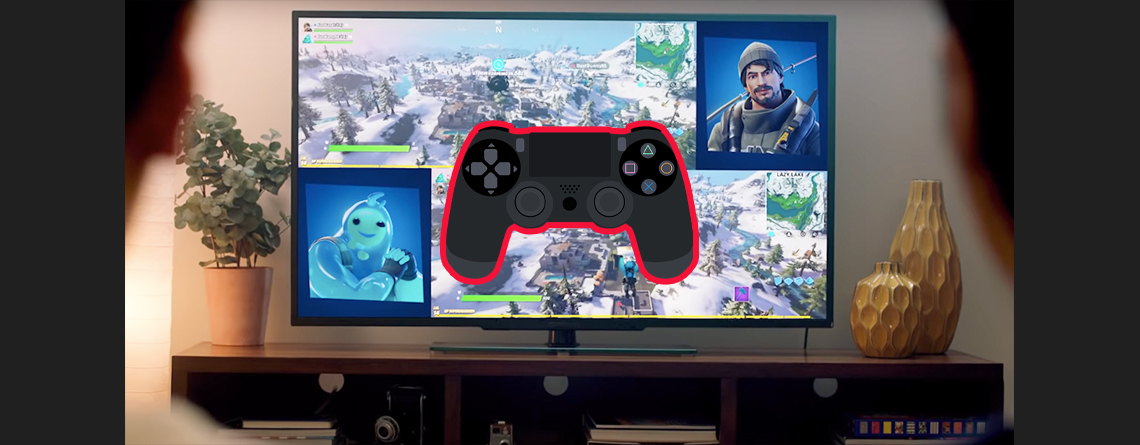
I, Eilyn, tried the splitscreen feature on PS4 myself. I noticed that the process isn’t that difficult, but without a guide, I wouldn’t have known what to do. Therefore, we have prepared a more detailed guide for you.
1. Step: Log in both players on the console
How does it work? The player who owns the console turns it on first as usual. Thus, he is already logged in.
Now, however, the 2nd controller needs to be connected. For this, you connect the 2nd controller to the console with the charging cable and press the home button.
A new window will open, and you can either select a saved account or log in a new user.
The 2nd player should definitely log in their PS4 account linked with the Fortnite account. Otherwise, you won’t have access to your Epic account.
Once both players are logged into the console, you switch to the owner’s account. There you can now start Fortnite.
Important: If you want to use splitscreen on Xbox One, only player 1 needs an Xbox Live Gold subscription.
2. Step: Log in to Fortnite
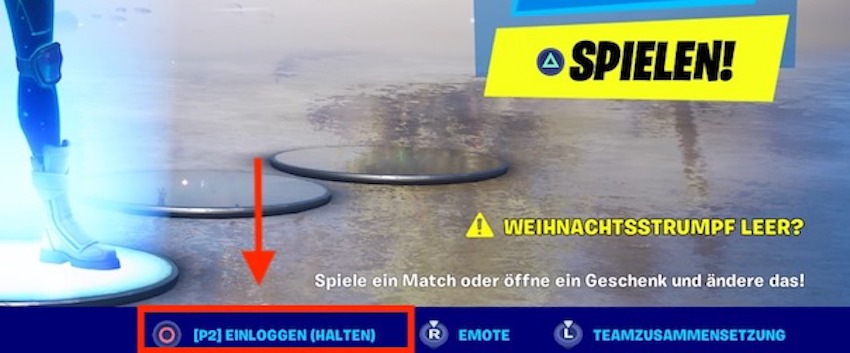
What do you need to do? Now that you have opened Fortnite and are in the lobby, you still need to log in the 2nd player.
For this, you will find a function at the bottom right that shows you which button to press for the 2nd player to join the lobby. It says: (P2) Log in (Hold).
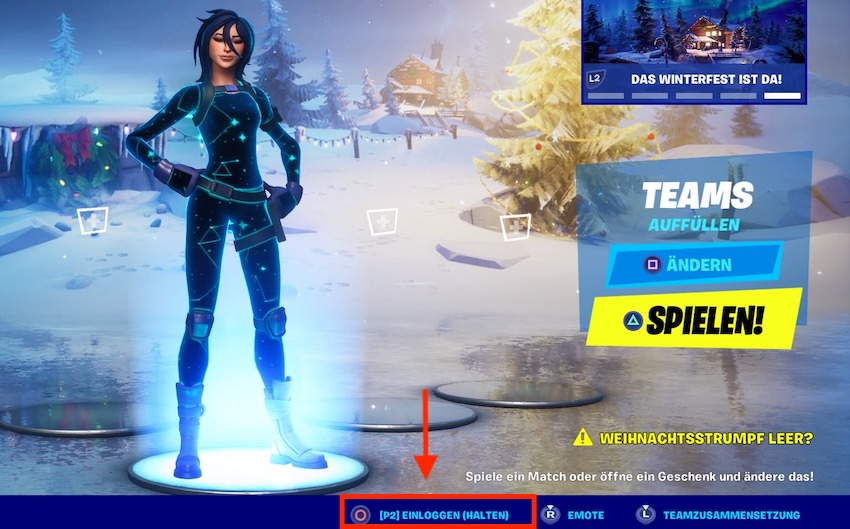
Now hold that button down. Afterwards, a window will open that looks similar to the login window. A few seconds later, both players will be in the lobby.
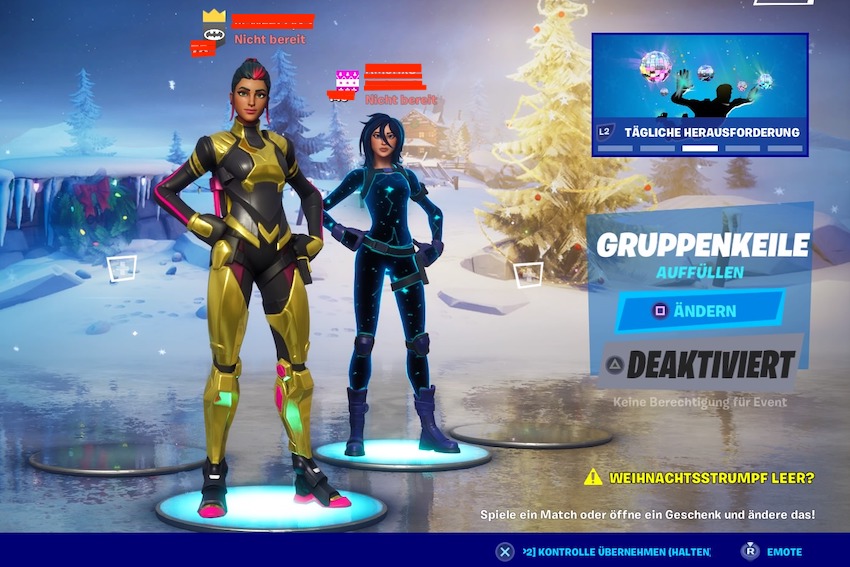
The splitscreen feature is still in its early phase. Therefore, only the modes “Duo” and “Teams” are possible with this feature.
3. Step: Start Fortnite game
What do you need to do? Now you can start the game normally. You join a server.
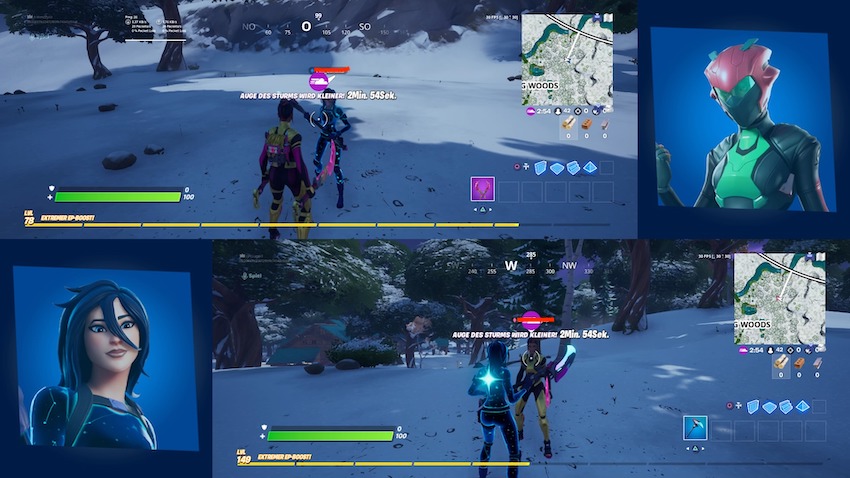
If everything worked, you will now have a split screen. You can see both characters on the monitor. To avoid confusion, a picture of your skin will be displayed next to your game image.
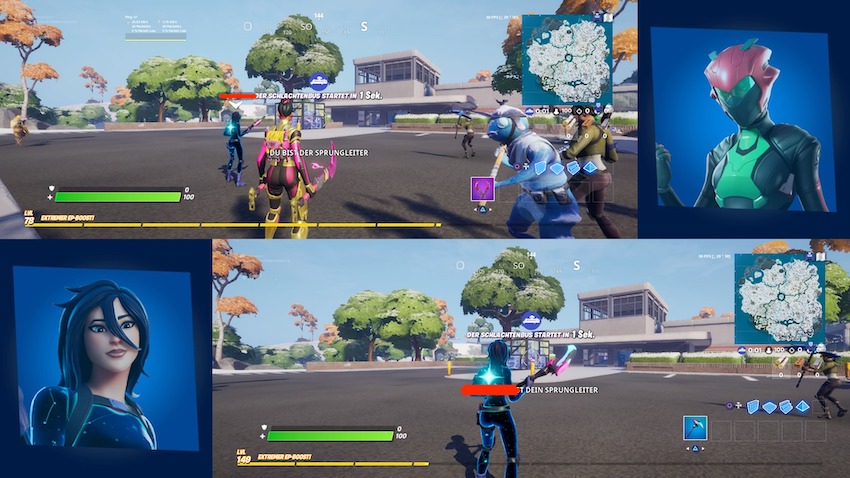
Is splitscreen not working perfectly?
As mentioned, I tried the splitscreen on PS4 myself. Although I find the feature good and practical, and the sound is not affected, there are still a few things that do not work as I would like:
- The quality is a bit worse and the game does not run as smoothly (the FPS are divided: 30 FPS per player)
- The emotes do not work. I would have found that particularly cool and it was a shame that it doesn’t work (hopefully just a bug)
Does splitscreen work on PC and Nintendo Switch?
An additional drawback is that splitscreen is currently only available on the PS4 and Xbox One consoles. You cannot start a splitscreen on your PC or Nintendo Switch.
As the feature is still in the testing phase, this could still be added so that you can access it on other devices.
What do you think? How do you find the splitscreen feature in Fortnite?


Your opinion is important to us!
Do you like the article? Then let us know!