
In Fortnite, the servers will go down today, May 17, on all platforms (PC, Mac, PS5, Xbox Series X/S, Xbox One, Switch, Android). The maintenance will be used to upload the new update 20.40 to the servers. Preliminary patch notes for the update can be found here.
What is happening today in Fortnite? This time you can expect a patch, and the servers will be taken offline for maintenance and the new patch 20.40.
The patch brings new skins, wild weapons, and possibly changes to the map. To make sure you don’t miss anything, we at MeinMMO will regularly update this article throughout the day for you.
In the meantime, you can listen to our podcast about the rise and fall of Fortnite:
Important times for the server downtime today in Fortnite – When and how long will it be offline?
This is the downtime in the morning: The servers are expected to go down at 10:00 AM our time to install update 20.30. The matchmaking will already be disabled 30 minutes prior, so you won’t be able to search for new rounds from 09:30 AM.
When can you play again? The servers are usually offline for several hours during such maintenance and playing will not be possible. The downtime is expected to last between 30 minutes and 2 hours. This has been shown by the updates of the past weeks.
During such maintenance, there can also always be technical problems, bugs, and delays. If such complications should arise, we will report them to you immediately here.
When will the patch notes come? Epic Games has not published patch notes for a while now. However, community members usually find and report changes quickly. If there are still important changes, we will also update this article for you.
What new content does update 20.40 bring?
What’s new for the Battle Royale mode? Concrete statements from Epic Games regarding the contents of patch 20.30 are not yet available. However, leaks and data miners have often proven to be reliable sources in the past. These changes are certain:
Wild Week: Flip World Chaos
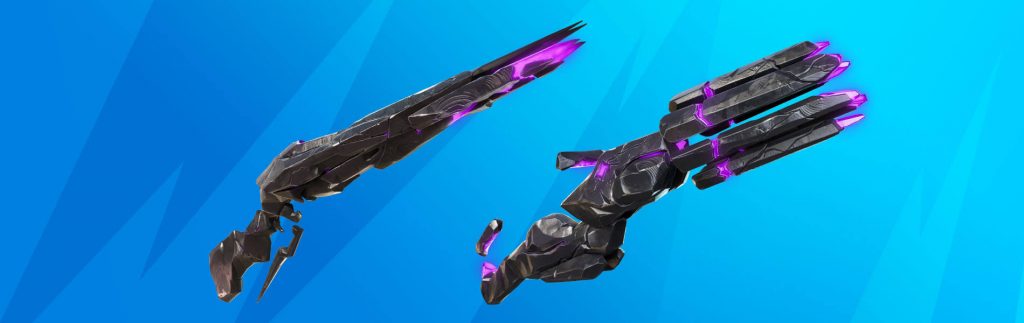
Since the release of the update, the theme week “Flip World Chaos” has been running. It runs until May 27 and allows you to obtain the Flip World Rifle and Minigun from chests. However, to upgrade the weapons, you no longer need cube monsters, but a workbench. Additionally, Epic will provide new XP tasks that you can complete with the weapons.
Voting begins for Shield Bubbles or Balloons
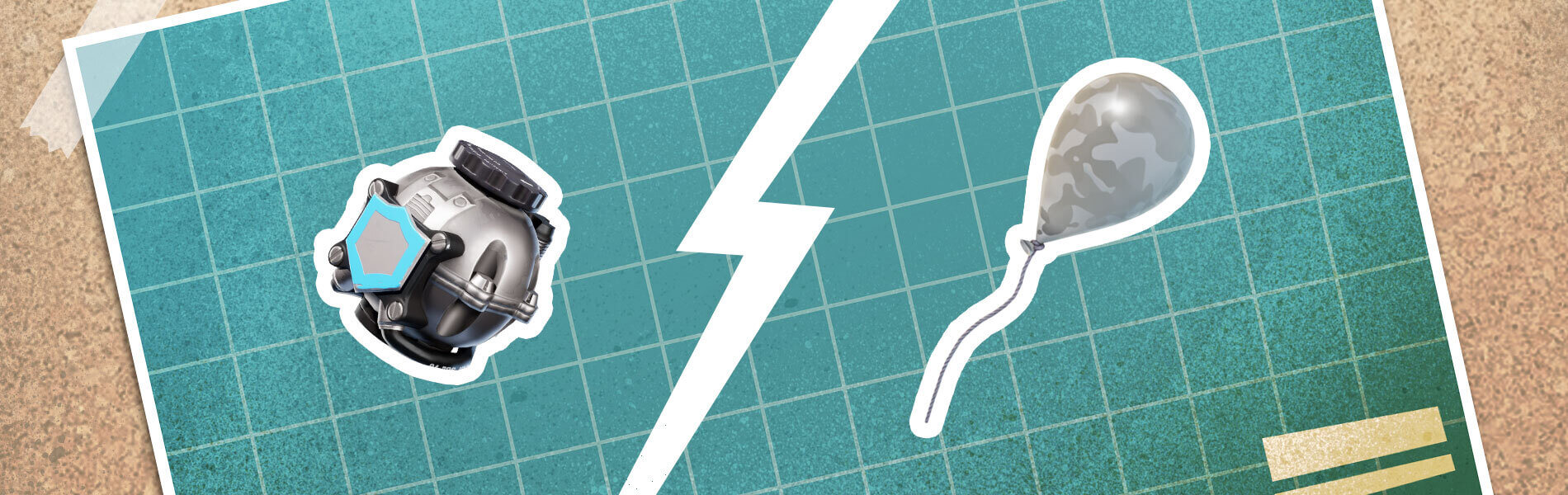
The testing phase for the two gadgets is over, and now you have the chance to vote in the biggest POIs for your favorite. If the community donates enough gold, one of the two items will be made available.
More strategic items for Zero Build

Fortnite has increased the likelihood of rewarding you with useful items like the Cow Catcher thanks to the temporary event “Trick Shots from the Vault”. However, Epic decided to permanently increase the likelihood in Zero Build mode so you can benefit from the goodies more often.
Shared Wallet helps you with your V-Bucks
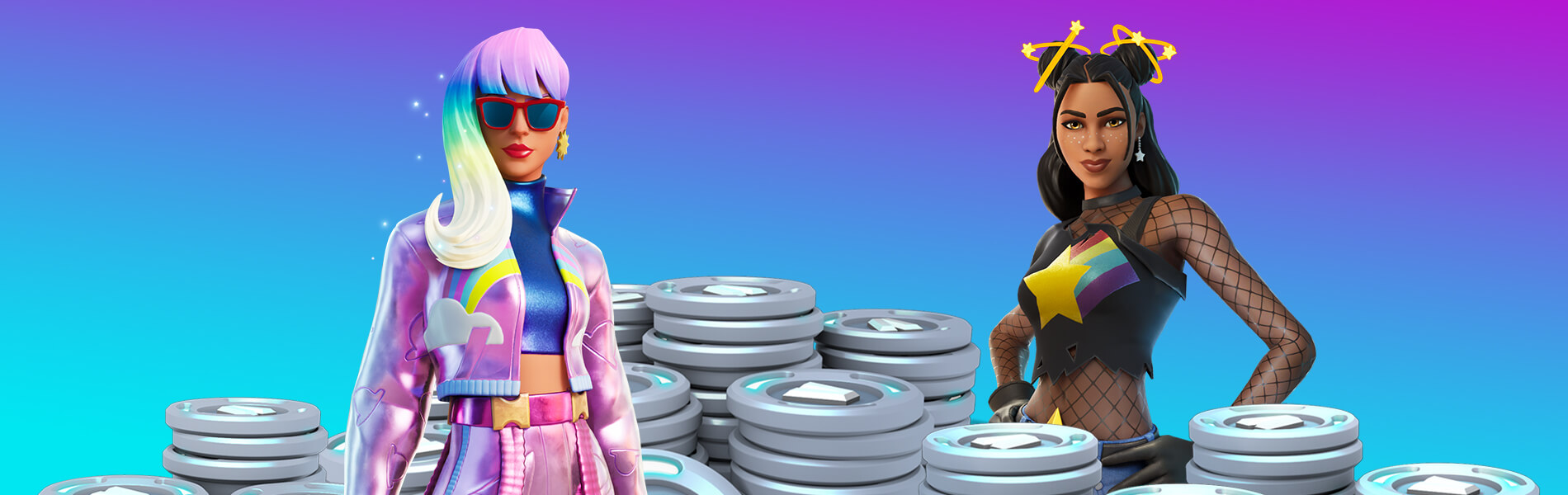
Epic has implemented a system with today’s update that aggregates your V-Bucks across the following platforms:
- Playstation
- Xbox
- Android
- Cloud Gaming Services
So if you had V-Bucks on Xbox, they will now be visible on all listed platforms and added to your existing amount.
Latency reduction PS5 and Xbox Series X
Epic has worked a lot on the performance of the next-gen consoles for Fortnite to ensure a clean 60 FPS on your screens. Now your controller’s input lag has been reduced as the developers have activated a suitable option in the settings.
PS5 and 120 FPS in Fortnite
Thanks to Fortnite, you can now manually set whether you want to play with 120 FPS in Fortnite. To do this, follow these steps:
- Open the Settings in Fortnite via the sidebar.
- Select Graphics.
- Set the 120 FPS mode to ON.
- Select Apply.
Changes for the server region “Middle East”
As players in the Middle East are struggling to manage decent matches due to high pings, Fortnite has automatically changed their server settings to “Automatically”.
This connects players to servers from Asia or Europe to ensure better ping. However, if you change the setting arbitrarily, you will have to expect high pings again.
Competitive notes
- Automatic replenishment in Arena has been activated.
- The Flip World weapons that are brought back from the vault during Wild Week are not available in competitive modes.
- The winner of the vote between the Shield Bubbles and the Balloons will not come from the vault for competitive modes.
Important bug fixes
- A bug has been fixed that caused players not to receive social notifications when they were in a party and in a match with another player.
- A bug was fixed where the UI of the Anvil Rocket Launcher was not displayed.
What do you think of the constant updates that Fortnite feeds with new content? Do you think it’s cool that Epic is making the effort, or are the constant updates getting on your nerves? Let us know in the comments!


