

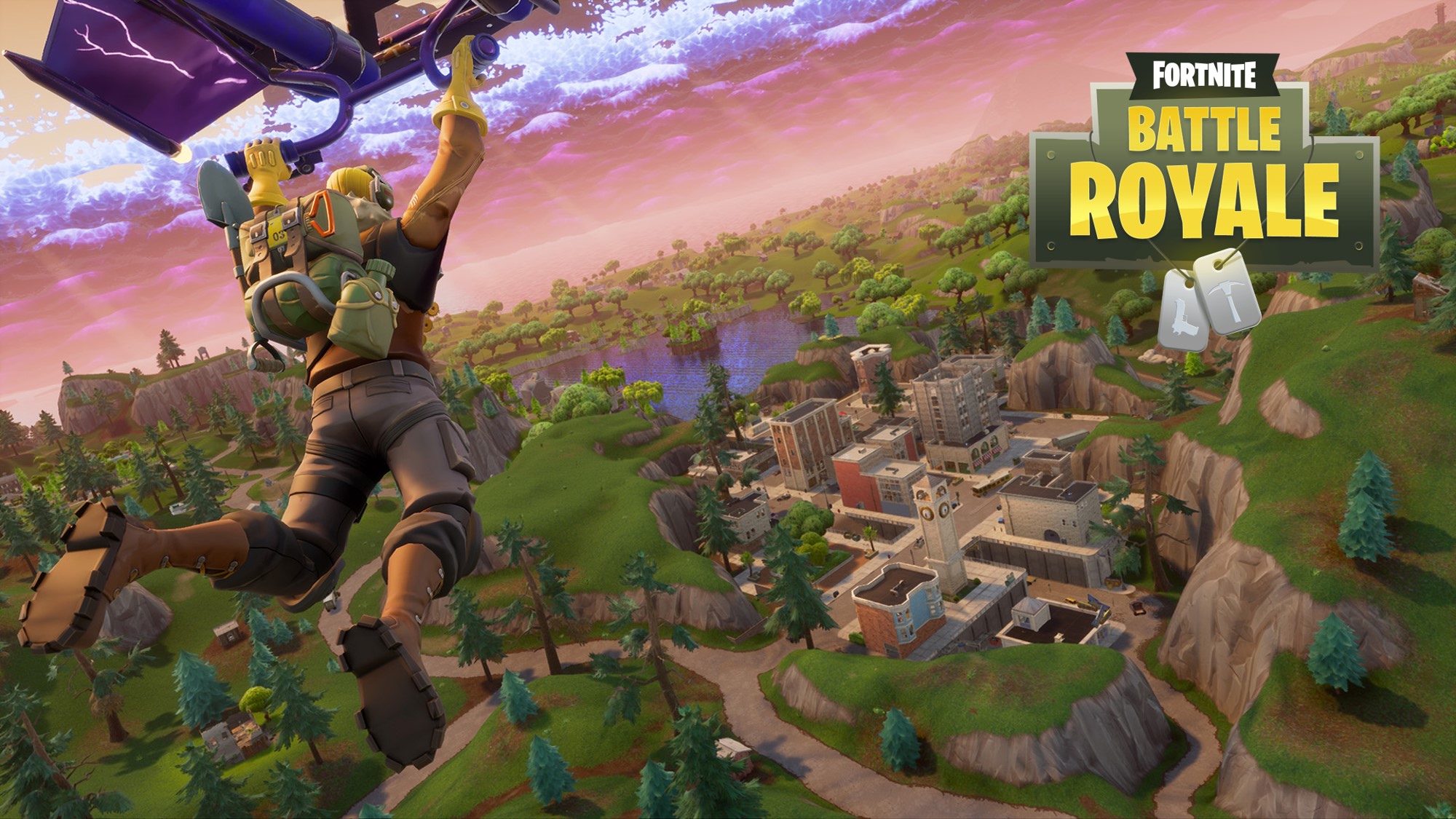
For several days now, players worldwide can play Fortnite: Battle Royale on iOS devices, provided they have received an invitation. What are the differences compared to the version on PC, PS4, and Xbox One? Is Fortnite even fun on the touchscreens of mobile phones? We put it to the test!

If someone asked me what the biggest hurdle to mastering Fortnite: Battle Royale is, I would probably answer that the precise coordination between items and building mode is a key factor in one’s success.
Those with good reflexes have an advantage in such games. Terms like “situational awareness” (the ability to assess the situation and correctly derive one’s actions to successfully navigate a tricky situation) and “muscle memory” (the memorization of patterns and buttons) come up frequently in this context.
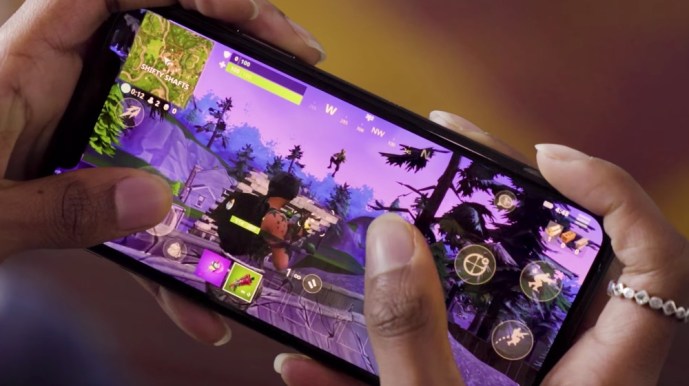
Can all these skills be properly utilized if one has to rely on a touchscreen that provides no haptic feedback instead of their usual peripheral device?
I took a closer look at Fortnite: Battle Royale – it’s worth it because the game looks really good. Tested on an iPhone 7 Plus.
Fortnite: Battle Royale for Smartphones – The Graphics!
Epic promises nothing less than the exact same game that players know from PC, PS4, and Xbox One. At least visually, Fortnite on mobile offers quite a bit. I haven’t seen a prettier mobile game yet.
Loading screen, lobby – everything looks just like on the big platforms. Of course, Fortnite on mobile can’t compete with the graphics of PC and consoles; anti-aliasing is reduced, details noticeably dialed back, and shadow rendering minimized.
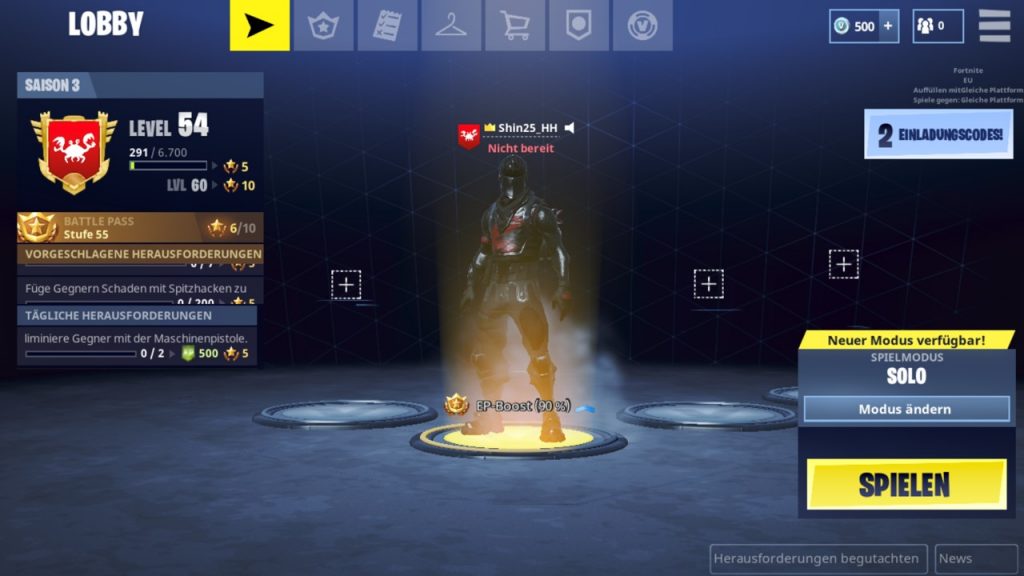
However, this does not detract from the overall graphic quality. Fortnite looks really good on smartphones and tablets.
Fortnite: Battle Royale for Smartphones – The Controls!
Running around, looking around, picking up items, firing and reloading weapons, placing and editing structures, and managing resources – can all of this even work with a touchscreen?
My anticipation took a hit after I started my first game. To walk around, you only need to slide your finger across the bottom left edge of the screen, a single tap activates the auto-run mode.
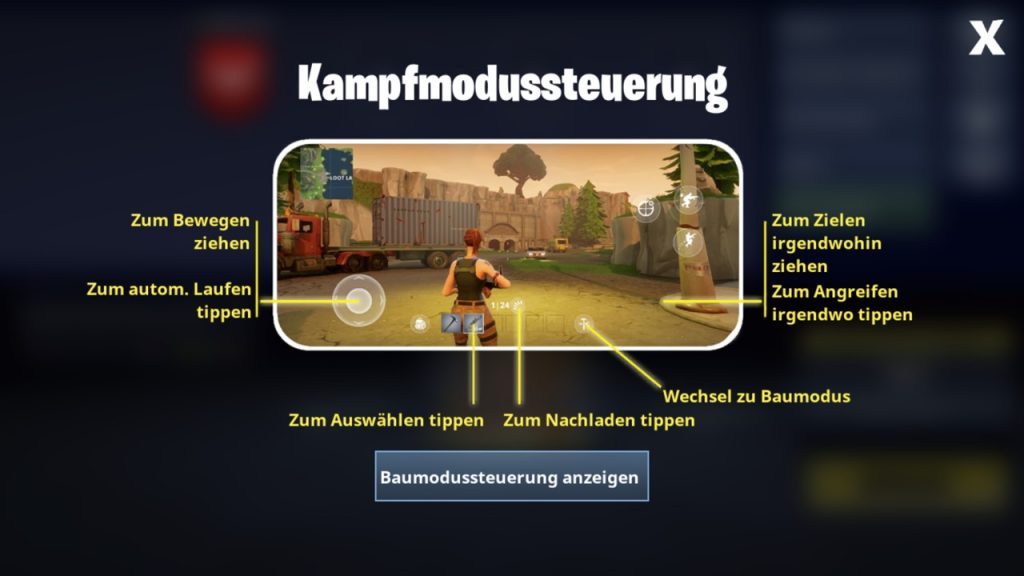
Looking around happens on the right side – so far, so intuitive. Unfortunately, a certain fool learned to play with inverted Y-axis in his youth (small spoiler: that was me) and can’t handle the controls without inversion anymore.
“No problem,” I thought – only to find that there is no such inversion option in the controls. Now, Fortnite: Battle Royale on mobile is still in its early stages, which rendered it nearly unplayable for me.
Of course, I tried anyway. The controls are intuitive, at least as long as you are not engaged in a fight and also want to build. Because then it gets hectic. Especially beginners may struggle with the control concept.
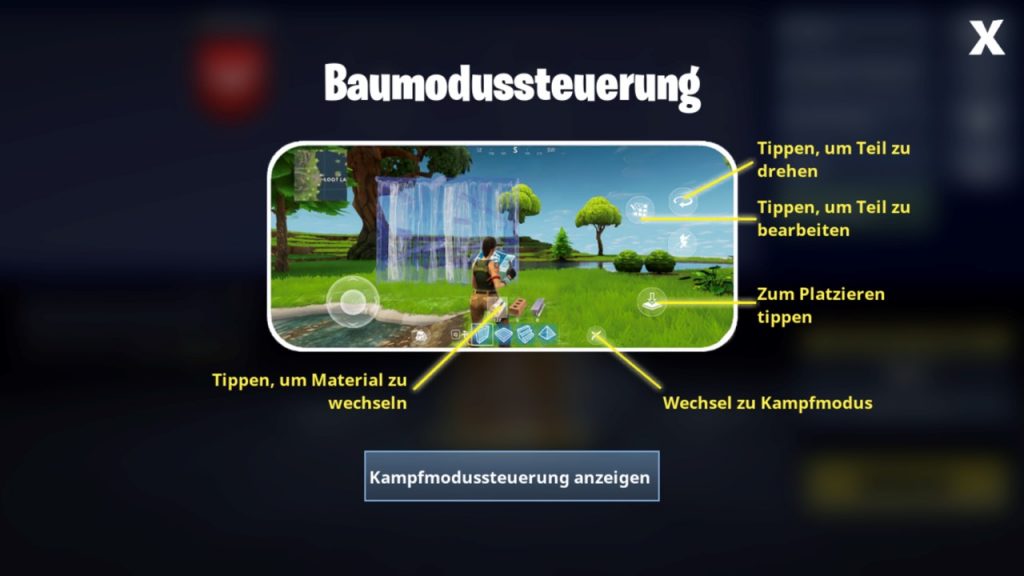
In combat situations, the weaknesses of the touchscreen controls become apparent. Real multitasking is not possible. One cannot look around and shoot an opponent at the same time without completely cramping their fingers.
Considering the natural limitations of a touchscreen, the controls can be learned with some practice, however, spectacular gameplay situations like on PC or consoles are considerably harder to achieve with a touchscreen.
Anyone who cannot manage with the touchscreen must wait until Epic provides controller support via patch.
Fortnite: Battle Royale for Mobile – The Performance!
The game ran very smoothly in most situations, even though I often struggled with lags. One thing is clear: Anyone who does not have a consistently stable Wi-Fi or LTE connection will have little fun with the game.
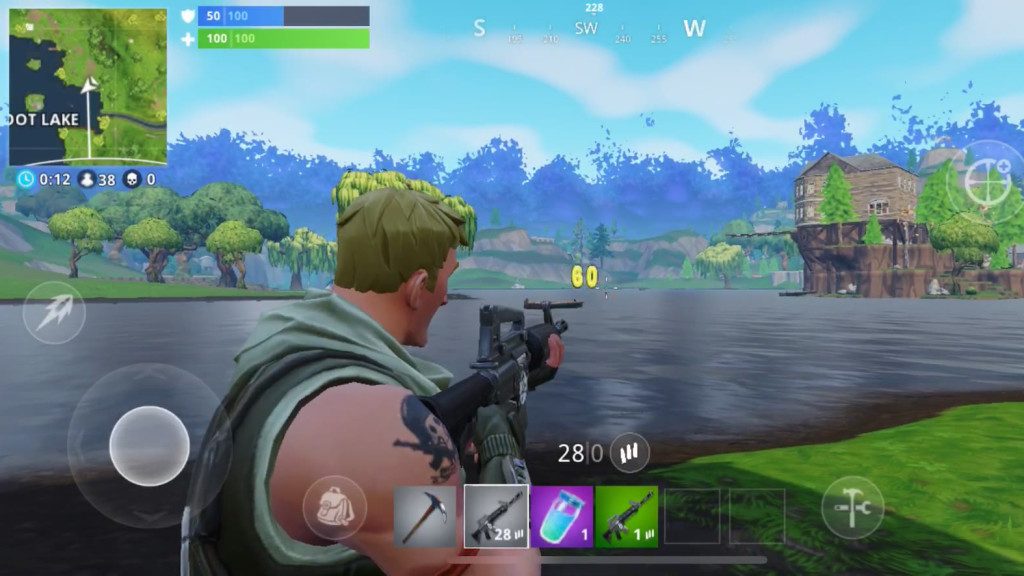
For the commuter who struggles with dead zones on their route, this game is not designed for. Aside from connectivity issues, the game ran surprisingly smoothly for me.
Fortnite does not consume data as much as I feared. Per round, depending on duration, you consume about 7 MB in the LTE network, which is an acceptable value. In terms of performance and efficiency, Epic has done a fairly good job.
However, Fortnite: Battle Royale takes a significant toll on the battery. A whole 15% was cost me for a complete round. Admittedly, my battery is a bit older – anyone who is frequently on the go should consider purchasing a power bank.
Fortnite Mobile: Runs well, but the controls …
Fortnite: Battle Royale looks really good on mobile devices. The game runs smoothly, with few exceptions. However, such a game concept relies heavily on the controls. That Epic did not offer camera inversion at launch is bearable.
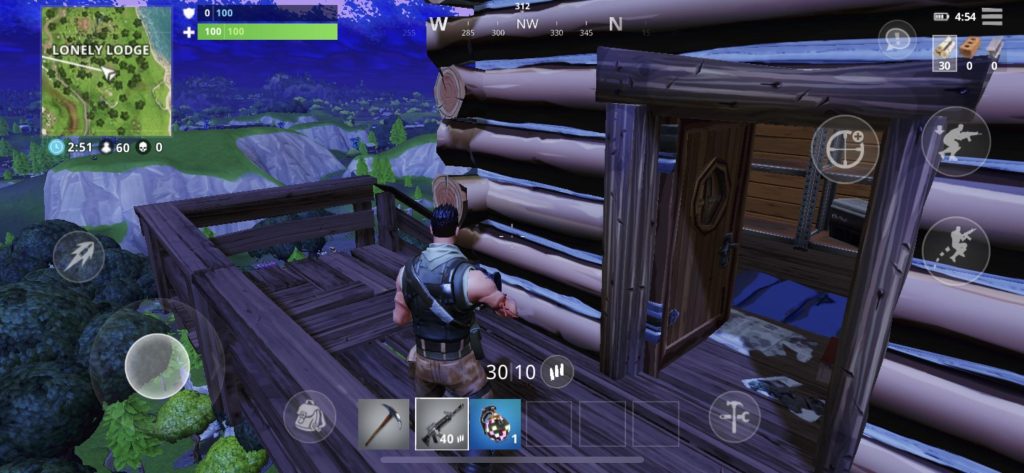
In hectic situations, however, the touchscreen controls cannot achieve results as spectacular as with mouse and keyboard or a controller. Those who invest the time and familiarize themselves with the controls will also enjoy Fortnite on the go.
For everyone else, it means waiting until Epic delivers controller support and more refined settings.
What do you think of the mobile port of Fortnite: Battle Royale?
How to sign up for Fortnite Mobile

Your opinion is important to us!
Do you like the article? Then let us know!