

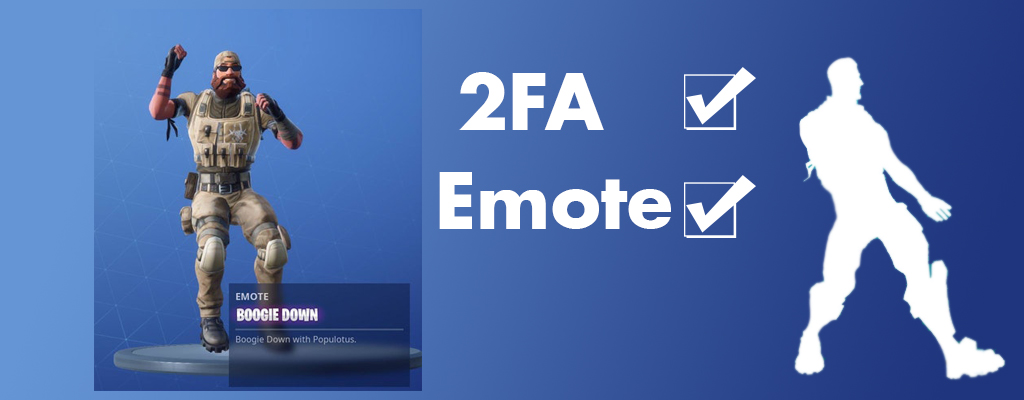
If you contribute to the security of your account in Fortnite, you will now receive a Boogie Down emote as a gift for activating two-factor authentication (2FA). Here’s how.

How to get the free glider: We have created a dedicated article for the Free Gift Glider and 2FA here for you.
What is behind the initiative? Fortnite is the largest game in the world, and many hackers have set their sights on players’ accounts. Epic helps players protect their accounts. But too few take advantage of the offer. Now Epic rewards anyone who secures their account.
What does the security look like? Because passwords can be easily cracked, there is a two-factor authentication. If you activate this, you must prove that you are the account owner by entering a code during login.
We will show you here how to activate 2FA for Fortnite and secure your Boogie Down emote.
Activate 2FA in Fortnite – It’s that easy
No drawbacks: With two-factor authentication, you actually only gain advantages. When you log into your Fortnite account, you first have to enter the code that is sent to you via email or app by the 2FA feature. A hacker would theoretically also need access to your email account (or smartphone) to hack into your account.
Without 2FA, only the username and password are needed for login. The advantages of two-factor authentication are therefore considerable.
Epic helps you with protection: Many gamers are not even aware of this security measure and do not activate it out of ignorance. Here Epic helps and even rewards players for activation. Those who set up 2FA protection will receive a cool emote as a reward.
How to set up 2FA: Visit either Fortnite.com/2FA or click on the “Password and Security” tab on the left side of your Epic Games account page. There, choose two-factor authentication under account security and activate it.
Code via app: If you don’t want to receive your code via email, you can also download authentication apps from the app store. Suitable options include:
- Google Authenticator
- LastPass Authenticator
- Microsoft Authenticator
- Authy
To activate the 2FA feature, the email address of your Epic account must be verified.
Get the Boogie Down emote
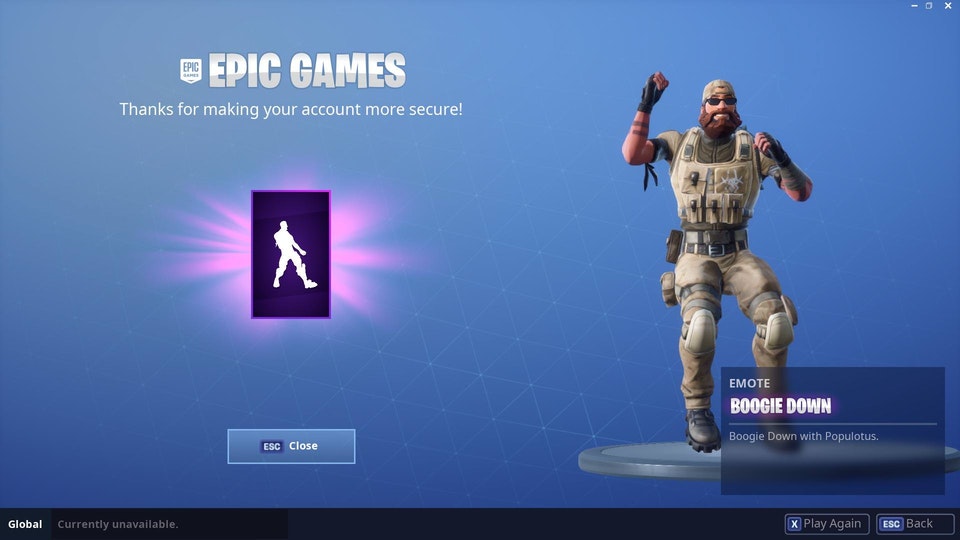
Once you have secured your account with two-factor authentication, you will receive the new Boogie Down emote.
Popup in Fortnite: In Fortnite, you will receive a popup that informs you about the 2FA protection. There, you can confirm that you have activated 2FA.
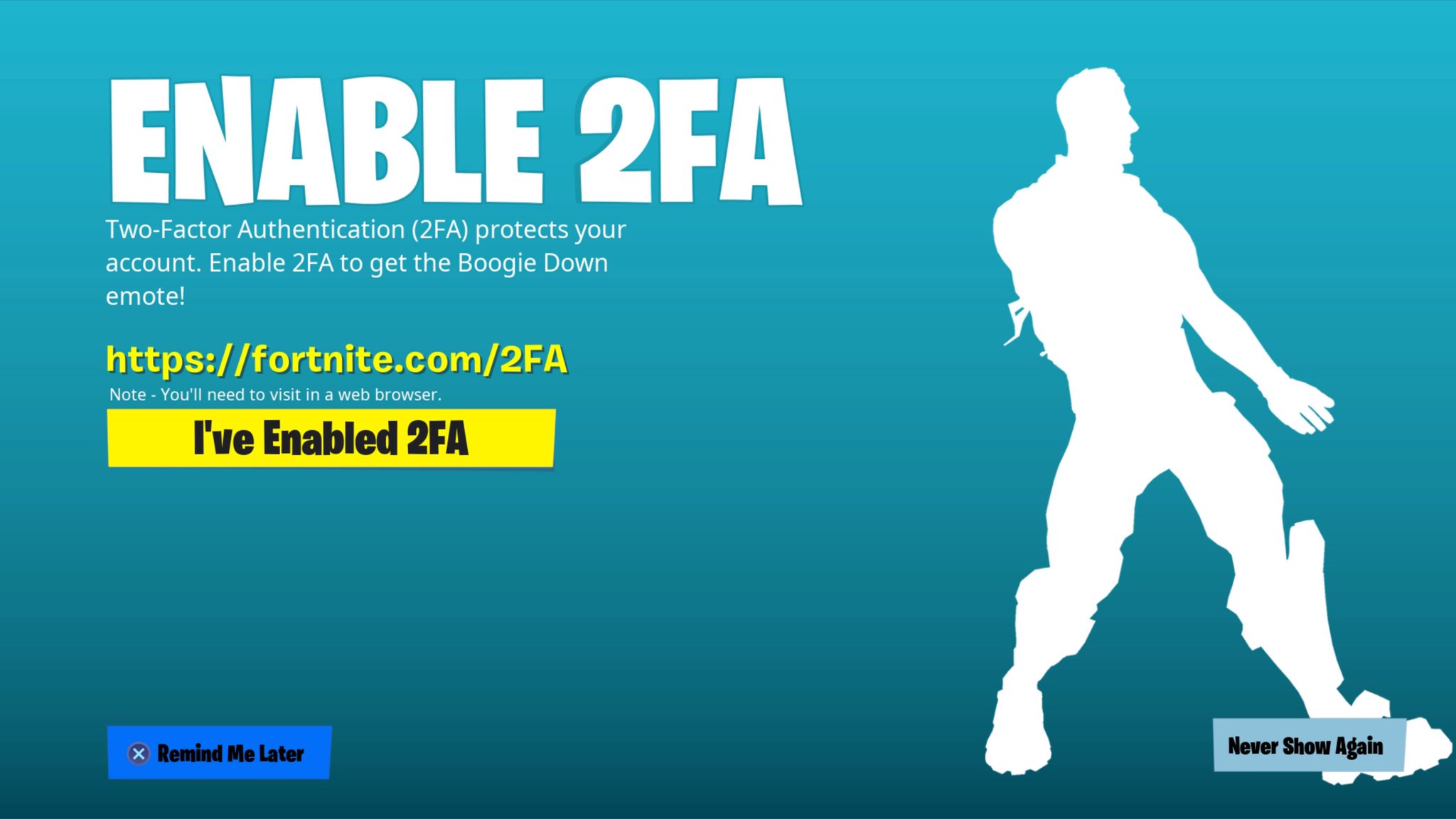
No popup, no problem: As players know on Reddit, it’s enough to activate 2FA as described above. You do not need to confirm the popup window in Fortnite. After activating 2FA, if you restart your Fortnite app, your new emote will be displayed.
Leak: These new outfits and cosmetics will be available soon in the Fortnite shop

Your opinion is important to us!
Do you like the article? Then let us know!