

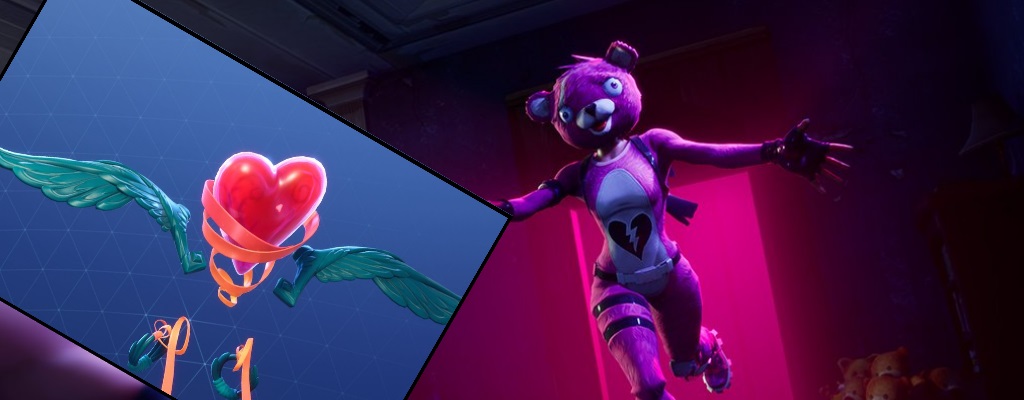
In Fortnite: Battle Royale, there is a new glider that you can get for free. But to do that, you need to gift it, and this can only be done with 2-Factor Authentication (2FA). We explain how to activate this feature and gift the item here.

Update – How to get the free banners: If you are after the free Doggus and Cattus banners, you can find a guide to it here.
What is 2FA? 2FA stands for “2-Factor Authentication“. It is a security measure that requires an additional code when you log in. Currently, you can obtain the code through either an authentication app or a confirmation via email.
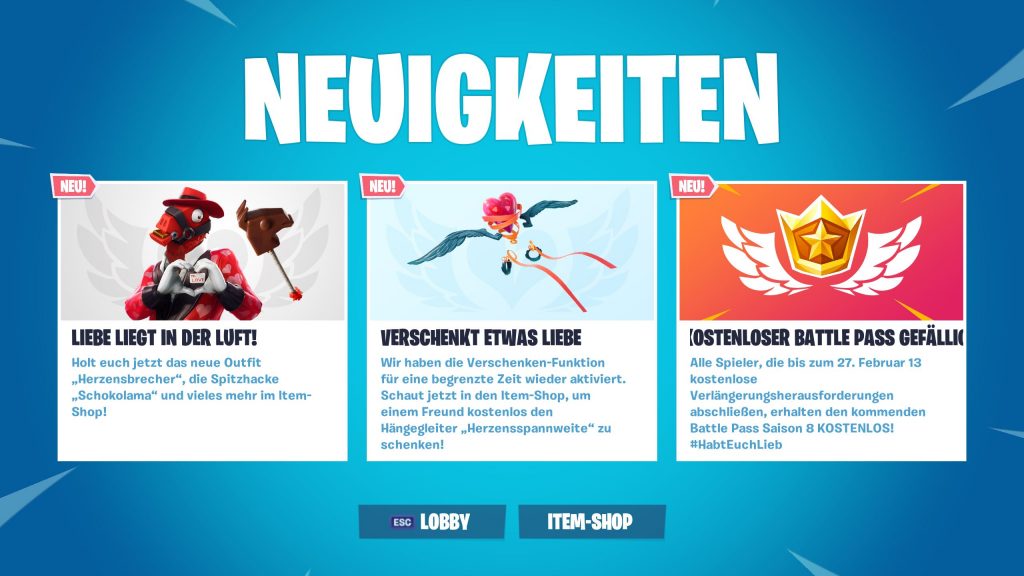
Why do I need 2FA? 2FA is not mandatory, but it makes your account safer against hackers. Plus, you also get a gifted emote when you do it. There’s also an additional benefit that applies today, on February 14th for Valentine’s Day.
How to get the free glider for Valentine’s Day
Currently, there is a glider in the shop called “Heartspan”. It is free, but can only be gifted. If you want it, you need a friend to gift it to you. Epic has reactivated the gifting option until February 16th, 2019.
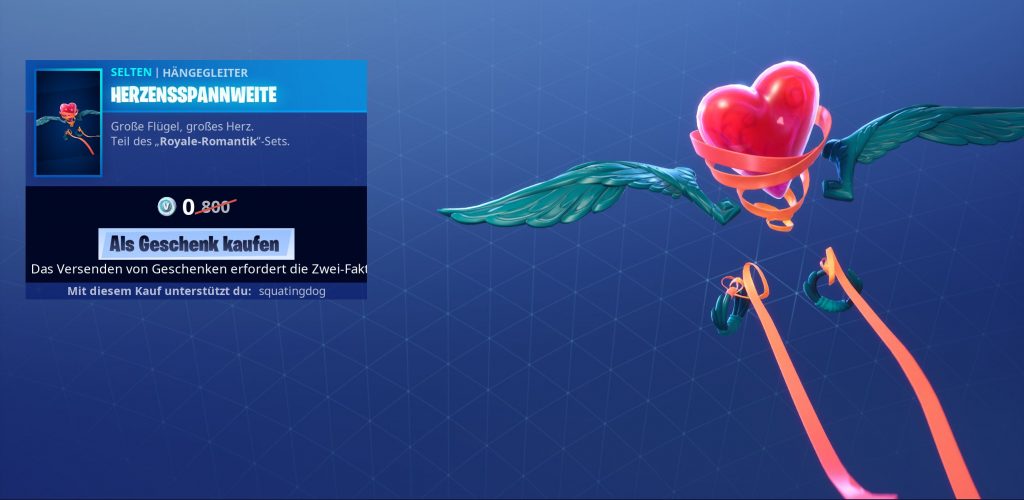
However, to gift something, you need a secure account, so 2FA is mandatory.
How to activate 2FA: Follow these steps, and you’ll soon have Two-Factor Authentication activated:
- Go to your Epic account settings and click on Password & Security. There you will find the security settings.
- Under the “Two-Factor Authentication” section, select to enable Authentication App or Email Confirmation.
Currently, the following authentication apps are supported for Two-Factor Authentication. You can find them in your respective app store:
- Google Authenticator
- LastPass Authenticator
- Microsoft Authenticator
- Authy
For Valentine’s Day, there are additional tasks where you can even get the new Battle Pass for free!
How to stay updated with Fortnite: You can find even more news, stories, and guides about Fortnite on our Facebook page that is all about Fortnite and its Battle Royale spin-off!


Your opinion is important to us!
Do you like the article? Then let us know!