

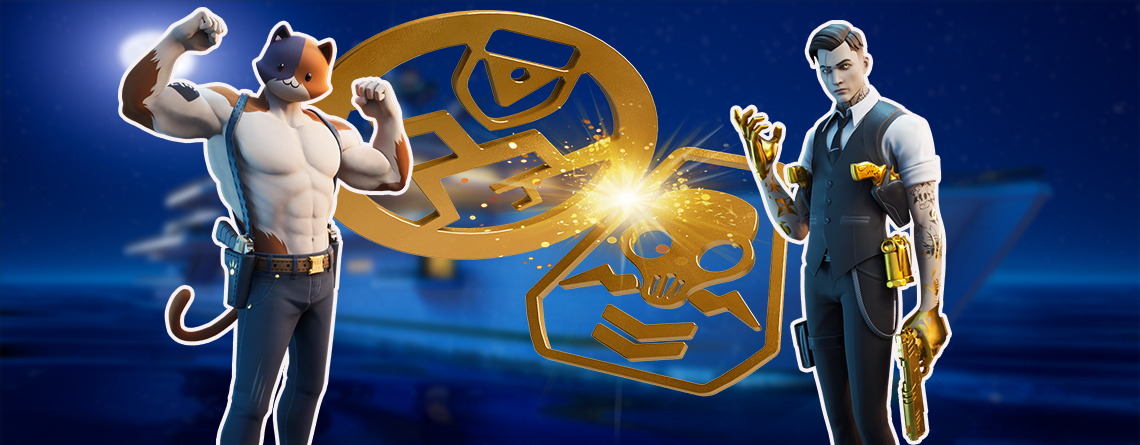
In Fortnite Season 2, you can assign your skins to the teams Ghost or Shadow and then unlock a style variant for each. We show you everything you need to know about it.

What are these teams in Fortnite? With the introduction of Season 2, Epic has introduced factions. There are the two teams, Ghost and Shadow. Your Battle Pass skins are agents that you can assign to these factions.
When you assign your skins to the teams, you unlock a style variant for the respective skin.
Assigning skins to the teams Ghost or Shadow
For you to assign your agents to the factions Ghost or Shadow, there are a few things you need to be aware of beforehand. We show you how it works.
Where can you choose the agents?
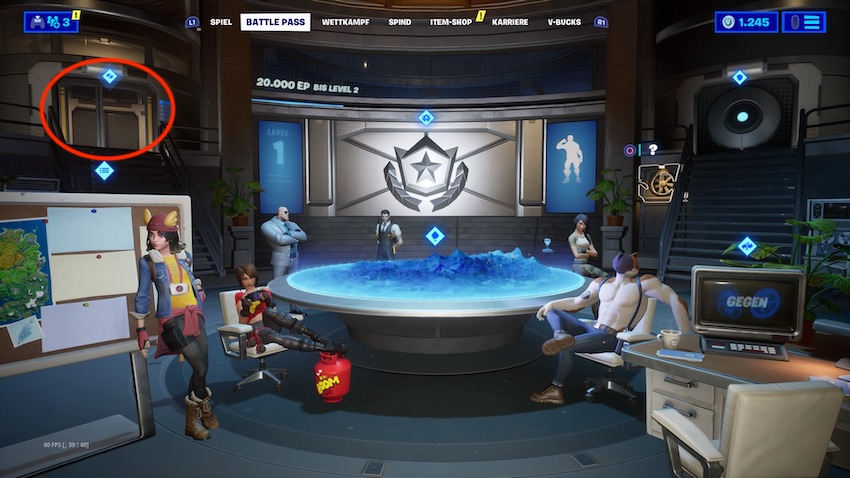
Where can you find the agents’ room? To assign your agents to the respective team, you first need to go to the Battle Pass menu. There you will find the agents’ meeting room.
On the upper left side, there is a room labeled “Agents.” Select the room to open the overview of your agents.
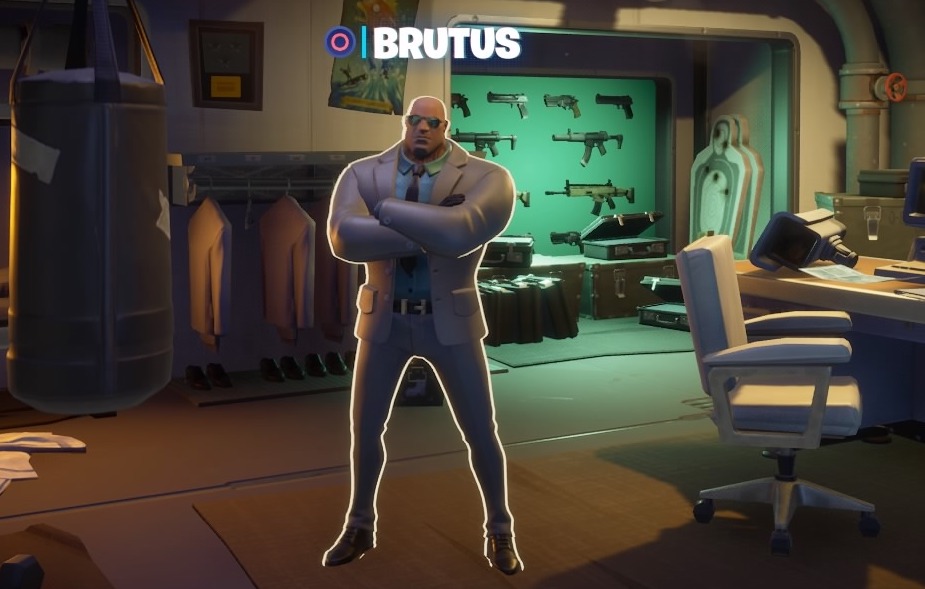
Where can you see the style variants? The first skin you can select is Brutus. Choose him to enter his office. Once you are in Brutus’ office, you can select him to see the 2 different style variants.
Can you assign each skin individually?
Do you have to choose only one team? You can assign your skins individually. This means you can choose for each individual agent whether they should belong to team Shadow or Ghost.
You do not have to limit yourself to just one faction, which then applies to all skins.
Epic Games also confirmed this on Twitter when they started a survey asking Fortnite players which team they would choose:
Can you change the style selection later? Once you have selected a style variant for an agent, that decision is final.
You cannot undo your selection afterwards. So choose wisely!
You have to complete challenges for each agent
What are these challenges? You cannot simply select the style variants for the agents but must first complete various challenges to unlock them.
Each week, there are 10 challenges for the agent that can currently be unlocked. For the first agent Brutus, there were 10 new tasks each on the two Thursdays. You have to complete at least 18 of these 20 missions for the style variant to become available.
This is what the style variants for the agents look like:
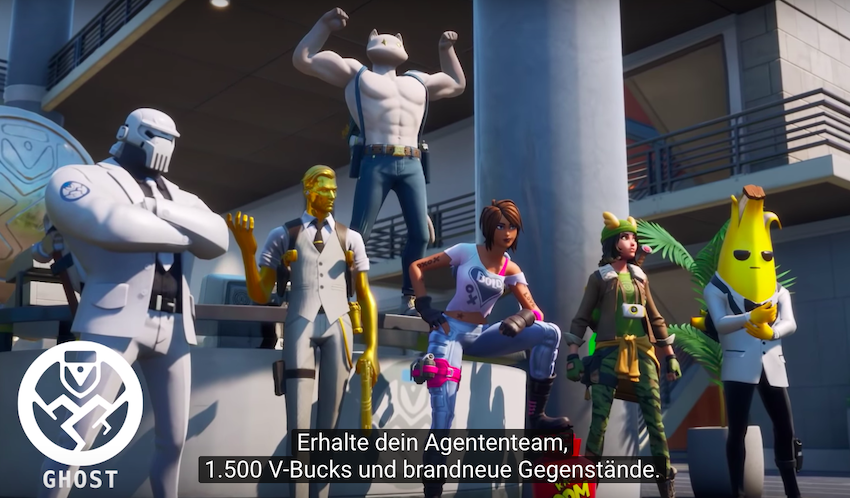
Ghost Team 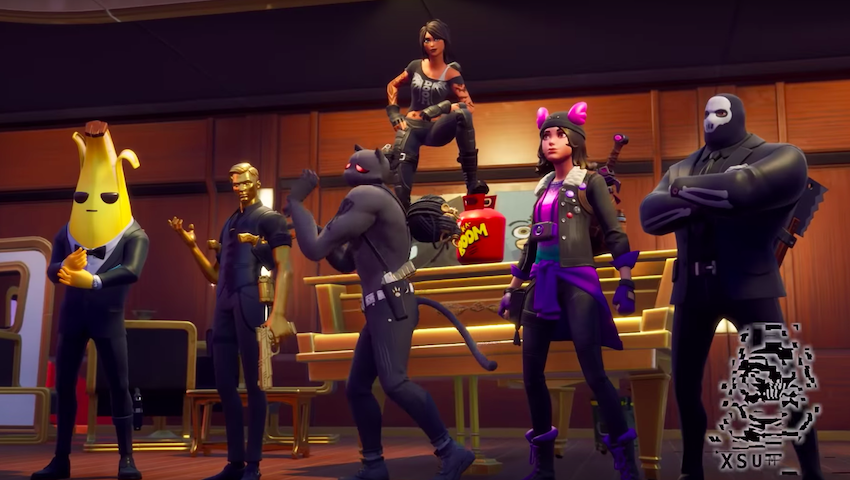
Shadow Team
When are the challenges for the respective agents available?
Every 2 weeks, a different agent is available for you to unlock. However, to unlock the style variant, you must first complete the 18 challenges for the agent.
In this table, you can see when the respective challenges for the agents are available:
| Agents | Date of first challenges | Date of 2nd challenges |
| Brutus | Thursday, February 20, 2020 | Thursday, February 27, 2020 |
| TNTina | Thursday, March 5, 2020 | Thursday, March 12, 2020 |
| Meowscles | Thursday, March 19, 2020 | Thursday, March 26, 2020 |
| Skye | Thursday, April 2, 2020 | Thursday, April 9, 2020 |
| Midas | Thursday, April 16, 2020 | Thursday, April 23, 2020 |
Every week, there are also new challenges with which you can unlock a Deadpool skin.
In our level guide, you will find some tips to help you level up to level 100 faster:


Your opinion is important to us!
Do you like the article? Then let us know!