


Enabling 2FA in Fortnite rewards you with the “Boogie Down” emote as a dance. In this tutorial, we show how the 2-Factor Authentication works on PS4, Switch, Xbox, PC, and mobile (iOS and Android) in 2020.

What is 2FA in Fortnite? The abbreviation “2FA” stands for 2-Factor Authentication. By enabling this feature, you protect your hard-earned skins and ultimately your Fortnite account. This secures you against hackers.
With 2FA, a security code is generated and any device that wants to log in must confirm your password and this code first. Generally, only you have access to the security code – This should optimally protect the account.
We show you in this tutorial how to enable 2FA in Fortnite on PS4, Switch and other platforms and what rewards you receive in Fortnite: Save the World and Fortnite: Battle Royale for it.
Guide for 2FA in Fortnite – Not working? Now it does!
How to enable 2FA in Fortnite – Tutorial
- Visit website and log in
Visit the Fortnite website Fortnite.com/2FA. Then log in to your account
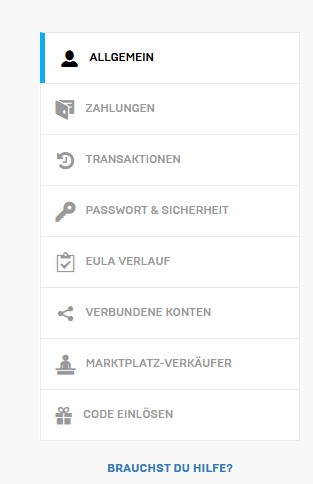
- Enable 2FA
Select “Password and Security” in the menu – Below the password change, enable 2FA
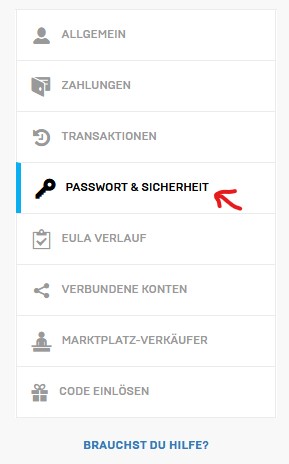
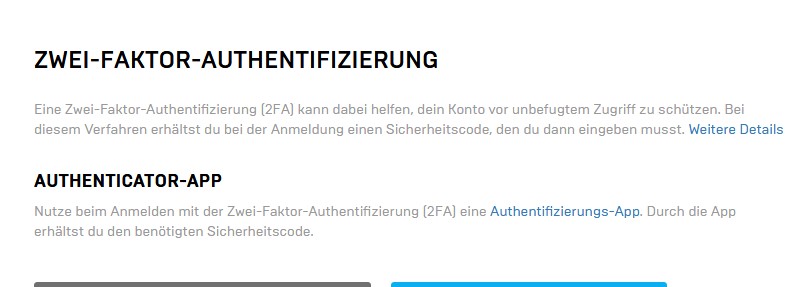
- Choose your method
Decide whether to use email or app. Then confirm the account with the security code, which is either sent by email or generated in the authenticator app.
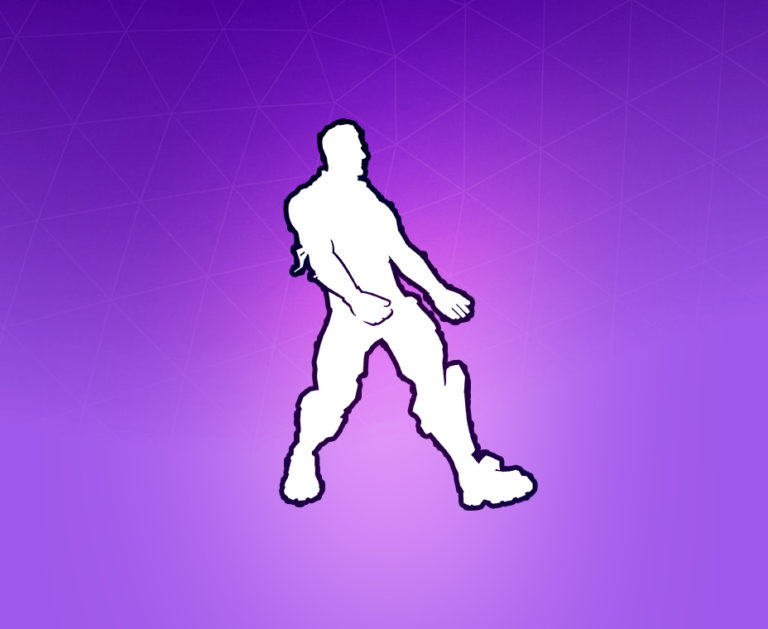
- Claim reward
Now you can claim this cool Boogie-Down emote in the game
The guide works for PS4, Switch, mobile (iOS and Android), Xbox or PC. Everywhere you create an Epic Games account that you can edit online.
Should I choose email or app? As an authentication method, you have the option to use email. If the code is requested when logging in or changing the password, you will receive an email with a 6-digit code.
- Email: The advantage is that you have the email readily available and can quickly open it on your mobile or PC. It is quick and uncomplicated.
- App: The advantage of an authentication app like Google Authenticator is that a hacker must also have your phone to crack the account. This is therefore one step safer – However, you must also always have your phone ready when you need to enter the code. If the battery is dead, you have to wait.
Should I use 2FA? There are no disadvantages to it; instead, you protect your account. So a clear “Yes”.
Which apps can you use? Recommended authenticator apps include “Google Authenticator”, “Microsoft Authenticator”, “LastPass Authenticator”, or “Authy”.
Why can’t I enable 2FA? To enable 2FA, the email address associated with your Fortnite account must be verified.
Boogie-Down reward for 2FA in Fortnite: Battle Royale – Get the dance
What is the reward? In the Battle Royale of Fortnite, you unlock the Boogie-Down emote when you successfully activate 2-Factor Authentication.
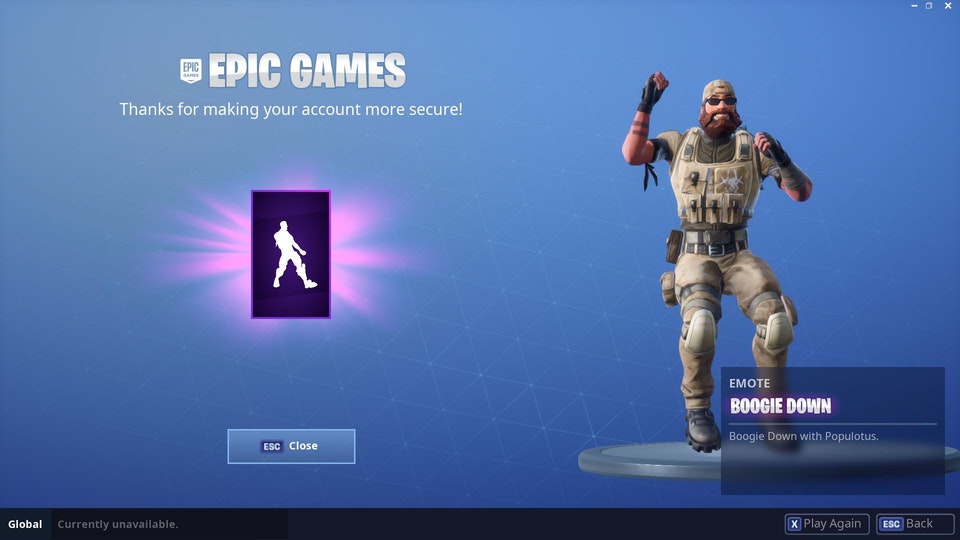
When do you get the reward? After you’ve enabled 2FA, you must log in again in the game. Once you do, you will be greeted at startup with a message thanking you for securing your account with this feature.
The emote fits perfectly with the rarest skins in Fortnite: Battle Royale.
Reward for Save the World
What is the gift? For activating 2FA on your Fortnite account, you receive good loot in Save the World. You receive the following items for free:
- 50 weapon storage slots
- 10 backpack slots
- 1 legendary troll loot llama
Now you have activated 2FA and made your account significantly more secure. Which skin in Battle Royale will you use the emote with?
- Why the bait is one of the funniest items in Fortnite
- How to level your battle pass in Fortnite quickly

Your opinion is important to us!
Do you like the article? Then let us know!