

What is Glory and how do you achieve honorable kills in For Honor? Here are the answers.

In For Honor, you fight for glory and honor – at least for honorable kills. In Ubisoft’s online melee game, a distinction is made between honorable and dishonorable kills right in the battlefield.
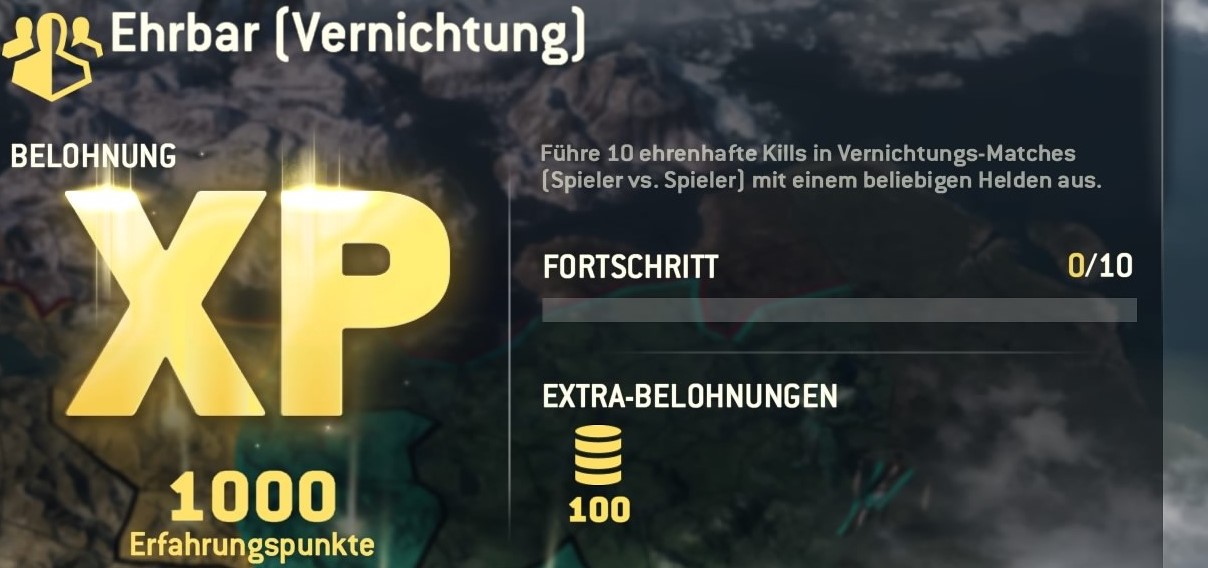
For a trophy (achievement), you need to achieve a certain number of honorable kills. Daily tasks may also have “honorable kills” as a goal. But how do these work? And what distinguishes them from dishonorable kills?
How to achieve honorable kills in For Honor
The concept of honorable kills is quickly explained: Only you, your weapon, and the enemy. No additional help is allowed.
- You achieve honorable kills by encountering an opposing hero and taking them down in a duel with your weapon.
If the opponent has already taken damage from another ally, it does not count as an honorable kill. If you eliminate an opponent with a teammate, it does not count either. Using environmental hazards or pushing the opponent off a cliff does not achieve an honorable kill either.
- Dishonorable kills are thus all kills where external circumstances come into play, such as fire, cliffs, spear walls, or your allies.
If you do not have honorable kills as a task, you should utilize the environment anytime and anywhere. This way, you can achieve quick and easy kills – and ultimately, only victory matters. We present more tips for combat here.
What is Glory in For Honor?
If you have already spent the initial hours in For Honor, you will have encountered the term “Glory”. Glory refers to the progression system in the game.
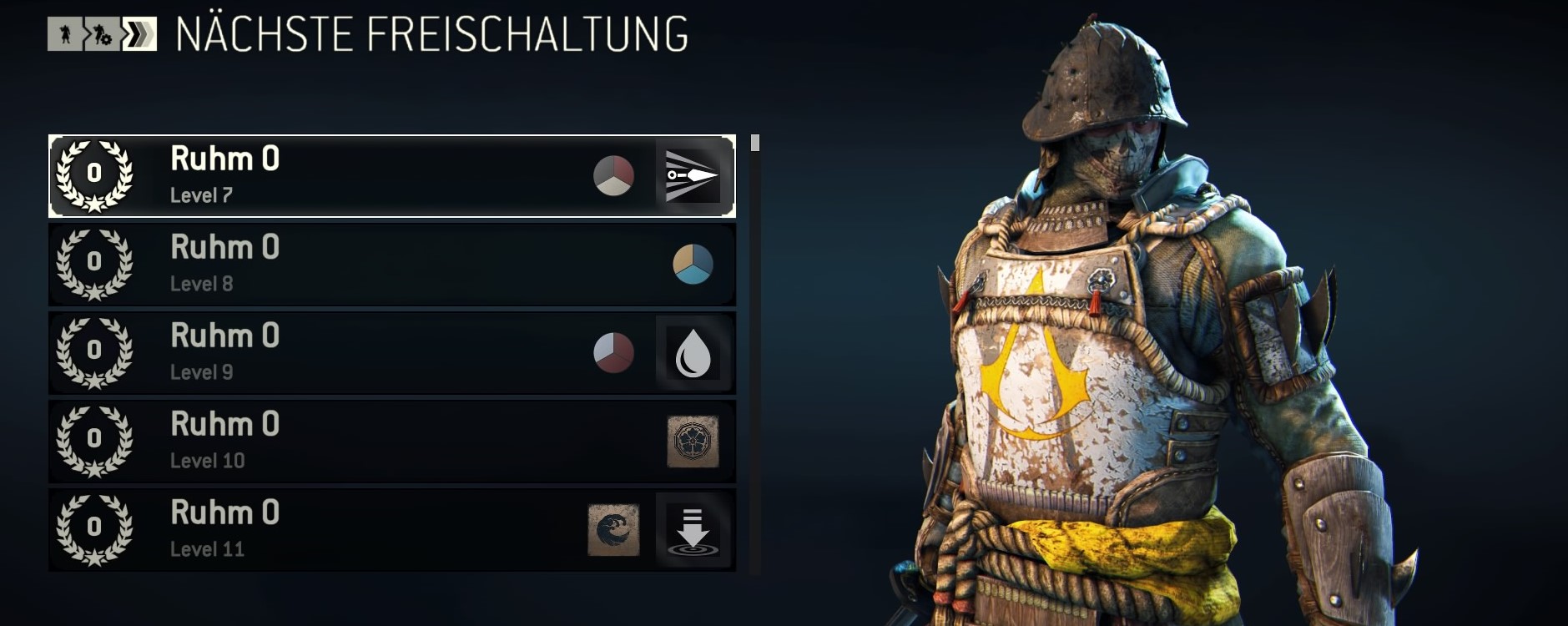
You start at Glory level 0 and Level 1. As you collect experience points – by completing matches and daily tasks – you level up. After Level 20, you will advance in Glory by one level.
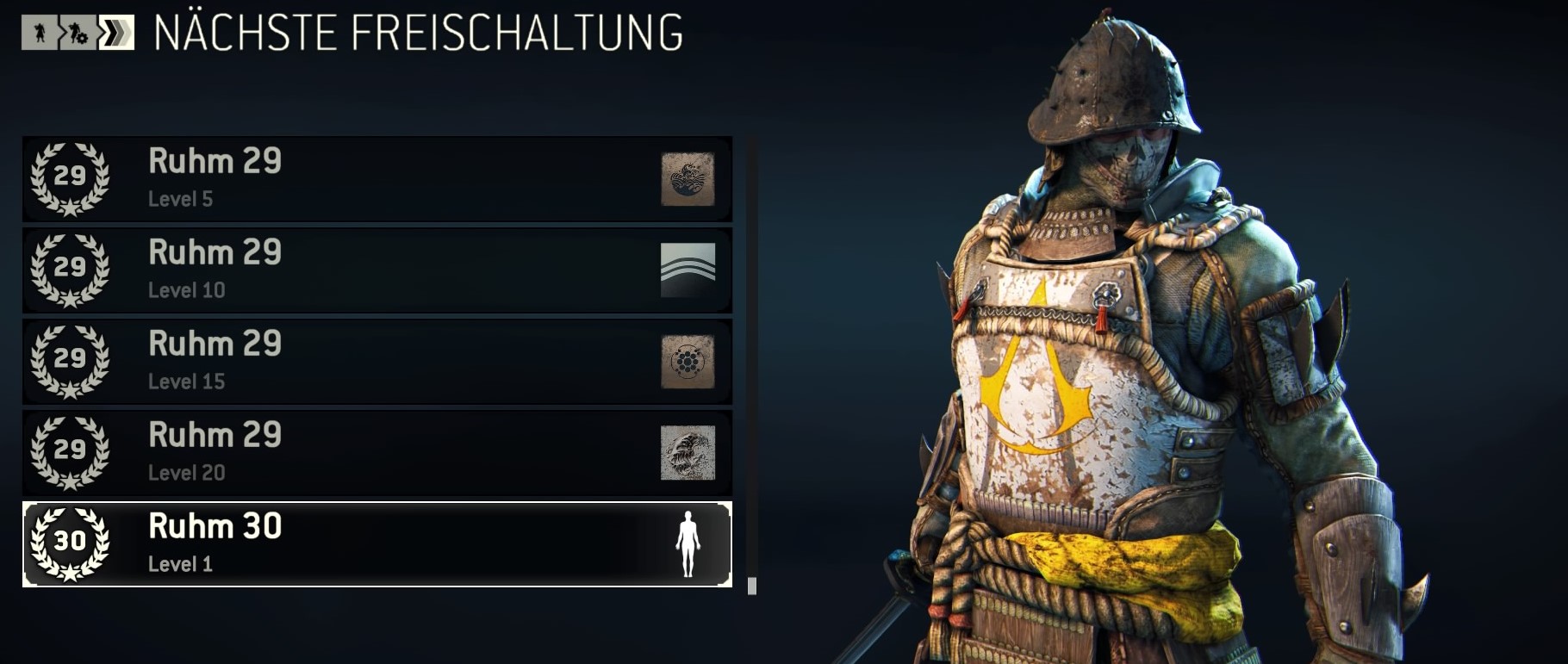
In short: There are a total of 30 Glory levels and 20 levels at each stage. Glory indicates how experienced you are. Each hero has their own progression system. At numerous levels, there are rewards when you reach them, such as colors for your gear or symbols for your banner. You can view your character’s progress in the heroes menu.
Are you wondering how to change your faction and change the banner? We present the solution in the linked article.

Your opinion is important to us!
Do you like the article? Then let us know!