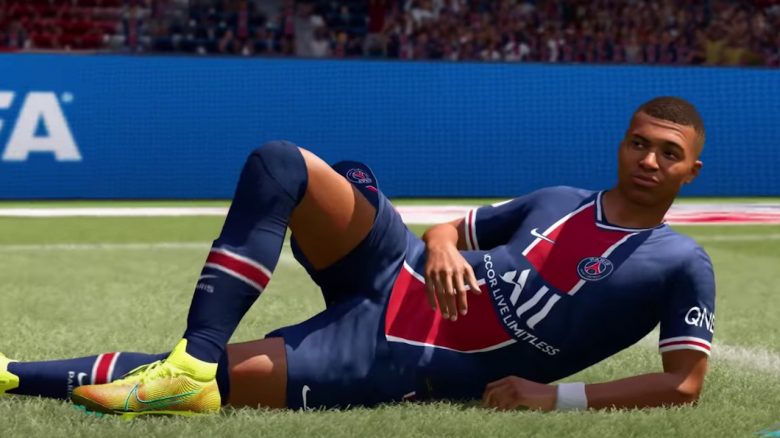
In FIFA 21 Ultimate Team, it can quickly happen that you accidentally sell a valuable player using the “Quick Sell” feature for far too few coins. But don’t worry, the card is not lost. We will show you how to retrieve it.
What is the Quick Sell feature? In FIFA 21 Ultimate Team, you can either put the cards that do not end up in your team on the FUT transfer market and hope for high bids. Or you use the “Quick Sell” feature, which directly removes cards from your club for a small amount of coins. This process is also called “Quick Selling.”
This is especially useful when no one wants to buy the card or when you are simply too lazy to put each individual card on the transfer market.
But what should you do if you accidentally quick-sold your new expensive Mbappe out of excitement and did not add him to your club?
How to Retrieve Quick Sold Cards
Here’s what you need to do: Since FIFA 20, there has been a way to restore quick-sold cards. This only works in the web app; you cannot find the function on consoles.
The following steps are necessary:
- Log in to the FUT 21 Web or Companion App
- Click on “Club”
- Click on “Quick Sell Recovery”
- With the calendar icon, you can search for a specific day
- Select the card you want to restore
- And click on “Restore”
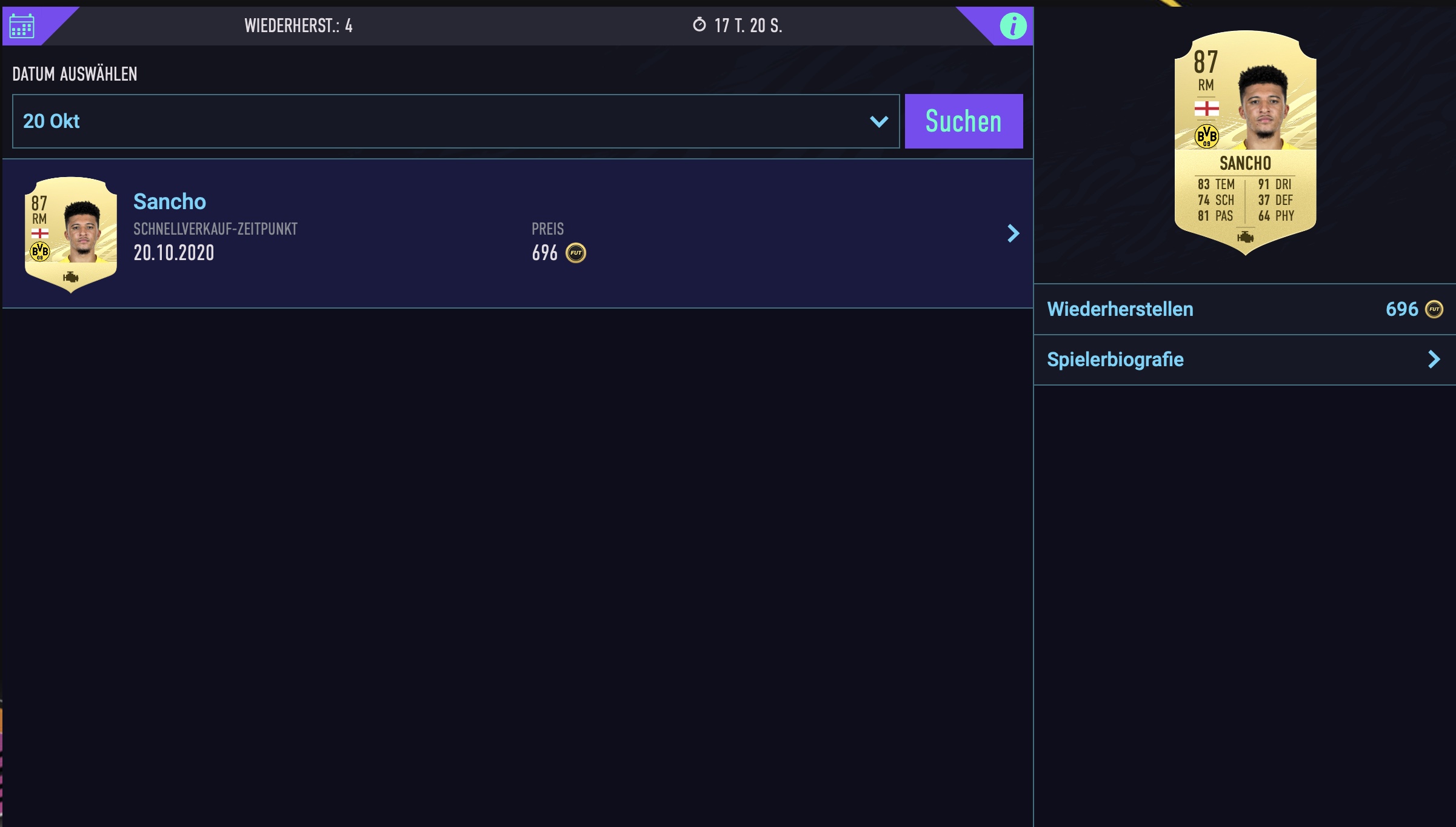
Now you pay the quick sell price, and the card is available again. You just have to move it from the “Unassigned Menu” to your club.
What you should know: However, there are a few rules for the restoration process. Here’s what you should know:
- You can restore a maximum of 5 FUT cards within 30 days
- The cards are only available for restoration for 7 days
How about you? Have you ever accidentally quick sold a top card? We have more tips for starting in FIFA 21 here for you.