


Are you tired of the announcements when your striker narrowly misses the decisive goal again? Then we will show you how to change or turn off the commentators in FIFA 21.

These are the commentators in FIFA 21: The commentators accompany every duel on the field in FIFA 21. They inform you about developments in the table in Career Mode, present facts about opponents, stadiums, and players, and generally comment on every action on the field.
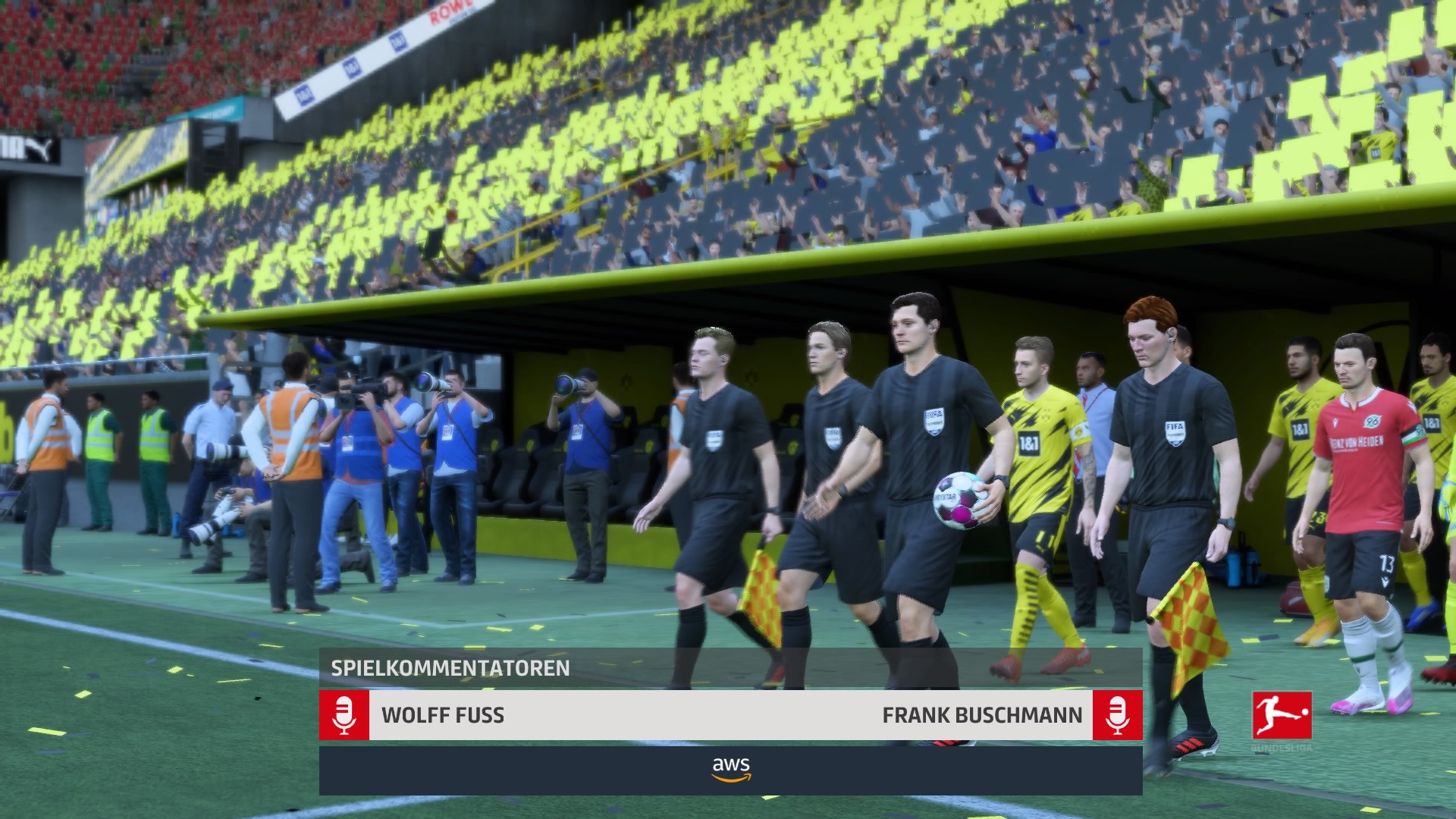
No matter if it’s a failed cross, a brilliant 5-star skill move, or a powerful goal attempt: The commentators have a suitable (or sometimes less suitable) comment ready for every situation.
The German team consists of Frank Buschmann and Wolff Fuß. In the latest edition, they are also supported by Esther Sedlaczek as the moderator, who informs about goals in parallel matches during Career Mode. This is part of the new features in FIFA 21.
How do I change the commentary team in FIFA 21?
Change language in FIFA 21: As entertaining as the commentary can be, sometimes you just get tired of it. Then it can be fun to change the language. The following languages are available by default in FIFA 21;
- German
- Italian
- English
- French
- Brazilian Portuguese (download)
- Dutch (download)
- Spanish (download)
Sometimes you just want to turn off the commentators completely. For example, because you don’t need the commentator voices while voting in the party in Co-op mode, or because you are listening to music in the background.
This is how you change the commentary settings: There are two ways to do this. If you decide before the game that you want to turn off the commentators, you can simply go to the game settings in the main menu. Here you navigate to the audio tab:

Now switch to “11 vs. 11 Audio” using the shoulder buttons. There you can change both the commentary language and its volume.
It is also possible to just push the commentators a bit into the background instead of turning them off completely. If you want to turn them off completely, reduce the volume to “0”.

Change commentators in-game: If you are already in a match, you can also change the audio settings. To do this, you need to:
- Go to the pause menu
- Access the settings
- In the audio settings, switch with the shoulder buttons to 11-vs-11 audio as described above.
However, you can only adjust the audio volume in the middle of a match. The language cannot be changed mid-game and is missing in the settings.

Also, keep in mind that in online modes like Ultimate Team, you can only spend a few seconds in the pause menu before the game continues. Here you need to be quick – or make the setting before the match.
Here you can find more tips for starting FIFA 21.

Your opinion is important to us!
Do you like the article? Then let us know!