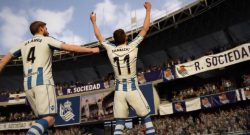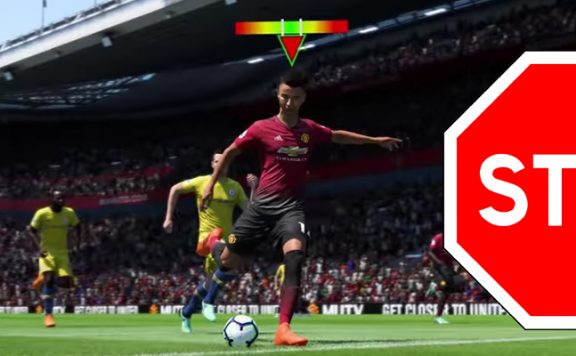
We look at the best camera settings in FIFA 19. Which setting is worth it for your playstyle, what camera do the professionals use?
Change the camera individually. The default camera is not the optimal setting in FIFA 19 – hardly any professional player uses it.
Because there are better camera settings that can provide you with various advantages in this year’s Ultimate Team mode. The Swedish number one professional player (currently number four in the world) “BorasLegend” has examined the best variants.
Change camera on PS4, Xbox One and PC
You can change the camera permanently in the “Game Settings” before a match, but the camera settings are also available to you during a match under “Game Settings”.
Possible camera settings: Here you have several cameras for the modes, such as the single-player, multiplayer, or “Pro Clubs” camera. For FUT 19, you need to choose the multiplayer camera. There you will find these camera perspectives:
- Standard
- Broadcast Tele
- Tele
- Co-op
- Dynamic
- Long View
- Broadcast
You can also individually influence camera height and camera zoom.

The Best Camera Settings in FIFA 19
Every player plays differently. There is no such thing as a perfect camera in general. Nevertheless, there are three settings that you should take a closer look at according to “BorasLegend”. Depending on your playstyle and game mode, these camera settings can benefit your playstyle.
Co-op – the “Possession Camera”
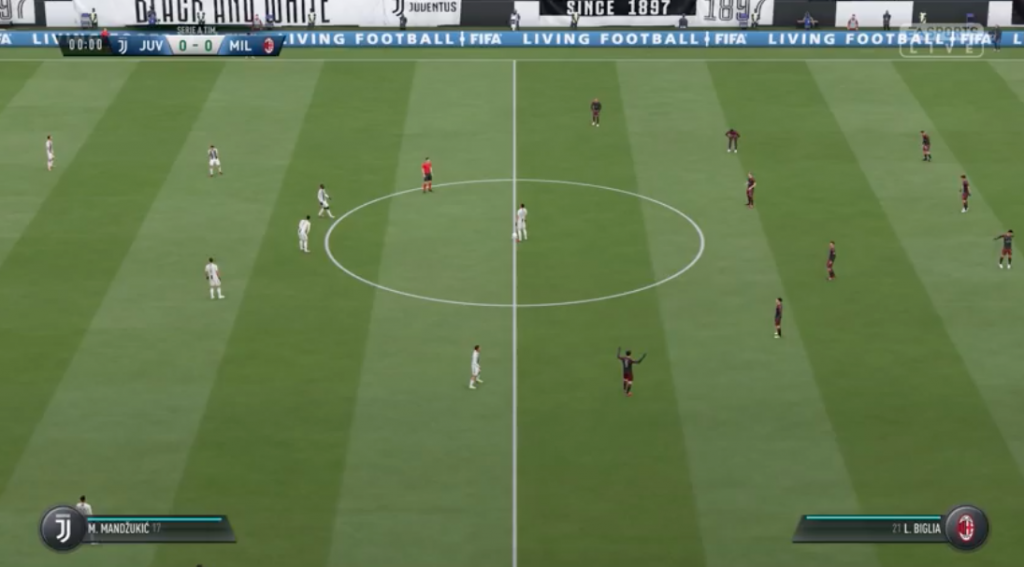
Plenty of Overview: You should use the “Co-op” camera if you are mainly playing in Pro Clubs. It provides you with a great overview of the field, which is helpful when playing with multiple Pro Club players.
Especially players who go for ball possession prefer this camera setting. However, it lacks a bit of closeness to the field, making movements in tight spaces more difficult – this camera is less suitable for dribblers.
Classic – The “Combination Camera”
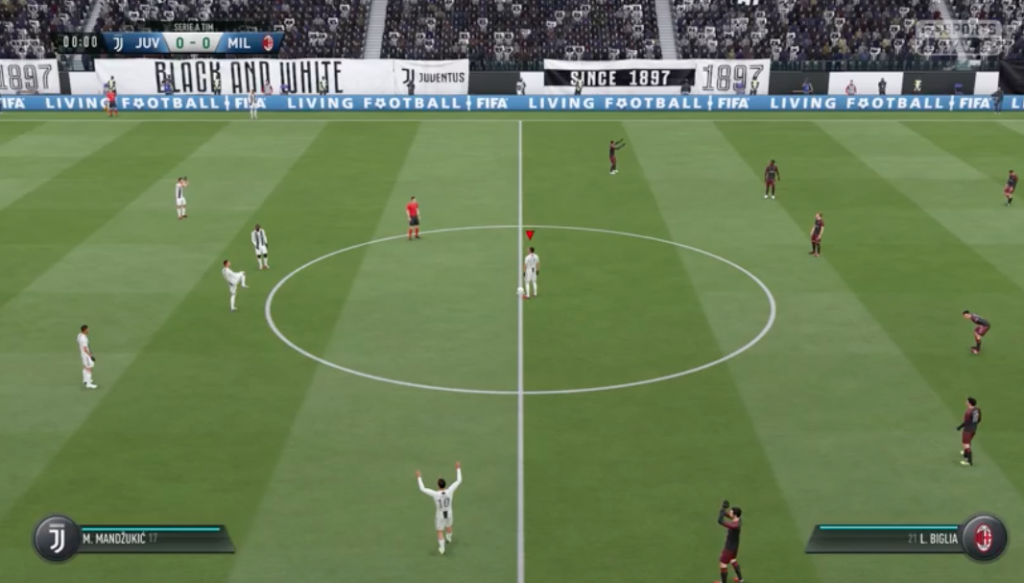
The detailed variant: The “classic” camera setting is widely used and resembles the standard camera. However, it is even closer to the action and thus especially suitable for players who combine quickly in tight spaces. Compared to the “Co-op” camera, however, it lacks long-range visibility.
Broadcast Tele – The “Hybrid Camera” of the Professionals
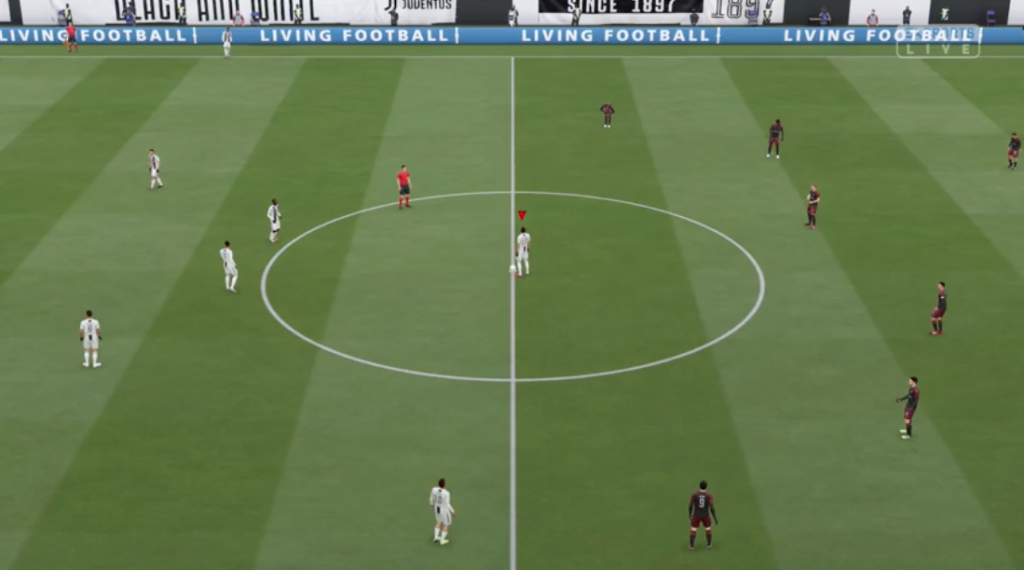
The all-rounder: The “Broadcast Tele” setting is the favorite camera for many professionals, which they use in FUT and other online matches. And that’s for a simple reason: It offers a good balance between overview and detail representation. This means: it is suitable for situations where ball possession is required, but also for combination and dribbling. It does not cover extremes, but is suitable for all-round players.

Which settings are recommended? If you need even more overview, you can set the camera settings to “Custom” and then raise the camera height to 20 and lower the camera zoom to 0.
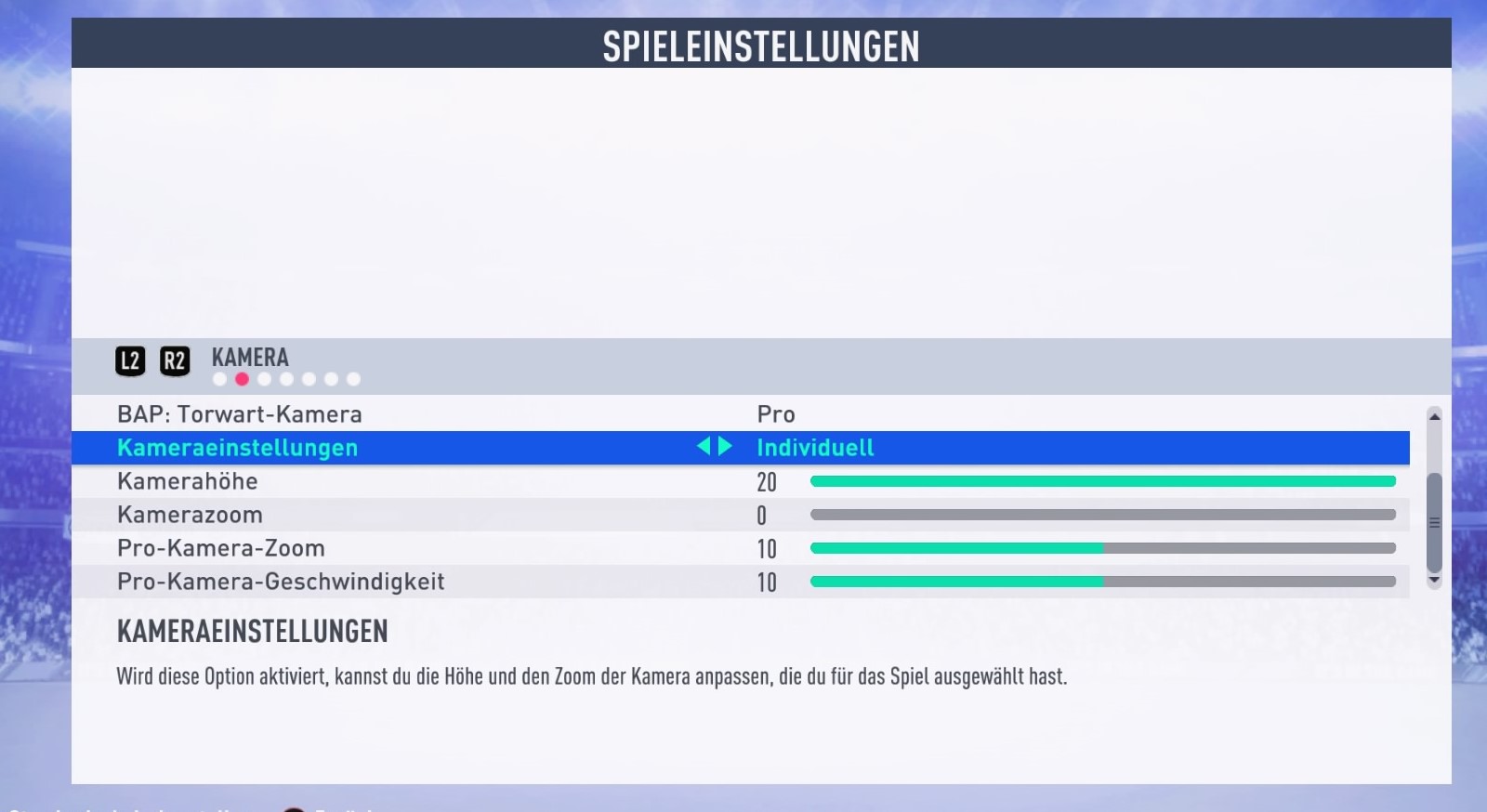
Find the camera setting that best suits your style. Then you should notice, for example, in Ultimate Team that starting the new season becomes easier. Also, in this year’s Career Mode, you have the camera options available again.
How to stay updated with FIFA 19: You can find all the new information about the game on our special Facebook page with 100% FIFA 19.