You will learn most tricks throughout the game via skill games or tutorials. However, some controls are also “secret” that many players may not be aware of.
These details can give you the decisive advantage in a tight game. Almost any player can perform the tricks – you don’t need a 5-star skiller for that.
Recommended editorial content
At this point you will find external content from YouTube that complements the article.
I consent to external content being displayed to me. Personal data can be transmitted to third party platforms.
Read more about our privacy policy.
Note: The following assumes the standard button layout for the PS4. If you have customized your controls or are playing on Xbox, you need to press the corresponding buttons.
The Power Throw: Similar to a sharply kicked pass, you can put a lot of power behind your goalkeeper throw. Just press R1 + X (RB + A) simultaneously when you want to pass the ball to a teammate. The ball will fly with significantly more speed – this can be crucial for fast counterattacks.
With R1 + Square (RB + X), you can also perform a powerful goal kick.
Ball Flick: Set up your volleys yourself! When you press the right stick (R3), your player will start to juggle the ball while standing still. If you switch to a specific direction, the player will turn with it. This way, you can set up volley shots or acrobatic bicycle kicks for yourself!
Even while running, pressing R3 can be helpful: your player will then flick the ball a bit high in the direction of your run. This can confuse your opponent and give you the crucial meters of advantage.
Tips for Finishing
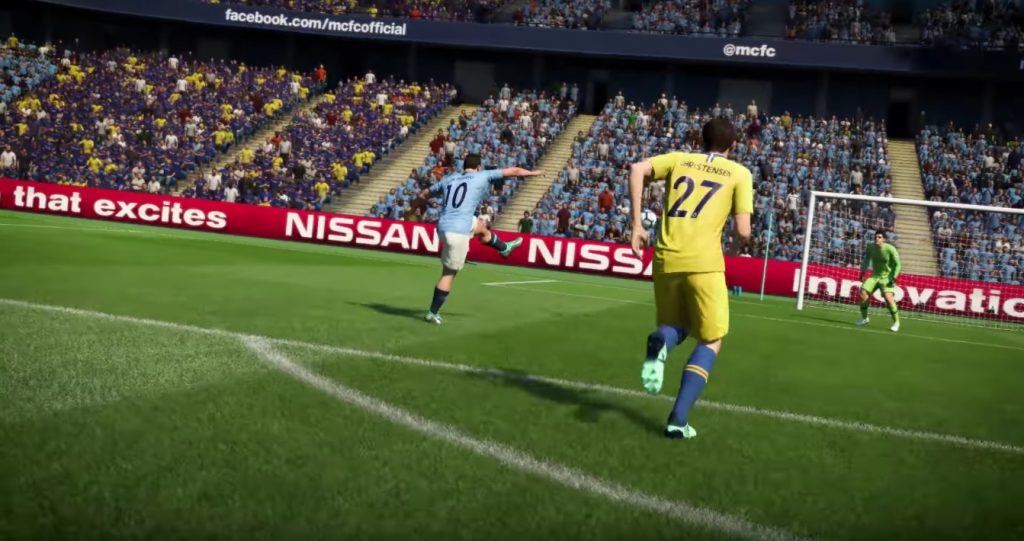
Low Shot: The low shot by double pressing the shoot button was a popular method in FIFA 18. However, in FIFA 19, you now activate “Timed Finishing” when you press the shoot button twice. The low shot is still available: just hold L1 and R1 (the front shoulder buttons) while finishing.
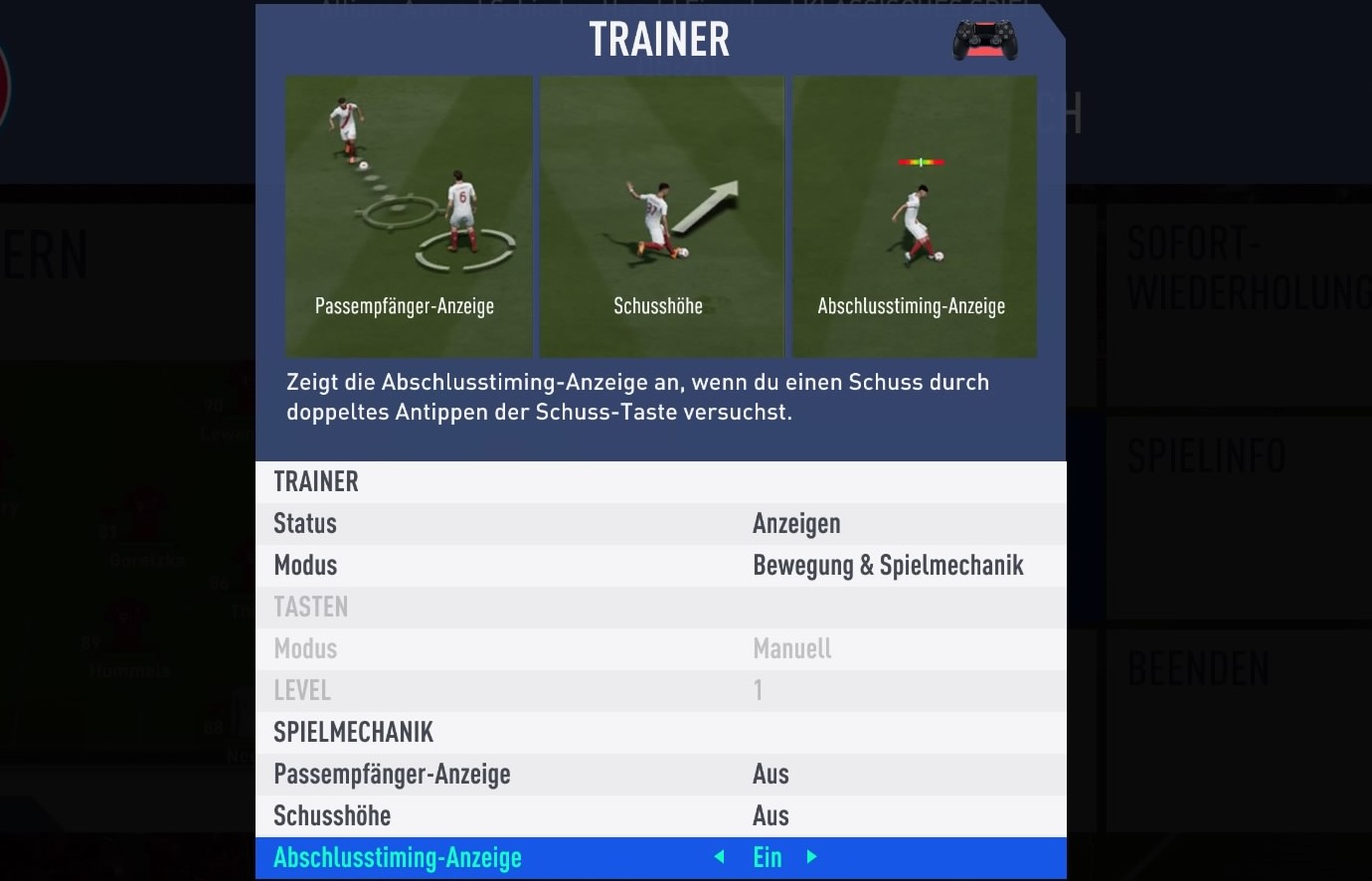
Timed Finishing Trainer: Speaking of timed finishing: the new shooting mechanic can initially produce some missed shots. It can be helpful to activate the trainer.
You can customize the FIFA trainer in the pause menu to show only the timed finishing indicator – after all, you don’t want the basic controls constantly hovering around your player.
Manual Goalkeeper: This does not mean completely taking over the keeper. When your opponent has the ball, you can push the right stick inward (R3) and move it to position your goalkeeper in the penalty area – while continuing to control your defense! If you feel that your keeper is not in an optimal position, use this option!
Free Kick Defense: This trick was already in FIFA 18: press X (A) during a free kick by your opponent to send one of your players from the wall towards the ball as soon as the ball is in motion. If your opponent plays a pass, you have a high chance of intercepting the ball and creating counter-attacking situations.