

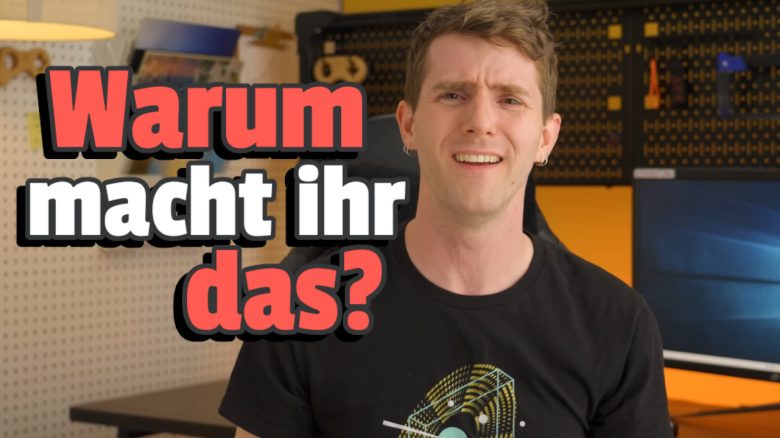
Over the years, a lot of ballast accumulates on many Windows PCs. The tech YouTuber Linus Tech Tips examined how well the most common tools from the depths of the Internet can clean up his PC – one aspect makes him almost nauseous.
Who is Linus Tech Tips
? With more than 15 million subscribers, Linus Tech Tips
(named after its creator, Linus Sebastian) is one of the largest tech channels on YouTube. Behind it is now a company with dozens of employees. Recently, Linus faced accusations; you can read more about that here on MeinMMO:
Which programs were examined?
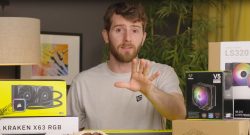
What did Linus test and how? Linus Tech Tips
filled a test PC with countless free software programs, causing the boot process and regular operation to slow down. For example, even on the powerful gaming PC used (Intel Core i7-13700k, SSD, 32GB RAM, RTX 470), the boot time doubled.
After that, they let various tuning programs clean up the system and uninstall software. This cleaned Windows 11 was then compared in various scenarios to the fresh install and the software-cluttered system. Tested were:
- IObit Advanced SystemCare 17 Pro (paid)
- CCleaner Pro (paid)
- Microsoft PC Manager (free)
- Avast Cleanup (paid)
And actually, another two tool suites were to be examined:
- AVG Tuneup
- Ashampoo WinOptimizer
However, the former is almost identical (same provider) to Avast, according to Linus, but requires a credit card for the free trial. Ashampoo caused such headaches for the team even before installation that they excluded the software: there are numerous different versions that are hardly distinguishable from each other.
Perhaps some of you might be interested in our overview of the Deep Dive. A technology that could revolutionize the experience of MMORPGs.
The result: useless or useful?
The results can be summarized as follows:
- All programs, whether free or paid, surprisingly worked well according to Linus’s expectations. They cleaned the system and restored the experience of a freshly installed system, regardless of the application.
- The free Microsoft PC Manager offers a rudimentary UI but works nearly as well as the paid alternatives.
Does it help with gaming? Anyone with a modern CPU, sufficient RAM, and an SSD will probably notice little difference even with dozens of unnecessary programs running. Most games also hardly use more than at most six cores, and the excess processing power is taken over by the surplus cores. The RAM is unlikely to overflow, and even if it did, the SSD would manage it relatively well via a paging file.
The exception: Only those using a really old PC with little RAM, an HDD, and a CPU with four or fewer cores will find that cleaning the Windows system makes a real difference for gaming.


Do I really need these programs? Can’t I do it all without? Yes, those who know how and where can simply use the built-in tools in Windows to achieve the same effect. MeinMMO editor Benedikt has written a lot about this, as there are some programs that you should really just delete directly.
For example, CCleaner is not needed – although Linus recommends it alongside Avast Cleanup and CCleaner Pro, at least under certain circumstances.
But are there not some users for whom it might be useful? Yes, there is probably a considerable proportion of the billions of PC users for whom the tested programs are beneficial. Because they bundle several functions, such as uninstallations, deleting temporary files, or some Windows functions, into attractive and easy-to-use interfaces.
So, anyone who is not well-versed in Windows, hardly uses the search function via the input field, or generally has little to do with PCs apart from a bit of gaming, surfing, streaming, and text editing, could benefit from such a tool. Linus and his team also come to this conclusion.
But one thing annoys Linus
What is so bad about the tools? No matter how good they may look or work, the predatory marketing practices and experiences in the providers’ shops disgust the YouTuber and his employees, for example:
- Opaque offers, such as fluctuating prices and constantly new fake deadlines for deals (IObit)
- Threats that downloads are limited (iObit)
- Questionable partnership claims with Microsoft and Intel (Ashampoo)
- Splitting functions across several partially separately purchasable programs (various)


For those who wish to dive even deeper into the world of tech YouTubers, there is more interesting content in the articles linked above. Or you can read how JayzTwoCents, also active on YouTube, snags a PC bargain on the second-hand market and remarkably speeds it up with two simple settings. Perhaps the options used here are also buried in your UEFI, untouched.

Your opinion is important to us!
Do you like the article? Then let us know!