

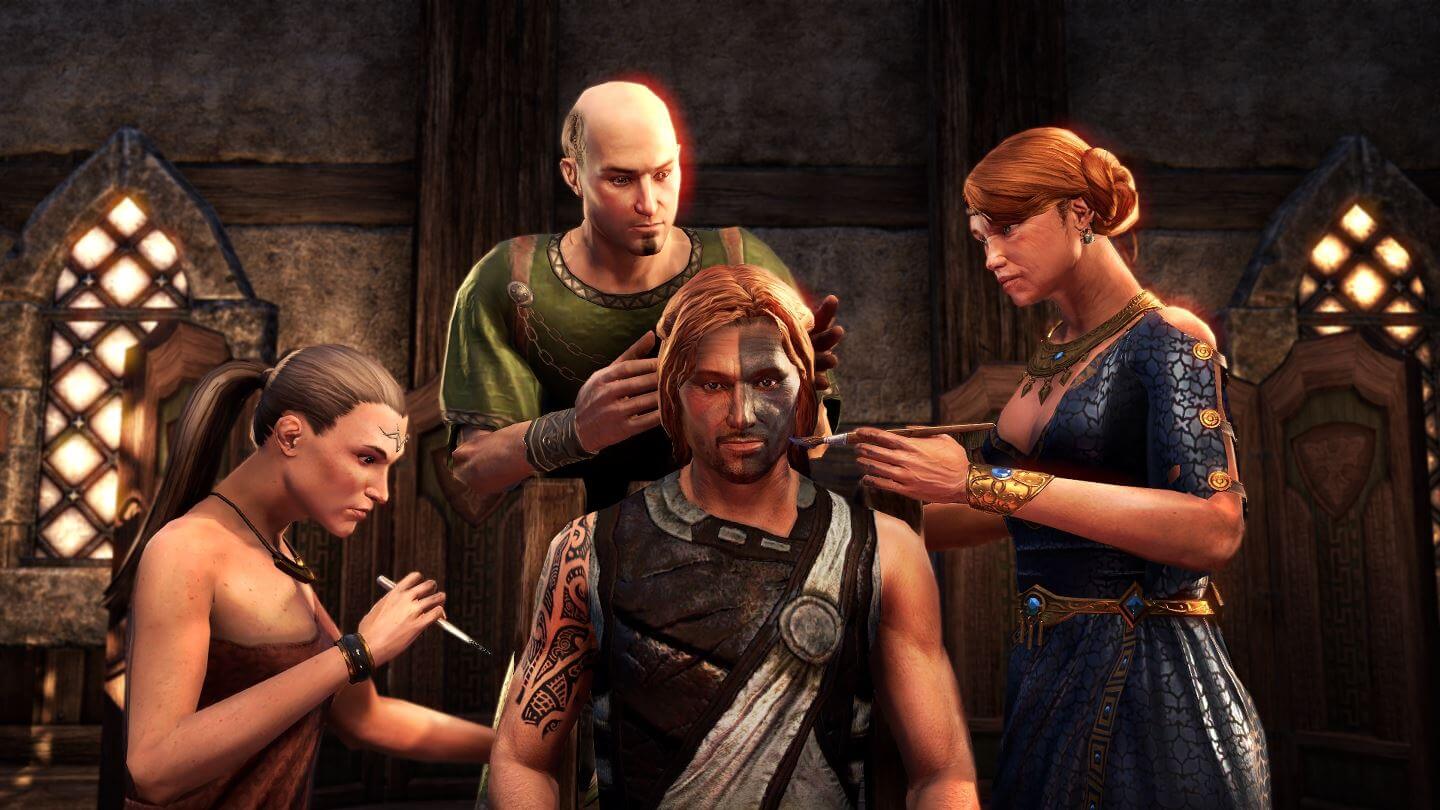
For The Elder Scrolls Online and the new chapter Morrowind, there are various addons for the PC version that expand and enhance the game. Here you will find out which addons are particularly cool right now and how to install and keep them up to date. With the addons, it is also no problem to find the skyshards in Morrowind.
The Elder Scrolls Online has a significant advantage on PC over the version on PlayStation 4 and Xbox One: mods and addons! With these little helpers, you can significantly improve the game and add useful features. Read here which addons are particularly useful and popular for Morrowind right now.
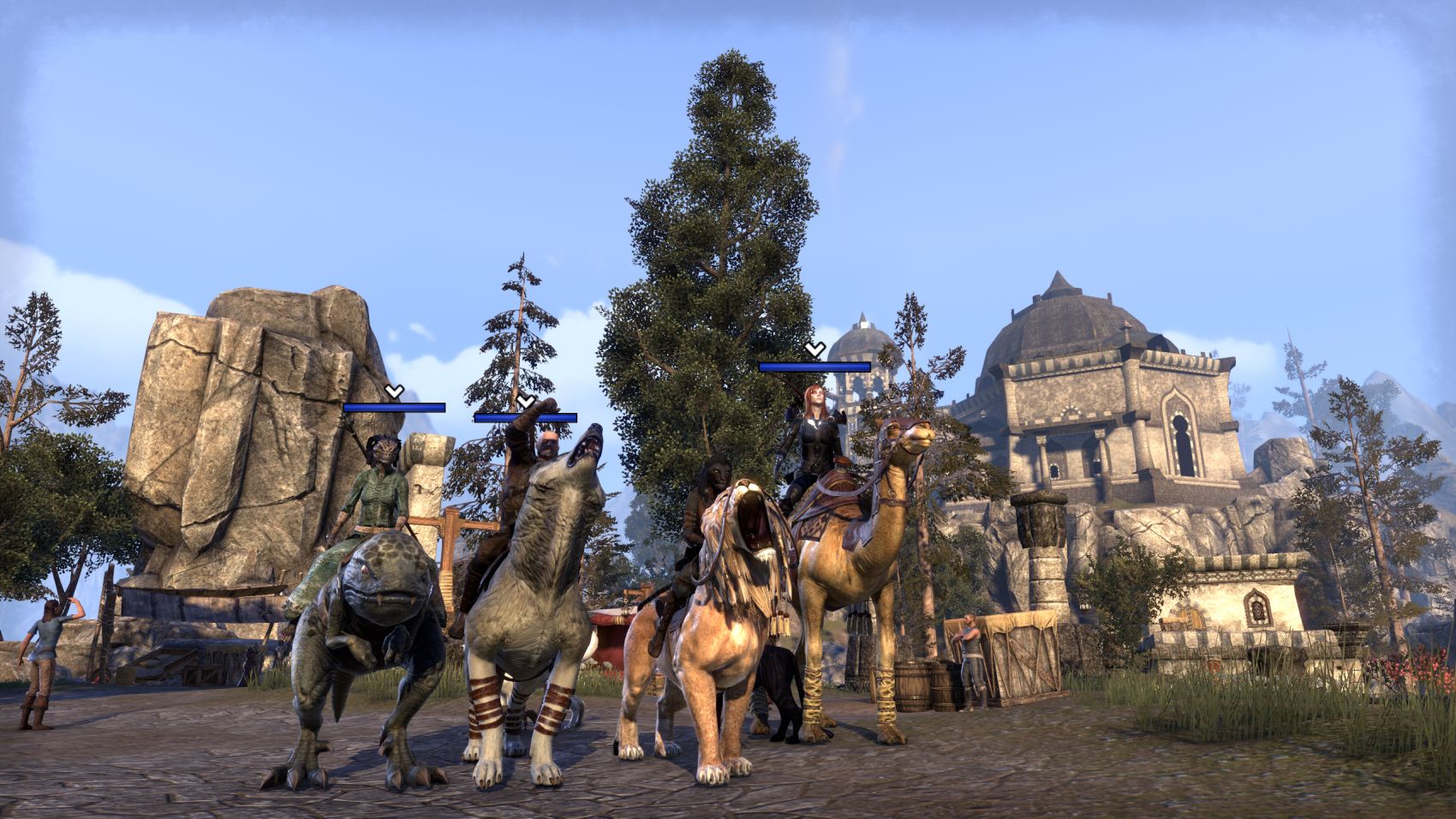
ESO Addons: From Minimap to Khajiit Language
In the following paragraphs, you will learn more about useful ESO addons. Additionally, there is a useful tutorial at the end on how to easily install the extensions or even do it automatically. Have fun!
Combat Metrics
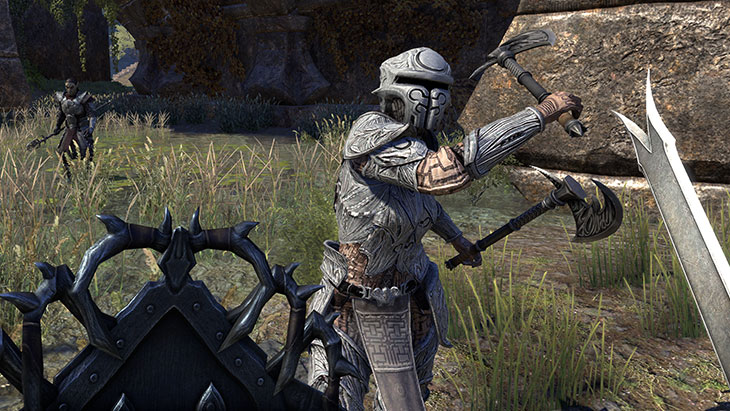
This useful addon is perfect for players who like to optimize their performance for raids and dungeons or world bosses. Here you will always find out how much damage you are dealing, how much healing is coming in, and how much the tank has to absorb. Additionally, Combat Metrics shows how your buffs and debuffs are performing. A thoroughly useful addon that you can download from the above link at ESOUI.
SkyShards
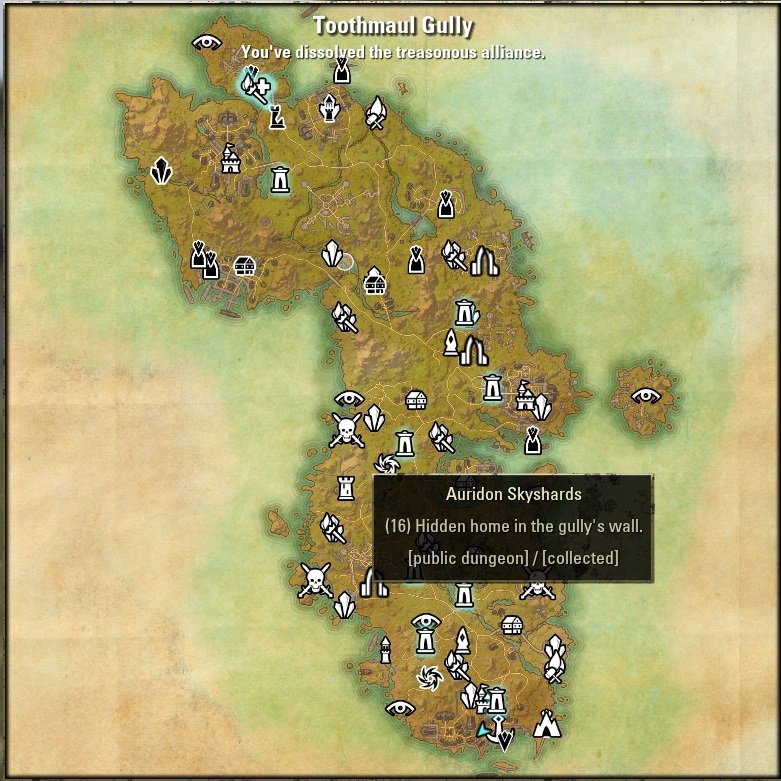
Skyshards are important resources in ESO that grant you valuable skill points when you find three of them. They are sometimes more or less hidden around the area, and numerous maps with their locations circulate online. With the addon SkyShards from ESOUI, you can have them displayed directly on your compass and world map, making them easier to find.
HarvestMap
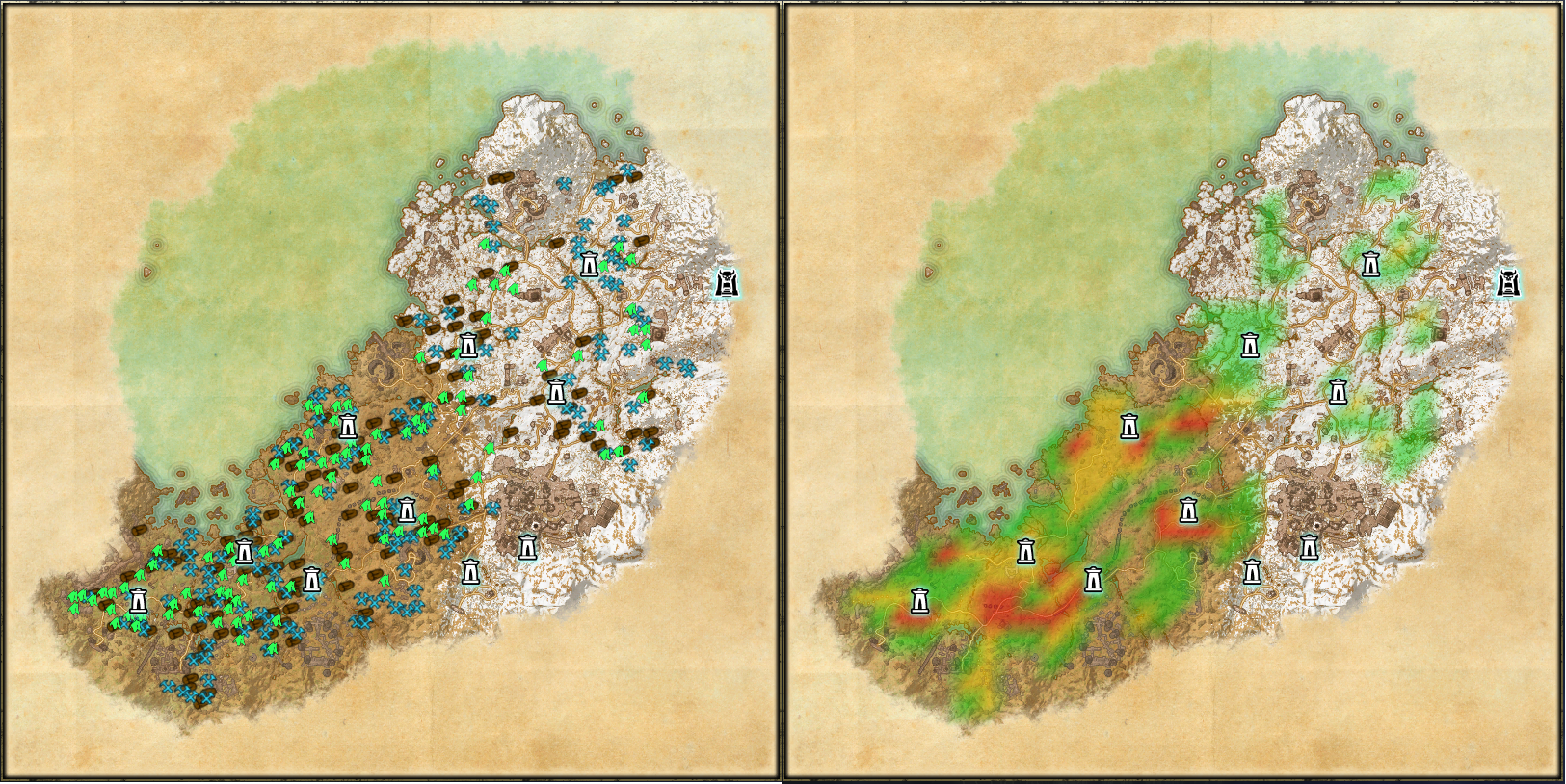
Crafting is important in ESO, but without materials, everything is no fun. Resources are lying all around in the game world, but sometimes you can’t see the ore for all the rocks. The addon HarvestMap ends that. You will now see all resources on the compass or world map. You can find the addon on the ESOUI site at the above link.
Destinations
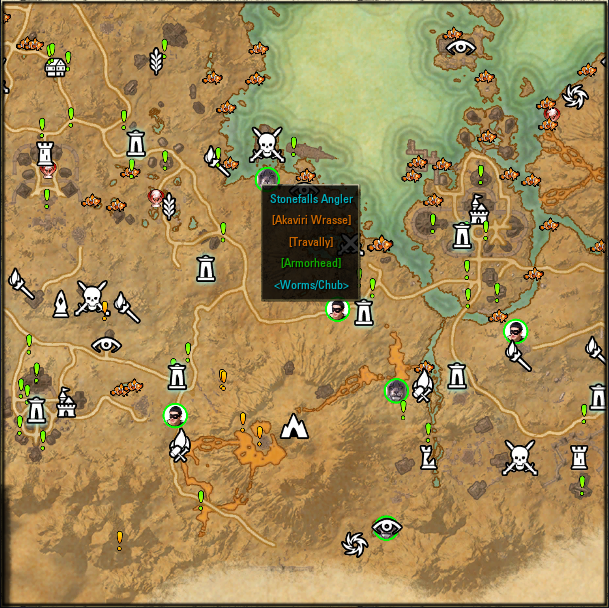
This addon displays a plethora of information on your map. For example, quest givers, achievements, fishing spots, world bosses, and much more. However, this will clutter your map considerably with information, so use the addon Destinations at your own risk. You can find the addon on the ESOUI site at the above link.
Votan’s Mini Map
If the annoying quest compass in ESO drives you up the wall, get Votan’s Mini Map. With this, you can see your surroundings and all relevant things in the vicinity on a useful small map. You can find the addon on the ESOUI site at the above link.
Lorebooks

If you are interested in the history of ESO, you should definitely get this addon. With Lorebooks, you will definitely find all the books in the game, as they are now displayed nicely on the map. You can find the addon on the ESOUI site at the above link.
Bonus Addon: KhajiitSpeak
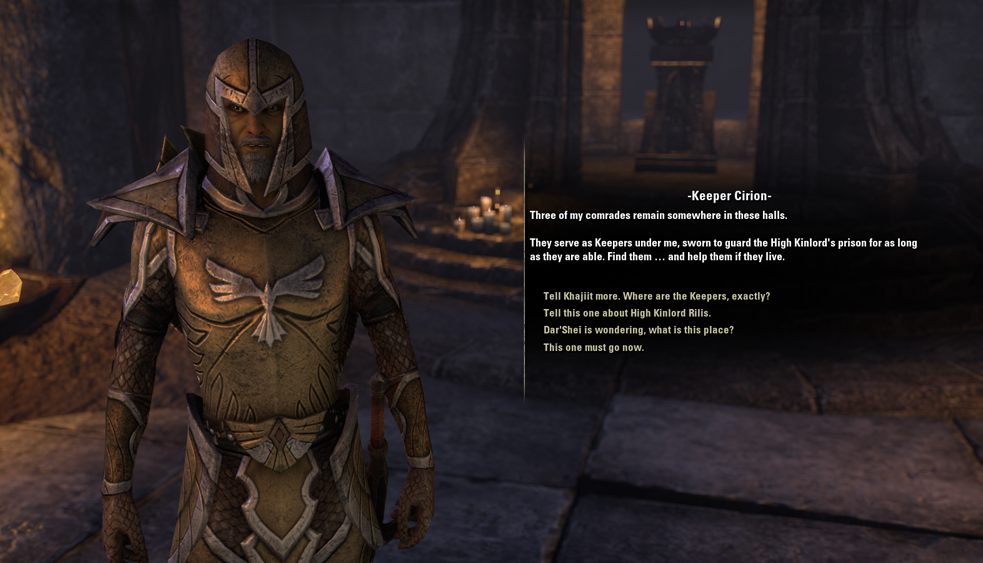
Rather a gimmick than truly useful, the addon KhajiitSpeak can be found on the ESOUI site and is only of interest to players of the cat-like Khajiit, as they speak as player characters like everyone else. A significant departure, because in the world of the Elder Scrolls series, the catfolk always refer to themselves in the third person or even use their race’s name as a self-reference.
With this addon, your Khajiit heroes also speak just like their kin, creating wonderfully quirky moments! “Khajiit finds this sensible and can only recommend this addon!” Unfortunately, the mod only works for the English version of ESO.
How do I install all this stuff?
If you want to install an addon, you can proceed as follows:
- Download the addon of your choice and unpack it.
- Copy the folder with the addon into the directory C:UsersUserDocumentsElder Scrolls OnlineliveeuAddOns
- Start ESO and activate the respective addon with a checkmark in the character screen under the “Extensions” tab. You may need to check the box “Allow outdated extensions” at the top of the window. You can also select whether extensions are only enabled for certain characters. For example, if you don’t want your elves and orcs to speak like Khajiit.
This is so complicated! I want it easier!
If the manual method of installing addons is too cumbersome and fiddly for you, you have an alternative. With the tool “Minion“, you can easily and conveniently manage all your addons in ESO (and also other MMOs like World of Warcraft) and activate and deactivate them at the push of a button. Particularly cool: Minion keeps your addons up to date upon request and automatically downloads the latest version from the corresponding download database. However, Minion is a third-party program and not an official tool from the ESO developers. Use it at your own risk.
That’s it for our addon recommendation in ESO. Do you know any other mods and addons that you like to use and that we haven’t mentioned here? Let us know in the comments!

Your opinion is important to us!
Do you like the article? Then let us know!