

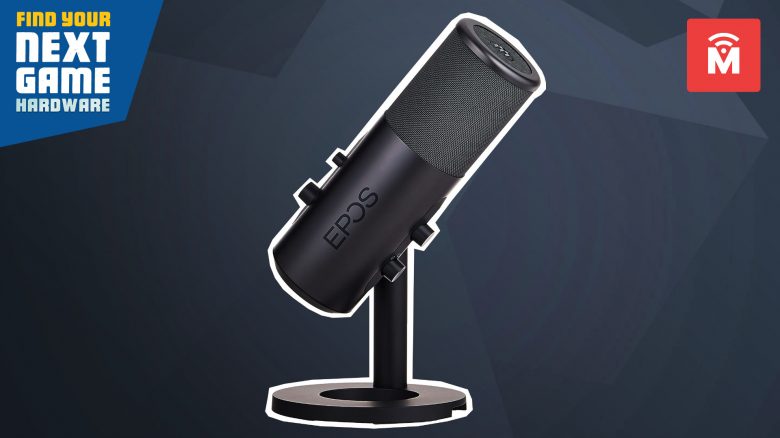
The company Epos has brought a streaming microphone for PC, Mac, PS4, and PS5 for just under €200. Our author Schuhmann has tested the Epos B20 extensively in everyday use and in the podcast. He says these are €200 that you do not spend on yourself, but for your listeners, and you spend the money to look good while speaking. After all, the eye hears too.
This is how the microphone looks: The first impression of the microphone when it comes out of the box is initially positive. The microphone is simple and black, exuding a certain sober elegance. The black microphone stand is also stylish and simple, just stylish. Except for the control buttons, the device is made entirely of metal. It has a good feel.
- Sampling rate/bit depth: 48 kHz, 24-bit
- Directional characteristics: Cardioid, Omnidirectional, Bidirectional, Stereo
- Frequency response: 50–20,000 Hz
- Weight (microphone and stand): 1.2 kg (including packaging)
- Weight (microphone only): 49.9g
- Connections: USB (a 2.9m cable is included)
Easy setup, but defiant software
This is how the setup works: The microphone can be plugged directly into the computer with a 2.9-meter USB-C cable. If that’s enough, you can use your Epos B20 with the included stand as a desktop microphone.
However, it is advisable to spend an additional €40 and get a microphone arm. The Epos B20 comes with a 3/8 inch thread and can be easily screwed into the microphone arm. The arm also comes with a pop filter, which is not included by default with the €200 microphone.
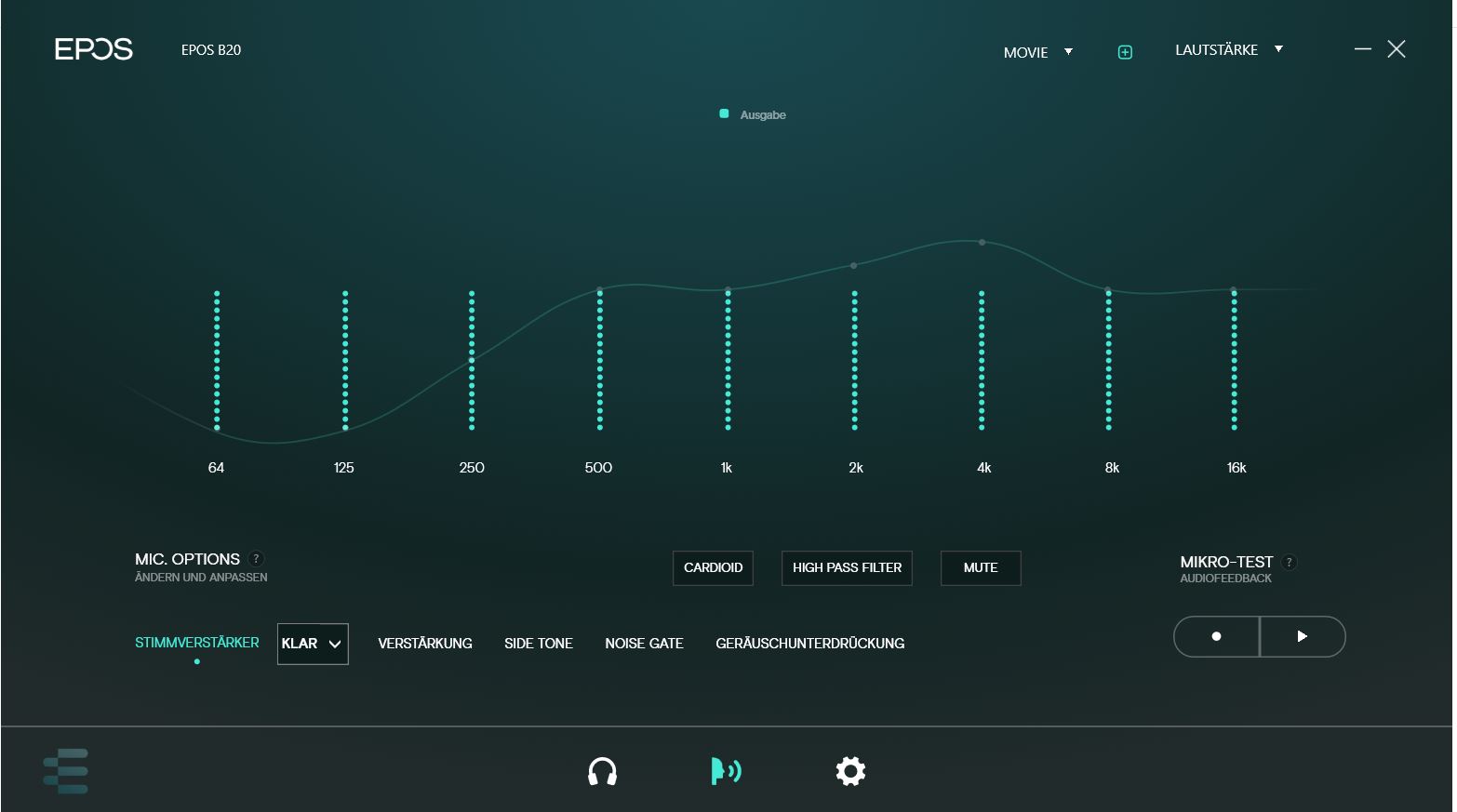
If you value sounding perfect, you can download the program “Epos Gaming Suite” from the internet and work on fine-tuning your voice. The software allows you to change the sound, making your voice sound a bit warmer or fuller. In the software, you can also listen to yourself to hear how you sound.
I found the software to be clunky. Because the program insists that you must use the Epos microphone as the base for the headset, otherwise it acts up. Because I refused to plug my headset into the microphone when my computer has suitable ports for it, it was a constant struggle over default devices or not.
I have always found it irritating that my computer tends to use the Epos microphone as the default audio output device for headsets. A common cause for the “Why can’t I hear you?” problem that has been well known since the pandemic.
On the microphone itself, there are two knobs on the back to modify the sound, along with a volume knob and a classic mute button with an LED indicator on the recommended front of the Epos B20. The LED indicator shows whether the microphone is currently on or off. However, other indicators on the microphone, such as how loud you are, are missing. You would have expected those for €200.
Overall, the setup takes only a few minutes. Sure, you can optimize the fine-tuning. But it is not strictly necessary; the sound is also fine “out of the box.”

A “€200” microphone that you can also drop on the floor
How is the microphone in practice? In practice, the Epos B20 is a stable, solid microphone that is well made and reliable. Those suffering from acute cable chaos know that such a microphone can fall from the desk to the floor over time: My microphone has survived two or three drops without issue while it was still on the table.
For continuous use, I still recommend installation via a microphone arm.
The Epos B20 is designed so you take 20 to 40 minutes to perfectly adjust your voice and then never touch it again except to operate the mute button. Some testers criticized that the control elements are inconveniently placed on the imagined back of the mic – which is true, but in everyday life, you usually don’t need to touch them again.
Here you can hear the EPOS B20: If you want to experience the EPOS B20 in action and also hear my voice, listen to the official podcast from MeinMMO. Here you can also see how the microphone can sound:
For many, the high price of €200 is certainly a hurdle. Here you’re paying for the aesthetics. Overall, such a high expenditure for a microphone seems strange because you don’t benefit from it yourself: An expensive graphics card is immediately noticeable, but a high-quality microphone is only noticeable by the reaction of the listeners – or by whether someone is actually listening to you.
Overall, the Epos B20 receives a purchase recommendation, even if there are certainly alternatives in this price segment like the Blue Yeti.
The Epos B20 is suitable for people who do not have to worry about the price, who do not want to spend much time balancing and searching for the perfect sound, but who are looking for a good microphone that works out of the box and that you can set once and then forget.

Your opinion is important to us!
Do you like the article? Then let us know!