

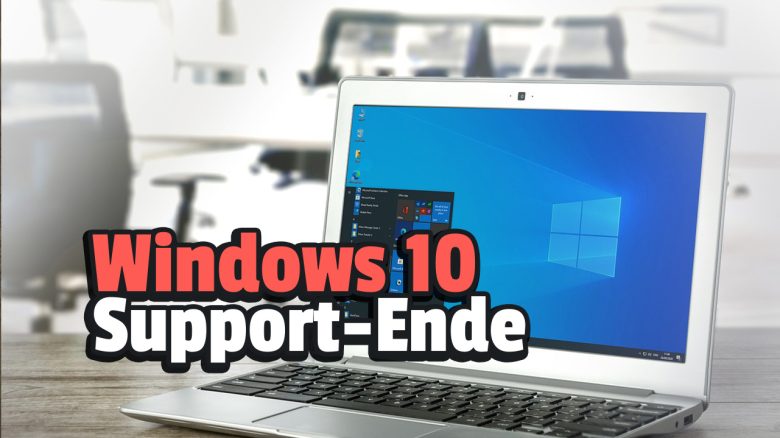
At the end of 2025, support for Windows 10 will end. MeinMMO explains what you need to consider before the end of support for Windows 10 and what options you have.
When does support for Windows 10 end? Official support for Windows 10 ends on October 14, 2025. After that, support for Windows 10 will be discontinued by Microsoft.
What happens after the support ends for Windows 10? The end of support means that Microsoft will no longer provide security updates, technical support, or bug fixes for this operating system.
In principle, you can continue to use Windows 10 even after October 14, 2025. However, using it then poses significant security and performance risks. Using Windows 10 after the end of support is at your own risk.
Which versions of Windows are affected?
- Windows 10 Home
- Windows 10 Pro
- Windows 10 Enterprise
- Windows 10 Education
Which versions are not affected? After October 2025, only businesses using the Windows 10 LTSC version (Long-Term Servicing Channel) will continue to receive updates due to the extended lifecycle.
Last updates: 19.02.25, 01.07.24
What you should do before the end of support in 2025
Upgrade to Windows 11: Microsoft recommends its users to switch to the latest version of Windows. This will continue to receive security updates, new features, and support for your operating system.
Check compatibility: Before upgrading to Windows 11, users should verify whether their hardware meets the system requirements for the new operating system. Microsoft provides a compatibility checking tool to help users determine if their device is compatible with Windows 11.
Backup data: Before an update to Windows 11, you should definitely back up your data. Because something can always go wrong during an upgrade.
Consider alternatives: If you are not interested in Windows 11 or your PC is not compatible, you can look into an alternative operating system. Some operating systems are free.
Buy a new computer: If you definitely want to continue using Windows but your hardware is not compatible, you should consider buying a new computer. However, when purchasing, ensure that Windows 11 is either already installed or that you can take advantage of the free upgrade.
With a trick, you can also install Windows 11 on old hardware, but this is only conditionally recommended, as it may lead to compatibility issues with Windows 11. Also, avoid buying old hardware, as you might encounter compatibility problems with Windows 11 as well:

Windows 11 – What alternatives are available
What alternatives are there to Windows? If your hardware is not compatible with Windows 11 or you simply want to try out a different operating system, you have the following sensible options:
- Linux
- macOS
- ChromeOS
Linux: Linux is an operating system that relies on open source. There are now numerous versions (called derivatives) that you can try out and download. The most well-known Linux is probably Ubuntu. Linux is free and, due to its architecture, is very secure against viruses and other malware.
The biggest disadvantage of Linux is its complexity. Setting it up is now quite simple, but installing software and settings is significantly more involved than in Windows and is more suitable for advanced users. Additionally, popular software like Adobe Photoshop cannot be easily installed under Linux.
macOS: macOS is the operating system for Mac laptops and desktops. This operating system offers an excellent user interface and is relatively easy to set up. Moreover, you receive full support from the Apple team just like with Windows.
The downside is that you need to buy a MacBook or another Apple device to use this operating system. Mac PCs are notoriously more expensive than Windows devices.
ChromeOS: ChromeOS is a Linux-based operating system developed by Google for its Chromebook laptops. ChromeOS is useful if you primarily use web-based applications that require minimal processing power.
However, ChromeOS provides little performance. You cannot install full-fledged software there and can only use web applications.


More about Windows 11: Switching to Windows 11 comes with various pros and cons. MeinMMO presents a quick list of what you should consider before the end of support and whether switching is worthwhile for you: Windows 11 – Is the switch worthwhile?.

Your opinion is important to us!
Do you like the article? Then let us know!