

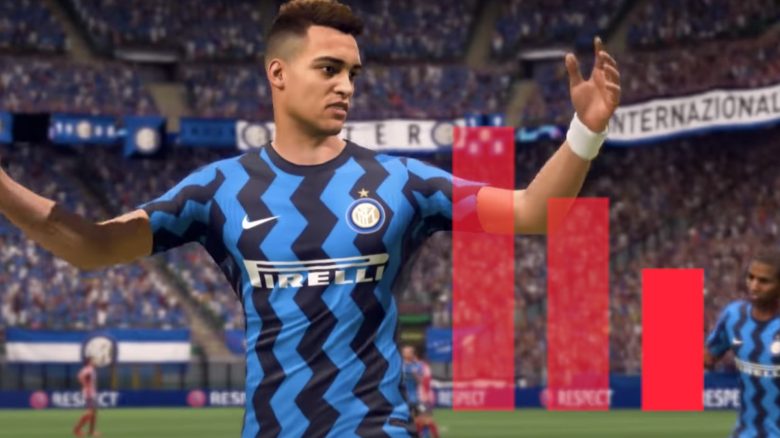
Annoying lags, connection drops, and way too high pings. Players of FIFA 21 know these problems all too well. But is the cause always with EA’s servers? The developer now offers a tool that allows you to check this.
What is it about? In the course of the last update, EA Sports introduced the “EA Connection Quality Report” or the “EA Connection Quality Overview”. This is a tool that allows FIFA players to assess the quality of their Internet connection and possible issues with it.
EA evaluates your connection and even shows you the matches from the last 7 days and whether they had connection difficulties.
This is how the tool works: To check your connection quality, you must log in here on the official website with your FIFA data (via EA). Right after that, your connection quality will be displayed, which the developer rates as follows:
- More than 95 points – Very Good
- 80 to 94 points – Good
- 65 to 79 points – Okay
- 0 to 64 points – Weak

The “connection quality” is based on the ping, packet loss, and jitter value (the stability of the ping). A detailed explanation of how EA calculates the connection quality can be found at EA.
If your connection quality is rated as “Okay” or “Weak”, you should urgently change something in your network setup to avoid connection problems in online matches of FIFA 21.
This is how stable your last games were: Additionally, you can see the online matches of the last 7 days under “Your Game Balance” and see which games had connection problems and how good your “connection quality” was in each game.
A good way to find out if and when there were connection issues.
This is how you improve your connection
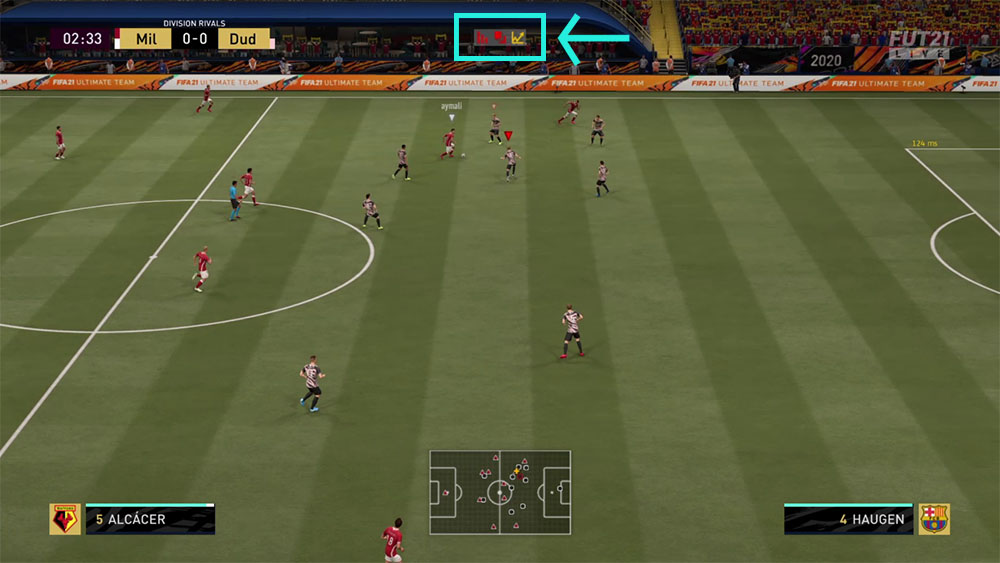
Recognizing problems in the game: To identify connection problems while gaming, EA now also offers the option to display corresponding in-game symbols. You can activate this in the settings under “Connection Overview”.
If these symbols frequently appear in online matches, it is time to change something in your own network.
This is what EA recommends: In the detailed help article (via EA) on the new “EA Connection Quality Report”, the developer provides many tips to improve connection quality. Among other things, the following is advised for connection issues:
- Switching the WLAN band (2.4 GHz or 5 GHz)
- Using an Ethernet cable
- Checking the router’s firmware
- Avoiding VPN use
- Setting up port forwarding
How about you? Have you been struggling with lags and connection issues in FIFA? For victories in the Weekend League, you should do everything possible to avoid this.

Your opinion is important to us!
Do you like the article? Then let us know!