

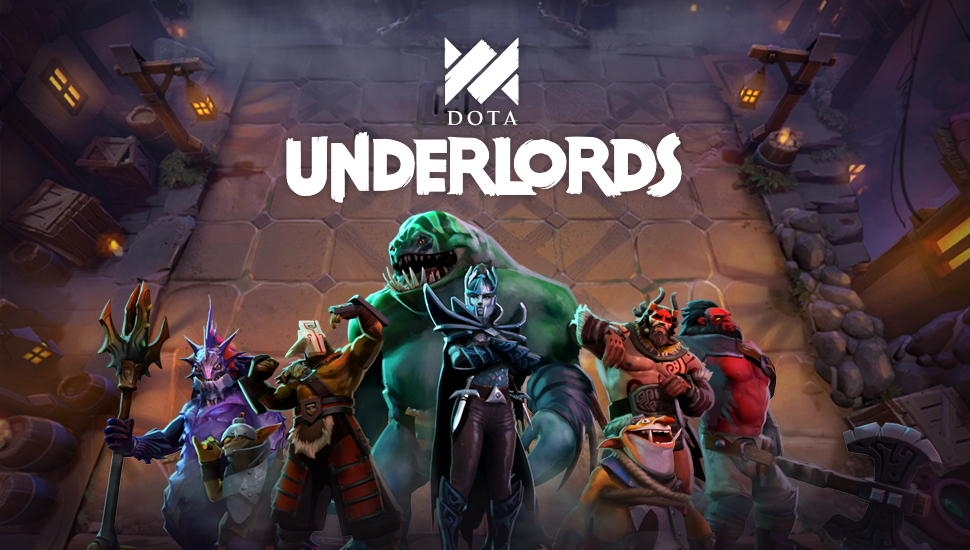
Valve, the company behind Steam, announced today the beta of Dota Underlords. This is the standalone of the Auto Chess mod. The download of the game is a bit more complicated, and we will tell you what you need to do.

What is Dota Underlords? Dota Underlords is Valve’s answer to the current “Auto Chess” hype. The original mod was developed for Dota 2, but the independent studio behind it, Drodo Games, has become independent. In the meantime, the studio has released a mobile version and announced its own PC version.
That’s why Valve announced a few weeks ago its own Auto Chess, which can now be tested in the form of Dota Underlords in an initial beta.
However, not everyone can access Underlords yet.
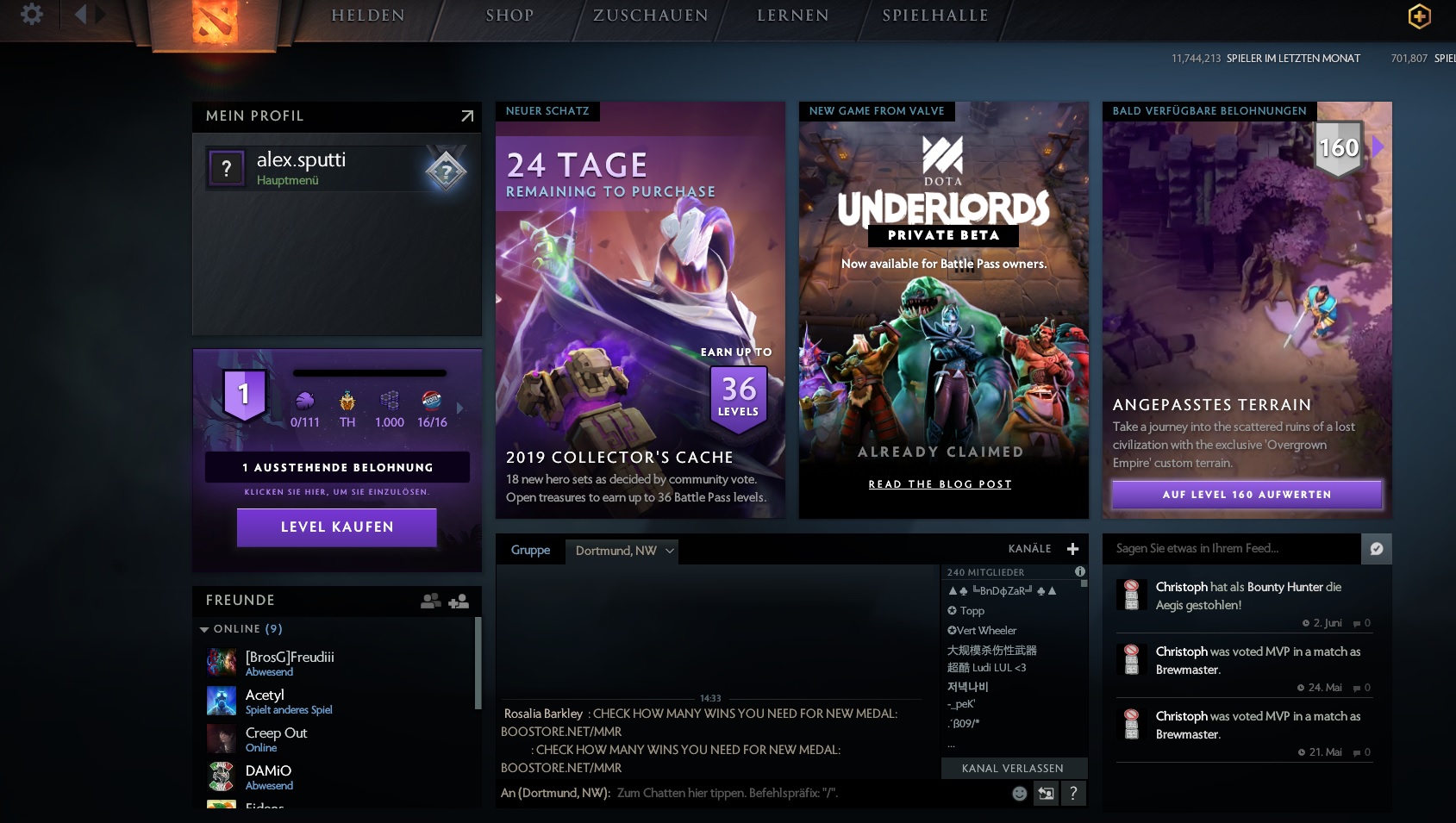
How do I install the beta of Dota Underlords? To gain access to the first beta of Dota Underlords, you need a Dota Battle Pass. This can only be purchased in Dota 2 itself. So, you first need to download the free game from Steam.
There are several versions of the pass available in the shop. You are only interested in “The International 2019 Battle Pass” for 8.75 euros. If you activate the pass in the main menu, Underlords will also be available to you there as a private beta.
There you can add it to your Steam library and then download it.
Will Dota Underlords be paid? To participate in the first beta phase of Underlords, you need the Battle Pass, but the game itself will later be free to play.
The open beta is expected to start in about a week and will be available for PC (Windows, Mac, Linux), Android, and iOS. With this beta, ranked matches and crossplay between all systems will also be activated.
But not only Valve and Drodo Games are currently working on Auto Chess, Riot also wants to release a version for League of Legends:


Your opinion is important to us!
Do you like the article? Then let us know!