

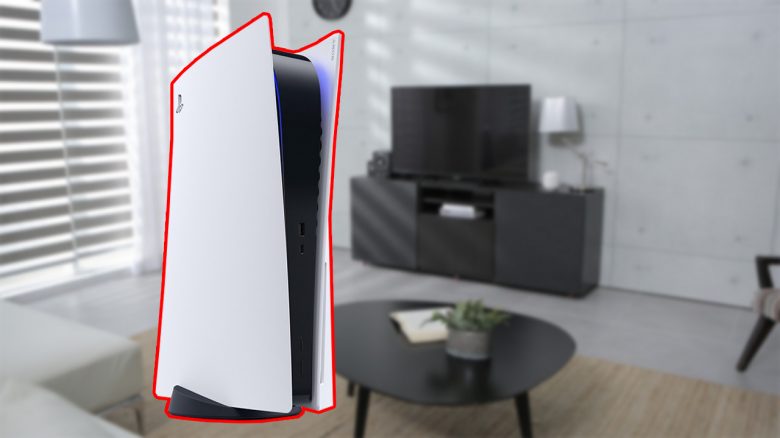
The PS5 design has been revealed and it is said to be quite large. If you want to see how the PS5 will look in your home, all you need is an “Augmented Reality” capable smartphone. With the help of an AR app, you can now try out how the PS5 could look in your home.
Meanwhile, Sony has officially revealed the PS5 design. However, many have now noticed that the design is significantly larger than the design of the PlayStation 4. According to Sony, the size of the PS5 has a good reason.
Many are now wondering whether the new PS5 design will even fit in the living room or TV cabinet. If you have the same concerns, there is a simple trick that allows you to place the design in your living room right now.
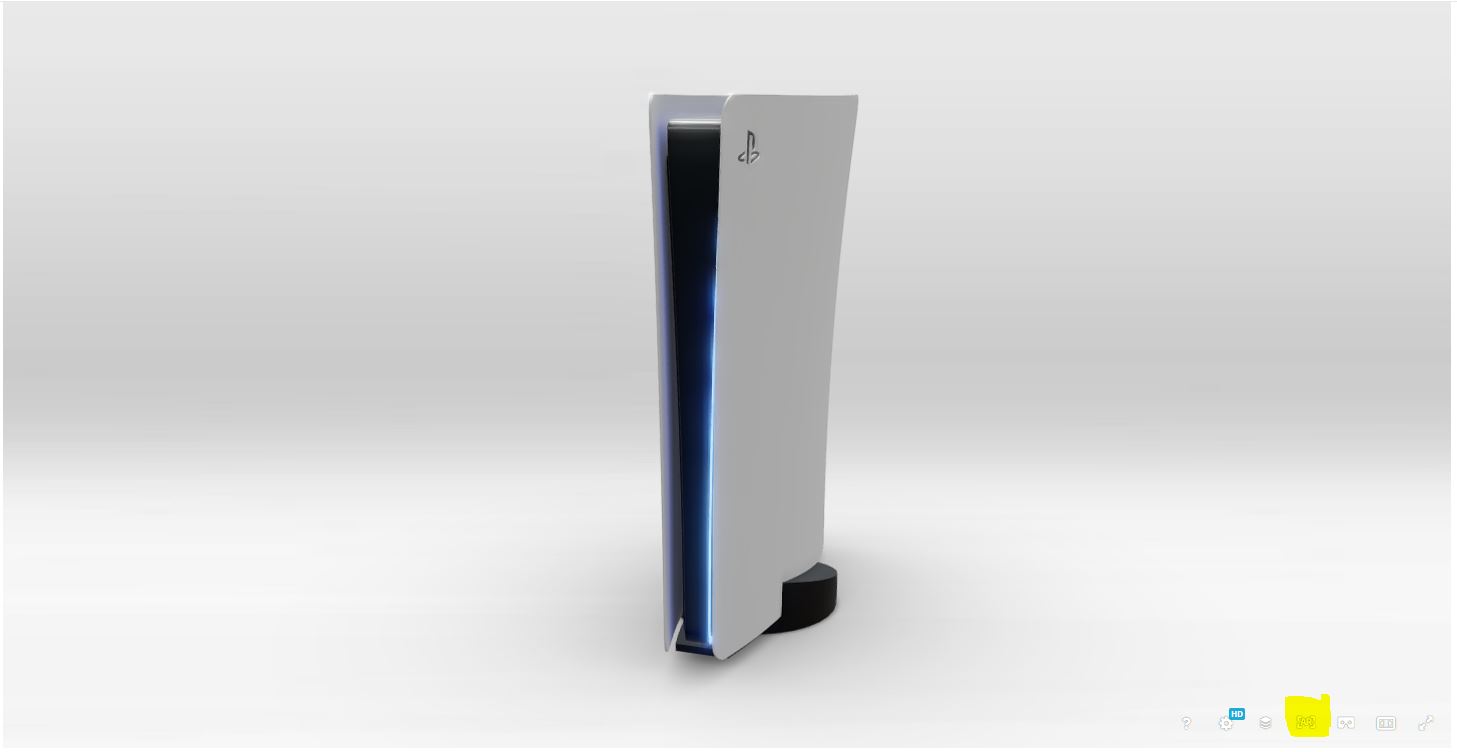
How does it work? On Sketchlab, there is an unofficial 3D model of the PlayStation 5. You can move this into your own home using Augmented Reality.
The uploaded model does not come from Sony itself; fans recreated the model based on the presented video.
What do you need for this? With the help of Sketchlab and an AR-capable smartphone, you can easily bring the 3D model into your home. We will explain what you need to pay attention to.
PS5 Design in your living room? It’s that easy
- If you are using Android, first check if you have the Google Play services for AR (via play.google.com) installed. You need this if you want to use Augmented Reality fully.
- iOS users do not need an extra app.
- Now visit the official page of Sketchlab, where you will find the unofficial 3D model of the PS5.
- If you open the page with an AR-compatible Android or iOS smartphone, you can now click on AR at the bottom right. The process may take a moment.
- After that, you scan the possible position for the PS5 in your home. After the scanning process, the 3D model will appear automatically.
- The process is free; you do not need to purchase the 3D model.
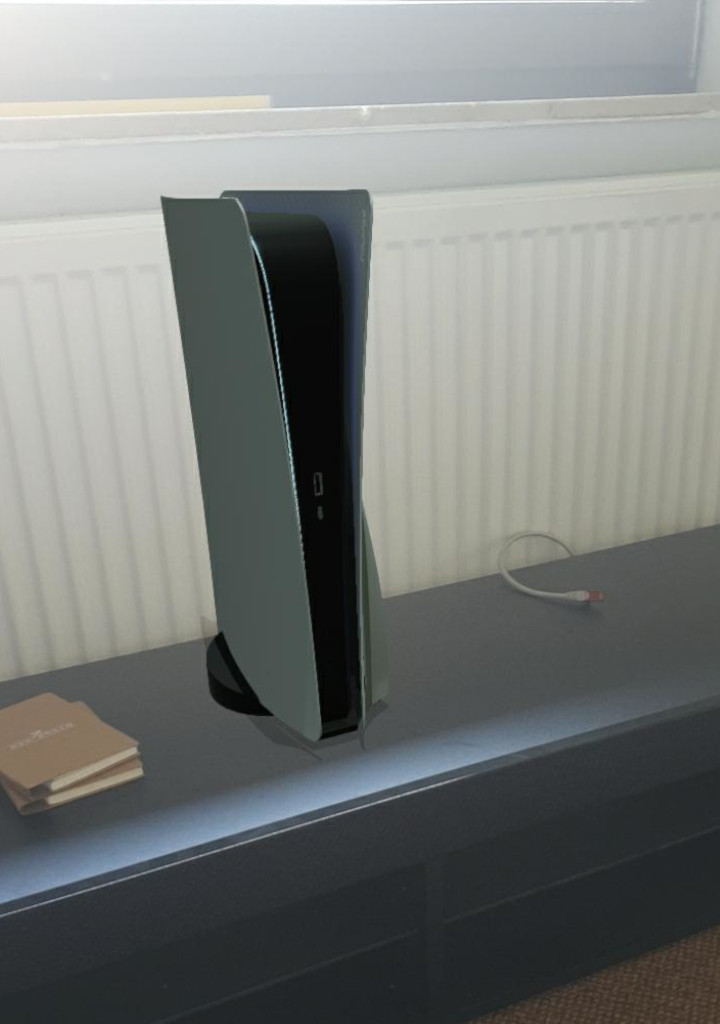
How do I find out if my smartphone is AR-compatible?
When is my smartphone AR-compatible? Most modern smartphones already support Augmented Reality, but there are a few things you need to pay attention to:
- On Android, your smartphone must support at least Android 7.0 or newer, otherwise the app cannot be installed.
- On Apple devices, starting from the iPhone 6 or the Apple iPad Pro from the 5th generation, Augmented Reality is supported. However, make sure that iOS version 11 is installed.
Google has also listed on its official page all smartphones that support Augmented Reality.
Does the PS5 fit in your living room, is it too big, or does it just not fit the design? Share the experiences you have gathered.
Since the reveal of the official design, there has been much discussion about the design of the PlayStation 5. And especially the size of the PS5 could offer a great advantage: With the official PS5 design, Sony could mainly grasp the overheating issue that the PS4 and also the PS4 Pro struggled with.

Your opinion is important to us!
Do you like the article? Then let us know!