

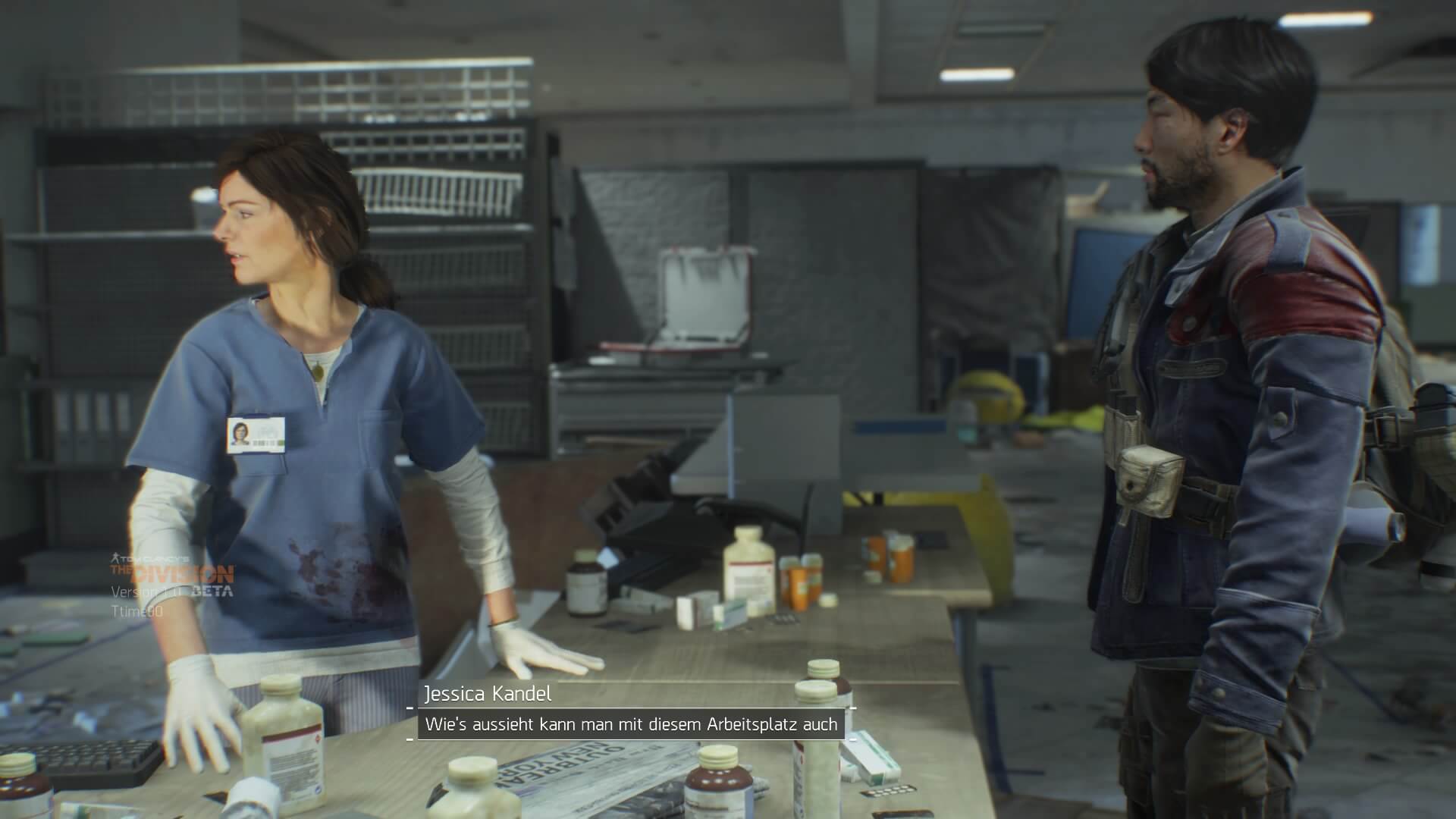
The Closed Beta of The Division has given many gamers an insight into Ubisoft’s upcoming MMO shooter. Now, the testing phase is coming to an end. We focus on one essential aspect: the graphics.
The release of The Division on March 8 is approaching. Therefore, the developers cannot make too many changes to the graphics settings, which is why a keen look at the edges and details of the game is worthwhile. While you can extensively customize the graphics settings on PC, you have significantly fewer options to change the graphics on consoles. But such options do exist.
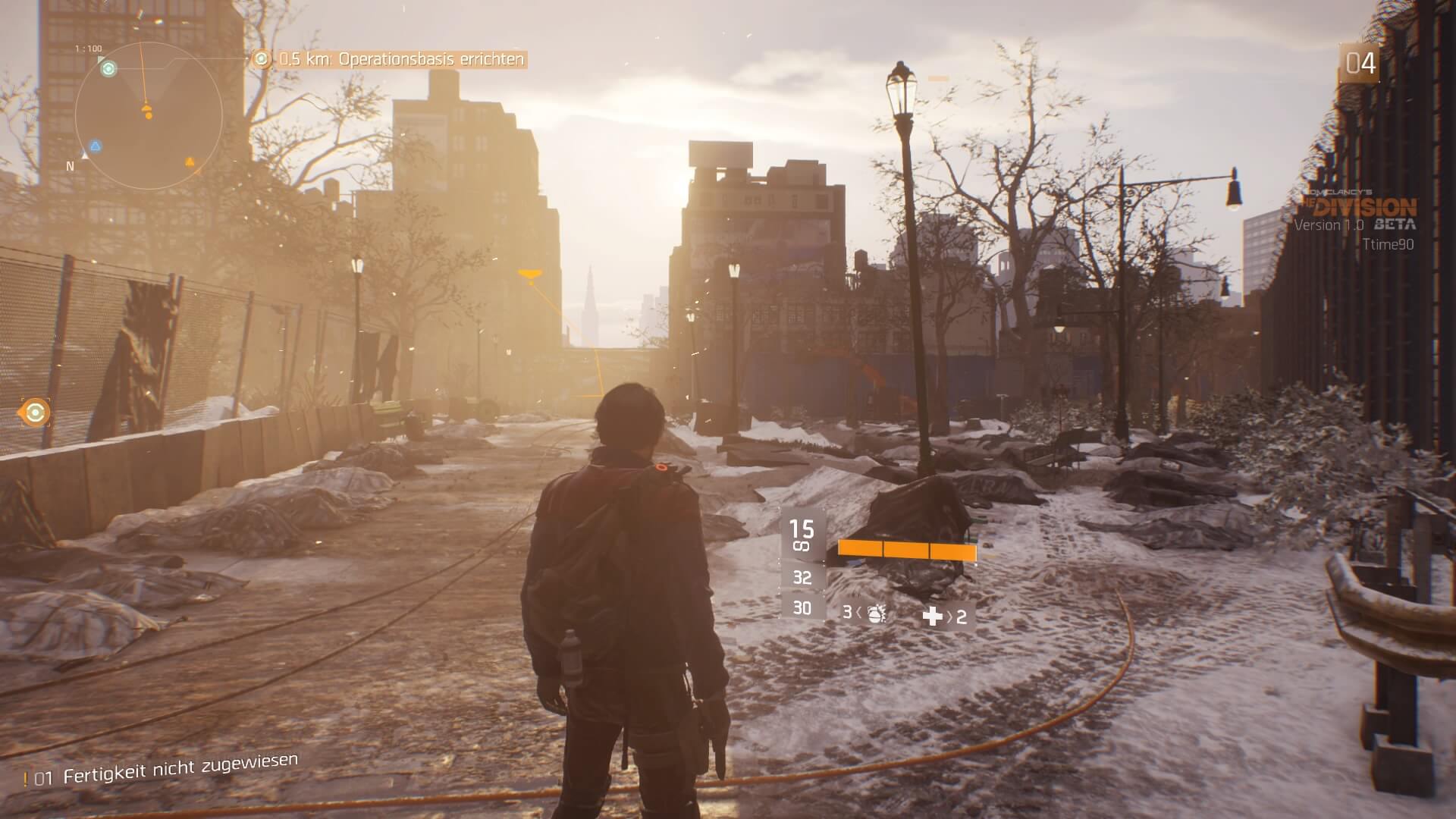
How beautiful the apocalypse looks on Xbox One and PlayStation 4, and here are the graphics settings
One thing right away: the PlayStation and Xbox show no significant differences in the graphics settings. On both platforms, the graphics are great. According to an analysis by vg247, the PlayStation 4 has a “slight” advantage over Microsoft’s console. There is a small performance edge for Sony’s box, but the game runs remarkably stable on both devices. Therefore, graphics should not be a trigger for another console war regarding The Division.
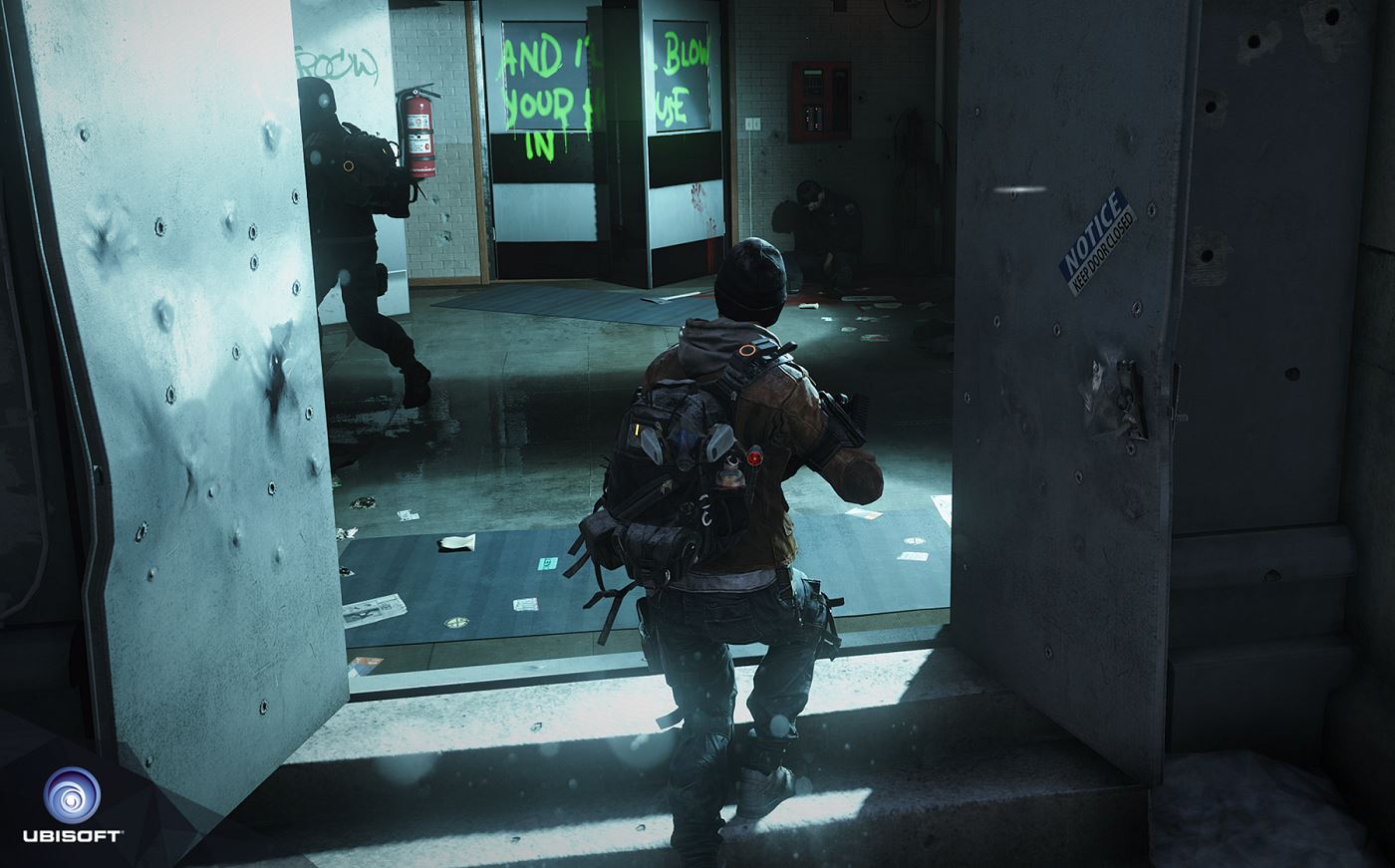
In the Closed Beta, you can enable and disable the Chroma Shift. This allows you to toggle chroma shifts of the UI elements on or off. What does that mean? Essentially, it’s a “post-process effect,” similar to a motion blur slider.
It was developed to imitate the properties of a camera lens, which makes the high contrast points on the screen visible and divides them into their red, green, and blue components. A bit complicated, then. The result is meant to give the game a stronger sense of decay and corruption. Does everyone like that?
At least this option only affects the image quality, not the frame rates. It’s best to play around with the Chroma Shift switch and judge for yourself whether you like it.
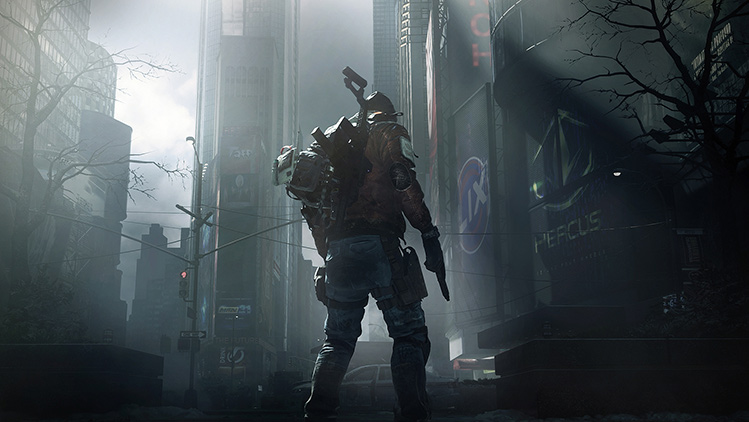
Additionally, there is a Sharpness Slider available. The sharpness slider lets you focus or soften all elements on the screen. These setting options have been rather unusual on consoles so far. But it’s up to everyone whether they want to use this option or not.
You can also disable the HUD in the settings, so that parts of the bottom half of the screen are not permanently covered. However, the display cannot be completely turned off. Therefore, you might as well leave it activated. Of course, the brightness can still be turned up as much as you want ‒ but you can’t change much else on the consoles.
This is what the apocalypse can look like on PC
If you meet the system requirements, you can properly crank up the settings on PC. In this context, you are much freer on PC than on consoles. In the following video, you can watch the YouTuber Arekkz Gaming play the game with ultra settings.
He particularly highlights the lighting effects, which you can admire even in the 18-minute video. According to Arekkz, the game would run much smoother on PC than on consoles. However, he also admits that the console versions still look excellent; the atmosphere and light entry at ultra graphics settings are still currently the benchmark.

Your opinion is important to us!
Do you like the article? Then let us know!