After the launch of The Division 2, some agents are struggling with sound issues. Since there is currently no official solution, we will show you a few ways to possibly get rid of the annoying sound bug.
What is the sound issue about? Even during the beta, many players struggled with annoying sound bugs. But even with the launch of The Division 2, the problem does not seem to be completely resolved. Numerous agents are still plagued by annoying sound dropouts.
The error mainly occurs on PC. The developers are aware of the problem and are already working on a solution. Until an official fix is available, those affected will have to be patient. But currently, it is also possible to work around the problem with some workarounds and a bit of luck.
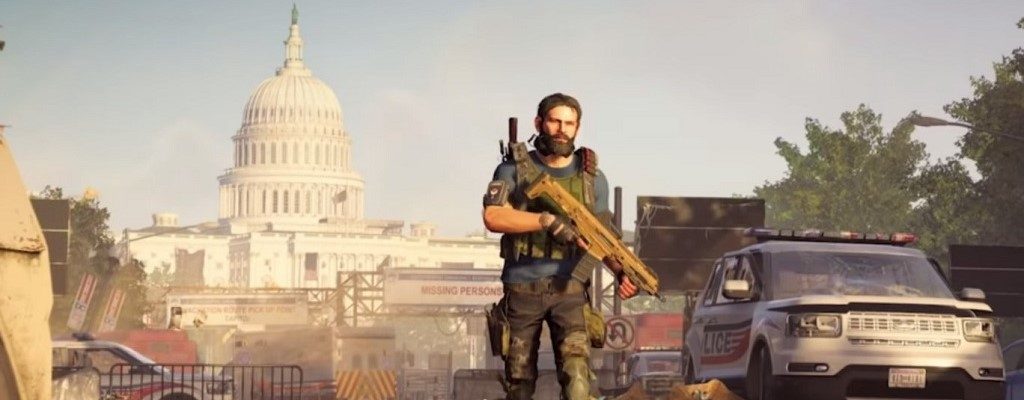
Fixing sound issues in The Division 2 – Here’s how
This is how the sound issues manifest: Many players have reported in recent days that they experience delayed sound or multi-second audio dropouts. Some also complain about having no audio in the game at all.
Causes of the issues: One of the most common causes of the sound bug on PC has been identified by players as Logitech audio hardware and software. Therefore, The Division 2 currently seems to have intermittent issues with this.
Especially if you are using a surround headset from this manufacturer, including the corresponding software, you may experience audio difficulties. But other factors, such as DirectX drivers, may also be responsible for the occurrence of the bug.
Possible solutions for the “No Sound” bug
We have gathered some approaches for you that have resolved the sound issues for some agents on PC. If you are a console player affected by this bug, there is currently no known way to fix the error.
You can try the following on PC:
- Press ALT-TAB in the game to switch to the desktop. Then switch back to the game. This has already managed to restore sound for some players.
- Reinstall the DirectX drivers. Some agents have reported that reinstalling fixed the audio bug.
- Use alternative audio hardware. If you are playing with Logitech headphones or audio systems, try other speakers or a different headset if available. This could also solve the problem.
- If this does not work for Logitech users, close all Logitech software applications such as the Gaming Software Tool and the Surround Sound Service from the taskbar. Open the Task Manager, find the Logitech Surround Service within processes, and end it if it is still active.
- If your Logitech hardware is still not working after stopping the Logitech services, try using alternative headphones or speakers again.
- As a Logitech headset user, you can additionally try selecting a different option than your Logitech hardware in the audio settings of The Division 2 under the Voice Chat option. Reportedly, this has also restored sound for some players.

Are you also affected by the sound problems? Were any of the solutions helpful to you? Do you possibly know any other solutions?