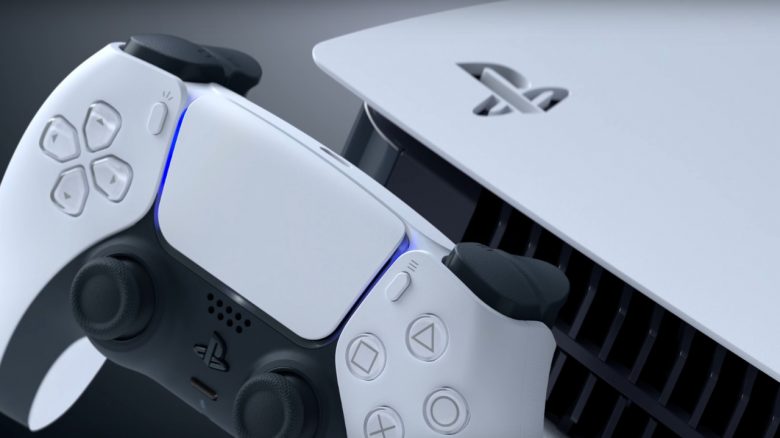
The PS5 won’t start anymore and your disc is stuck? MeinMMO explains what you can do if you can’t get your disc out of the PS5.
Sometimes, even with the greatest care, the PS5 can break down or won’t start anymore. In the most frustrating case, a disc is still stuck in your console’s drive, and you usually want to get it back before sending the console to customer service.
MeinMMO explains how you can get a Blu-ray or DVD out of your PS5, even if the console is no longer functioning or plugged in.

How to get your disc out of the PS5 when the console is not working
What do you need for the tip? Besides the PS5, you only need a Phillips screwdriver and a little time. You should also turn off your console and disconnect all cables beforehand.
Here’s how it works:
- First, remove the base of your PS5 by unscrewing the screw on the underside.
- Next, place the PS5 on the table so that the PS logo is facing down and the drive is facing left.
- Grab the console by the upper corners and gently lift it up and down to remove the cover. You will need some force to lift the cover.
- Now you will see the inside of the PS5: On the rounded side, you will see a fan and on the other side a large gray area. That is the drive.
- Here you should now see a small black dot. Below it lies a screw that belongs to the drive.
- Take the Phillips screwdriver and turn the screw clockwise. The disc should then come out of the drive.
Finally, you need to reattach the cover to your PS5. Do this the same way you disassembled it before.
If the trick doesn’t work: If you can’t get the disc out of the PS5 this way, you’ll need to contact customer service. It’s best to send your PS5 directly to Sony. You will then get your game or movie back with your PS5 after the repair.
More tips and tricks around the PS5: Are you looking for more tips for your PS5? MeinMMO presents a handful of features that you absolutely need to know about your PS5. You can read about which features those are in the following article:
6 secret features of the PS5 that you absolutely need to know