

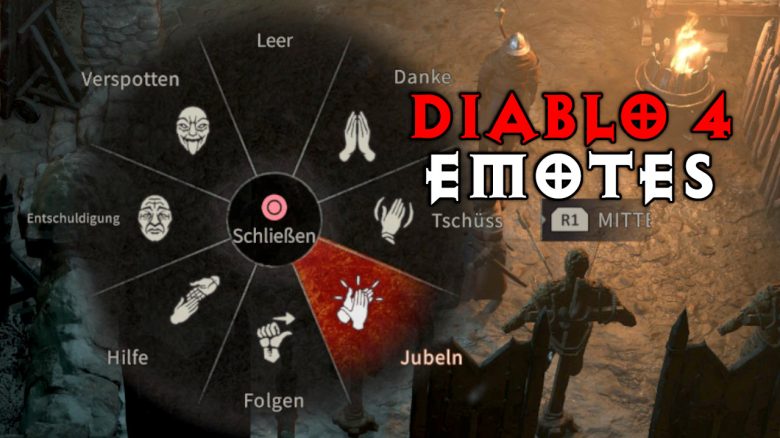
In Diablo 4 emotes help with communication between players, but you can also use them to complete certain quests and even earn bonuses. All information about the emotes can be found here at MeinMMO.

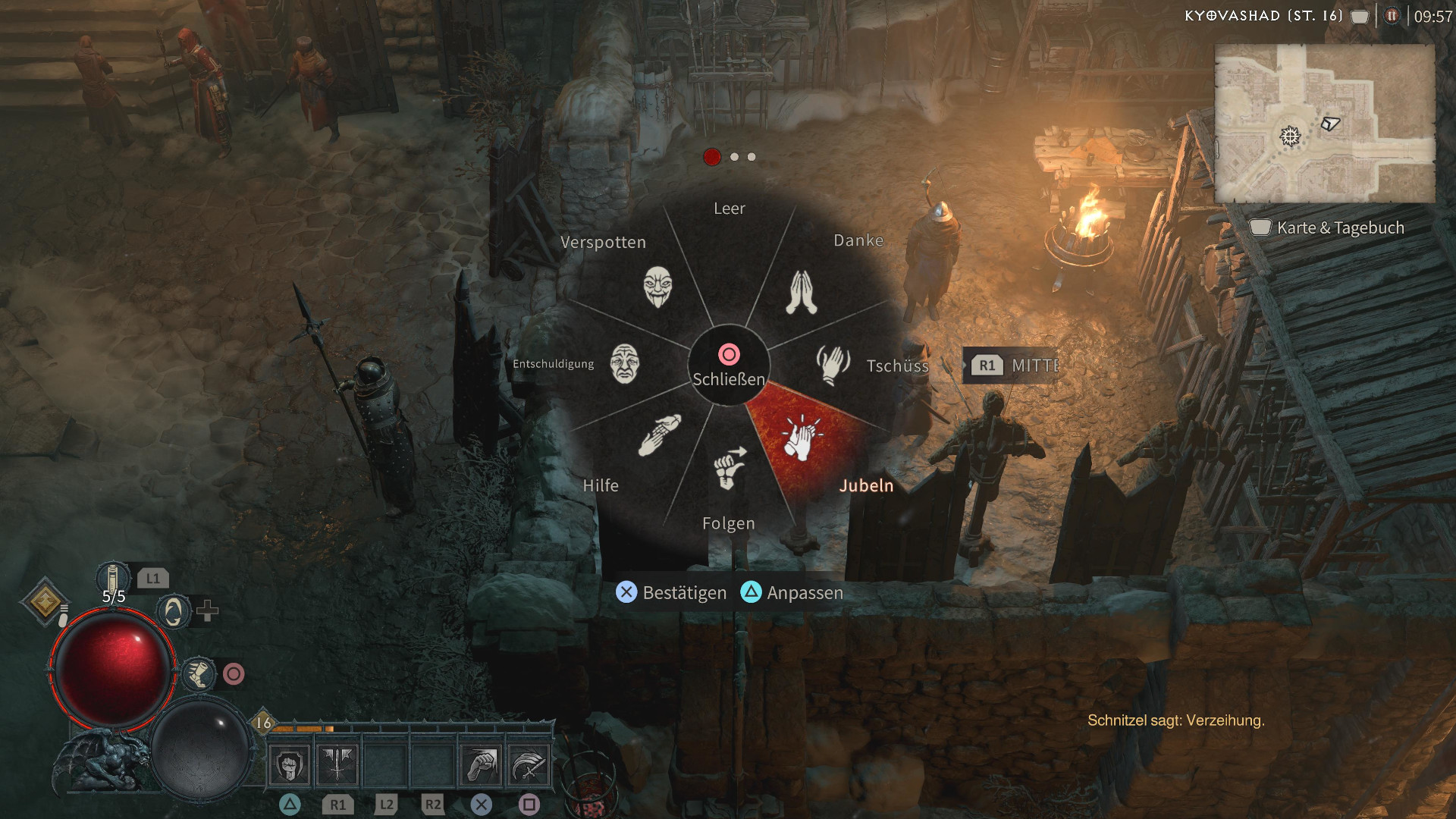
How to use emotes? This depends on your input device:
- Keyboard: Open the emote menu with “E”
- Use the mouse wheel to switch between emote tabs
- Controller: Open the emote menu with “D-pad Up”
- Use L1/R1 or LB/RB to switch between emote tabs
What do emotes do? In Diablo 4, actions are not only meant for communication among players. In fact, even the beta offers some quests where you need emotes. You can even pet dogs, even though players advise against it.
Additionally, the emote wheel gives you the option to return to the start of a dungeon.
You will also find certain shrines that offer you various and sometimes crazy bonuses. Interact with the shrines for a hint on the required emote. The shrines won’t improve your gameplay, but they provide gold bonuses and similar things:
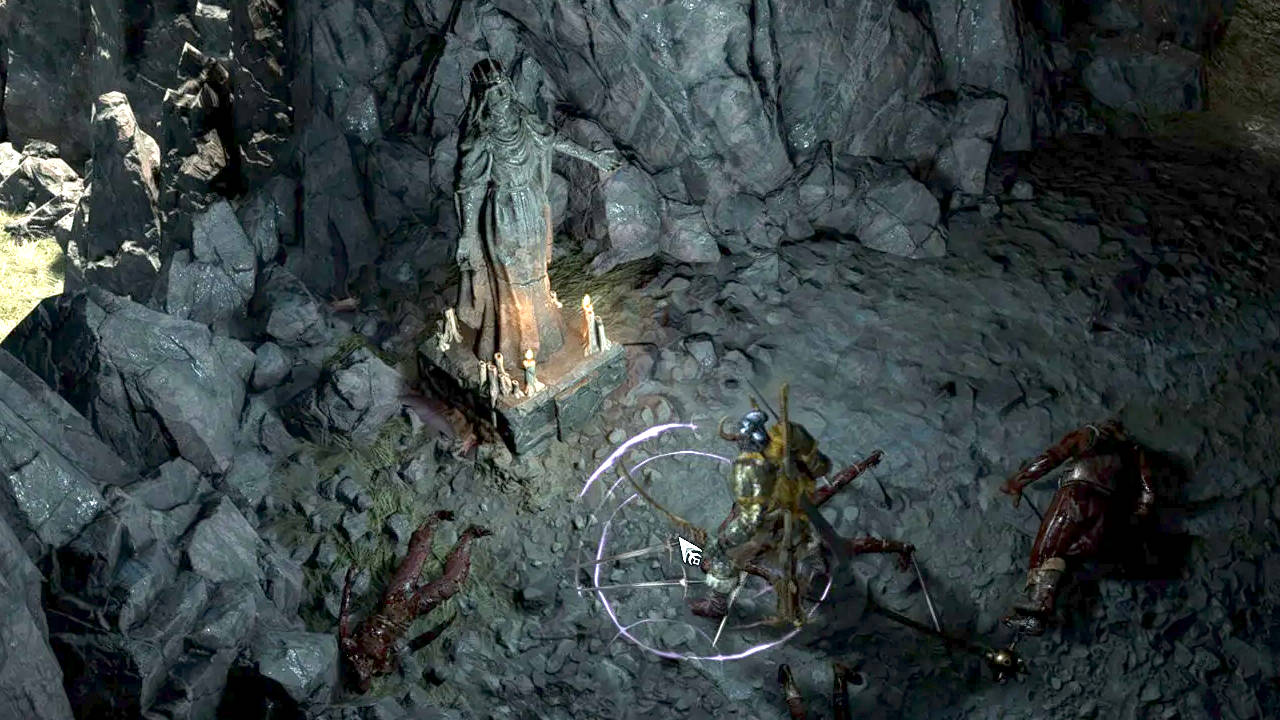
Quests and shrines often obscure which specific emote you need for the solution. However, the puzzles are usually not very difficult.
If you have a side quest where you don’t know what to do, think of the emotes as well. For example, at your first visit to the big city Kyovashad, you will receive the quest “Lifting the Mood” and you need the cheer emote here.
If you do not have an emote in your emote wheel, open the “Customize” menu and place the required emote on one of the slots to exchange it.



Diablo 4 introduces many MMO mechanics into the main series of the franchise, and a large selection of emotes must not be missed. The “Shared World” is particularly controversial in this regard.
Not every player likes it when strangers suddenly run through the picture. We asked Diablo if there is a way to avoid this: Diablo 4: Can the “Shared World” be turned off at some point? We asked the developers.
If you have questions or tips about the game or would like a specific guide, please leave a comment on the topic.

Your opinion is important to us!
Do you like the article? Then let us know!