A few days ago, season 5 started at Diablo 3 and since then many players have been complaining about the current patch 2.4. For PC players with AMD graphics cards, we may have a solution for crashes.
Among other things, there is a problem with various graphics cards (especially AMD seems to be affected here). When playing Diablo 3 with such a graphics card, there can be a black screen or Diablo 3 freezes at certain points in the game. In various cases, the sound continues to run in the background.
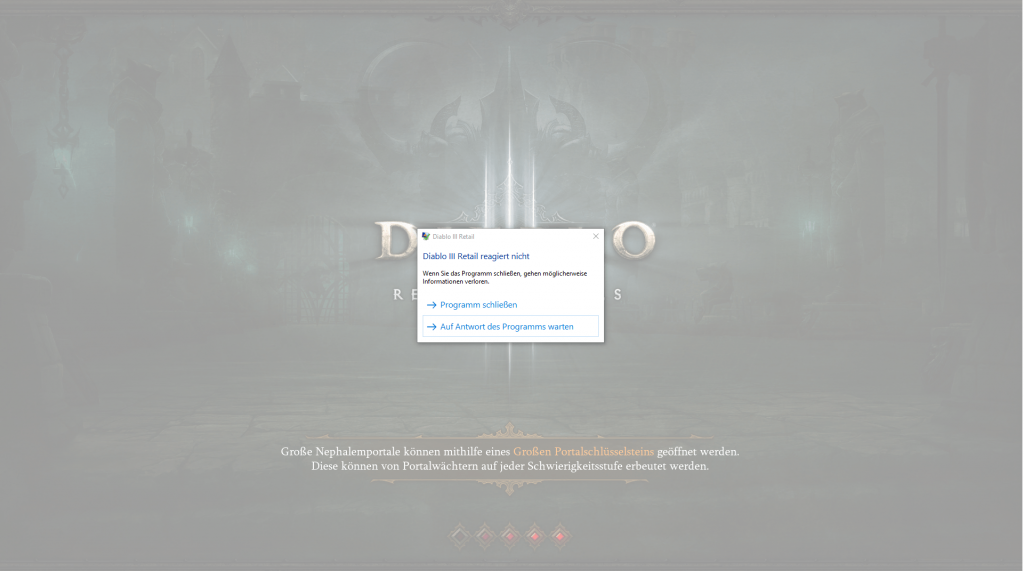
This error often occurs when teleporting to the zone “Desolate Sands” or “Guild Hideout”. Also in various Rifts, the game can crash when these problem zones are chosen as setting.
Problem Solving:
To fix this problem, you should do the following.
- Close Diablo 3 if it is running.
- Follow the link in the first post of this forum thread under point 1. Here is the Guru3d Forum.
- Select “Directx9” on the Mega website.
- Select and download the driver “13.12.zip”.
- The two unpacked .dll files should then be copied into your Diablo 3 folder (where the D3.exe is located).
- After that, you can start the game and should not experience any more crashes.
If this does not fix your errors in Diablo 3, you will find further solutions in the aforementioned forum thread.
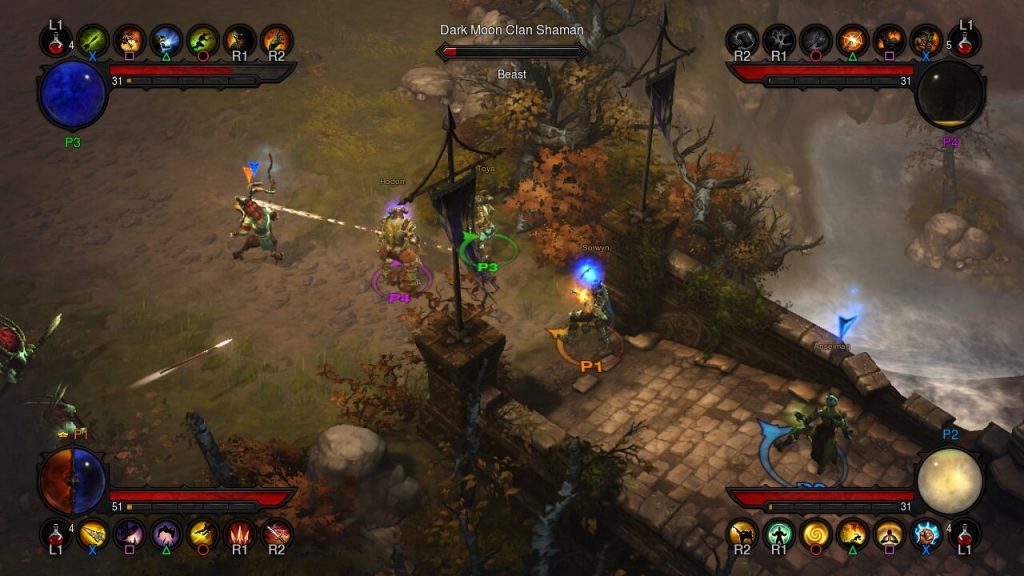
Lags on Xbox One and Playstation 4
Also, Xbox and Playstation players have many reasons to complain. For some gamers, the game is barely playable due to significant frame drops and lags. Blizzard is aware of the issues. They state that they are already looking for a solution and ask that players who have these problems report the errors. This increases the chance that a hotfix will come soon to eliminate these lags.
Currently, there is no “Do it yourself” solution known for this. Or do you have an idea?