

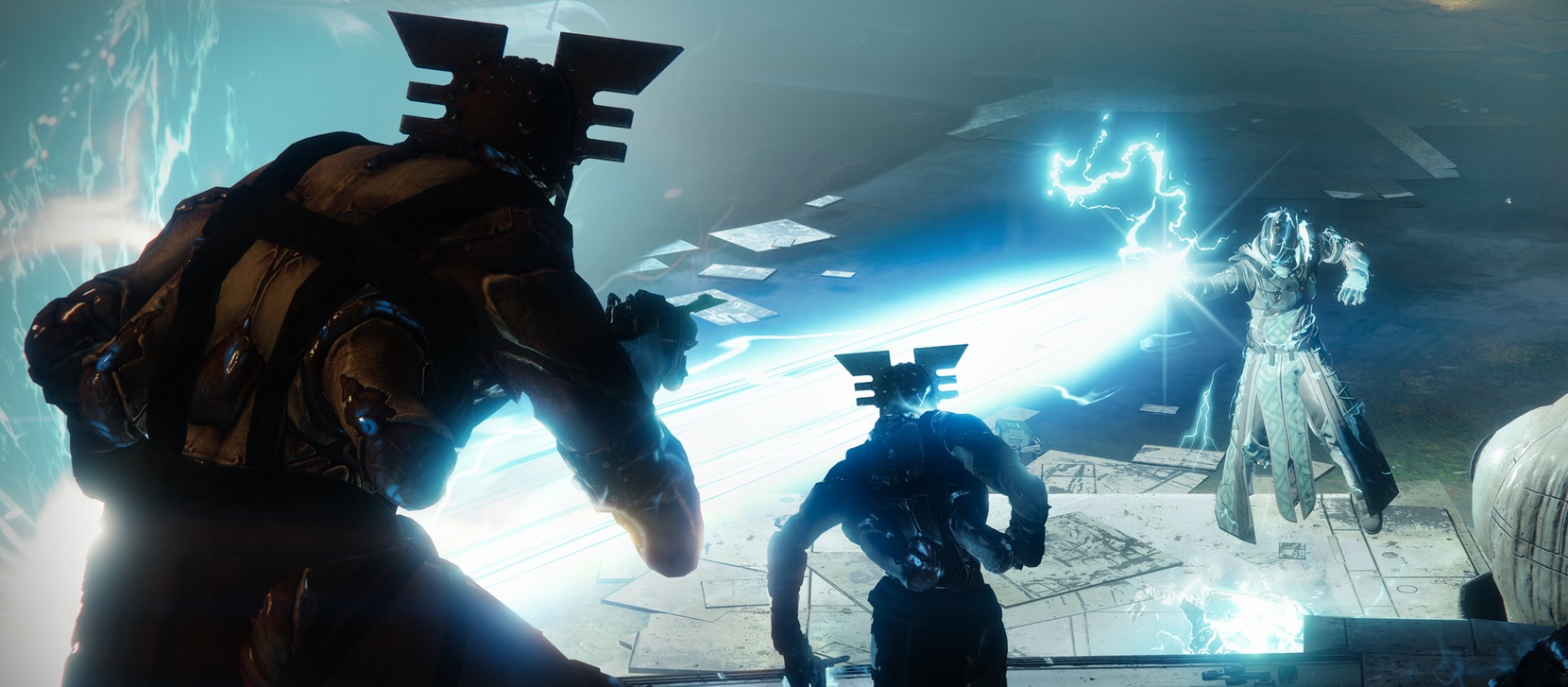
Today, the update 2.0.3.1 for Destiny 2 is available for download and installation. Here’s what you need to know for your evening on PS4, Xbox One, or PC.

Update 18:25: The hotfix is now live, albeit delayed. It is just a small update, which you can download and install directly in Destiny 2. It is about 4 MB in size. Users report that they were kicked from their activity before 18:45. Additionally, some users are seeing incorrect information or missing milestones. Some planets are also missing. A restart should help.
Update 18:35: Bungie confirms the issues via Twitter. There are strange display errors in the navigator. Affected users should restart Destiny 2. If that doesn’t help, you should try clearing the console cache. You can find out how to do that in the tweet:
Update 18:40: The patch notes are here. You can find them below in the article.
Bungie is rolling out the updates: Since the Forsaken launch, Bungie has been diligently working on updates and hotfixes. Several patches have already been released, and there is no end in sight for the necessary bug fixes. Today, on September 20, the second update of the week is coming.
By the way, maintenance work has taken place every day this week in the background, including today. The developers have quite a bit to do.
The important times for today, September 20.:
- At 18:00 maintenance will begin without server downtime. You can still log in and play. Bungie is working in the background on the servers.
- Also at 18:00 another update, hotfix 2.0.3.1, will be made available worldwide on all platforms. You need to download and install it to continue playing Destiny 2. If you are in game at that time, you will be prompted to download the update at your next activity completion in orbit.
- Already at 18:45 all guardians will be forced to install the update. If you are still in an activity at this time, you will be kicked back to the login screen. You will only continue once the update is installed.
- Around 19:00 maintenance will be completed. If clan features and the companion app were disabled during maintenance, they will go live again now.
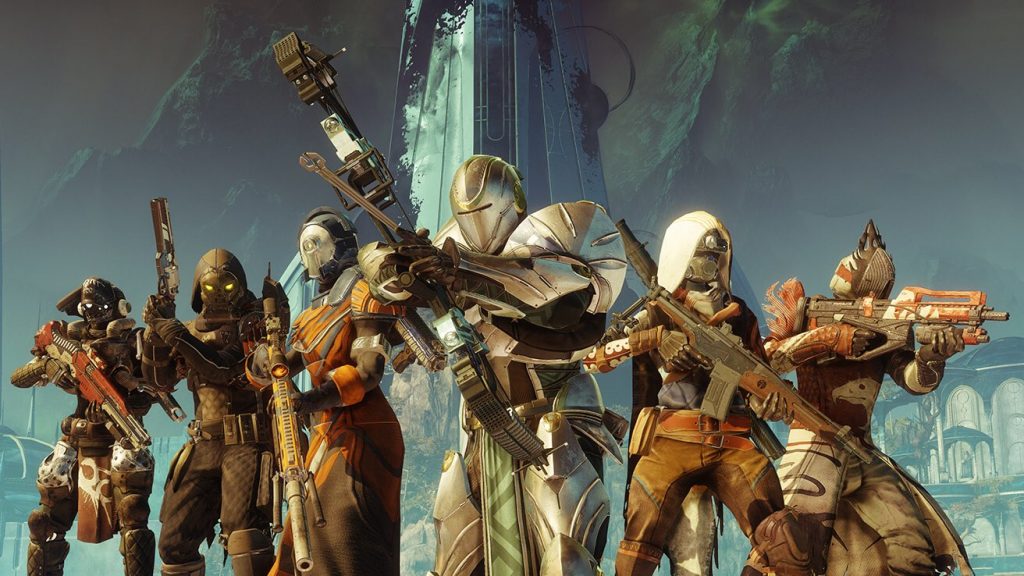
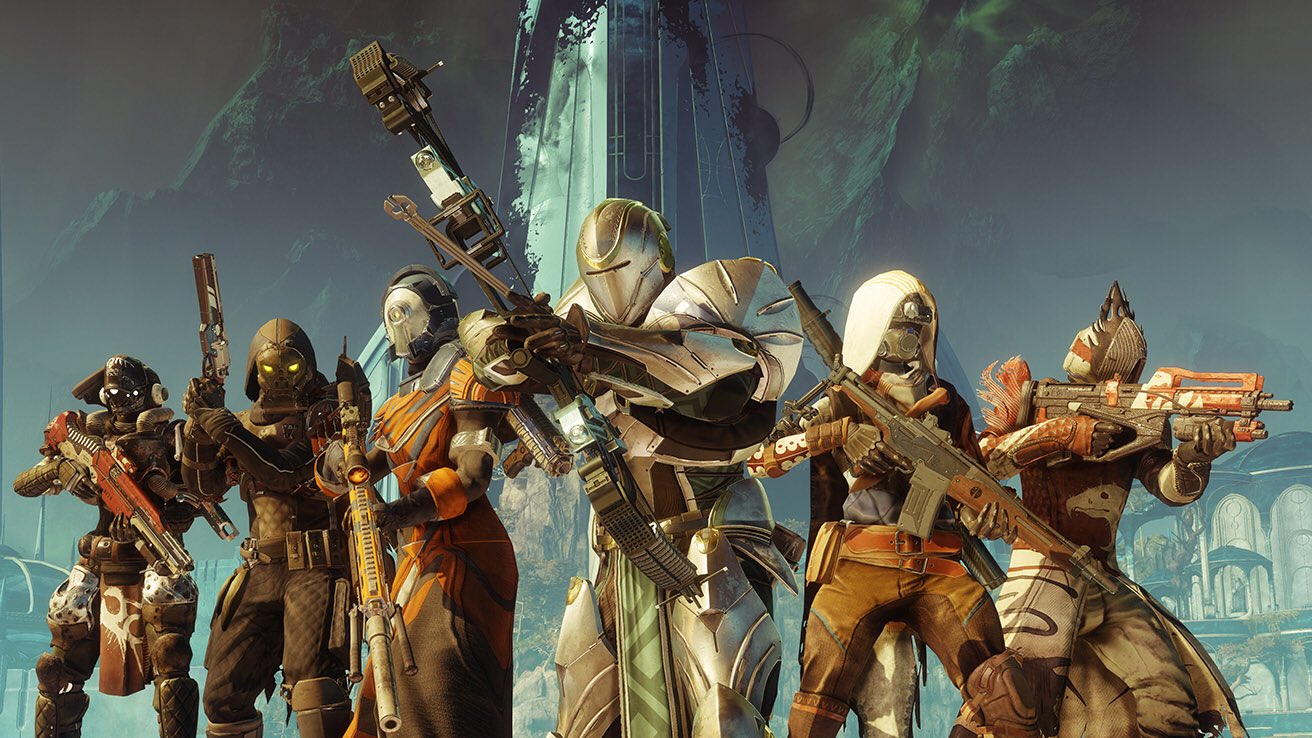
Tip: Don’t start any lengthy activities shortly before 18:00 – like the raid. Once you have installed the update, you can happily start anything in Destiny 2 that you want.
What changes with update 2.0.3.1?
The key changes:
- The Offering for the Oracle no longer ends up in the inventory as consumables, but in the quest section. However, this weekly bounty has been temporarily removed, for which you need the Offering. Therefore, you only have to complete two weekly bounties (instead of three) this week to master the challenge with Petra.
- The Telesto cheese in the Blind Well has been fixed.
- There was also a glitch that gave you many enemy crates. This has now been fixed as well.
- In Gambit, all kills with hand cannons now count towards the Pikass quest – not just Invader kills anymore.
The patch notes are now available in German, and we embed the complete changes here:
Heroic Adventures
- A problem has been fixed that caused Barons to grant Legendary rewards outside of Heroic Adventures
- Barons in Heroic Adventures now guarantee one Legendary item per day
- Subsequent kills provide Legendary rewards with a reduced chance
Weapons/Items
- A problem has been fixed that prevented players from putting down the weapons “Origin Story” and “The Last Dance” when they used a character-level boost after obtaining the weapons in “Homecoming”
- A problem has been fixed that caused the Legendary scout rifle from BrayTech to create mod components when dismantled
The Dreaming City
- The Offering for the Oracle is now placed in the quests area instead of consumables
- The weekly bounty that required exchanging an Offering for the Oracle has been removed
- The weekly challenge in the Dreaming City now only requires two completions of weekly bounties
- A problem has been fixed where some enemy kills incorrectly produced chests
- Players can no longer receive “Dreaming City” rewards when replaying the mission “Awakening”
- A problem has been fixed that allowed progress in the Blind Well to be accelerated with “Telesto”
Gambit
- Players can now complete the quest step of “Cayde’s Testament” by defeating invaders or general enemies with hand cannons
- The reconnection feature in Gambit has been disabled
Issues with powerful gear
Issues with Powerful Gear – Update: Were not fixed: A few hours ago, Bungie tweeted that they are investigating issues with powerful gear. Apparently, this sometimes delivers items with too low power levels. They are working on a fix, and the problem is now of the highest priority.
Whether today’s hotfix will resolve this issue remains to be seen. However, the hotfix had already been announced before the issue with powerful gear arose. You can find the long list of all current issues in Destiny 2 on the Bungie page.
Powerful gear is required to continue progressing beyond 500 in power level. You can find our max power level guide up to 600 here.
As soon as the patch notes are known, we will report on them here.
Please give us a thumbs up on our FB page “Destiny 2 Mein MMO” so that you don’t miss any news or guides about Destiny 2.

Your opinion is important to us!
Do you like the article? Then let us know!