

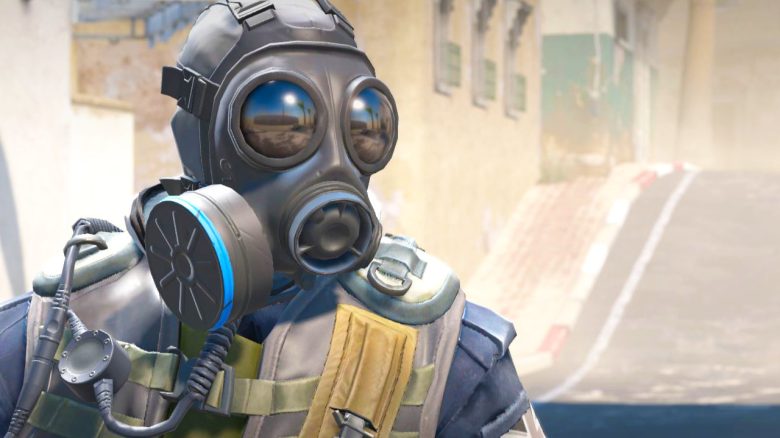
If you’re now really eager to play Counter-Strike 2, we’ll show you how to find your perfect mouse sensitivity.
Counter-Strike 2 replaces CS:GO after 11 years and will be the new shooter flagship from Valve. Many players will accordingly return to the CS series and possibly even play for the first time.
If you are also among the new or returning CS players, we will show you here how to find the perfect mouse sensitivity for you.
The Basics for Your Mouse Sensitivity
Why should you find a perfect sensitivity? Sensitivity is probably the most important setting in shooters. Too high or too low sensitivity negatively affects your aim and thus your performance.
That’s also why you shouldn’t adopt a professional’s settings 1:1 – the setting of s1mple might be too slow or too fast for you.
As a general rule for your sensitivity: If you can make a 180° turn in the game with a “normal” motion of your arm, you are on the right track.
Find CS2 Sensitivity Without Websites and Programs
What reference values can you work with? First, you need to know what DPI you are playing with. Typically, players choose either 400 or 800. The higher your DPI, the more sensitive your mouse is, and thus your in-game sensitivity should be lower.
Any DPI above 800, for example, 1,600, is rather an exception and is mainly used by players who only use their wrist to aim, rather than their entire arm.

Self-determining sensitivity: If you want to find your CS2 sensitivity yourself, without the help of other games, programs, or websites, proceed as follows:
- find a good player who uses the same DPI as you
- 400 DPI: Example: s1mple (CS2 Sensitivity 3.09)
- 800 DPI: Example shroud (CS2 Sensitivity 1.2)
- adopt the settings of the player you chose
- go into training, for example, a deathmatch against bots and test the sensitivity
- based on your test results, increase or decrease your sensitivity until you feel comfortable.
- for fine-tuning your sensitivity, you can try to quickly and precisely flick to small fixation points. Additionally, here’s a test:
- find a point on a map that offers you at least 2 fixation points: one “at 12 o’clock” and one “at 3 o’clock” from your position.
- now aim between the two points. This doesn’t have to involve fast aiming or flicking at first.
- if you oversteer while aiming at one of the points, your sensitivity is too high and you should reduce it a bit. If you understeer while aiming at one of the points, your sensitivity is too low.
Important: Finding an ideal sensitivity is a lengthy process. You won’t find the perfect value just like that. It may be that you constantly tweak your sensitivity, increasing or decreasing values until you are fully satisfied.
Determine CS2 Sensitivity with Aim Trainers
What are aim trainers? Aim trainers are programs like Aimlabs or Kovaaks, in which you shoot at colorful balls or other objects that move around on your screen. The goal for you is primarily to improve your aim.
You should follow the targets with the crosshair, practice flicks, and simply gain practical experience aiming with the mouse. Occasionally, there are now aim trainers like “Oblivity” that have functions to determine your perfect sensitivity. The free aimlab available on Steam now also has such a program.
How do aim trainers determine your sensitivity? In the case of Aimlabs, you play a test with repetitive tasks for about 10 minutes, where you should use various sensitivities.
At the end of the test, the game will show you a calculated “sensitivity” in centimeters that should be ideal for you. The displayed number shows how many centimeters you should move your mouse to perform a 360° turn. In Aimlabs itself, you can then select different games in the sensitivity settings.
If you select Counter-Strike, Aimlabs will automatically convert the centimeter value into a CS sensitivity.



Determine CS2 Sensitivity with Other Shooters
Why should you convert the sensitivity of another game? If you have been playing another shooter than Counter-Strike for years and have a sensitivity you have mastered, you can convert that sensitivity and then use it in CS2. There are various websites for converting your sensitivity, like mouse-sensitivity.com.
The website will then tell you what to set in CS2 to have the same sensitivity as in Valorant, Call of Duty, Rainbow Six Siege or other games. You won’t have to get used to a new setting but can rely on your muscle memory.
How do you calculate your sensitivity using a website? To find out your CS2 sensitivity, first select the game whose mouse sensitivity you want to convert. Then select CS2 to indicate that your setting should be adapted for the CS:GO successor. Next, you will add the sensitivity value.
In addition, you should specify what DPI you are playing with, how big your monitor is, and in what resolution and aspect ratio game 1 is played by you. The website will handle the rest.
If you’re still looking for affordable yet good headphones for CS2, I have a recommendation for you:
Audio expert designs headphones for under €30 and I’ve never heard steps in a shooter so well

Your opinion is important to us!
Do you like the article? Then let us know!