

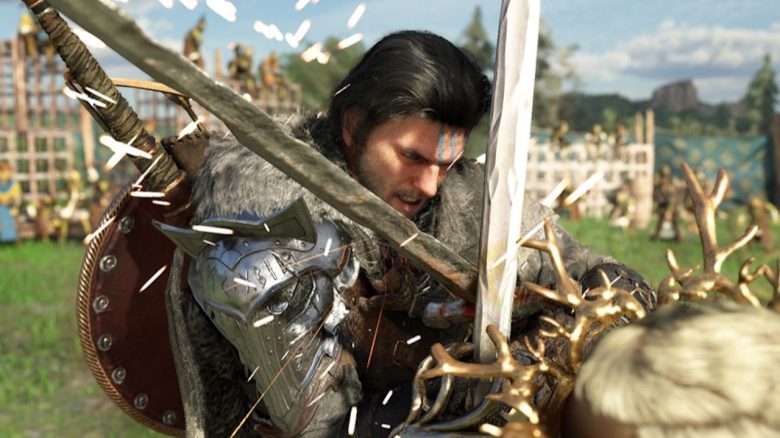
The controls in Crimson Desert are often not very intuitive, and the game does not explain many things at first glance. Therefore, we explain how you can easily sheath your weapons.
How can you sheath your weapons? You can sheath your drawn weapon in the following ways:
- Controller: Left directional button (<-) on the D-pad
- PC: Press “T”
If you press the button twice quickly, your character will also show a cool move. Alternatively, you can deselect your weapon via the inventory or the corresponding radial menu.
Drawn weapons block certain actions
Where can drawn weapons become a problem? Those who have played Crimson Desert for a little longer will have encountered such situations. With a drawn weapon, you cannot do certain things, for example:
- Pick up loot
- Climb
- Interact with objects
Some NPCs also react with fear or defense if you approach them with your weapon drawn or draw it in their presence. This can additionally block your options for actions and dialogues temporarily.
Especially in fights or in cities, it can quickly become annoying if you cannot escape quickly enough or if you cannot speak to important NPCs. Therefore, it is good to deal with how to quickly sheath your weapon with the press of a button in advance.
If you have gathered resources beforehand and have not switched back to your weapon, your tool will automatically be drawn in combat. Here, you should refer to the weapon wheel if you want to defeat your opponents as well.


Crimson Desert is a game that does not exactly hold your hand. Much is explained only minimally or not at all. While this encourages experimentation and puzzling, it can also quickly lead to frustration. If you get stuck or need help, check out our guide overview or leave us a comment if you can’t find what you’re looking for: Crimson Desert: All guides, tips, and lists at a glance

Your opinion is important to us!
Do you like the article? Then let us know!