

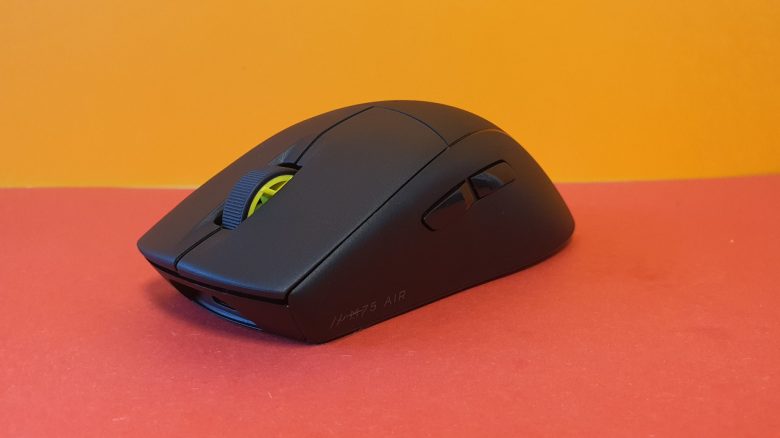
Corsair has introduced a new wireless mouse for shooters with the M75 Air. The mouse aims to impress with a simple design and weighs only 60 grams. Whether it succeeds is explained by MeinMMO editor Benedikt Schlotmann in his review.
If you prefer playing shooters on PC, you typically look for a mouse with few buttons and low weight. With the M75 Air, Corsair has introduced a wireless gaming mouse for shooter players. Corsair confidently calls the mouse “the ultimate gaming mouse for demanding FPS games.”
However, with the Viper V2 Pro and Logitech G Pro X Superlight, there is already strong competition. In my review, I looked at how Corsair’s new mouse performs and whether it can keep up with the competition.
Who tested it?
I am Benedikt, and I have a passion for gaming mice, owning over 20 gaming mice and a good dozen keyboards privately. Since 2019, I have been testing hardware for our readers at MeinMMO. Mice are among my favorites, along with gaming headsets and keyboards, when it comes to peripherals for PC and console. Nowadays, I am also on the go with the PS5 and the Steam Deck.
Corsair provided me with the M75 Air for testing.

Benedikt Schlotmann
Hardware Editor MeinMMO
Technical details and information:
| Sensor | Corsair Marksman (Pixart) |
| Resolution | Up to 26,000 DPI |
| Switches | Corsair Quickstrike, optical switches |
| Buttons | 5 fully programmable buttons |
| Design | Black mouse, no RGB lighting |
| Gliders | 2 |
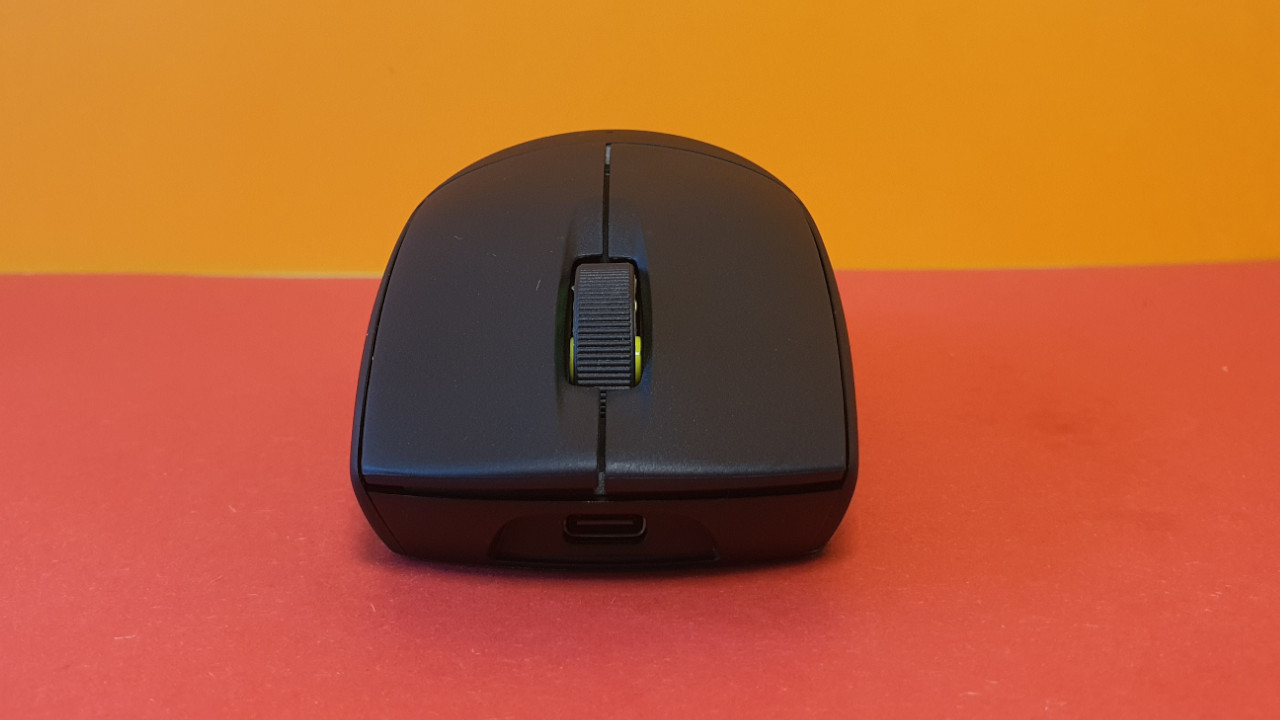
| Cable | Detachable 1.8 m USB-C cable |
| Weight | 60 grams |
| Price (RRP) | 149.99 Euros |
Scope of delivery, design and build
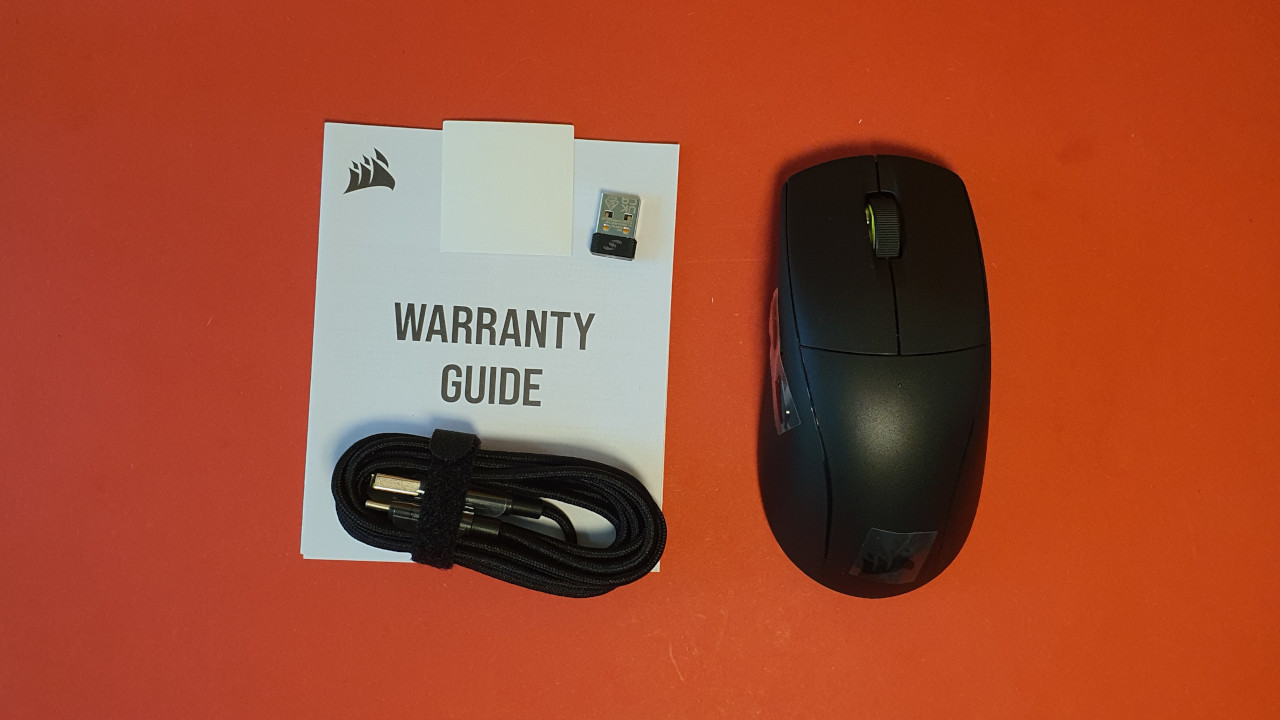
What does the scope of delivery look like? The mouse is delivered with a USB dongle for the wireless connection and a 1.8-meter USB-C cable. Also included is the mandatory manual.
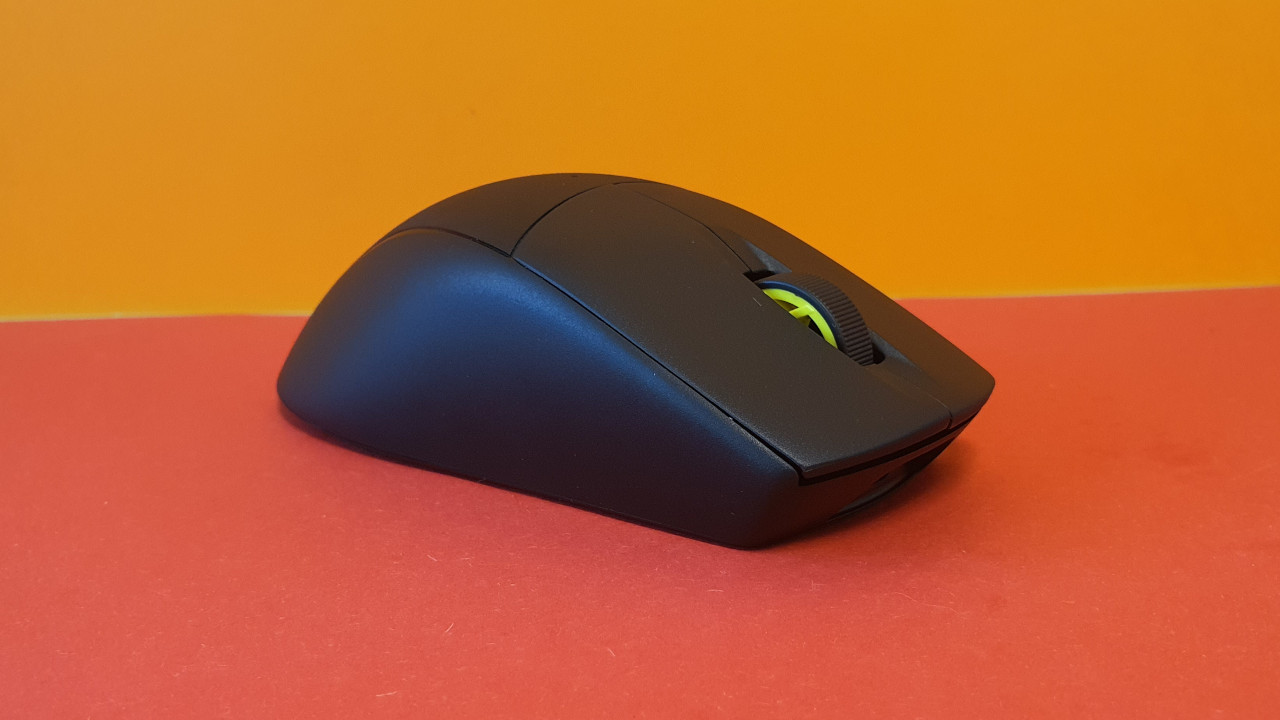
How is the mouse built? The mouse has a symmetrical shape without being ambidextrous. Therefore, it does not include ergonomic features like a thumb rest or a notch:
- On the top of the mouse, the main buttons are located, with the mouse wheel in between. There is no additional switch to change DPI or profiles.
- On the bottom, there is a switch to turn it on and off, and you can also store the mouse’s dongle inside.
- On the thumb side, there are two additional buttons that you can assign via the software.
You can’t really turn off the mouse completely; it only goes into a sort of deep sleep mode. As soon as you click and the mouse recognizes the connected dongle, it becomes active again. I couldn’t find out how this affects battery life.
The mouse can be used via cable as well as through a wireless adapter.
Processing
The mouse’s housing feels high-quality and sturdy. The surface is rough but offers sufficient tactility. The USB dongle can be securely stored in the body of the mouse without coming loose.
The mouse wheel makes strange creaking noises when turning, which I do not like particularly in everyday use. However, Corsair explained to me that I received a very early sample for the test. It may well be that models available in stores do not have this problem.
Software
The M75 Air uses Corsair’s software suite “iCue.” The software recognizes the mouse immediately without major issues. During the initial setup of the mouse, a tutorial guides you through the settings. This is convenient, but you can also turn it off. If you regularly use Corsair products, you won’t need the tutorial.
It is annoying that the battery life of the mouse is not given in percentage but only through a colorful battery symbol that decreases. This is not very informative. At least you can show the battery level indicator in the taskbar under Windows. However, I can’t keep an eye on that in-game.
It’s also unfortunate that only a single profile can be saved and taken with you in the internal memory.
On the next page, you’ll read everything about weight, ergonomics, and battery life. In the final conclusion, you’ll find out whether Corsair’s mouse is really recommended.

Your opinion is important to us!
Do you like the article? Then let us know!