
Find out here how to disable crossplay on consoles in Call of Duty: Warzone: for Xbox One and PlayStation 4. This is popular because many want to lock out the so-called “cheater platform,” the PC.
Why do so many disable crossplay? CoD: Warzone has a cheating problem. Since it is technically easier to manipulate the game on PC compared to consoles, many soldiers are now excluding players from other platforms.
Whether invincible players or nasty aimbotters, unfair and immature cheaters constantly ruin Warzone matches. Some are already taking the problem into their own hands and attacking the providers. But for console players, there is a solution – disable crossplay.
How to isolate yourself from other platforms on Xbox and PlayStation, you can learn here.
Disable crossplay on consoles – easy on PS4, a hassle on Xbox
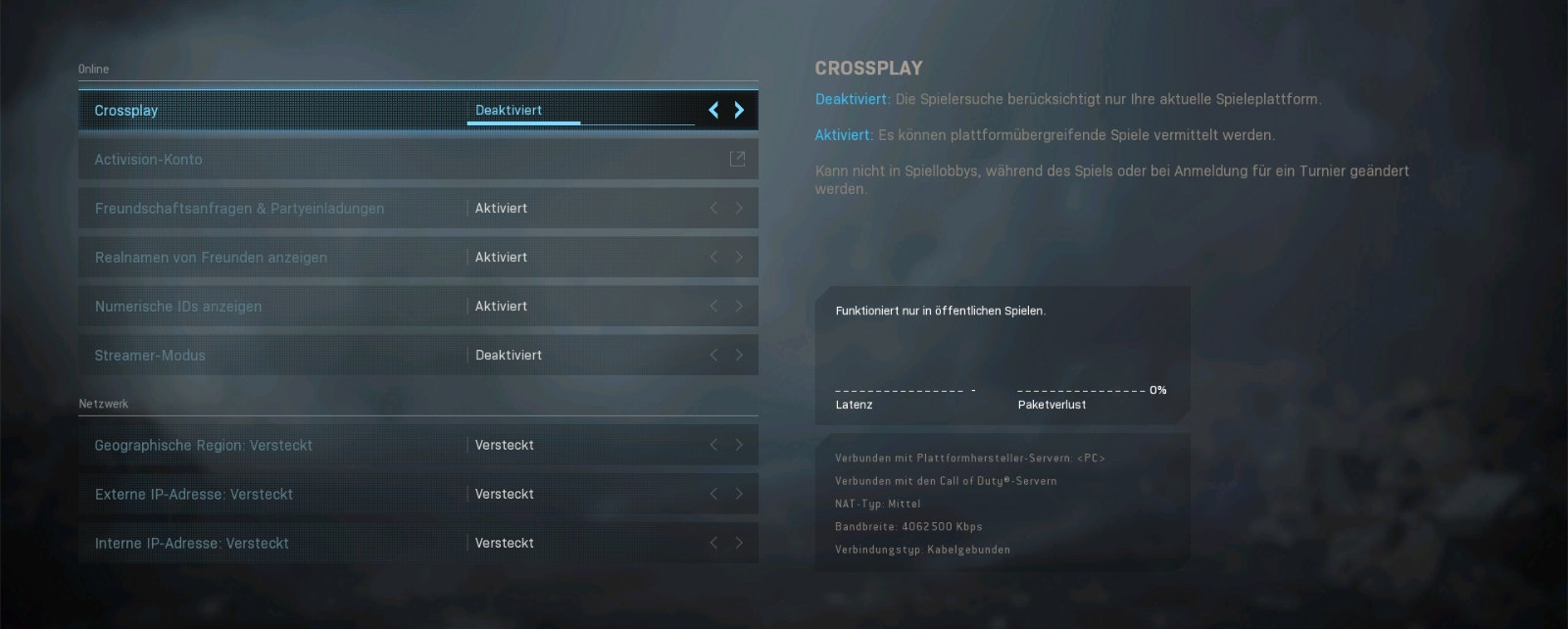
How do I disable it on PlayStation 4? It’s no problem on PS4. Go into your menu with “Options” and select the “Account” tab. The first menu item is “Crossplay”, which you can disable with the push of a button.
If you start a Warzone match now, CoD will ask you again if you really don’t want to enable crossplay. If you click “No”, the lobby search will start without crossplay.
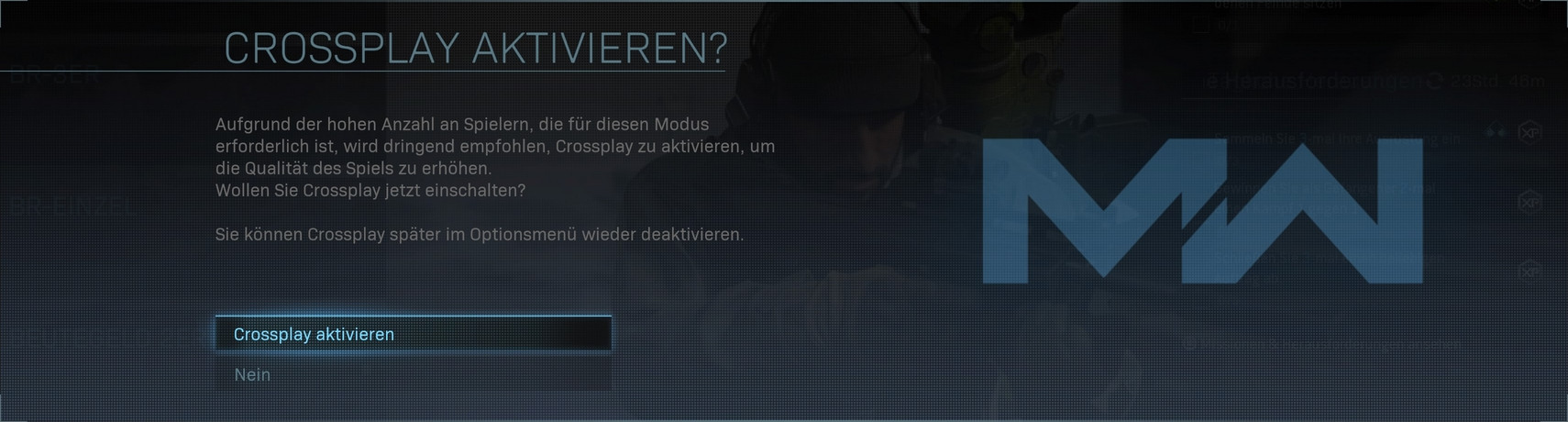
How do I disable it on Xbox? There are many reports that you can only effectively disable crossplay on PS4. But that is not true; it is also possible on Xbox. However, it’s a bit more complicated.
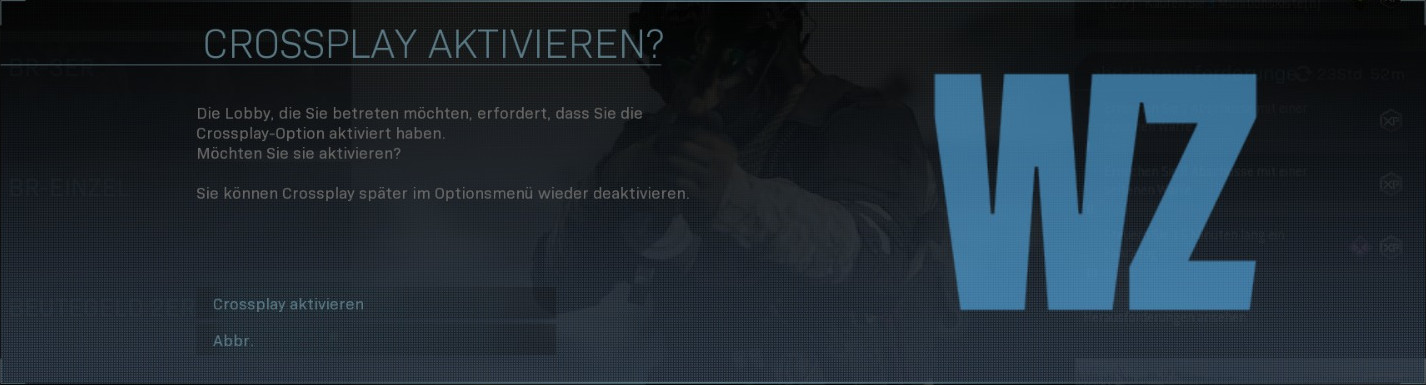
If you disable it in the game menu, you will receive a very similar message as on PS4. However, instead of being able to click “No,” you only have the option to “Cancel,” and you cannot start a lobby search.
However, you can disable crossplay completely for your account in the Xbox menu so that you only encounter Xbox Live players:
- Open the quick menu
- Go to the “System” tab
- Open “Settings”
- In the “General” menu item, go to “Online Safety and Privacy” – If your console is secured with a passkey, you will need it now
- Select “Xbox Live Privacy” in the next menu
- Here you have 4 privacy profiles to choose from. Select “Custom” to use your own settings
- Then click on “View and customize details”
- In the next menu, go to “Communication & Multiplayer”
- Now you have reached the right menu. The second tile from the left deals with crossplay – “You can play with people outside of Xbox Live”. Change the setting to “Block”
It’s a bit cumbersome on Xbox, but doable. “Tii Keyy” has published a video on YouTube if you want to see the steps in German again.
What about the PC? If you manually disable crossplay here, you will receive the same message as on Xbox and cannot start a lobby search. Disabling crossplay is currently not possible.
What are the downsides to disabling? As the warning on PS4 already indicates, there may be problems with finding players. The potential player pool will become smaller, making match searches often take longer. Especially on Xbox, it may take longer since you’ll only be paired with players who also allow only “Xbox Live” players.
Activision fights against cheaters
How does Activision deal with cheaters? The developers are on the problem and have plans to protect fair players from cheaters. There have already been ban waves, during which several 10,000 cheaters were banned and Activision intends to continue this effort.
In addition to the bans, special servers are to be set up where cheaters can make life difficult for one another. It would be interesting to see how long a Warzone match can last when two invincible God-mode cheaters argue over who quits the match first.