

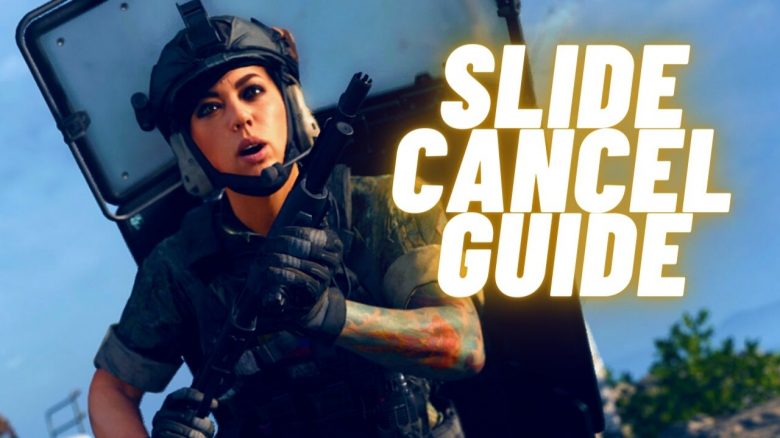
With a small movement technique, you can improve your gameplay in Call of Duty: Warzone: the slide-cancel. This connects your sliding with the tactical sprint, increasing your movement speed while keeping your hitboxes in motion. MeinMMO shows you how to do it correctly.
What is the “slide-cancel”? This is a very popular technique in the free battle royale Call of Duty: Warzone. You slide while sprinting, and with a well-timed button combination, you interrupt your slide and immediately start back into the fast tactical sprint.
What does it do for me? There are 2 advantages:
- You “outsmart” the cooldown of the tactical sprint and are therefore a bit faster overall.
- Due to the constant “up and down” movements, you are harder to hit.
Therefore, every player should seriously consider incorporating the slide-cancel into their gameplay. MeinMMO presents the most important information about it.
Warzone: Slide-Cancel Guide
How does the slide-cancel work? Essentially, it’s a combination of 3 mechanics that you unite for the slide-cancel:
- Tactical sprint
- Sliding
- Standing up
You run full speed in the tactical sprint and go into a slide. After a short sliding distance, you cancel the slide, stand up, and go directly back into the tactical sprint. You then have no cooldown for the tactical sprint.
If you have the timing down, you can go directly from one slide-cancel to the next, benefiting each time from the fast tactical sprint. It looks like this:
Button Combination Slide-Cancel
- Tactical sprint for a few seconds
- Sliding
- Press slide again shortly after
- Press “Jump” to stand up
- Restart tactical sprint
What do I need to watch out for? Timing is important; otherwise, the trick is quite simple. Press the buttons “Sliding – Sliding – Jump” quickly in succession. If you jump after pressing, you were too slow. If you are still crouched, you were too fast.
If your operator does not return to the tactical sprint after standing up, the timing was also not optimal. Try to press the buttons even faster afterward.
If you’re playing with a controller and don’t have paddles or buttons on the back, you must take your thumb off the right stick during the trick. This will prevent you from aiming for a moment.
However, if you want to make full use of the slide-cancel, you need buttons on the back.

How does it work best? In the settings, you should activate the option “Tactical Sprint” to “Press once briefly while running.” Otherwise, you have to press sprint twice to get back into the fast sprint.
Additionally, you need to change the option “Sliding Behavior” to “Tap.” This way, you don’t have to hold the slide button while sprinting.
For full efficiency, you can even automate the tactical sprint. In the setting “Automatic Sprint,” choose the option “Automatic Tactical Sprint.” Many pros use automatic sprint, but it’s a very big adjustment because you will go directly into tactical sprint whenever you move forward while standing.
Call of Duty: Warzone may not offer jetpacks or double jumps. However, with good movement, you can stay a good step ahead of your teammates.
The slide-cancel helps you to get faster from one cover to the next and protects you from sneaky headshots because your head is constantly in motion.
Another simple and strong movement technique is “strafing.” You can also find a small guide on MeinMMO: Why a small step to the side makes you much better in CoD: Warzone

Your opinion is important to us!
Do you like the article? Then let us know!