Call of Duty: Warzone 2.0 is, like its predecessor, very popular. Whether the new Battle Royale supports crossplay, you will find out in this article.
On November 16, the highly anticipated Call of Duty: Warzone 2 was finally released. And although the release of the game was not entirely smooth, some are excited about the Battle Royale. For some of our readers, it is even the “perfect Warzone”.
In the massive battles, up to 150 players face off against each other, which raises the question of whether Warzone 2.0 supports crossplay or if all opponents always play on the same platform as you do.
Does Warzone 2.0 support Crossplay?
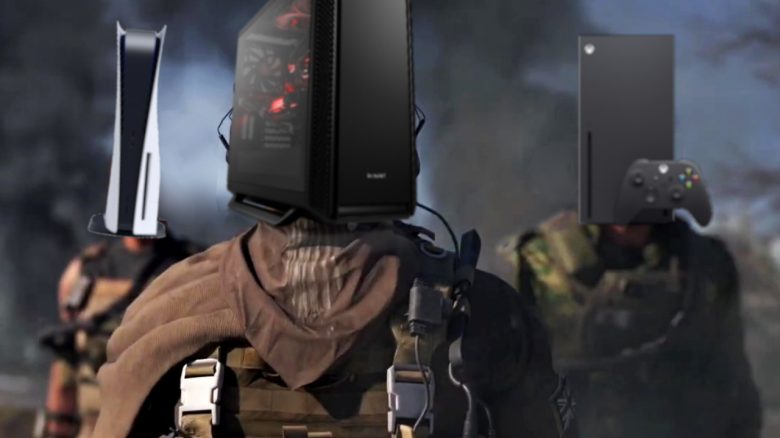
Does Warzone 2 support Crossplay? Warzone 2.0 supports full crossplay between Xbox One, Xbox Series X|S, PS4, PS5, and PC (Steam / Battle.net launcher).
You can therefore play with and against players from all other platforms completely independently of whether you play on PC or with a console. In matchmaking, you will also see small symbols next to the names of your teammates indicating which platform they are playing on.
All you need to enable crossplay is an Activision ID. Therefore, you must first create such an account to play with your friends.
It’s also convenient that all progress is saved in your Activision account, allowing you to play with your account on other platforms as well. Consequently, Warzone 2.0 is not only crossplay, but also “cross-progress”.
More tips and guides for CoD Warzone 2.0 can be found here:
Can you also deactivate Crossplay?
How do I deactivate Crossplay in Warzone 2? Crossplay is enabled by default but can also be turned off – at least on consoles. Currently, this is not possible on PC.
There are understandable reasons why some may want to deactivate crossplay: PC cheaters are a reason for console players to turn off crossplay. Console players often have a disadvantage in shooter games against PC players, who have a slightly faster reaction time with a mouse and keyboard.
To counteract this, developer Infinity Ward offers a very strong aim assist for controllers at the release of Call of Duty: Modern Warfare II which further annoys PC players.
The way to deactivate crossplay differs slightly on the different platforms.
Warzone 2: Deactivate crossplay on PS4 and PS5
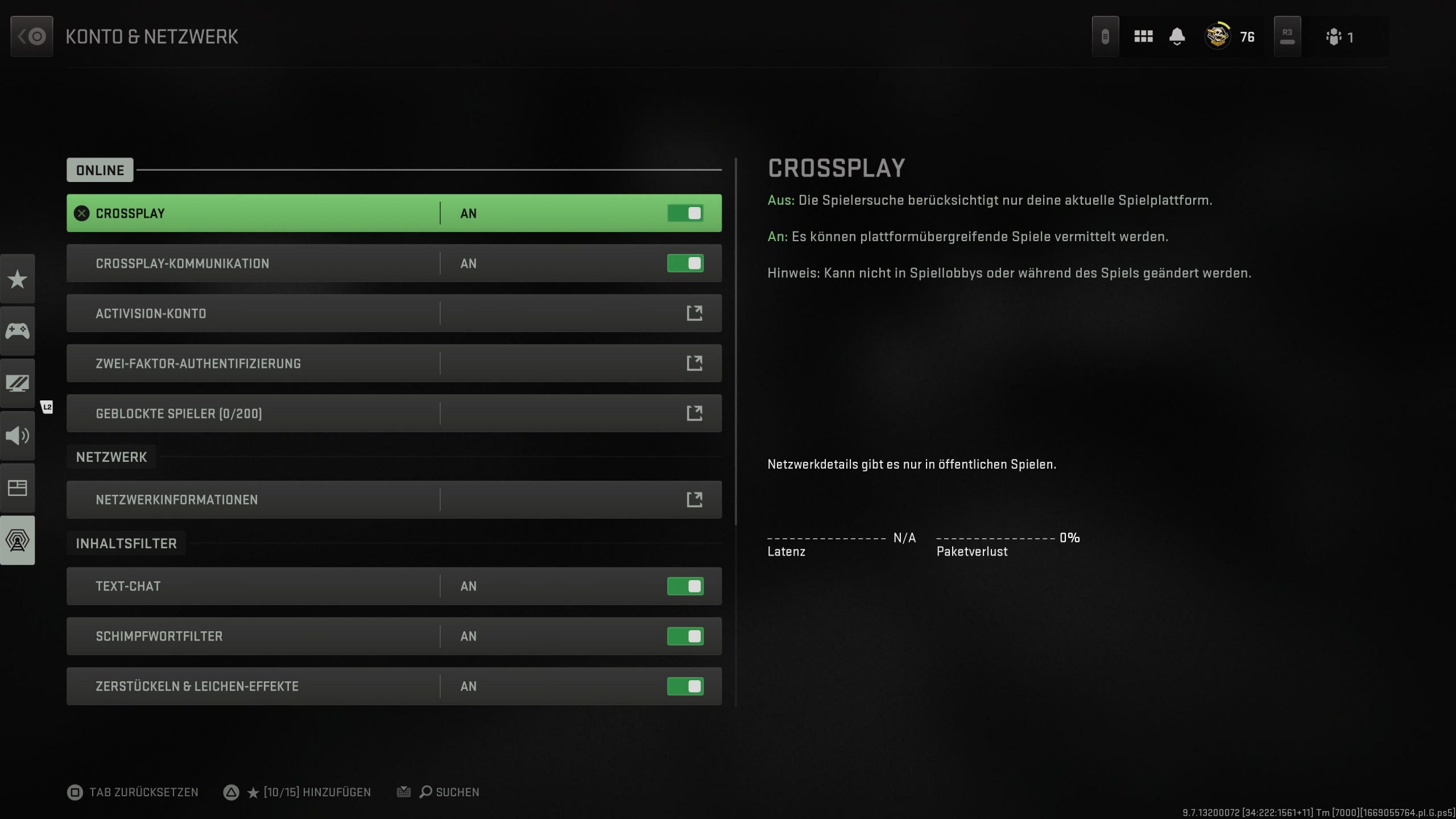
To deactivate crossplay on PS4 and PS5, you need to do the following:
- Press the options button in the Warzone 2 menu
- Move to settings (the tab with the gear icon) via R1
- Then select “Account and Network”.
- The first setting is already called “Crossplay”, where you can deactivate the feature.
Warzone 2: Deactivate crossplay on Xbox One and Xbox Series X|S
To deactivate crossplay on Xbox consoles, you have to take a somewhat more complicated route than on PlayStation. You don’t make the setting directly in-game, but in the console settings.
- Press the Xbox button on your controller, go to “Profile & System” and then select Settings (with the gear icon)
- Here you then select “Account”.
- Now move to “Privacy & Online Safety”
- Click on “Xbox Privacy”
- Now select “View & Customize Details”
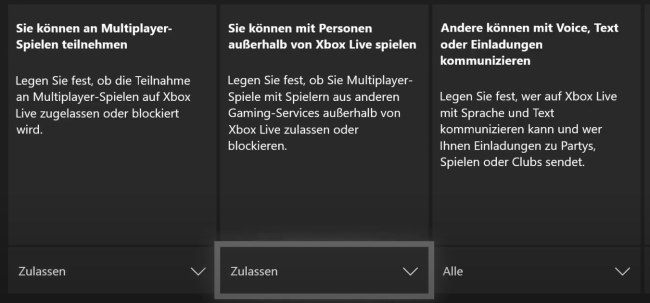
- Then select “Communication & Multiplayer”.
- Finally, under “You can play with people outside of Xbox Live”, simply select “Block”.
Deactivate crossplay on PC
As of now, it is unfortunately not possible to deactivate crossplay on PC. It is also still unclear whether the feature will be delivered later with a patch. If there is any information regarding this, we will inform you directly.
Are you still looking for more good settings for Warzone 2? If you need the best settings for Warzone 2 gameplay, we have the right ones for you: Important settings that will make you better in CoD Warzone 2.