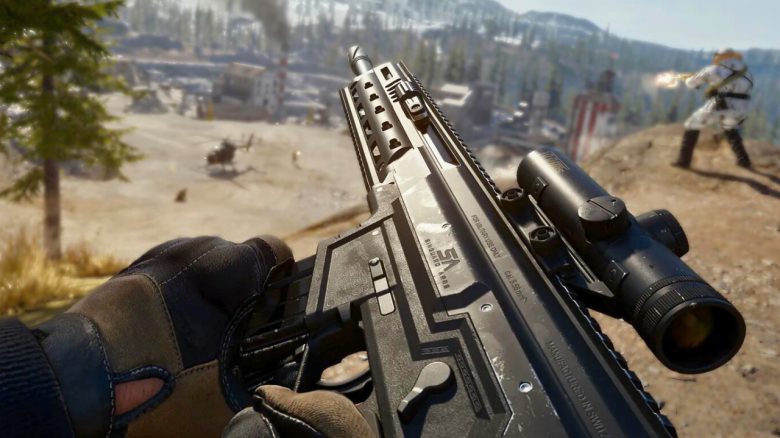
In Call of Duty Warzone 2 the ping for each player when logging in for the first time is neutral and thus white. However, to make your markings stand out on the map, we will show you a setting that allows you to change the ping color.
What is ping? Ping is an important feature in Warzone 2 and the DMZ mode. You can use it to mark locations, vehicles, or contracts, giving your team instructions without direct communication. Therefore, it is important that the color stands out from the map.
When you log in for the first time in Warzone 2, you will quickly notice that your ping is white. This is counterproductive, as it does not stand out from the other symbols and colors on the map. We will show you a setting to quickly solve this problem.
How to change the ping color: To change your ping color, you need to start as follows:
- Open the settings in Warzone 2 or DMZ
- Now go to the “Interface” menu item
- Now go to the “Color customization” point
- Scroll down to the “Neutral” point
- The “Neutral” point represents your pings in this case
- If you activate this point, you can choose your own color
- Now you have colored your ping
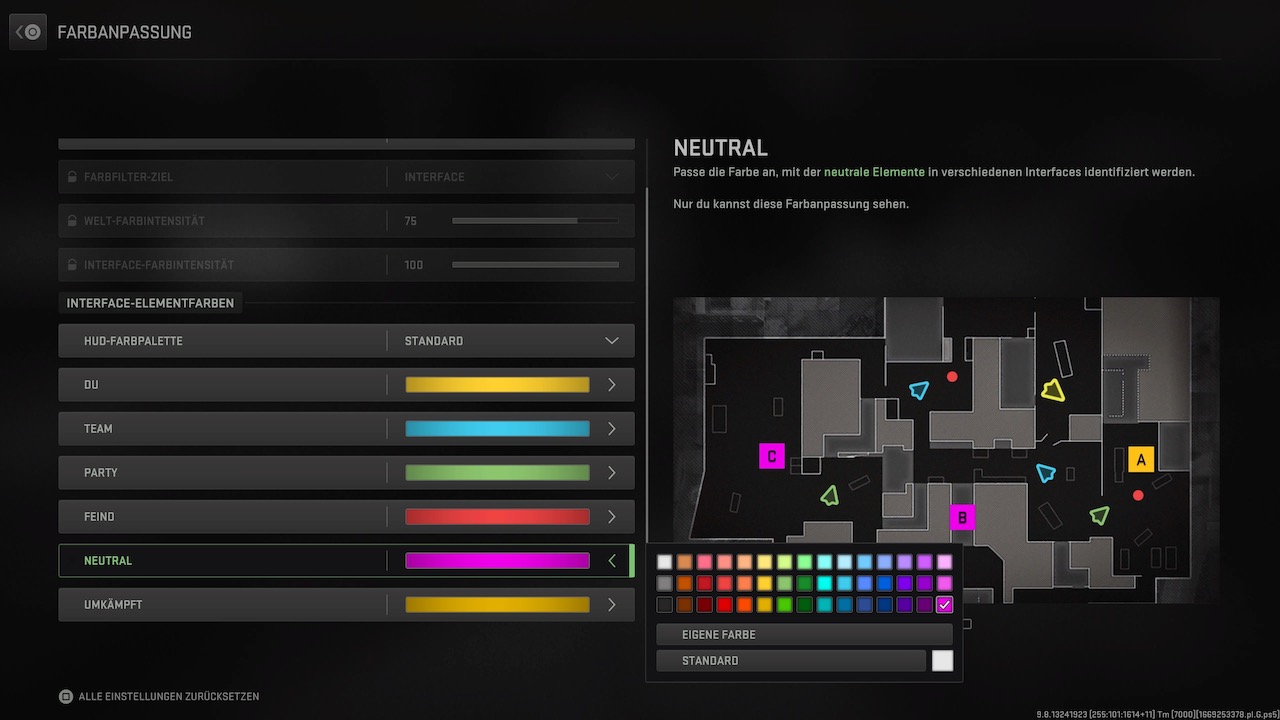
Why is my color not changing? The system behind it is somewhat opaque, and at first glance, you will not notice any differences. The ping has changed, but only when you look at your terrain from the first-person perspective. The ping color on your map remains white. Whether this is intended or if it is a bug is not known.
If further information becomes known, we will update our article and provide news. Until then, this is the only method to change the ping color.
If you are looking for a detailed map of Al Mazrah, we have the right guide for you: