

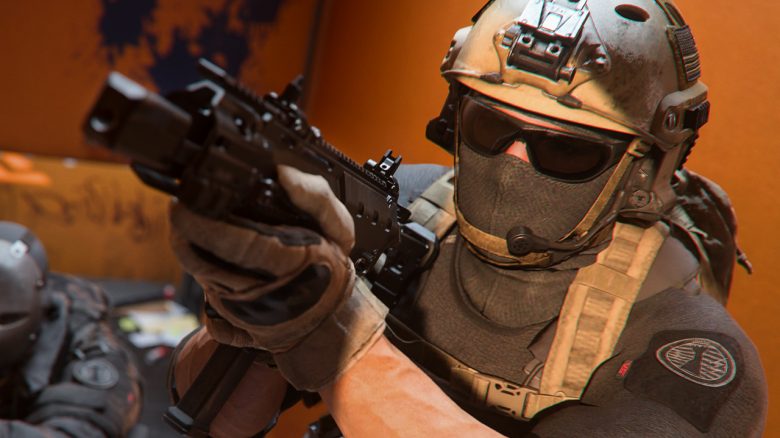
With the weapon tuning, a new feature has come to Call of Duty that allows unprecedented control over the characteristics of your weapons. However, you should not just blindly set the sliders to maximum – it could even make your weapons worse instead of better.

Modern Warfare 2 introduced it, Call of Duty: Warzone 2 subsequently adopted it: weapon and attachment tuning.
When you reach max level with a weapon, you unlock tuning. This allows almost all attachments to be adjusted retroactively. This brings advantages more into focus while exchanging for other disadvantages.
However, you should not carelessly move the sliders around – as it can have unforeseen consequences and even degrade your weapons.
Warzone expert “TrueGameData” has taken a closer look at the tuning (via YouTube) and discovered some interesting facts that we summarize here for you.
3 important facts about weapon tuning
1. Fact: Full tuning is not necessarily better: When you choose an attachment for tuning, you will see a spider chart of values. The highlighted values at the edge are influenced by the selected attachment.
You should really look closely at how the chart alters when you adjust a tuning value. Often the values are worse when you go all the way to the edge – check where the “sweet spot” is, i.e. the points at which you receive the best values.
We wanted to test this and already discovered with the first randomly selected attachment that the maximum value does not represent the optimal value:
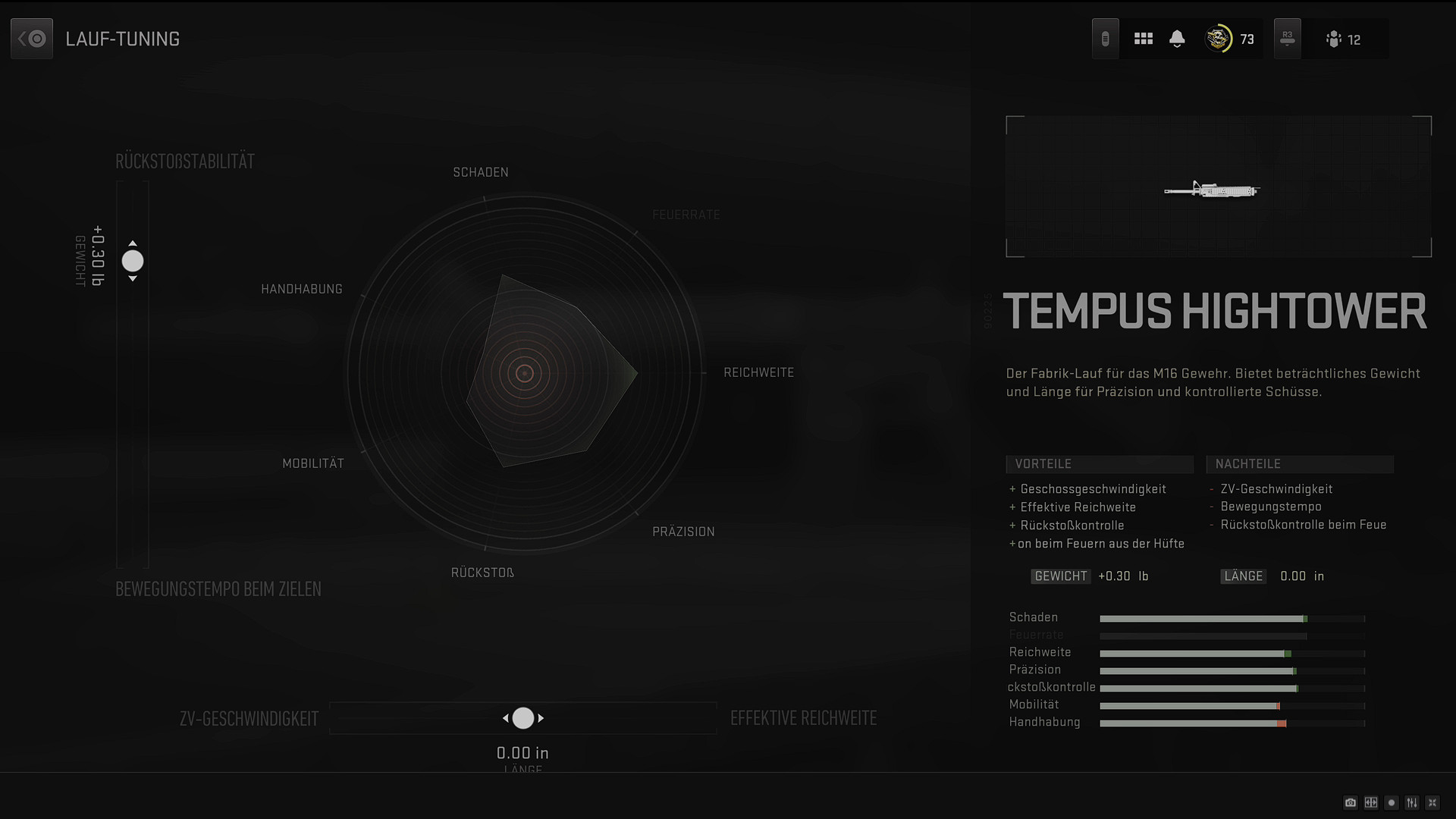
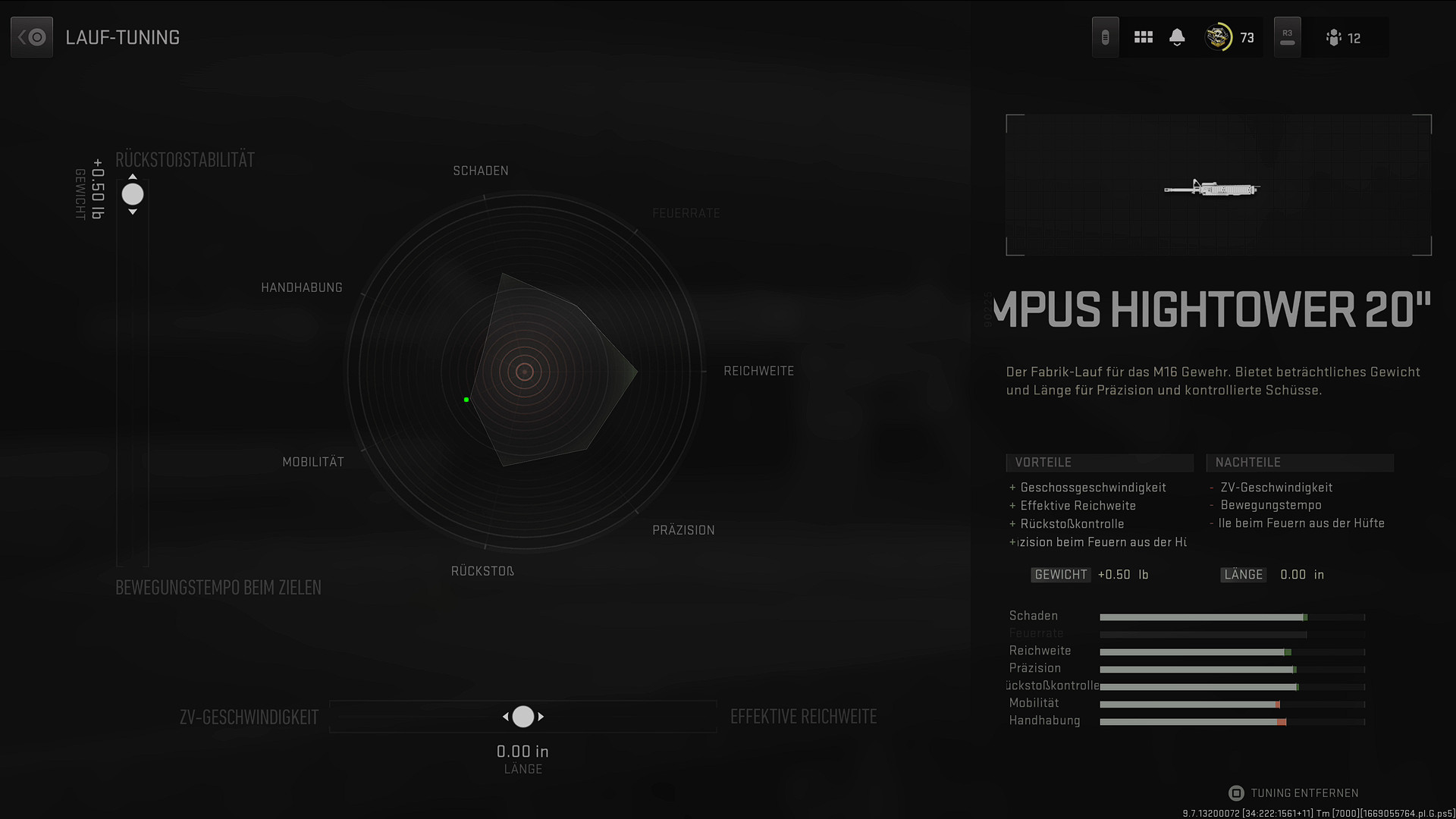
With the “Tempus Hightower 20” barrel of the M4, which is particularly interesting in Warzone, you unnecessarily lose “movement speed while aiming” when you set the slider to maximum.
If you use “0.50 lb” instead of just “0.30 lb”, you will gain a bit more mobility without disadvantages in recoil.

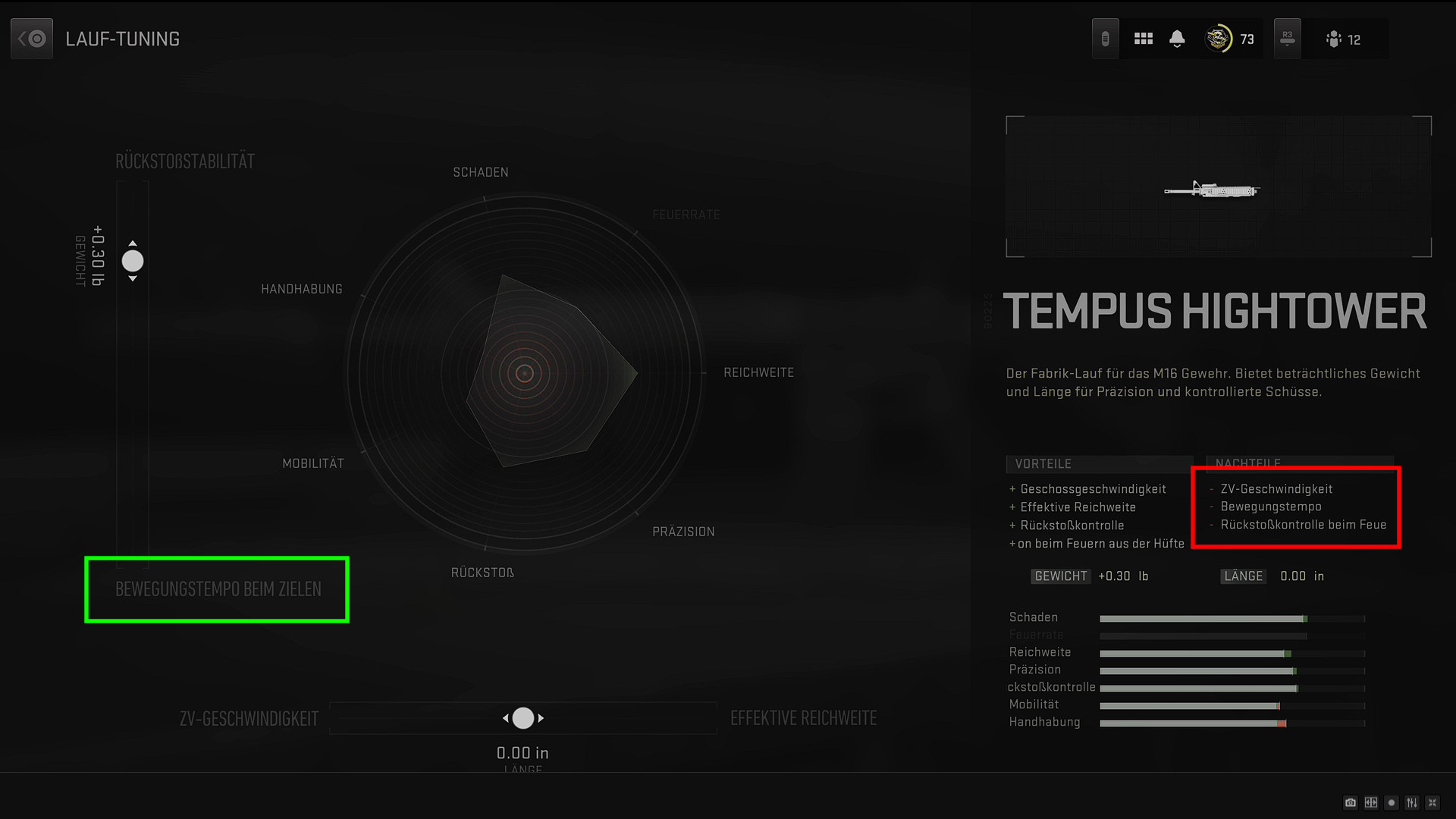
2. Fact: Tuning reveals hidden values: When tuning, you will always see 4 values and 2 of them you balance against each other.
Check with each tuning which values you are adjusting against each other. Often it is not even the values listed as pros and cons for the attachment.
Let’s stick with the example “Tempus Hightower 20”. Here there is a note about decreasing “movement speed” among the disadvantages. However, if you then turn the left “Weight” slider towards “Recoil Stability”, you are reducing the “aiming movement speed”.
This way, tuning shows more precisely which values are affected by the respective attachments, even if they do not appear in the list of pros and cons.
3. Fact: Values are calculated linearly – and somehow not: You should know that the attachment values in CoD MW2 and Warzone 2 are calculated linearly and independently from the base values.
This means: If a grip reduces your aim time by 20 milliseconds, it doesn’t matter what the base value is. Whether the weapon takes 500 or 250 milliseconds to aim – the grip always reduces the time by 20 milliseconds.
However, with tuning, all of this becomes a bit muddled – also pay attention to the spider chart here. Sometimes values increase together, while sometimes the lines shift independently of each other.
What’s important is: Keep a close eye on the diagram during tuning. It gives you valuable information about what you are changing on your weapon. This way, you ensure that you improve your setups and do not ruin them.
You can check out the complete analysis including insights into the proof calculations in TrueGameData’s English video:
If you build a setup or try one from the internet, take a minute with the tuning and do not adopt the tuning recommendations without seeing them. You can often squeeze out more from your weapons if you do it right.
Let us know about your experiences with weapon tuning. Do you have any tips on the topic? Leave a comment.
If you are looking for a list of which weapons you should use for tuning in Warzone 2, check here: CoD Warzone 2: The best weapons with setups – constantly updated

Your opinion is important to us!
Do you like the article? Then let us know!