

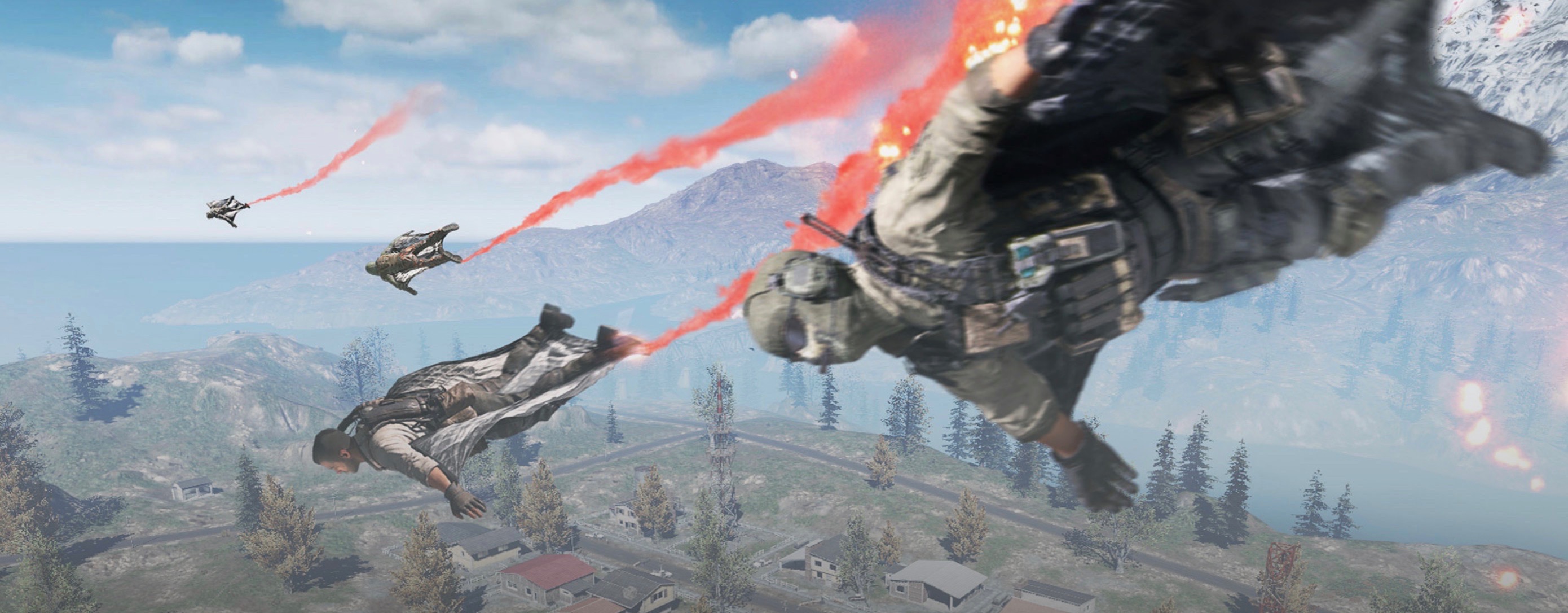
Activision has announced that we will soon be diving into the shooter battles of Call of Duty Mobile. You can even play the action game for smartphones with a mouse and keyboard on PC!

What is CoD Mobile? It is the mobile variant of the popular shooter series Call of Duty. The mobile game offers several multiplayer modes where you compete against other players.
These include the modes “Domination”, “Deathmatch”, “Team Deathmatch”, “Hardpoint”, “Search & Destroy” and “Free for All”. You will experience battles on maps that you may recognize from the CoD series. These include Nuketown, Crash, Hijacked, Killhouse, and others.
As you climb the ranking, you unlock new characters like John “Soap” MacTavish and Simon “Ghost” Riley from the Modern Warfare series, as well as Alex Mason from the Black Ops games. Additionally, you customize your weapons and equipment. You create loadouts that you can quickly access per match.
You can even improve your weapons through loadouts.
It’s Coming Soon – Also in Battle Royale
What about Battle Royale? A Battle Royale mode is also included. Similar to Blackout from CoD: Black Ops 4, many players compete on a new map. In CoD Mobile, up to 100 players can join. On this map, you fight in the air, with vehicles, helicopters, and inflatable boats. It is important to collect weapons and equipment and be the last one standing.
When does the game launch? The launch takes place on October 1st. It will be playable on Android and iOS devices. It is a free-to-play game.
Shooter on mobile? Is it easy to control? How well the battles can be controlled will be seen on October 1st. However, you have the option to play with a mouse and keyboard on PC with a trick. Although not officially.
This Is How You Play on PC
How does playing with a mouse and keyboard on PC work? You need to download the Android emulator GameLoop. It promises to provide controls tailored for Call of Duty Mobile, so you can play with a mouse and keyboard as you are used to from the shooter series.
Gameloop allows you to configure the keys yourself. Another advantage is that you play not on the small screen of your mobile phone, but on a large monitor.
- You download Gameloop and simply install the emulator on your PC.
- Through Gameloop, you install Google Play
- Then download CoD Mobile on October 1st.
- In the settings, configure the controls, and you’ll be playing the shooter with mouse and keyboard on PC.
What is the risk? Those who play with a mouse and keyboard have advantages over those who play on mobile. It is possible to aim more precisely. Therefore, a feature may be integrated into the game that detects Gameloop and bans players using the emulator.
Will you take a look at CoD Mobile? If so, will it be on mobile or via emulator on PC?


Your opinion is important to us!
Do you like the article? Then let us know!