


1st Place: Mozilla Firefox
Performance: With 28 ± 2.6, Firefox is in the midfield but also has the strongest deviation with ± 2.6. In the best cases, it can even surpass Chrome. In direct comparison, it ranks between Safari (27.5) and Brave (28.5). With 1.1 – 1.2 GB of RAM with 10 tabs, it matches Google Chrome.
Security: Similar to the competition, Firefox relies on standard security features. This includes a private browsing mode, tracking, malware and phishing protection, a pop-up blocker, and protection against fingerprinting.
Mozilla, the company behind Firefox, also collects some of your data, but most of it can be disabled through the settings. This includes usage and performance data. Firefox can also be significantly enhanced with numerous add-ons for added security.
Firefox is open-source and strongly supported by the community.
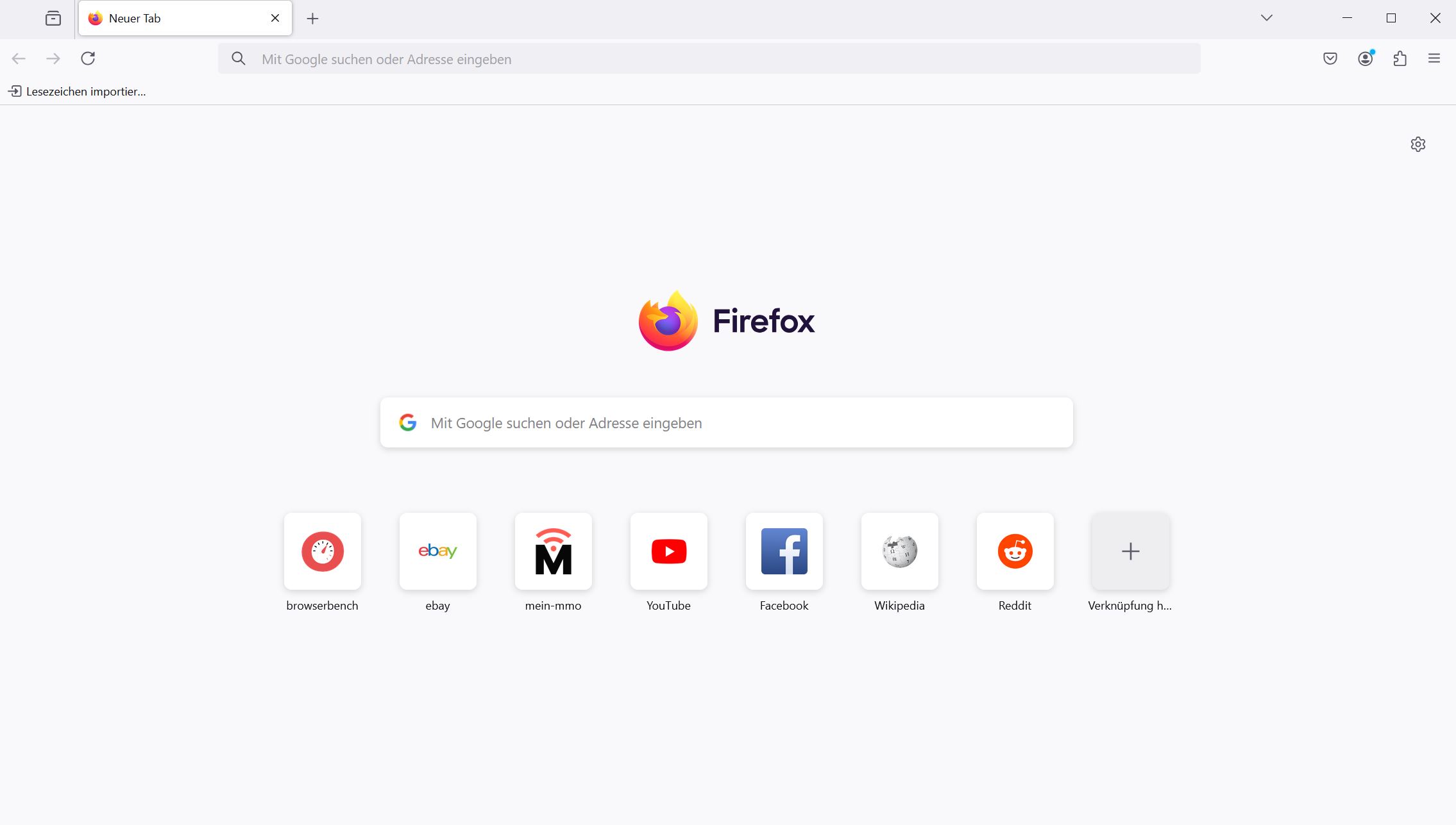
Settings: Firefox comes with a wide variety of settings, as you can turn almost everything in the browser on or off. However, this also makes it less accessible than popular Chrome.
Firefox also offers a large number of add-ons, allowing you to enhance your browser with important security features.
User Experience: Firefox is basically a lean browser that offers you an enormous variety when it comes to customizing it to your own needs. However, the many menus are not necessarily clear. However, when you start the browser, you only see basic functions and a feed that you can turn off if needed.
Mozilla collects data like other companies, but much of it can be turned off through the settings. However, the many options are not very user-friendly, especially at the beginning. The interface, on the other hand, is tidy and highly customizable.
On the last page, you will find all the details about our ranking in two large tables. First, you’ll find the individual criteria broken down in detail, and second, you will find an assessment in points for each criterion.


The most important browsers in the power ranking: The criteria in detail
For the performance test, we used Speedometer3.0, a benchmark developed by Apple, Google, and Mozilla. It outputs a number along with a variance that can cause the result to vary slightly up or down depending on the tests. We indicated this with ± X.
Additionally, we tested how much memory (RAM) is used with 10 open tabs. We did not use the memory-saving mode (Chromium).
In the following table, you will find all the mentioned browsers sorted by the individual criteria.
| Performance (higher is better) | Security | Settings | User Experience | |
|---|---|---|---|---|
| Google Chrome | 30.4 ± 1.4 1.1 – 1.2 GB RAM with 10 tabs | Regularly updates, basic features, tab sandboxing, aggressive data collection half open-source | Wide range of add-ons (Chrome Store), some add-ons are being filtered by Google | Design and menus can be adjusted via the store, sleek interface (Chromium) |
| Safari | 27.5 ± 1.7 1.2 GB RAM with 10 tabs | Regularly updates, many features, tab sandboxing, half open-source, only Apple devices | Large number of add-ons, less than Chromium browsers | Clear, straightforward, and classic design |
| Mozilla Firefox | 28 ± 2.6 1.1 – 1.2 GB RAM with 10 tabs | Regular updates, many features, data collection can be disabled, many security add-ons open-source | Large number of add-ons with important security features Not all curated | Highly customizable interface with colors, icons, and menus |
| Microsoft Edge | 29 ± 1.2 1.5 – 1.6 GB RAM with 10 tabs | Regularly updates, many features, tab sandboxing, integrated copilot (AI), aggressive data collection, closed-source | Few add-ons compared to the competition | Customizable colors and display, sleek interface (Chromium) |
| Opera | 24.5 ± 1.0 1.18 – 1.2 GB RAM with 10 tabs | Regularly updates, many features, integrated VPN, open-source, personal data shared with third parties, Chinese company, VPN very slow | Wide range of add-ons in its own store, many security features | Modern and clean with a sidebar, homepage and sounds can be customized |
| Brave | 28.5 ± 1.3 0.95 – 1.0 GB RAM with 10 tabs | Regular updates, additional features like script and ad blocker, open source, integrated Tor network and VPN, controversial internal advertising platform, opaque behavior regarding crypto | Wide range of add-ons (Chrome Store) | Design and menus can be adjusted via the store, overloaded interface and homepage |
The most important browsers in the power ranking with points
How was it rated: Depending on how well the browser performed, it receives more points. A maximum of 5 points is possible in a category. In total, a maximum of 20 points and a minimum of 4 points are possible in this way.
| Performance (higher is better) | Security / Privacy | Settings / Add-ons | Experience | Total | |
|---|---|---|---|---|---|
| Google Chrome | 5 | 2 | 3 | 4 | 14 |
| Apple Safari | 4 | 4 | 4 | 4 | 16 |
| Mozilla Firefox | 4 | 4 | 5 | 3 | 16 |
| Microsoft Edge | 41 (-1) | 3 | 2 | 4 | 13 |
| Opera | 3 (the slowest) | 3 | 4 | 4 | 14 |
| Brave | 5 (lowest consumption) | 3 | 3-4 | 2 | 13-14 |
Google introduces a new version of its operating system Android every year. In 2024, the release of Android 15 is imminent, but not every phone and tablet will receive an update. That is already certain.
But what does it mean to use an outdated Android? Am I at risk if I am not using Android 15? MeinMMO explains the details and background: How dangerous is it if my phone does not receive an update to Android 15?
- Abgewertet um 1 Punkt wegen höchster RAM-Auslastung im Alltag. ↩︎

Your opinion is important to us!
Do you like the article? Then let us know!