


2nd Place: Apple Safari
Performance: Apple’s own browser is the second slowest in our test at 27.5 ± 1.7: Only Opera (24.5 ± 1.0) is slower, while Firefox is just ahead with 28 ± 2.6. In everyday use, Safari requires about 1.2 GB of RAM with 10 tabs. Thus, it also belongs to the lower midfield.
Security: Safari is the default browser found on every Apple device. It is not available on other devices. For general security, Safari offers numerous practical features, including a password generator, a private browsing mode that uses DuckDuckGo by default, and a machine learning-based protection.
Moreover, it runs tabs in separate sandboxes, which prevents malicious code from damaging the entire browser or accessing personal data. However, Apple is reportedly actively collecting user data in the background.
Like Chrome, Safari relies on an open base with the WebKit framework, but the rest is closed-source.
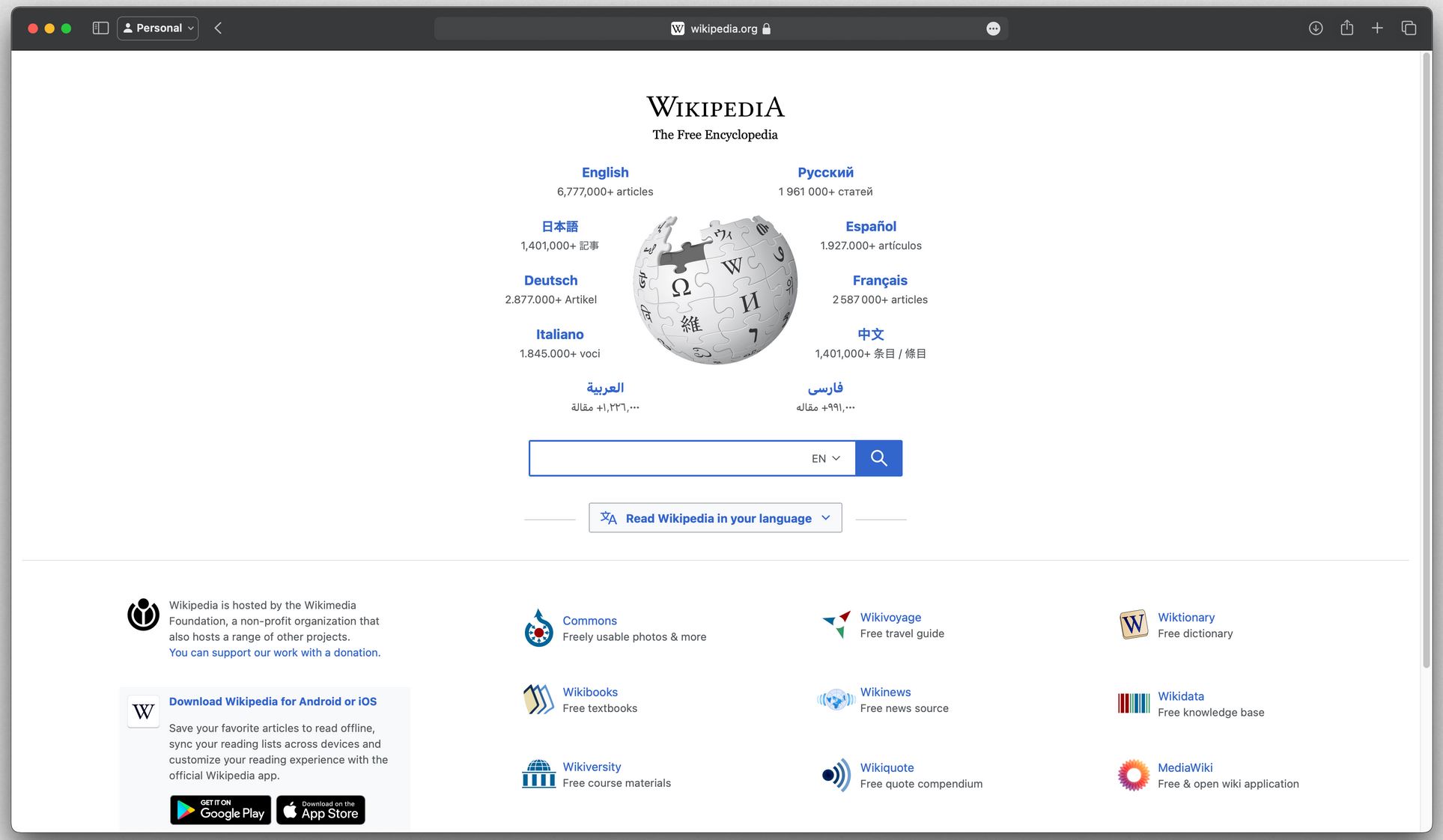
Settings: The store offers you a variety of possible add-ons for Safari, but the number is not as large as with Chrome or Firefox.
User Experience: Users can easily access all necessary areas when opening the browser: Favorites, frequently visited pages, privacy reports, and even Siri suggestions. This gives you an easily accessible browser, but it can be less personalized compared to Chromium browsers or Firefox.
The biggest “disadvantage”: The browser is only available on Apple devices. Furthermore, it is only partially open-source.
On the next page, you will find the 1st place in the ranking.

Your opinion is important to us!
Do you like the article? Then let us know!