


4th Place: Opera
Performance: Opera has a score of 24.5 ± 1.0, making it the slowest browser in the test group and significantly lagging behind the rest. Safari comes in second with 27.5. With 1.18 – 1.2 GB of RAM with 10 tabs, it is just below the midfield.
Security: Opera comes with important features such as a pop-up blocker, a built-in ad blocker, and a tracking blocker.
However, Opera collects your personal data and shares it with third parties to serve targeted advertising. Furthermore, Opera is backed by a Chinese consortium called 360. It is also controversial how your data is processed in China.
The source code of the Opera browser can be found on GitHub, which means the community can quickly identify security flaws.
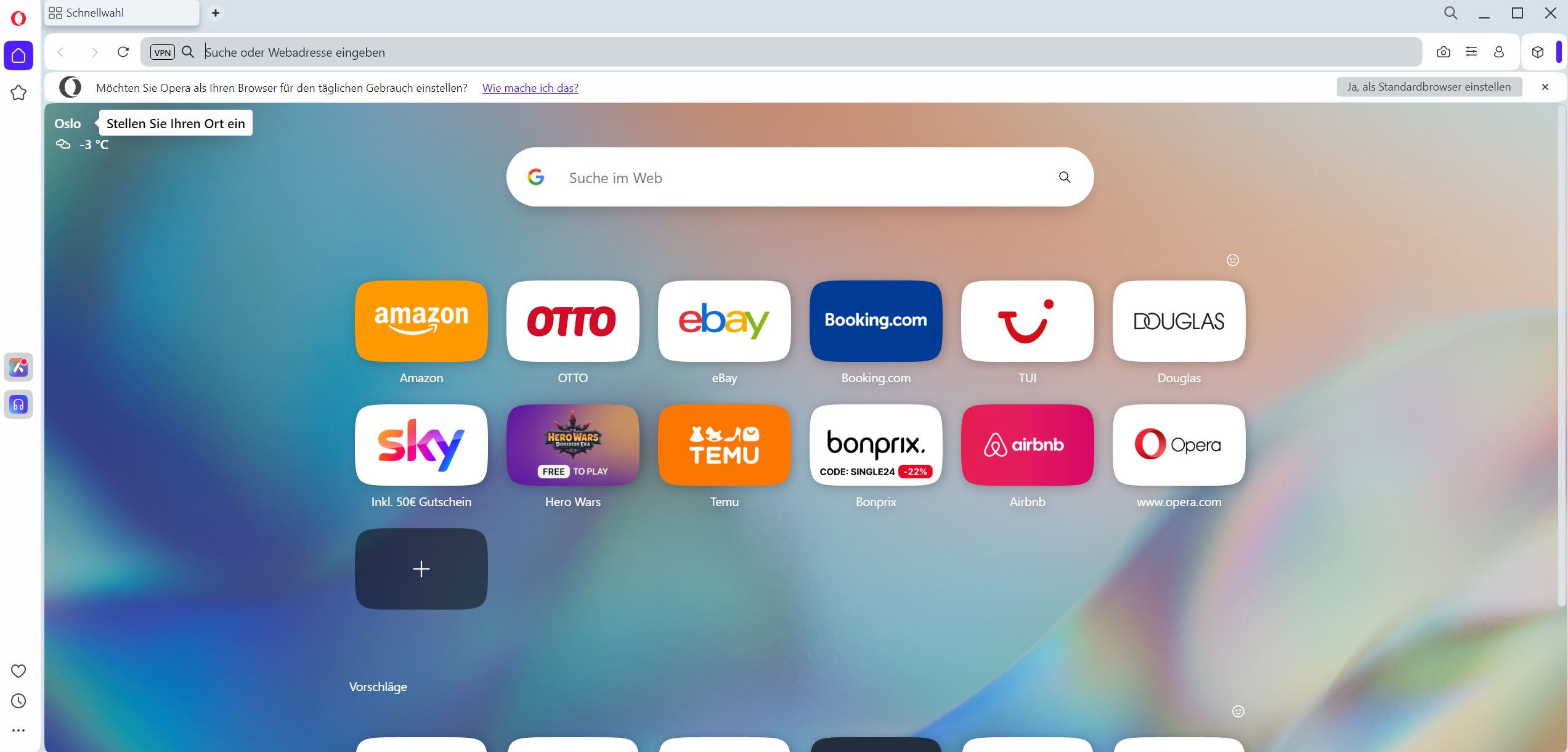
Settings: Opera offers its own add-on store, and the Chromium base allows for the installation of Google Chrome extensions. This gives you access to thousands of different add-ons until Manifest 3.0 comes into effect.
User Experience: The current version of Opera looks similar to Chrome thanks to the Chromium engine. This means you can also expect a minimalistic and simple design that facilitates configuration and navigation. However, its unique feature is the vertical sidebar on the left of the address bar where you can find important tools and bookmarks.
In the test, however, it was by far the slowest. Furthermore, Opera shares personal data with third parties according to its terms of service.
On the next page, we continue with 3rd place.

Your opinion is important to us!
Do you like the article? Then let us know!