

Ergonomics
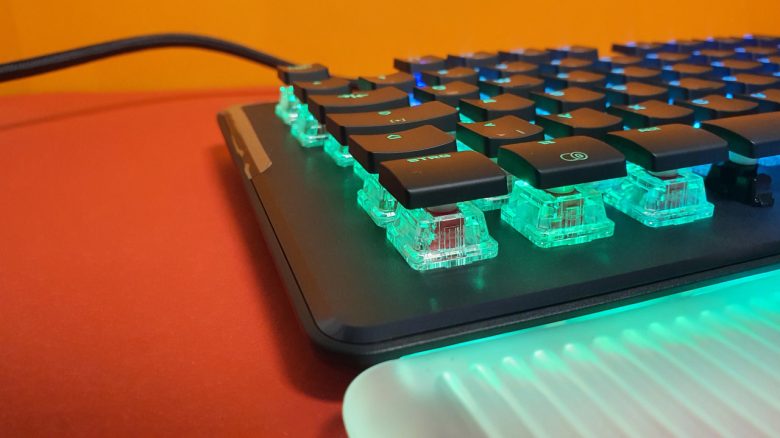
At first, the rather small keys of the Vulcan II Max are a bit of an adjustment, but after a few days, you quickly get used to them. I find it good that a wrist rest comes with the keyboard at this price.
With the standard Vulcan, I had already advised buying the version with a pad, since the keys of the Vulcan series are quite high and not always easy to reach without support. The Vulcan II MAX is currently (February 2023) not available without a wrist rest.
By the way, I quite like the wrist rest. It is stable, and my hands rest well while typing or gaming. However, I would not use the keyboard without the rest. That would definitely be too uncomfortable for me in the long run. I also use other keyboards, like the G915 from Logitech, without a rest.
The media keys above the number pad are slightly lower compared to the high keys, but they provide good tactile feedback.

The Keys
Under the keycaps of my keyboard are red optical switches. Compared to mechanical switches, they primarily offer a speed advantage. Because light is simply faster than mechanics. Red switches are also linear and thus have no clear pressure point like brown or blue switches.
How do the keys feel? When gaming, the keys feel really good and responsive. I also really like the typing feel, even though I am using red switches and brown/blue are generally better suited for typing. The low actuation force of the red switches (45 grams) is also convenient for me as a heavy typist, even though I miss a clear pressure point.
A Vulcan II Max with brown switches is also available, but you can only find it at retail, not directly from Roccat. As a heavy typist, I would lean more towards the variant with the brown switches long-term, although I also like the reds. The brown Titan switches are also comparable in speed and activation to the red type.
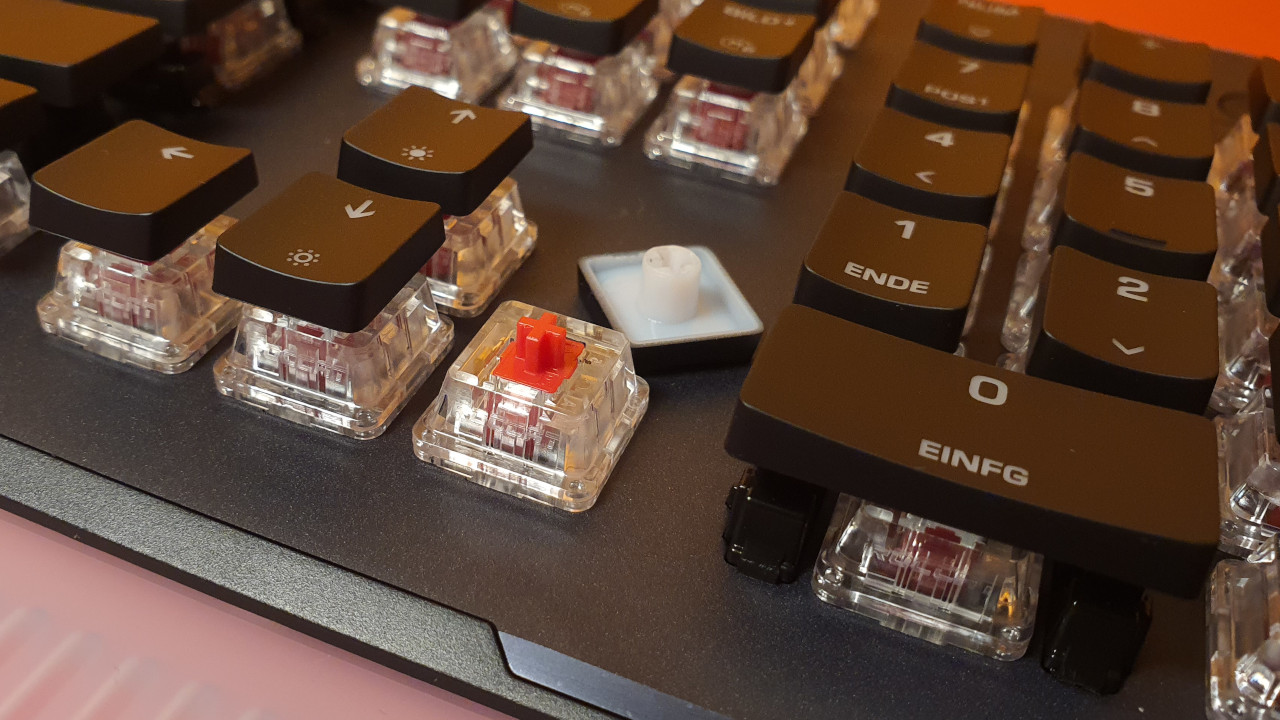
In the test of the Roccat Vulcan Pro TKL, I was already able to use the optical Titan switches. The second iteration is just as good for me, but not necessarily better. Anyone who already owns a Roccat Vulcan will find the feel under the fingers familiar.
How loud is the Vulcan II Max? The noise level is as I expected for red optical switches: the switches themselves are linear and thus hardly audible, and the sound is balanced. The keycaps, however, produce distinct sounds. Therefore, the keyboard is by no means silent, but the sound does not disturb me.
There is no metallic clinking, as optical switches contain no metal parts, except for a spring. I did not perceive any bothersome “ping” or other annoying noise.
Optical switches tend to sound somewhat hollow compared to mechanical ones, but you really only hear that when you place a keyboard with mechanical switches next to it. Most gamers will hardly notice this difference.
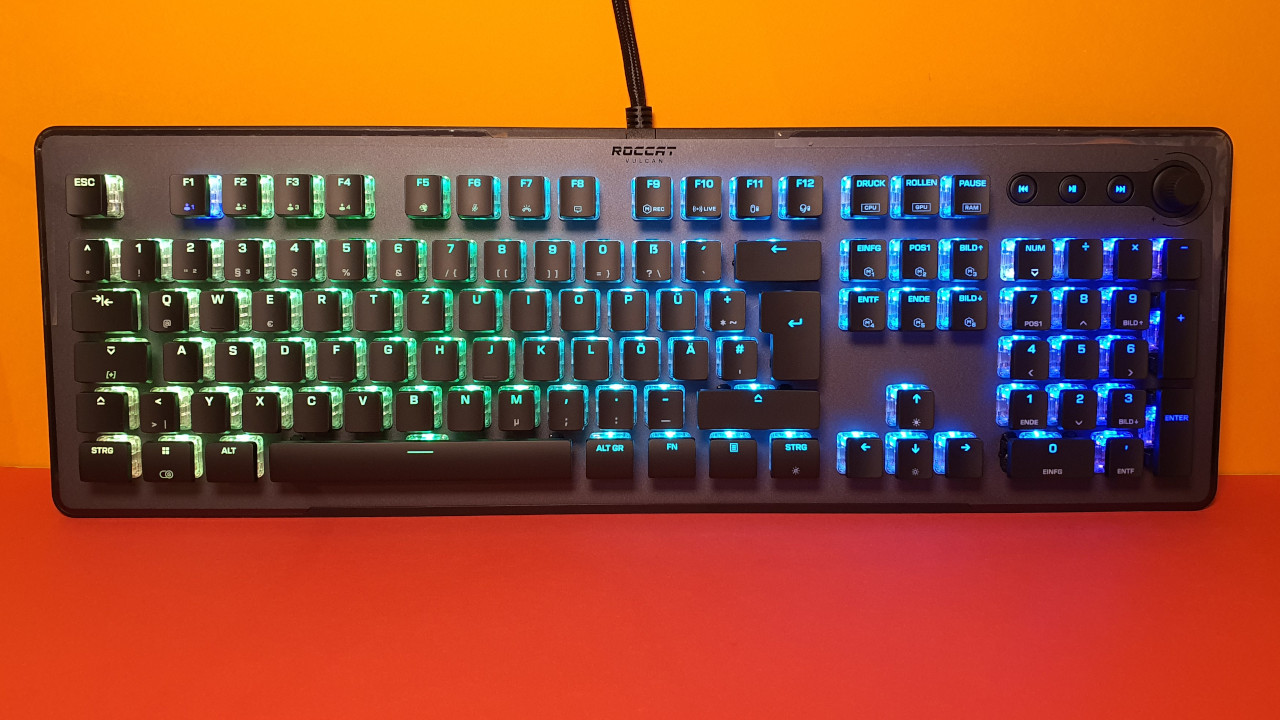
Conclusion: Great design, good and fast keys – competition offers more features for the same price
For 229.99 Euros, you get a high-quality keyboard and a successful successor to the previous Vulcan 121. The workmanship remains excellent, with the exception of the ABS keycaps and the permanently attached cable.
However, in my opinion, the Vulcan 121 is still the more affordable recommendation if you do not need optical switches or new lighting.
However, the competition now offers more features for the price of 230 Euros. If you want more media buttons or even additional macro keys beside the keyboard, you will find better options with competitors. Both Logitech’s G915 and the Razer Blackwidow V4 Pro offer additional macro keys on the left side. And that for a similar price. For 200 Euros, you can already get wireless keyboards with the same functionality from SteelSeries or Logitech, some of which even have PBT keycaps.
What alternatives are there?
- The Logitech G915 is a recommendation if you are looking for good keys, high-quality build, and a wireless keyboard. The G915 features very low keys (low-profile switches).
- Roccat Vulcan 121 is still a tip if you are looking for good switches and like the design of the Vulcan. You can now get the keyboard for around 100 Euros on sale, making it a really fair deal.
- The SteelSeries Apex Pro is also a good recommendation for around 200 Euros. A special highlight is the adjustable actuation of certain switches on the keyboard.
More gaming keyboards: Are you looking for more recommendations in the peripheral area? Then take a look at the following buying guide on MeinMMO. Here we explain which keyboards are currently worth considering:
The best gaming keyboards you can buy right now

Your opinion is important to us!
Do you like the article? Then let us know!